Find the holes that lose you shots
Everyone swears there's one hole that wrecks their card. Treád shows you which one it really is on a course you play, and how many shots it's costing you — against par, and with your strokes allowed for. Here's how to open your record, read your typical round and dig into any hole.
1. Open the course
Open the More menu (⋯) in the header, choose Courses and find the course. Then choose its Course Info section.
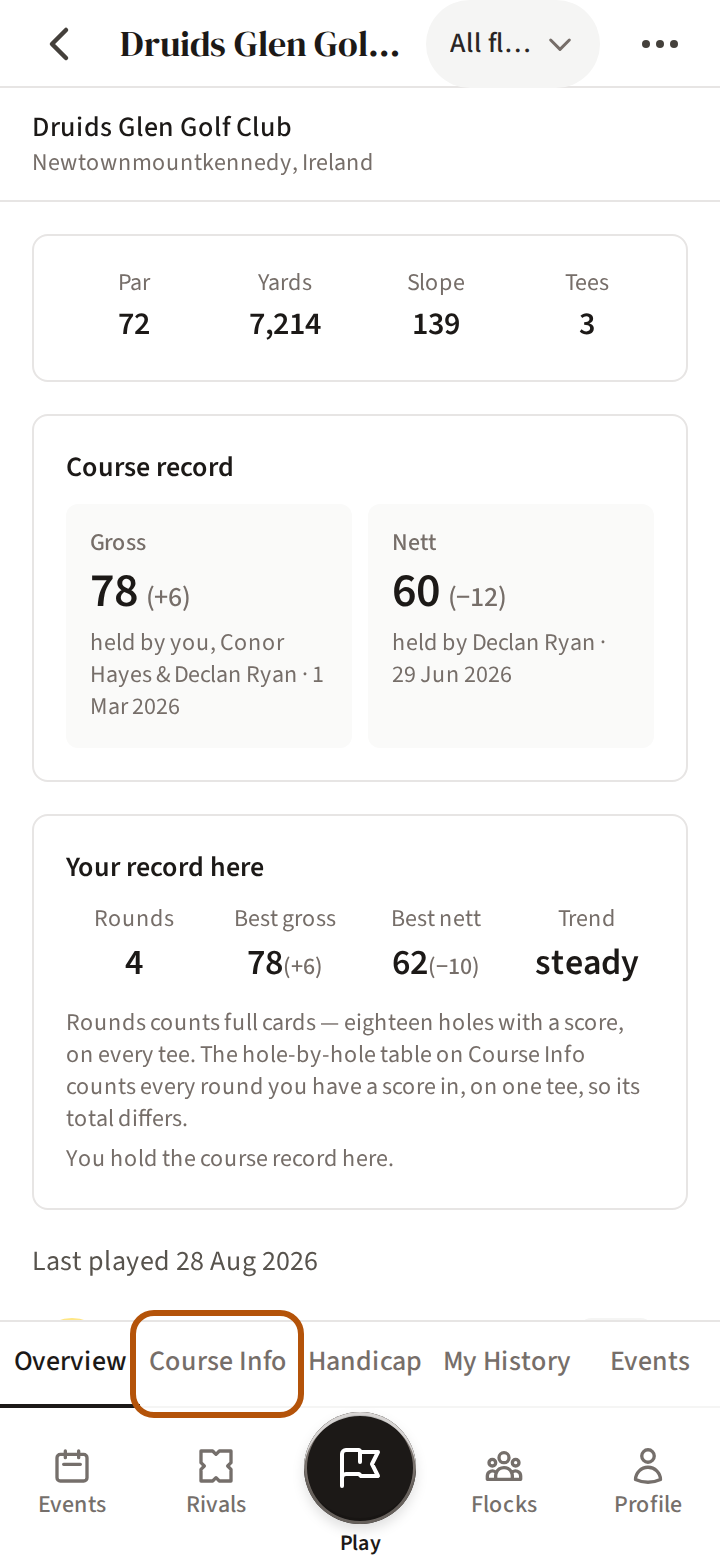
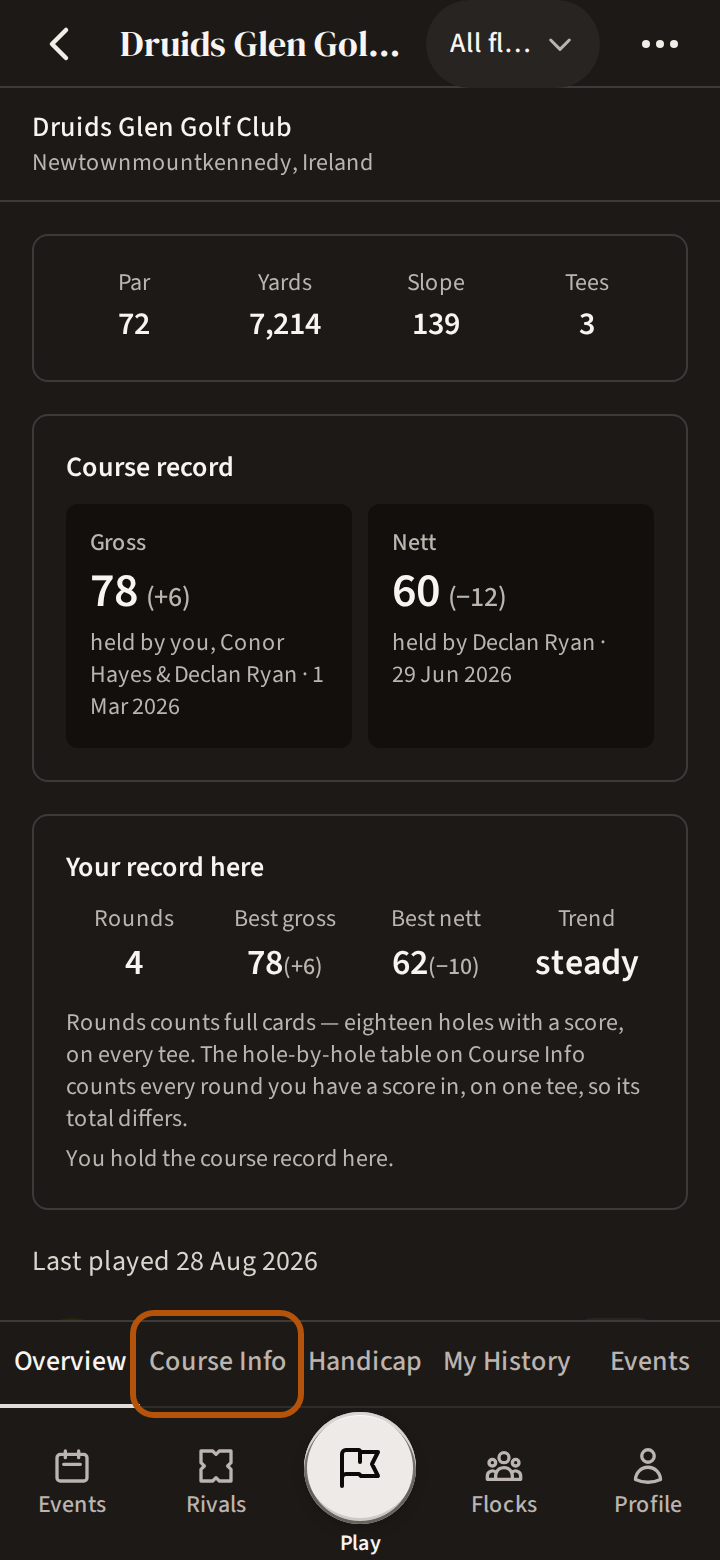
If you have never played the course, its scorecard is still there — only your own record is empty, and it says so.
2. Your typical round here
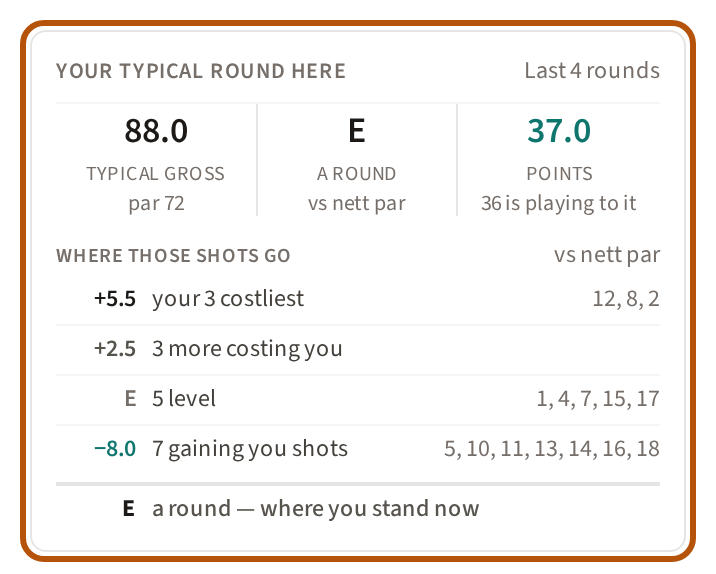
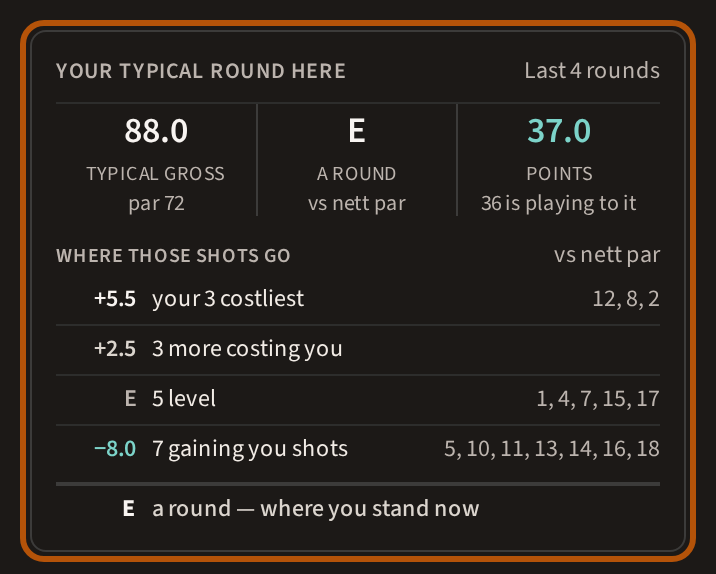
The card at the top is your usual round on this course: your typical gross, how far that is from nett par, and the Stableford points it is worth — 36 is playing to your handicap. Underneath, where those shots go splits it by hole: your costliest holes, the others costing you, the ones you play level, and the ones gaining you shots. The four add back up to the figure above. The top corner says how many rounds it is drawn from.
3. The scorecard, with your record on it
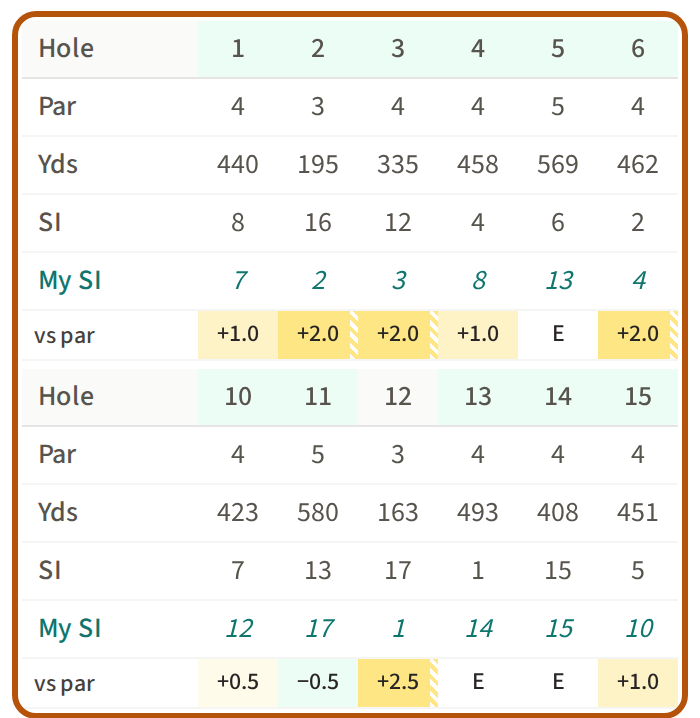
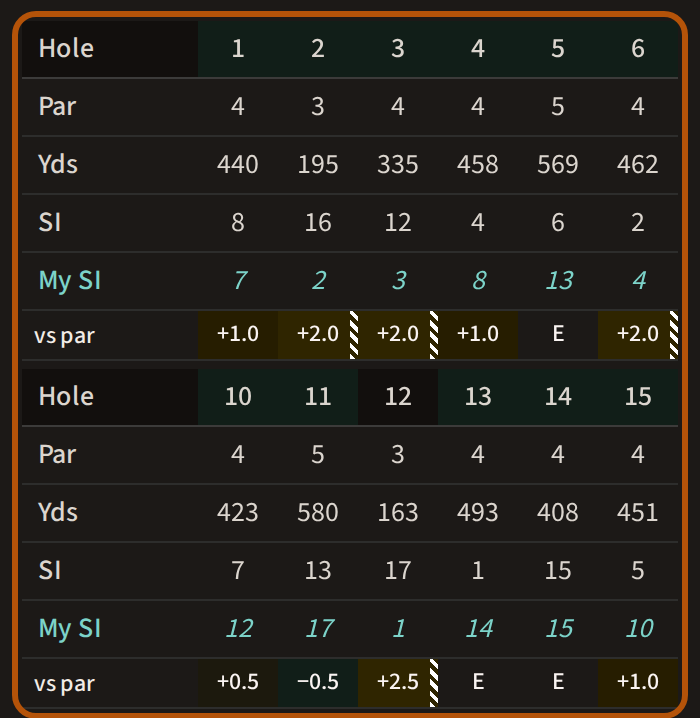
Under the course's own Par, yards and SI are two rows of yours. My SI is the course ranked by how hard it plays for you — 1 is the hole that plays hardest for you. vs par is how many over par you typically are on the hole: the stronger the shading, the more shots you drop there — yellow, or a dark gold if you have Treád set to dark — and a figure shaded green is a hole where you gain. A hole number shaded green is a hole where you get a stroke. A small striped corner means the figure is off the end of the colour scale. Slide the card sideways for the other holes. Figures in italics rest on only a few rounds, so take them as a first guess.
4. Every hole, side by side
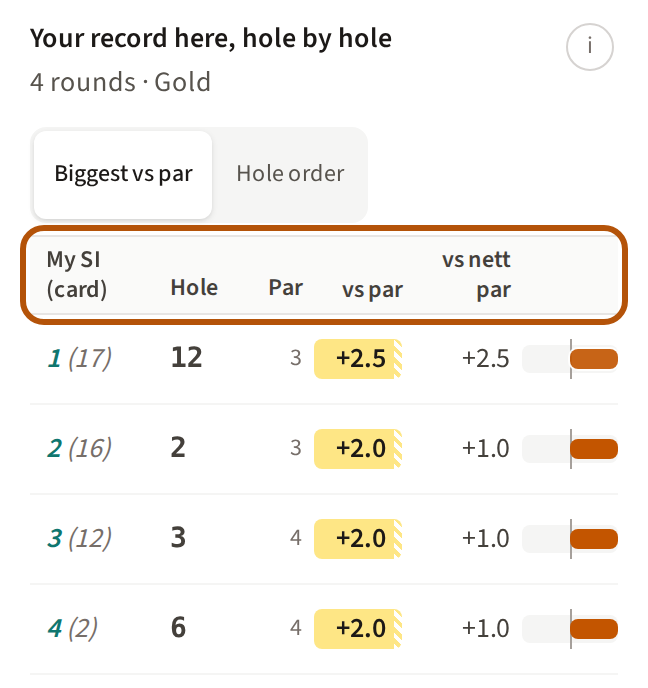
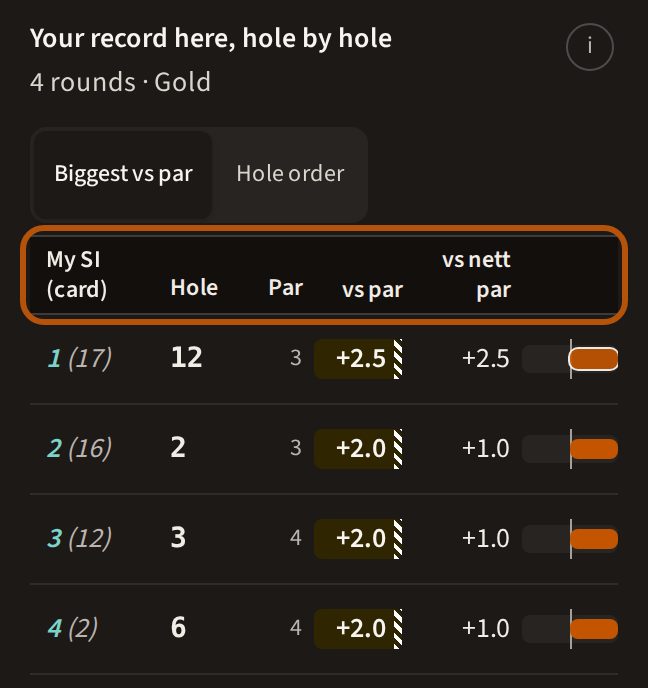
Further down, every hole has a row: Biggest vs par puts the costliest first, Hole order puts them in playing order. Each row shows your My SI (the card's SI in brackets), the hole, its par, vs par, vs nett par, and a bar — orange to the right where you drop shots, green to the left where you gain.
5. Open a hole
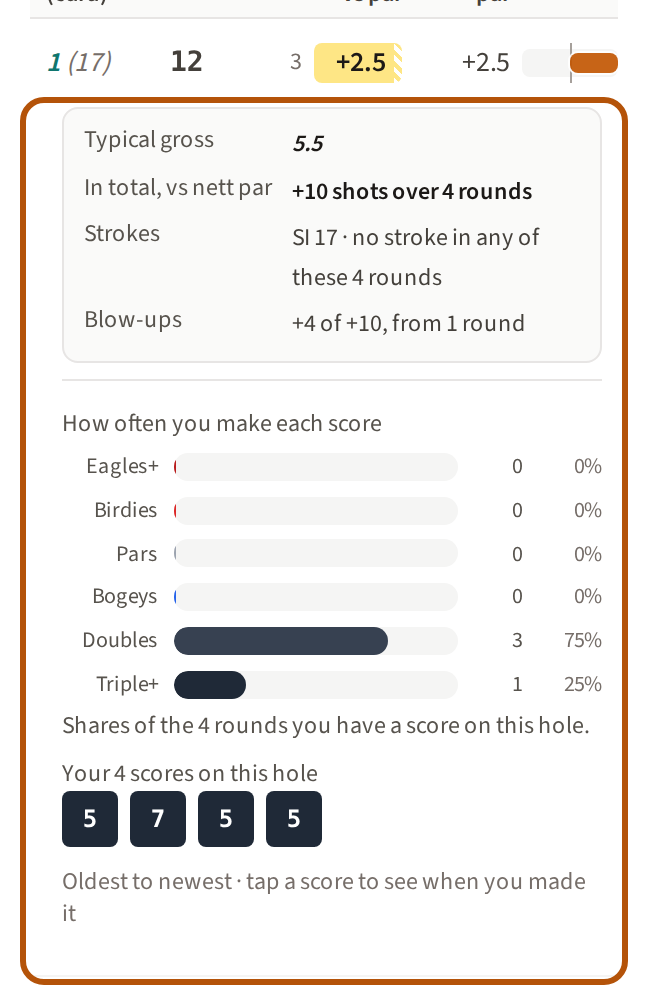
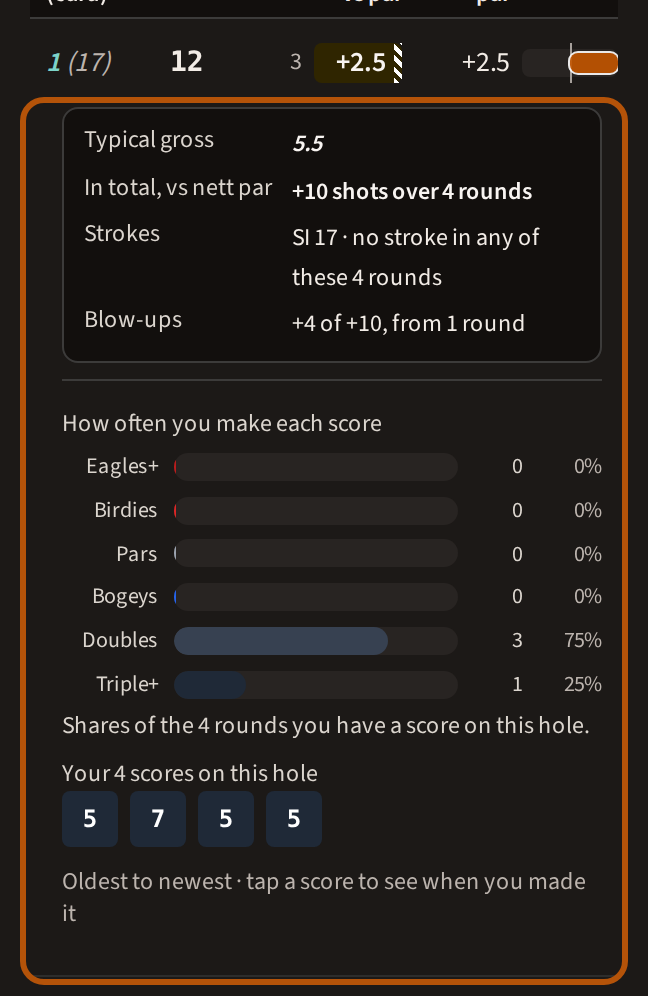
Press a hole to open it: your typical score there, how many shots you have dropped there in total, whether you get a stroke on it, how often you make each score, and every score you have had on it, oldest first.
Par, and nett par
Every figure is measured against one of two things, and says which. Par is the card's par. Nett par is par plus the strokes you get on the hole. The gap between the two is your stroke: +0.8 vs par beside −0.2 vs nett par means you get a shot there and are using it.
Your strokes are worked out from the handicap you play off now, on the tees of each round, and applied to every round shown here alike.
Who can see this
This page is yours: it is worked out from your own rounds, and nobody else can open it. One part travels: when you play a round with others, they can see your typical score on each hole under your name — while the round is being scored, and in its replay afterwards.
Still stuck? Tell us and we will help.