See your handicap and record
Your Flock HI is the handicap your own flock says you play off — and the HandiCrap Index keeps an honest tally of your bad days, for when the excuses run out. Here's where to find both, how your Flock HI got where it is, and every event you've played and every award you've won.
1. Open your Profile
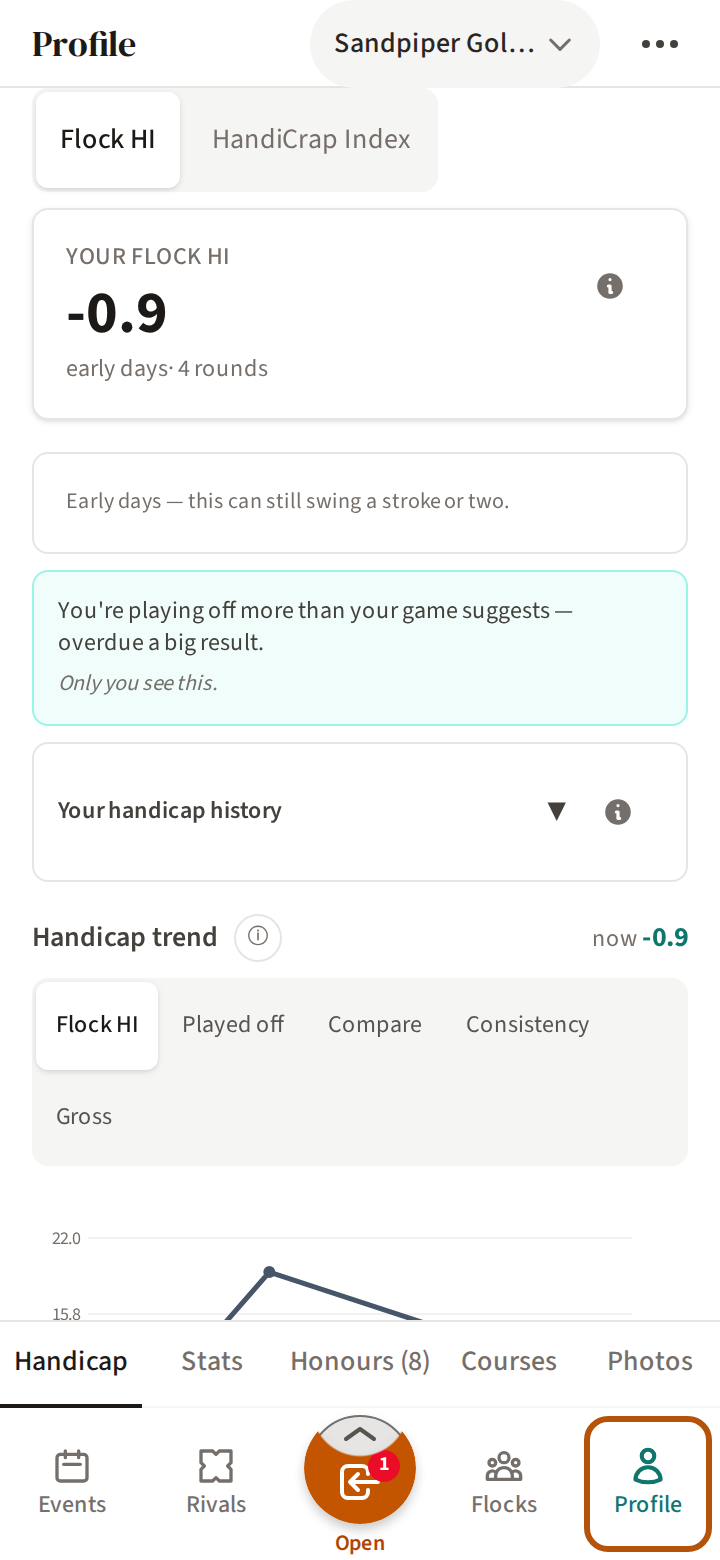
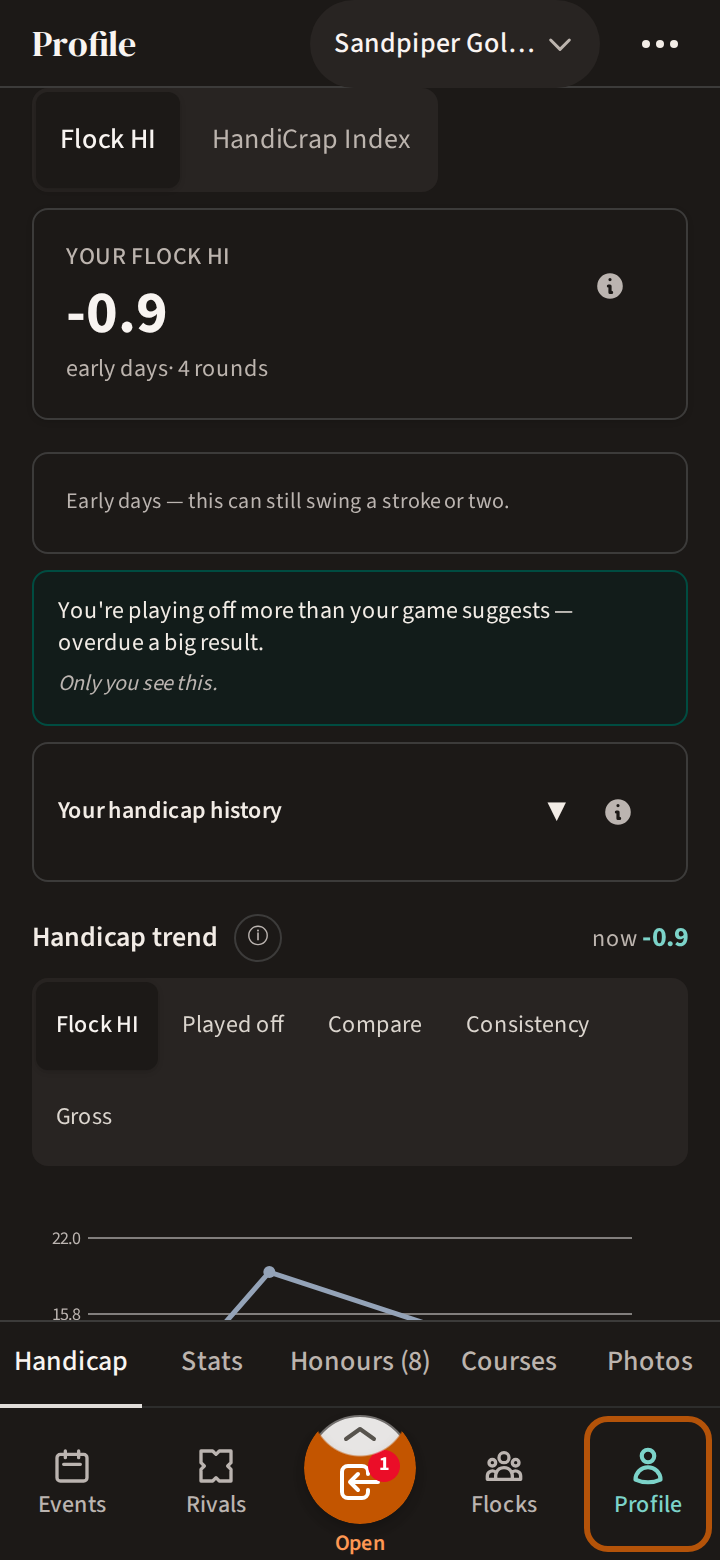
Press Profile, at the right-hand end of the bar. Your Profile has five sections: Handicap, Stats, Honours, Courses and Photos. It opens on Handicap.


Your handicap and stats are worked out per flock (your group). If you are in more than one flock, the picker in the header chooses which flock the page shows. To change your name, open the More menu (⋯) and press Edit.
2. Your Flock HI
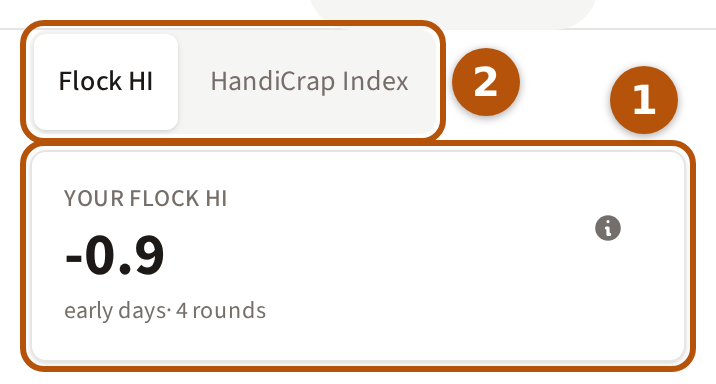
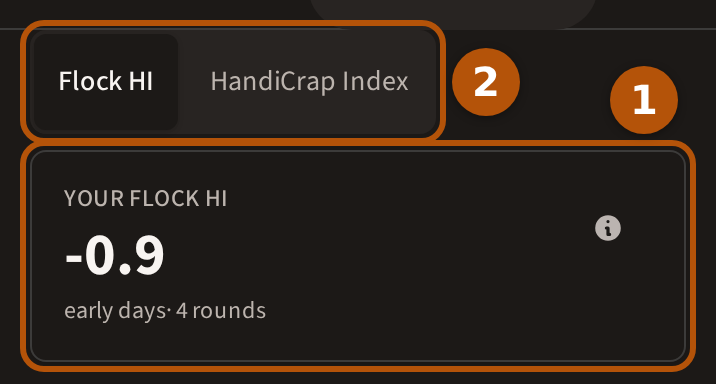
① Your Flock HI is your handicap in this flock: the average of your best few course-adjusted scores from its rounds. It needs 3 rounds before it starts; until then it reads Still forming and counts your rounds in. Beneath the number, a word says how settled it is and how many rounds it is built on.
② Press HandiCrap Index to see your bad-day handicap — the average of your worst few course-adjusted rounds, where higher is worse. Its Consistency line is the gap between the two: lower is steadier. Press Flock HI to go back. The ⓘ on each card explains it in full.
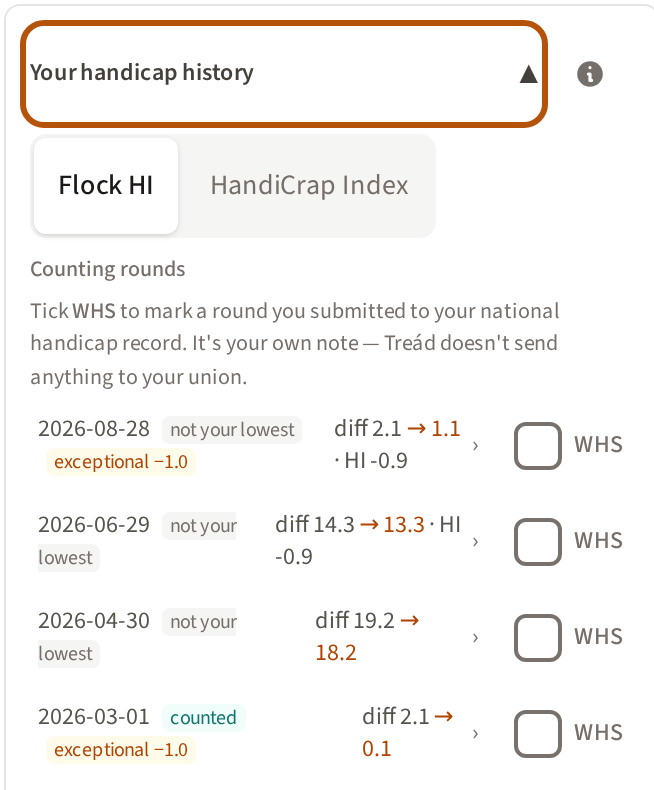
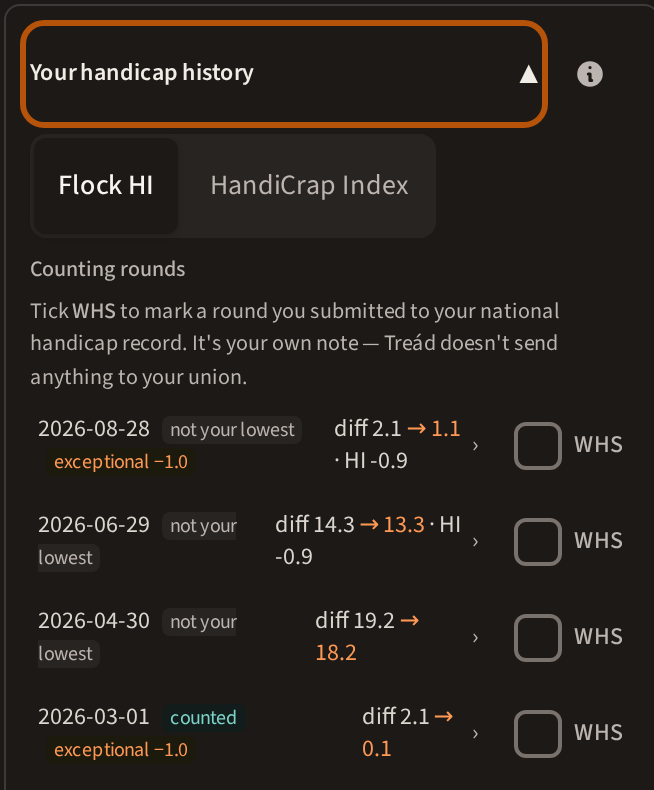
Press Your handicap history to open the rounds behind the number. Each of the Counting rounds shows its date, whether it counted towards your Flock HI, and its differential. Once your Flock HI has started, a round also shows your Flock HI after it. Press a round to open its scorecard. Tick WHS beside a round you sent to your national handicap record — it is your own note, and Treád sends nothing to your union.
Further down, Handicap trend draws your Flock HI round by round, and the buttons above it switch to what you played off, your gross scores and more.
3. Your stats and history
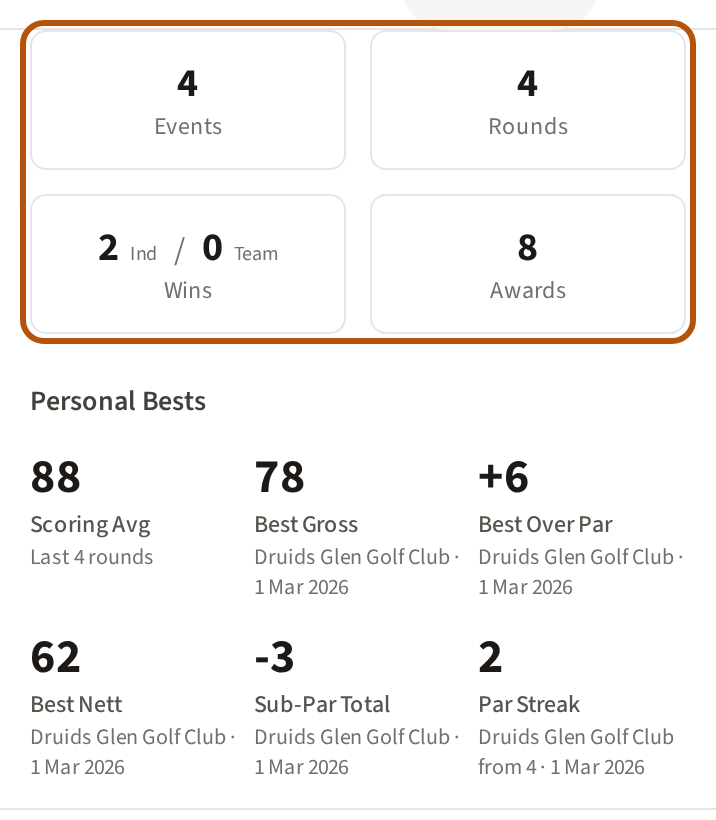
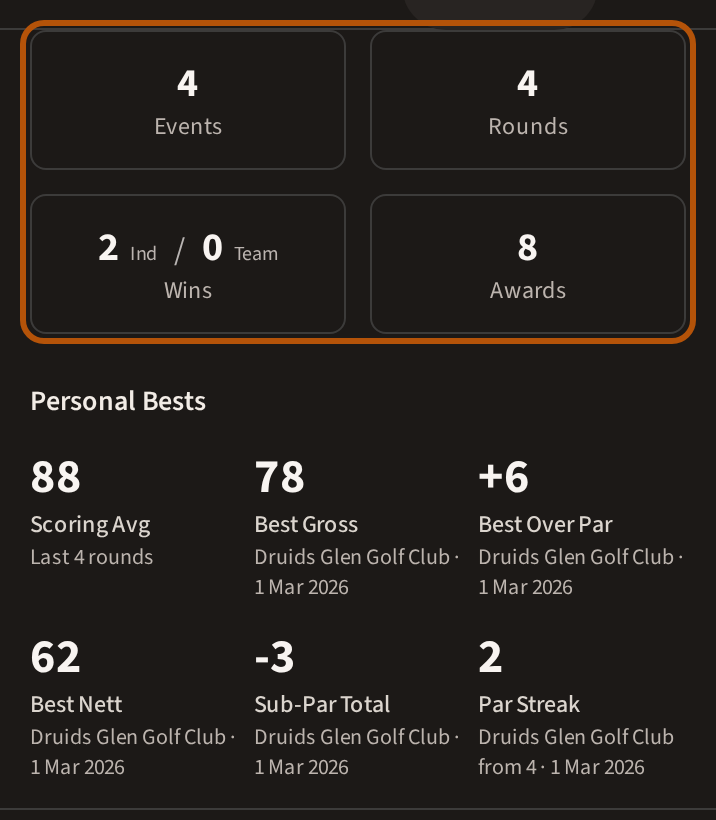
Press Stats. The four totals at the top are your Events, Rounds, Wins (on your own and in a team) and Awards. Personal Bests lists your scoring average and best rounds, each with the course and the day.
Below them, your flock's Rankings show where your scoring average sits among its members; press What does this board count? to see which rounds it uses.
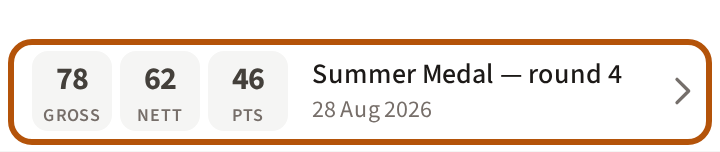
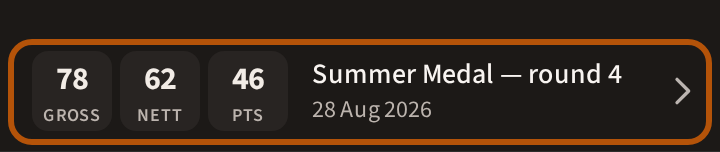
Event History lists every event you have played, with your gross, nett and points. Press a row to open that event.
4. Your honours
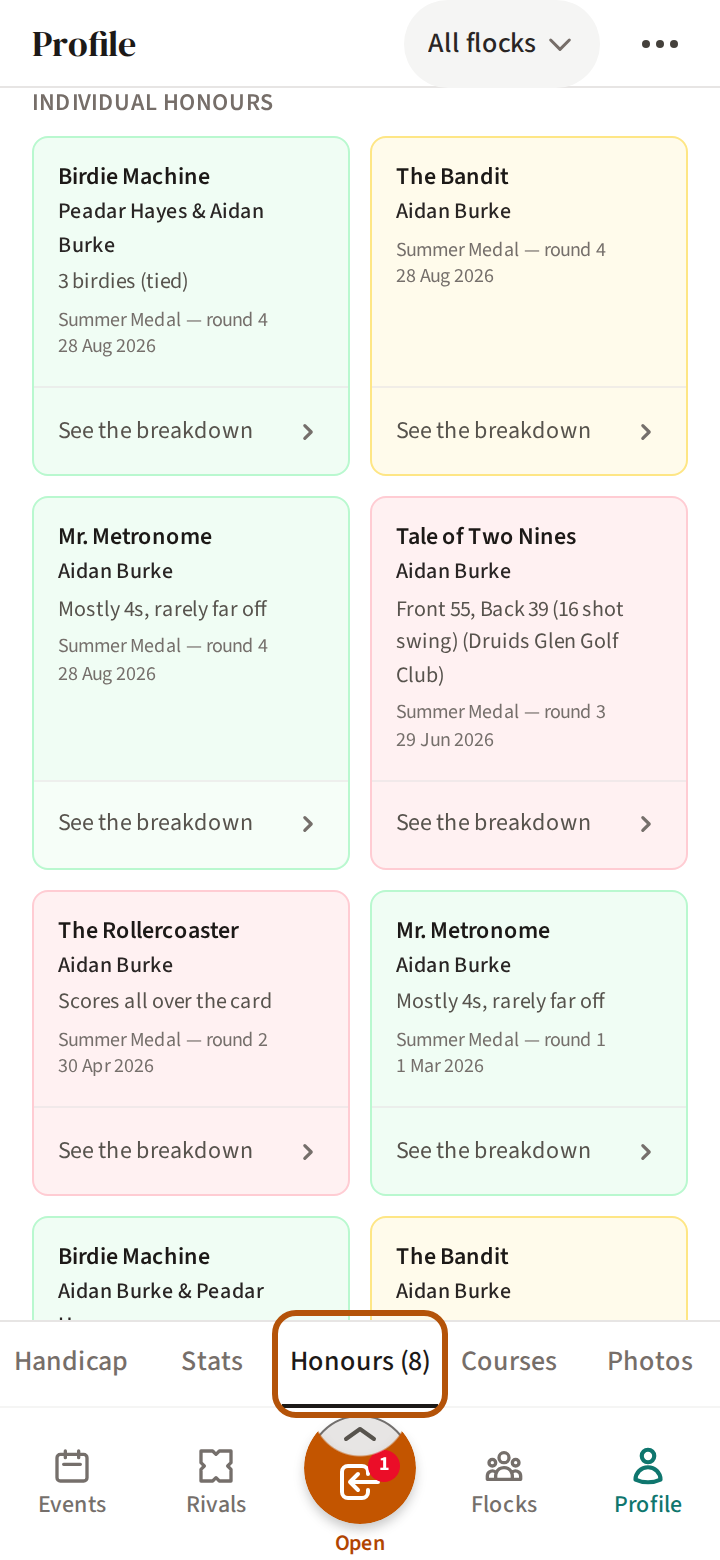
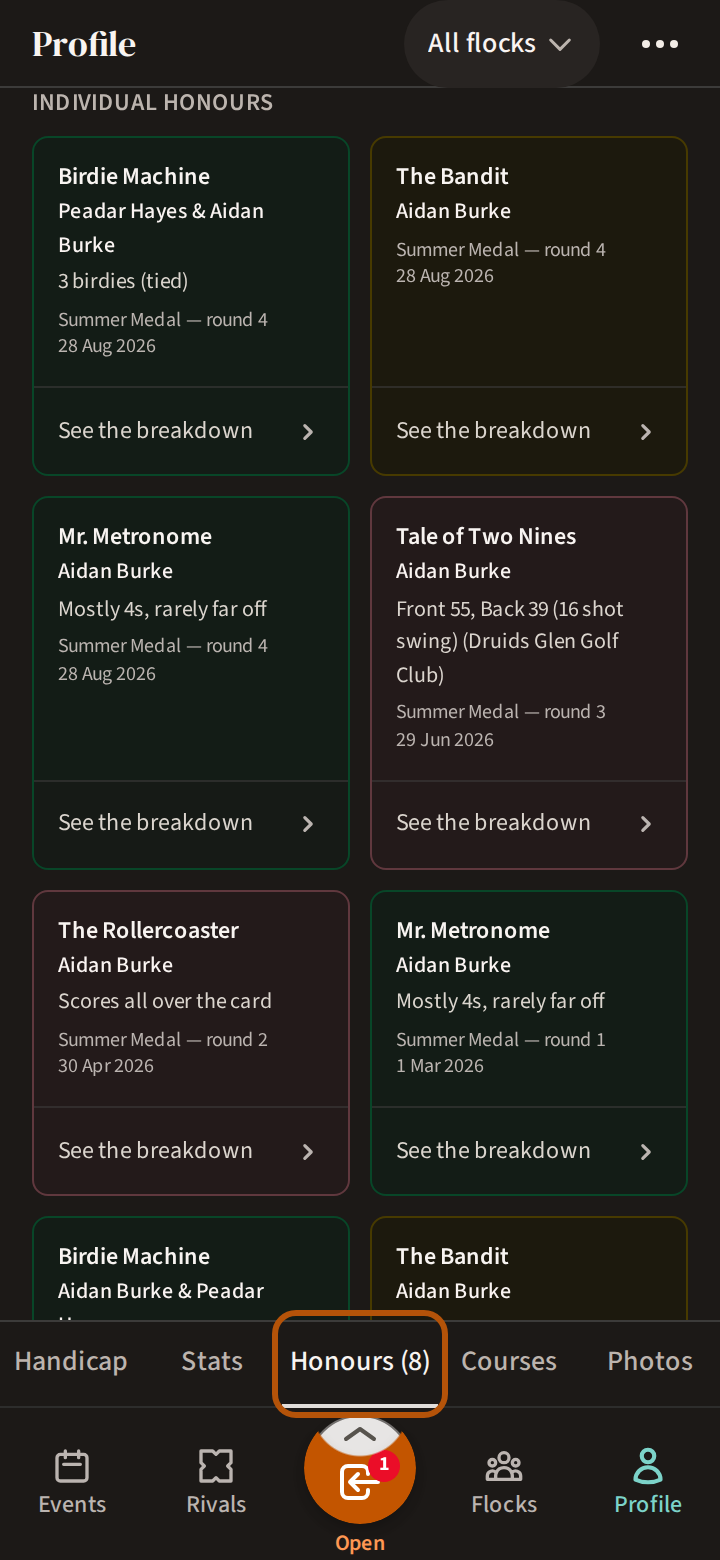
Press Honours; the number beside it is how many you have. If you have played Signature Events, your Events Record comes first: how many you played, won and finished in the top three. Your awards follow, grouped by kind.
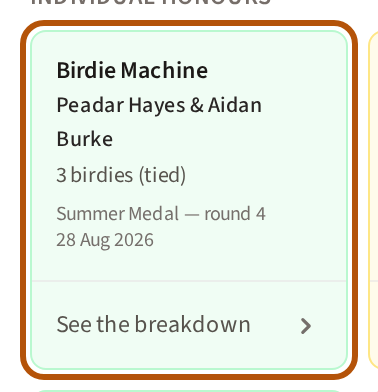
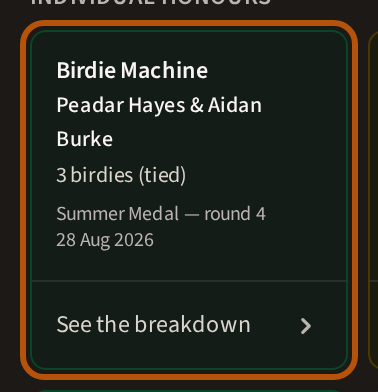
Each award says what it was for and where you won it. Press See the breakdown to see how it was worked out.
Courses and photos
Courses lists your favourite courses — up to five, in the order you choose; press + Add course to save one. Each shows its par, slope and course rating; press one to open its page, with your record there (Keep your regular courses close). Beneath the list, Course History gives every course you've played, with your rounds, average and best gross. Photos holds the photos you are tagged in; a photo appears there once someone tags you in an event's gallery.
Still stuck? Tell us and we will help.