Get started with GreenVision
Most shots lost on the way round go on approaches, not off the tee. GreenVision shows how accurate yours really are from every distance, first for your handicap and then from your own TrackMan numbers. Here's who has it, how to ask for it, and how to open it.
1. Who has GreenVision, and how to get it
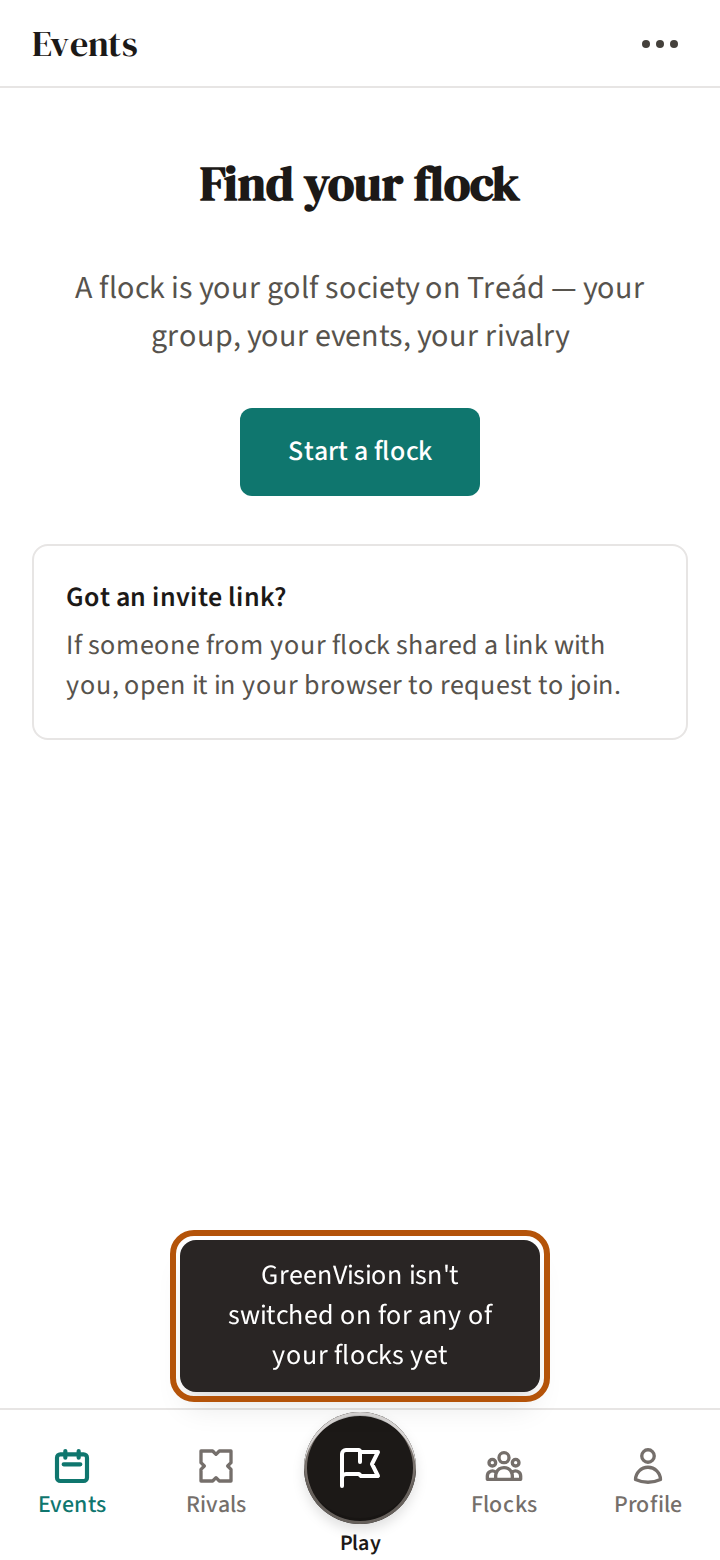
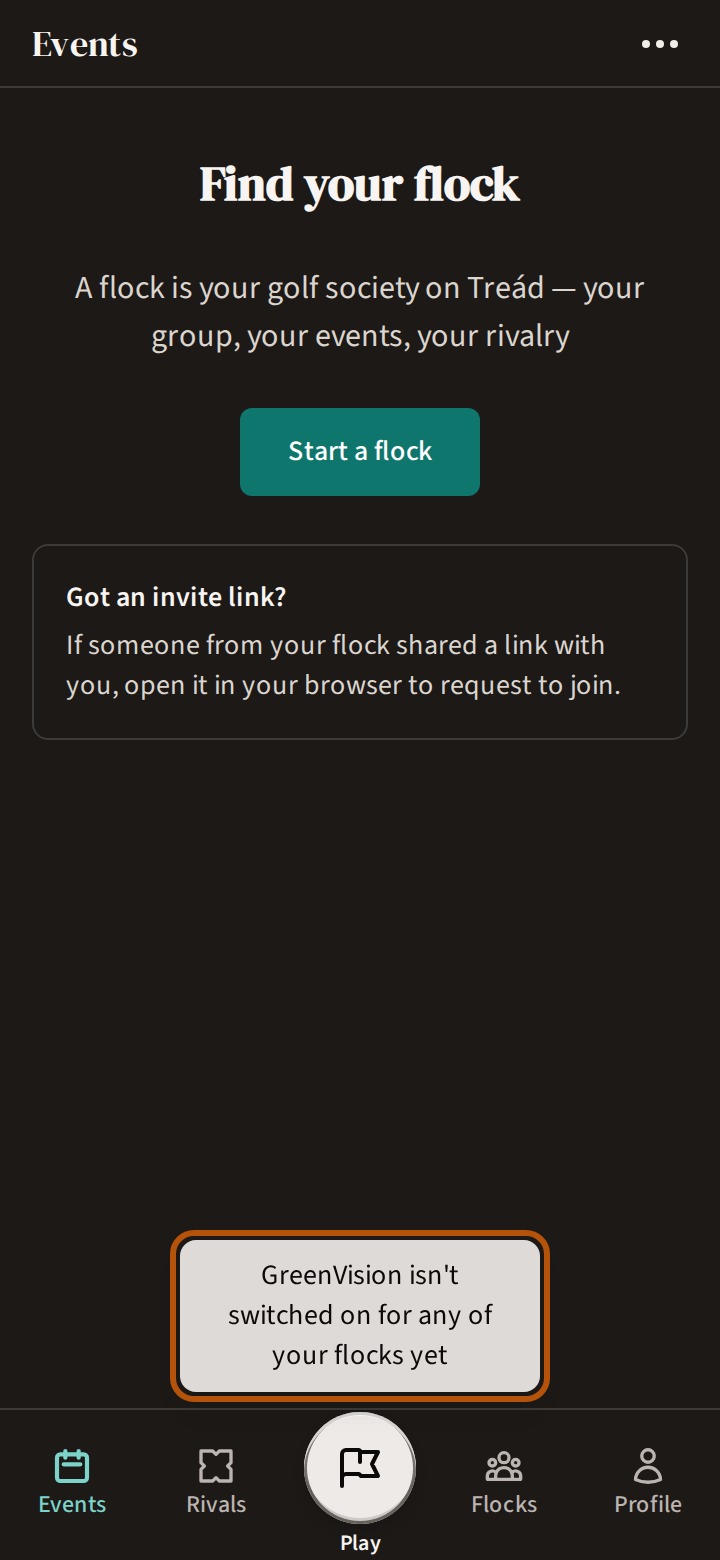
GreenVision is switched on for each flock (your group) separately, by the Treád team. If any flock you belong to has it, you have it. If none of yours does, there is no GreenVision in your More menu, and if you follow a link to it Treád brings you back to Events with the line GreenVision isn't switched on for any of your flocks yet.
To ask for it, send us feedback: press ⋯ in the header, choose Support & feedback, and send a message saying which flock you'd like it for — sending feedback shows how. We'll take it from there.
2. Open GreenVision
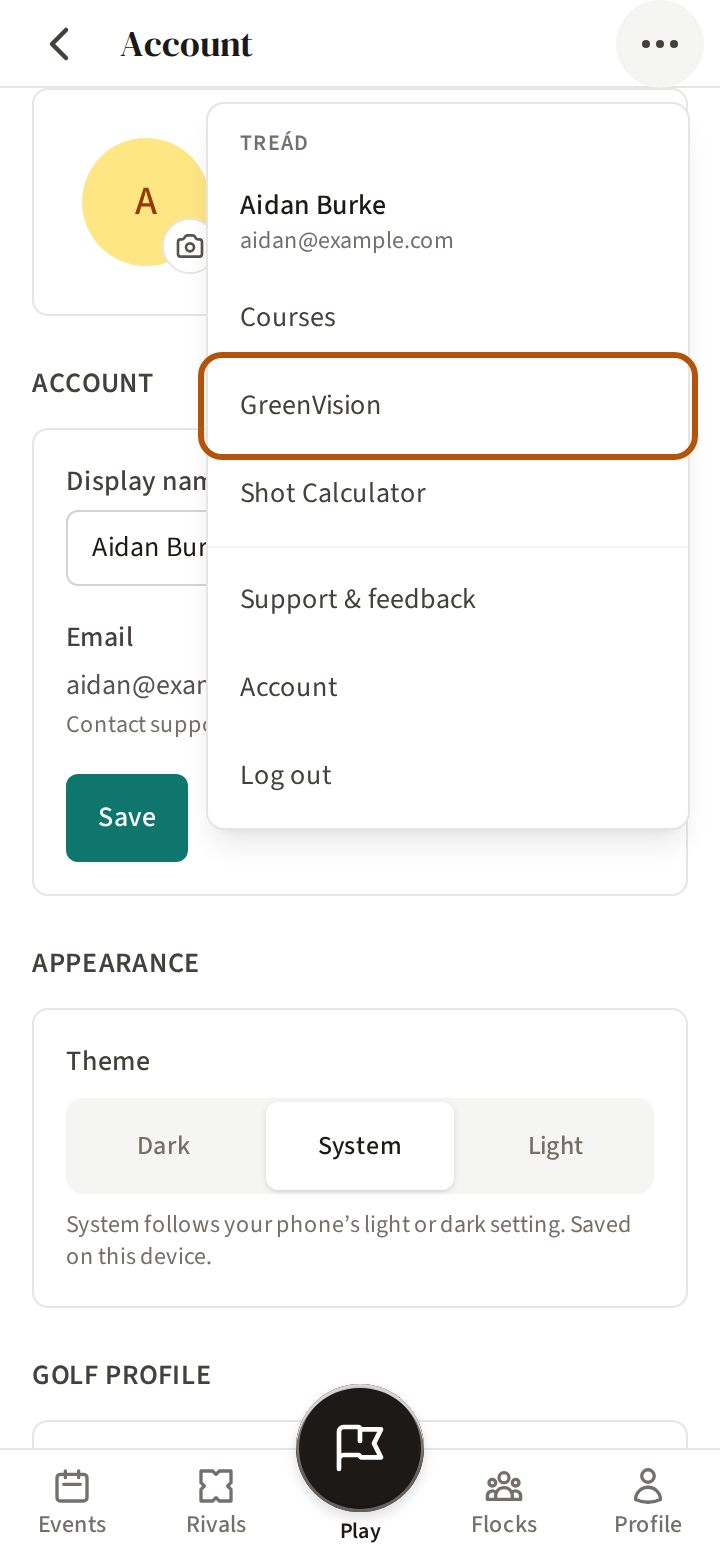
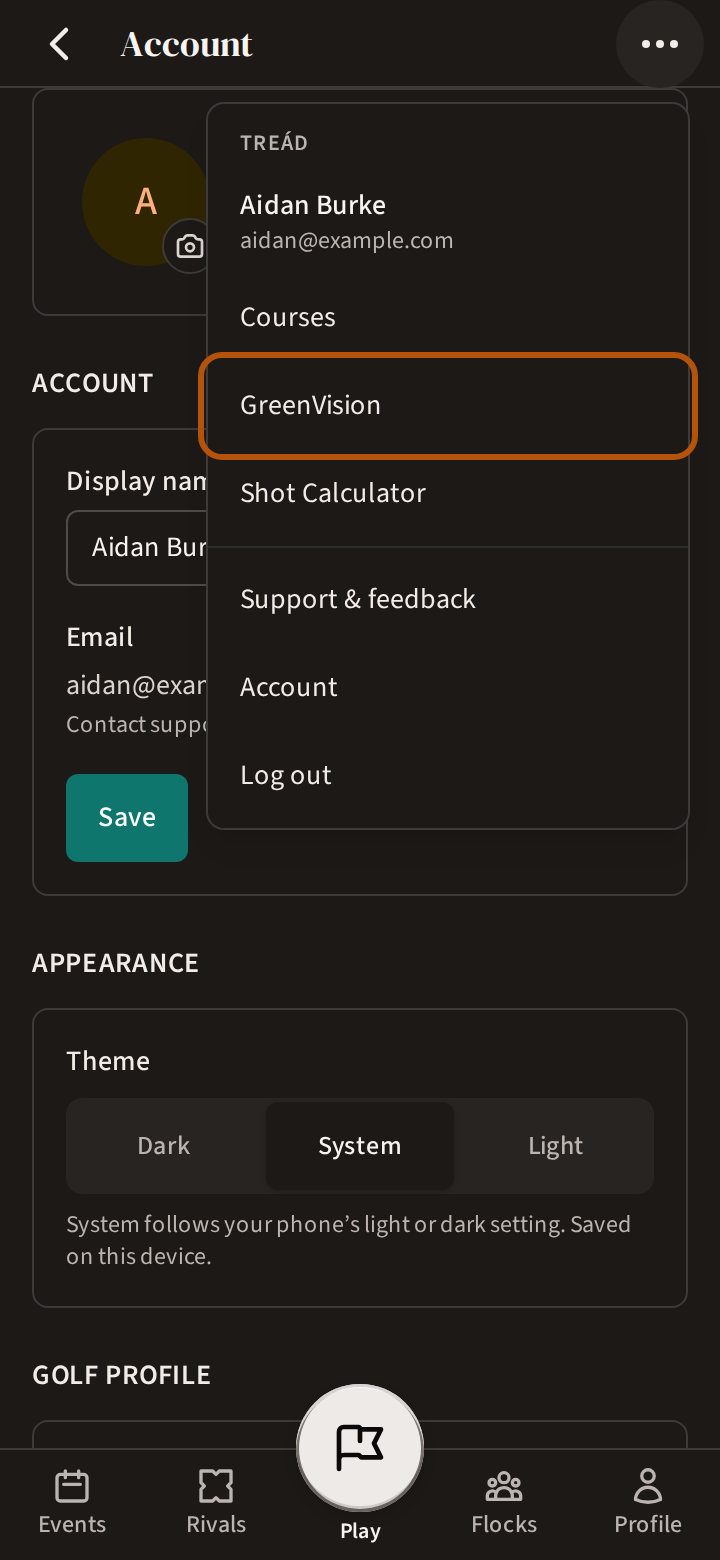
Press ⋯ in the header to open the More menu, and choose GreenVision.
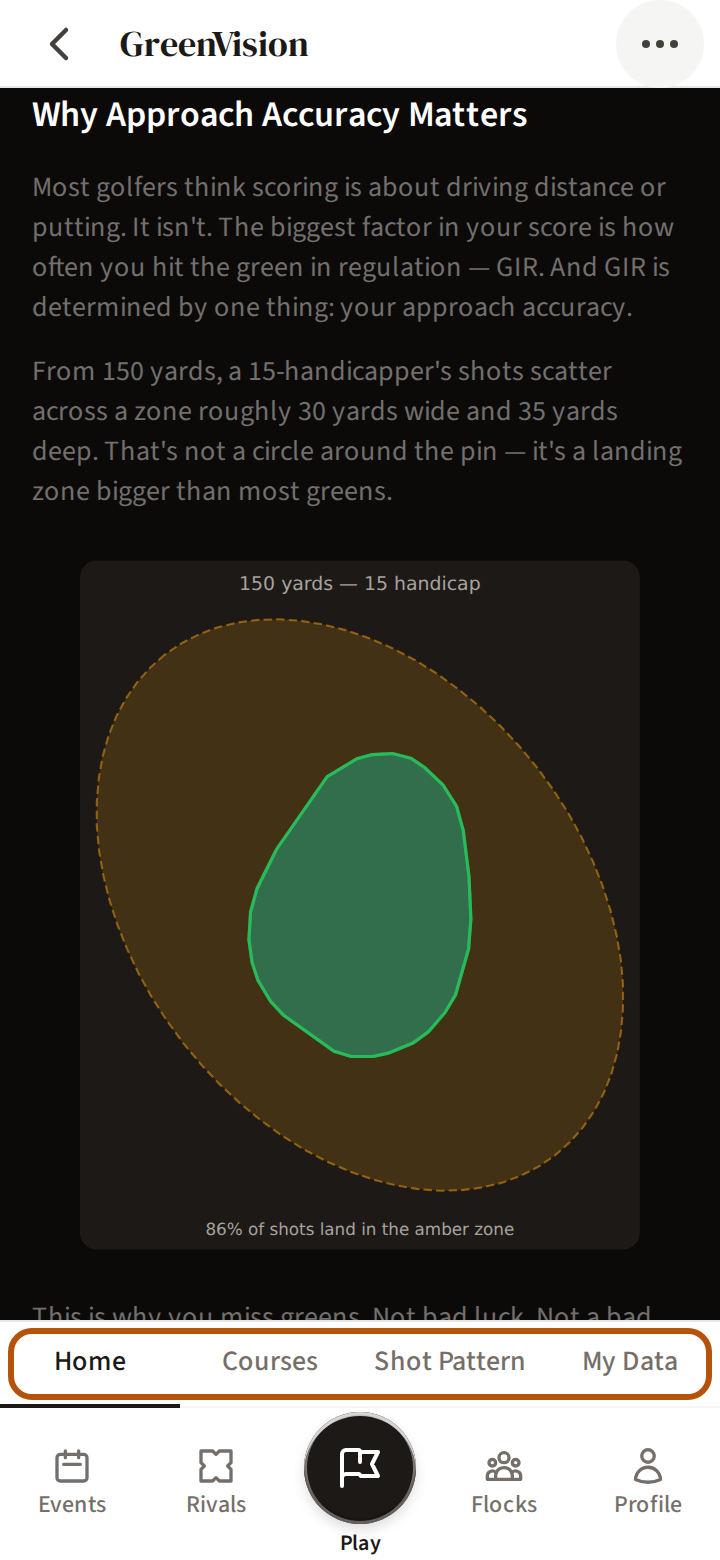
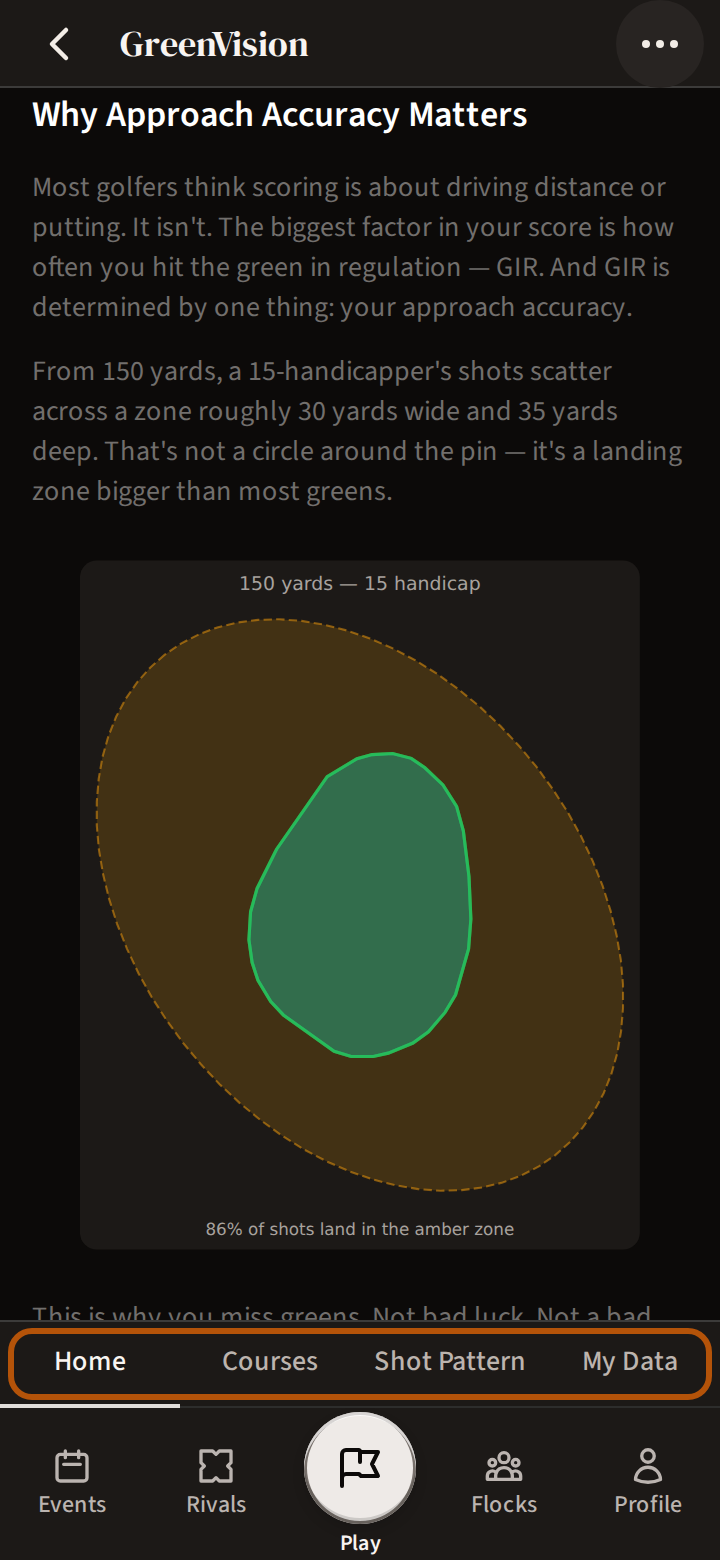
It opens on Home, a short read on why your approach shots decide your score. From the sections above the bar, Shot Pattern shows where your approaches land — See your shot pattern — and My Data is where your own numbers come in — Bring in your TrackMan data.
Still stuck? Tell us and we will help.