Join a flock
The group chat is fine for the banter, but the rounds, the scores and the members all live in the flock. Here's how to get in from the invite link your organiser sent you — signing up or in, asking to join, and finding your flock once you're in.
1. Open the invite link
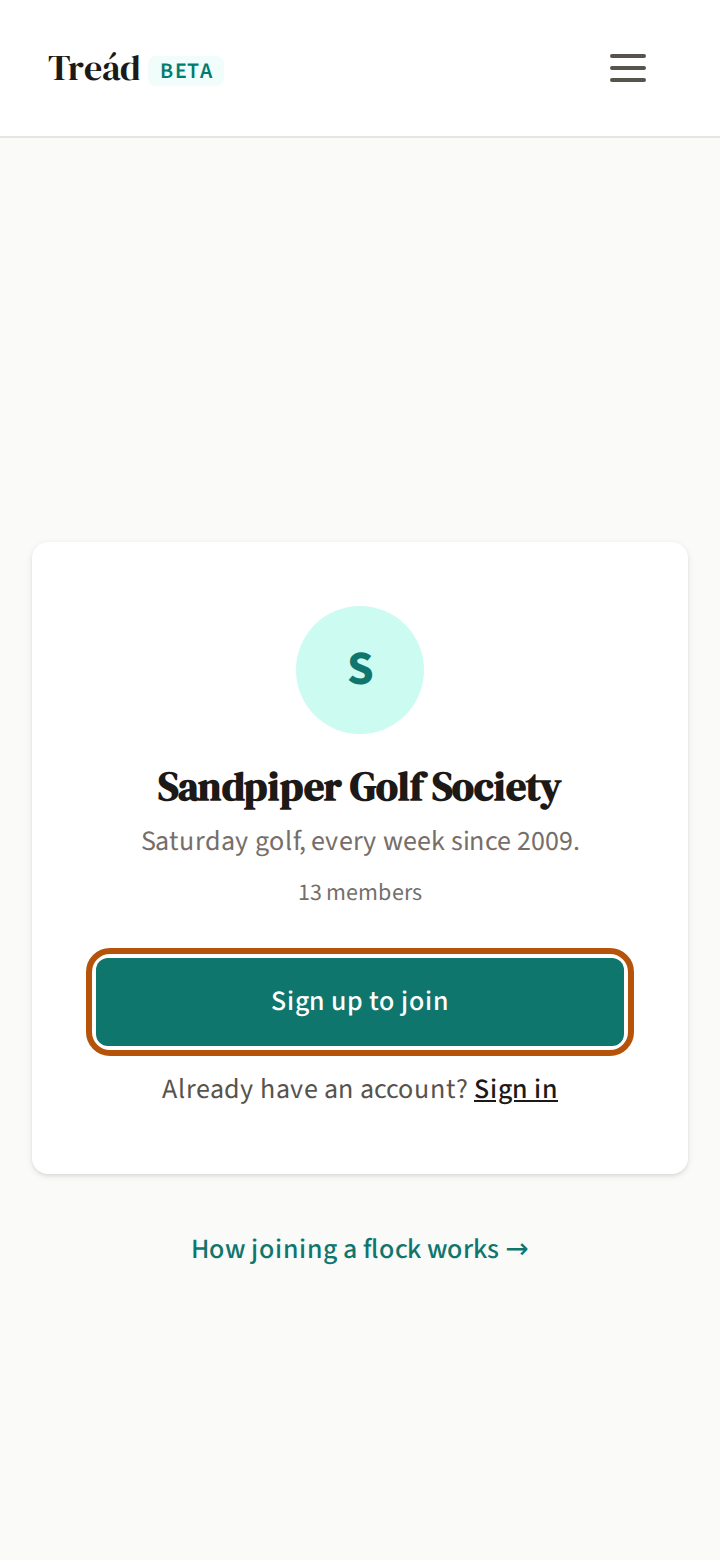
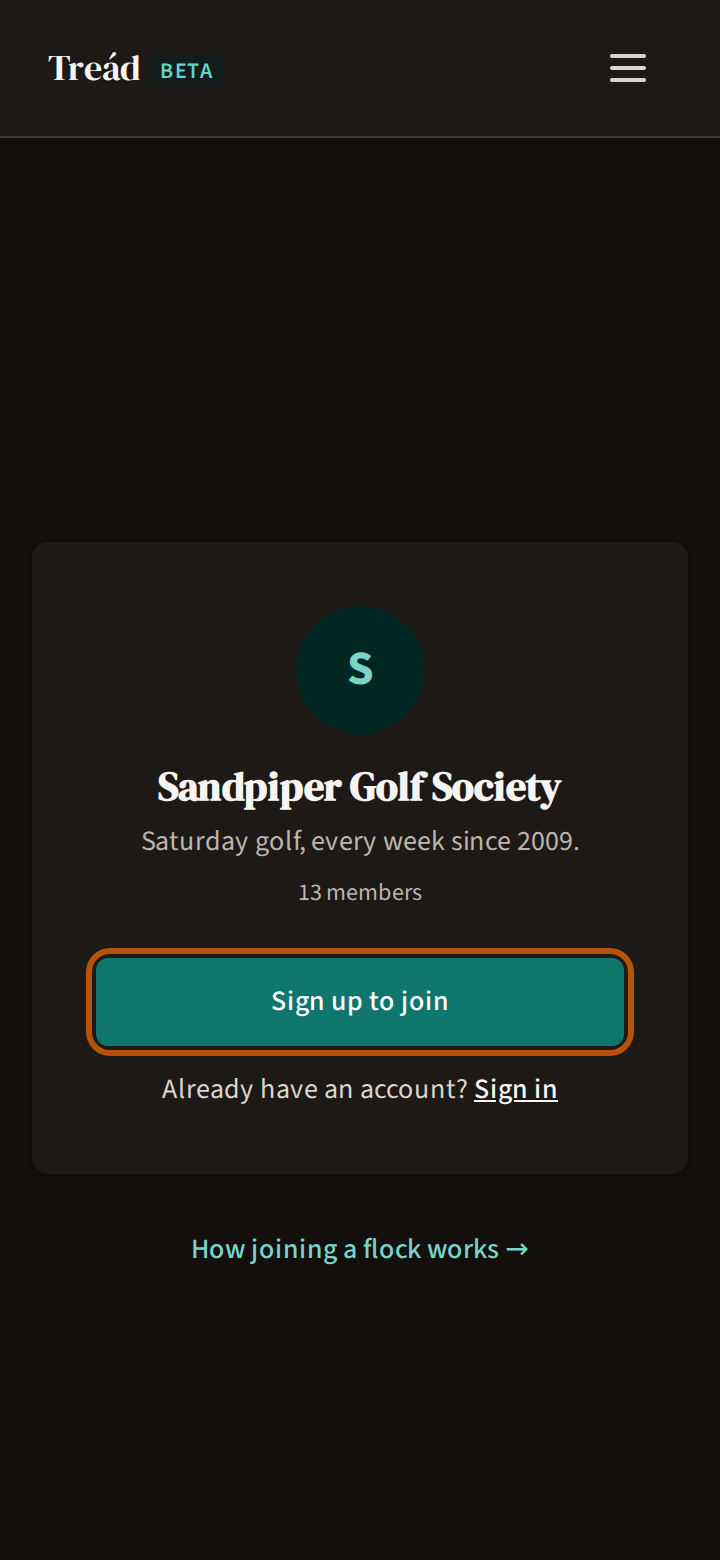
A flock (your group) is your golf society on Treád, and you join one through an invite link from its organiser — by message, group chat or email. Open the link on your phone. It shows the flock's name, what it says about itself and how many members it has.
New to Treád? Press Sign up to join. Already have an account? Press Sign in. Either way you come back to this same page, signed in. If signing up says Check your email, open the email Treád sent you and press its link: that confirms your account and brings you back here.
Now the button reads Request to join — press it, and Treád says Request submitted!. If the flock lets people straight in, it reads Join and the flock's name instead: press it, Treád says You're in!, and Go to and the flock's name opens it. Skip to step 3.
2. Wait for an admin
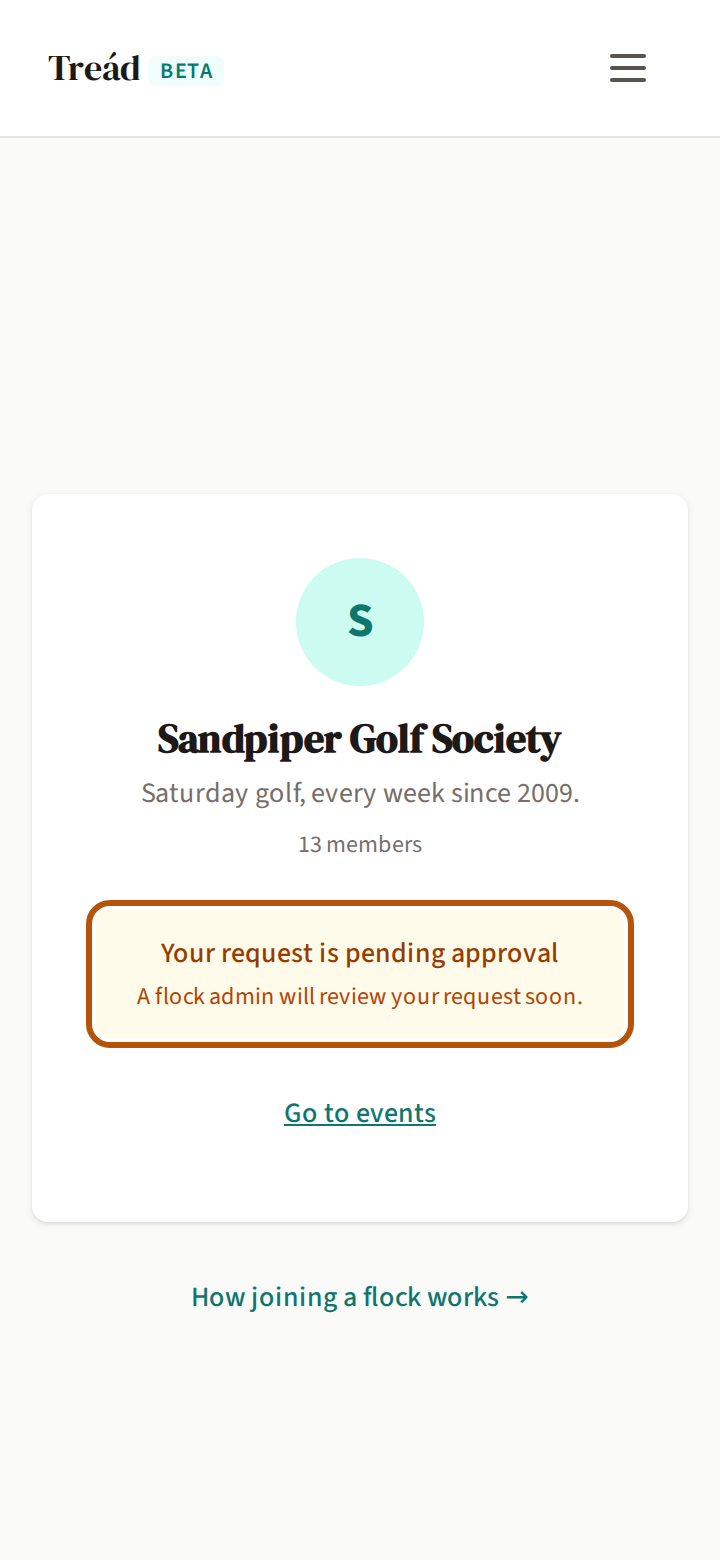
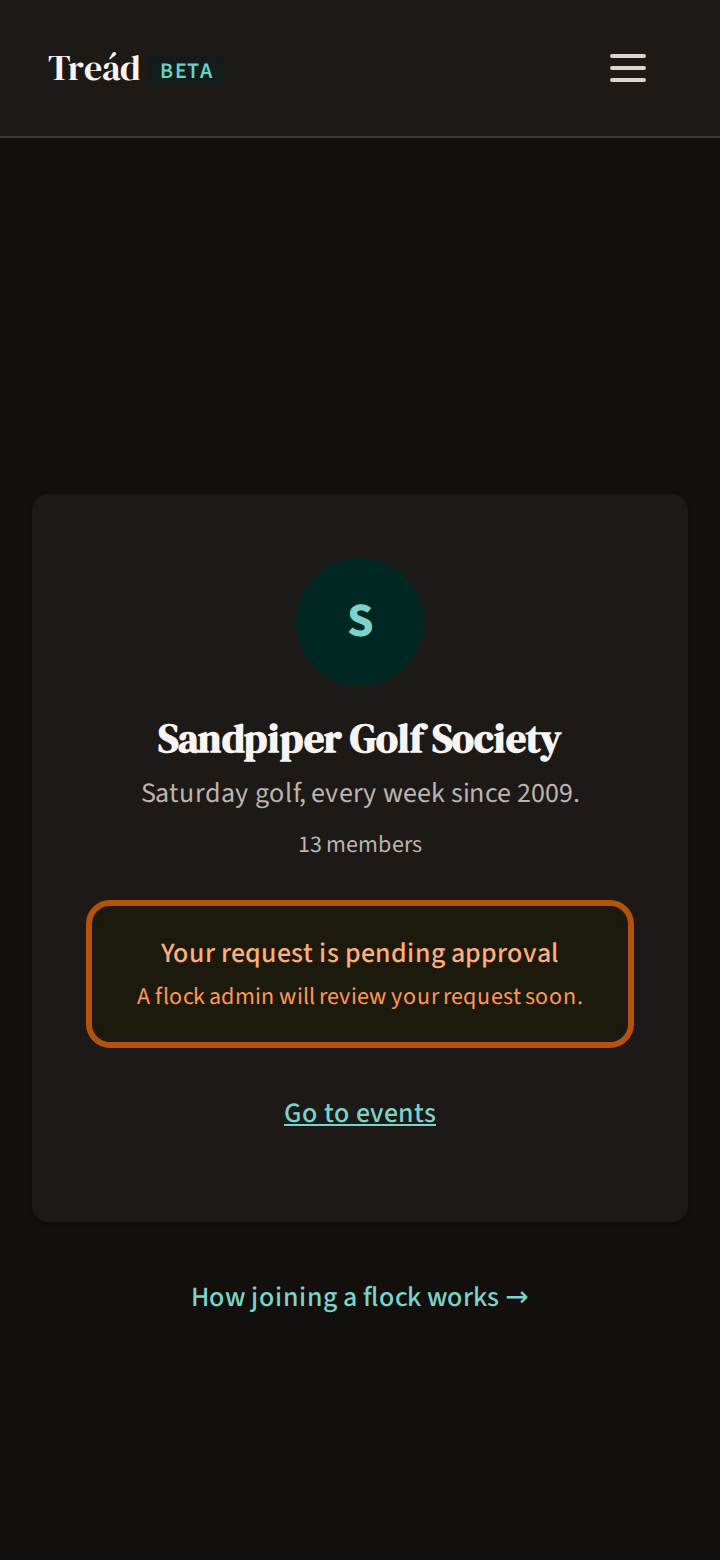
One of the flock's admins says yes or no. Until then, the link says Your request is pending approval.
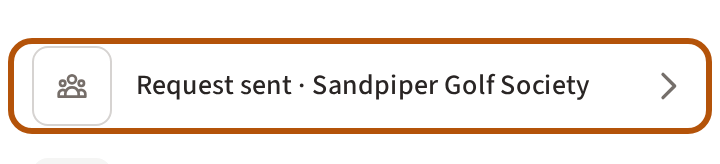

Your Play list keeps a row for it too — Request sent and the flock's name. Press it to open the link again.
3. Once you're in
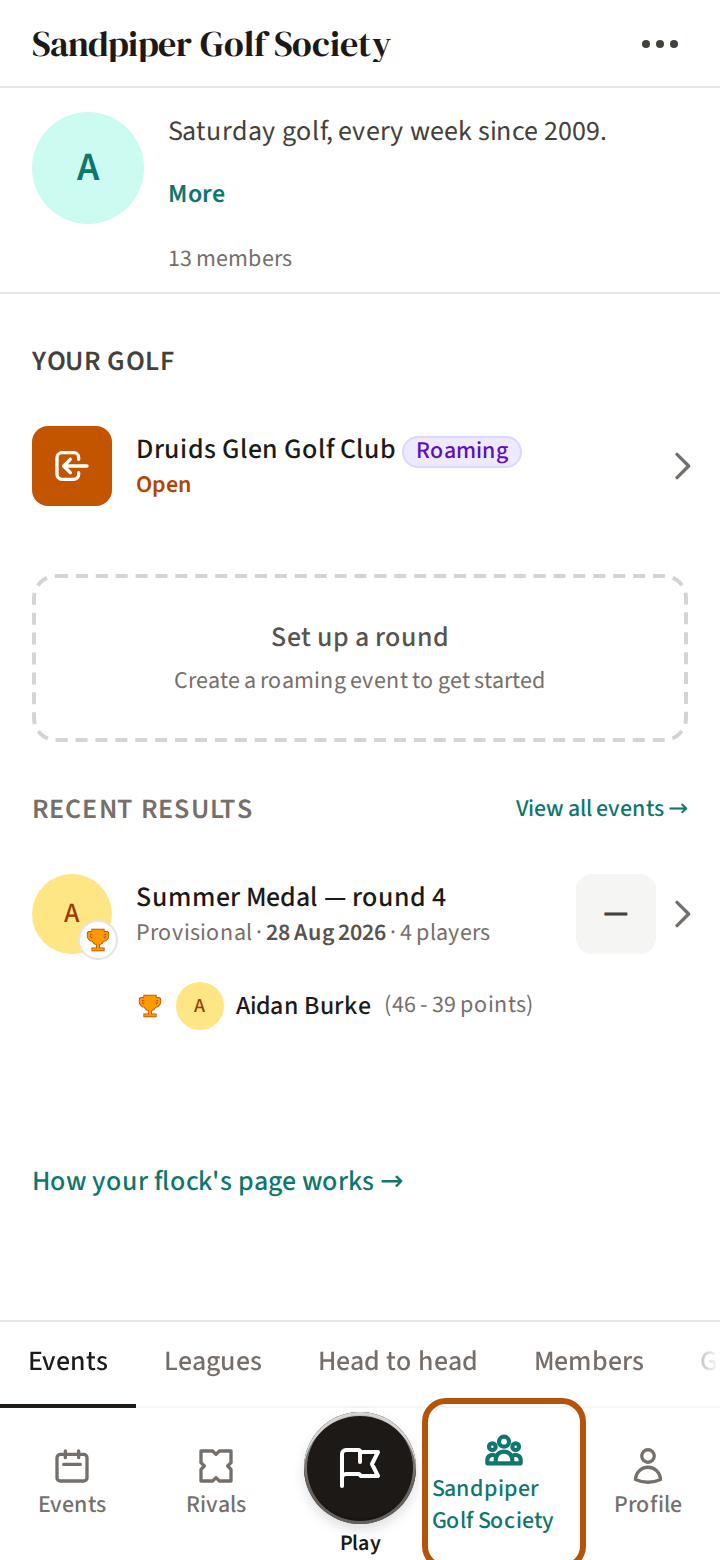
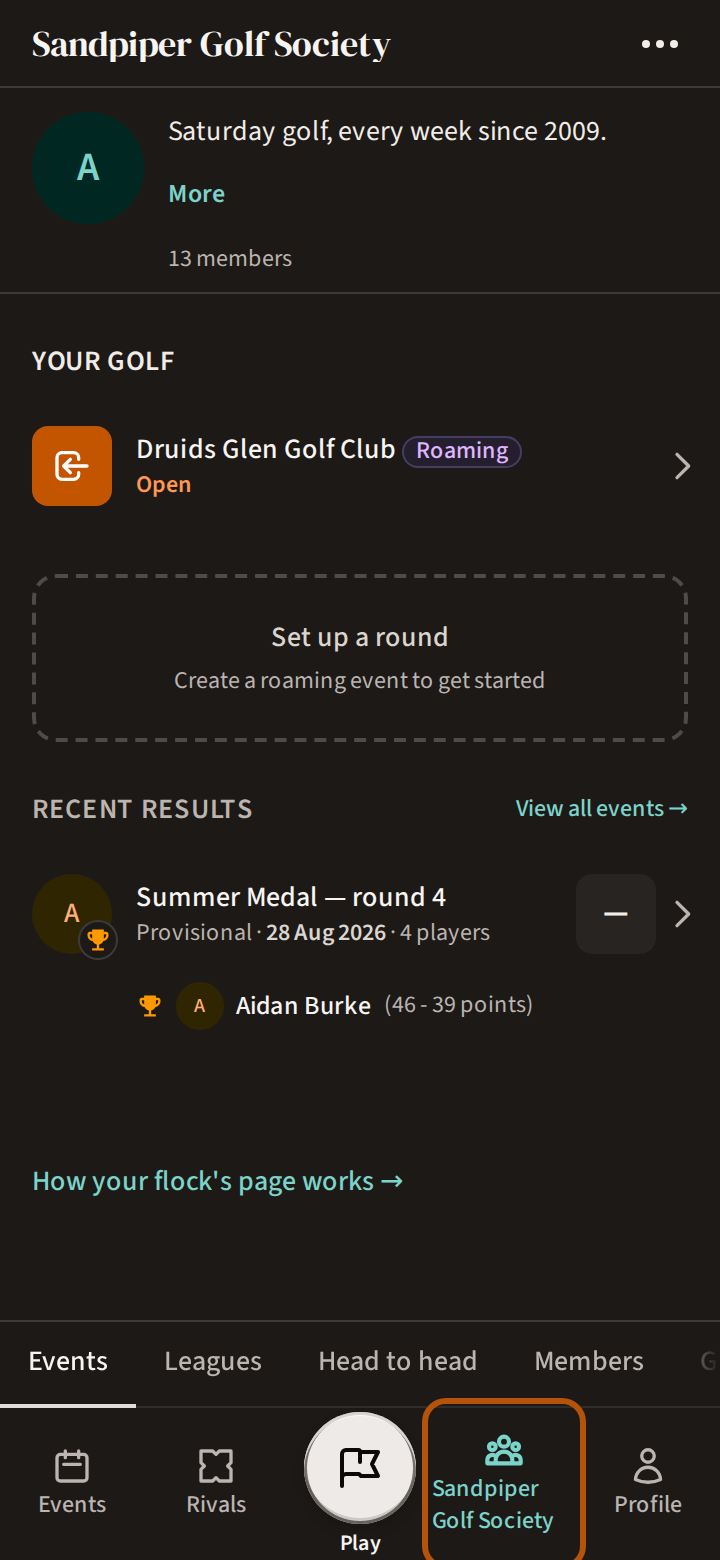
When an admin says yes, your Play list shows You're in — and the flock's name; press it to open the flock. From then on the flock is on the bar: its name, if it is your only flock, or Flocks if you are in several. It opens on Events, and Members lists everyone in it.
If the link does not work
A link runs out, after a number of days or uses, or the organiser stops it. Opening one then names the flock and says why — This invite link has expired., for one — with Contact the flock admin for a new invite link. Ask them for a fresh one.
If an admin says no, the link reads Your request was declined and your Play list shows Request declined. Contact a flock admin if you think it was a mistake.
Still stuck? Tell us and we will help.