Get around your flock
Your flock's page is the honours board and the clubhouse noticeboard in your pocket: who won last time out, who's playing off what, and who's top of the scoring averages. Here you'll find your way round it, look up another member's record, read the Honours table and keep up with the Noticeboard.
1. Open your flock
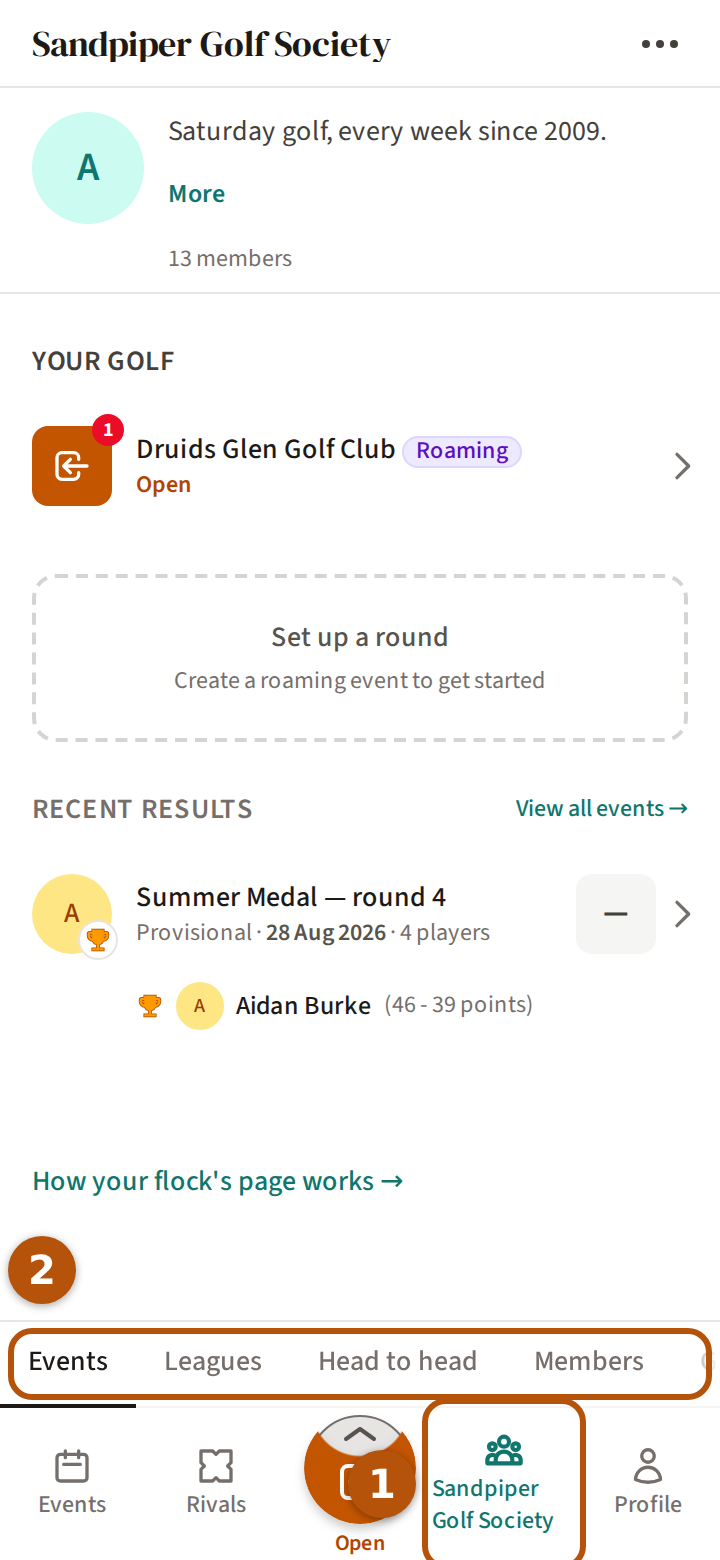
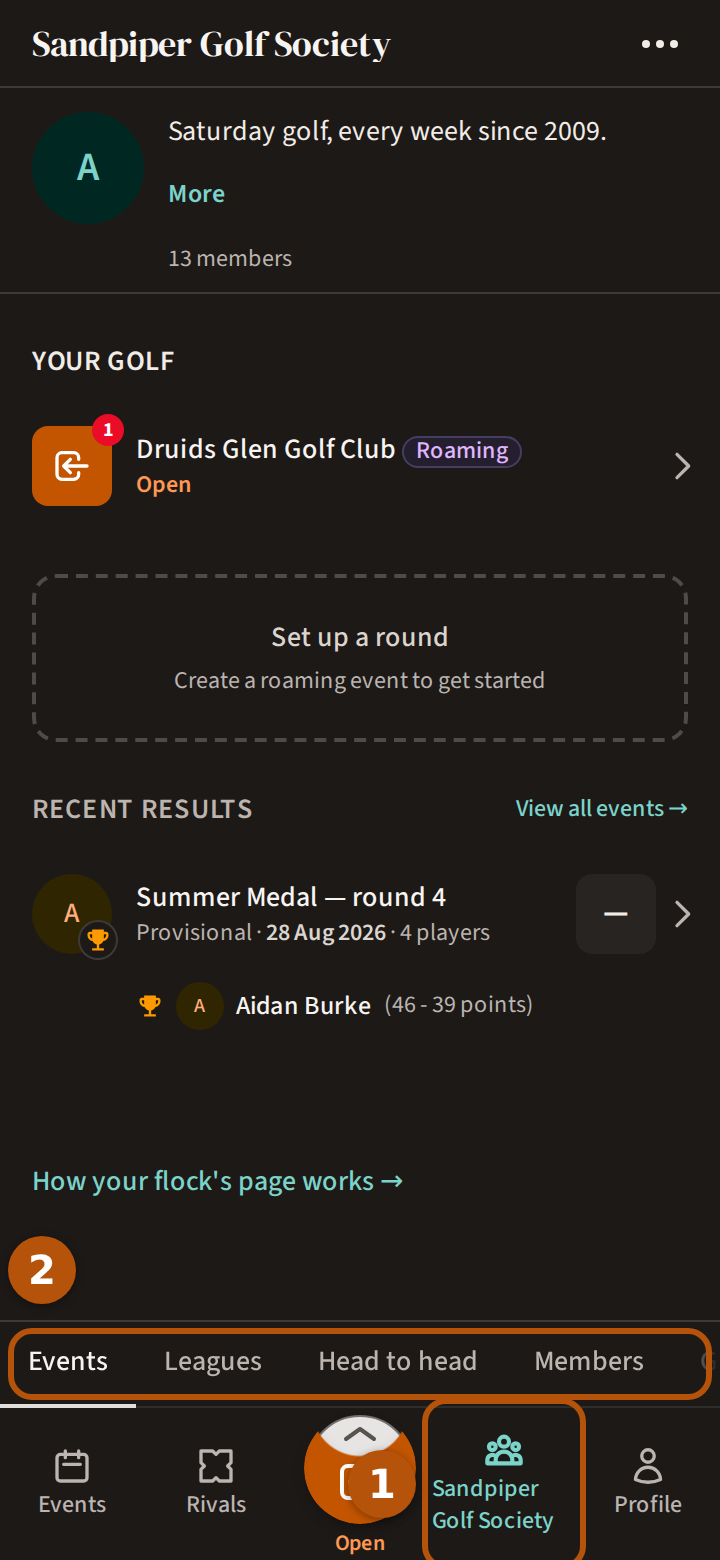
Your flock (your group) has a page of its own: press its name on the bar ① — or Flocks, if you are in more than one, and then the flock. The page opens on Events. Its sections ② are Events, Leagues, Head to head, Members, Gallery, Honours, Rivals and Noticeboard; if they don't all fit, slide them sideways. Leagues appears once the flock has a league.
2. See what's on
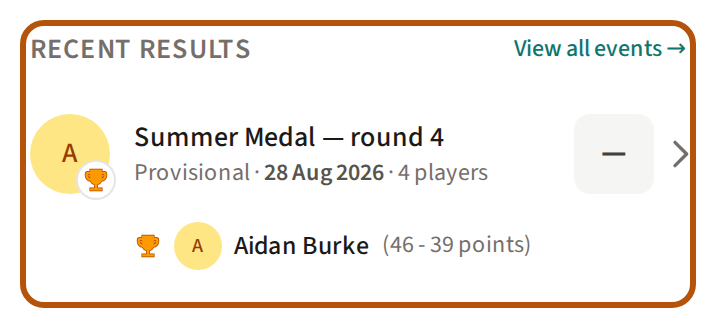
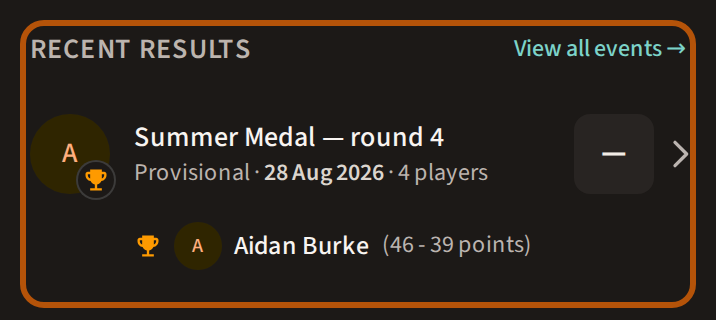
Events starts with the flock's logo, its description (press More to read it all) and how many members it has. Beneath, in order: Now, the events on right now; Your golf, anything waiting on you, like a card to fill in or a result to see; Coming Up; Recent Results, with View all events for every event the flock has played; and What's happening, the latest news. Each of these appears only when it has something in it. With nothing on or coming up, Set up a round starts a roaming round, if your flock allows it — see Play a roaming round. Press any event to open it — Find your way around an event takes it from there.
3. Look up a member
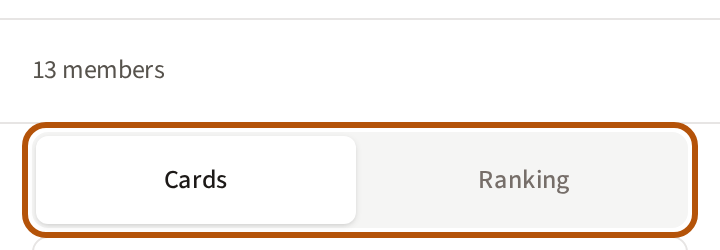
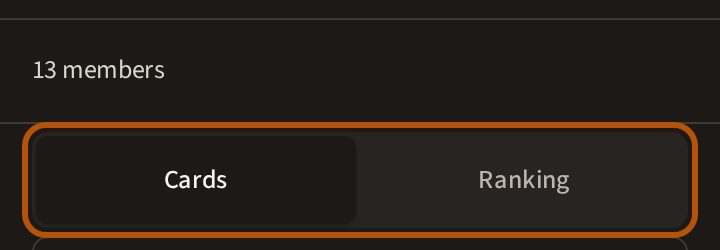
Open Members. The first line says how many there are, with + Invite beside it when the flock has an invite link to share. Under it, choose Cards or Ranking.
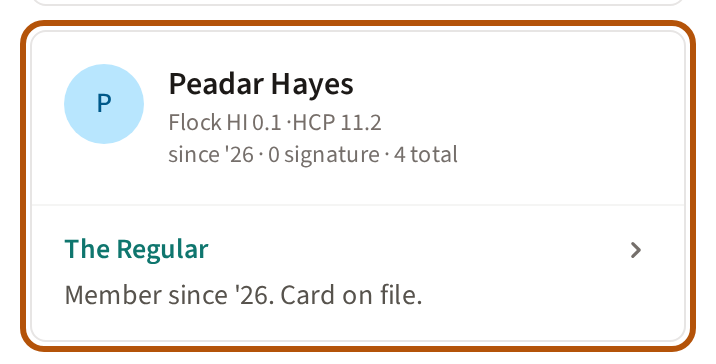
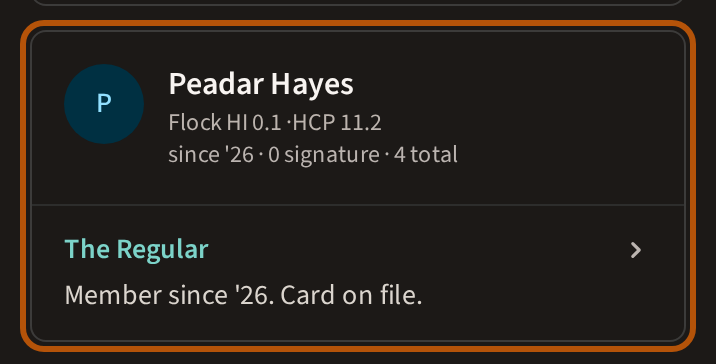
Each card shows a member's Flock HI and handicap, how long they have been in the flock and how many events they have played. Press the line at the foot of the card to read more about their golf.
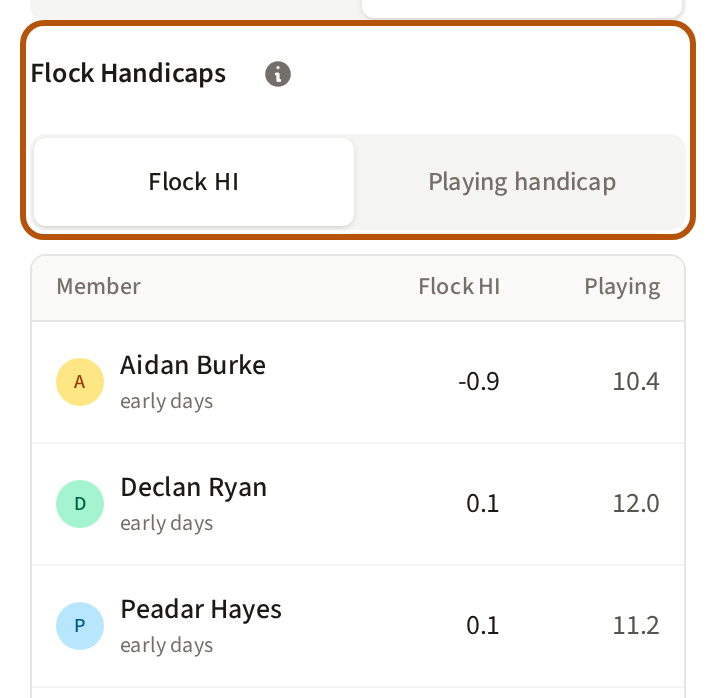
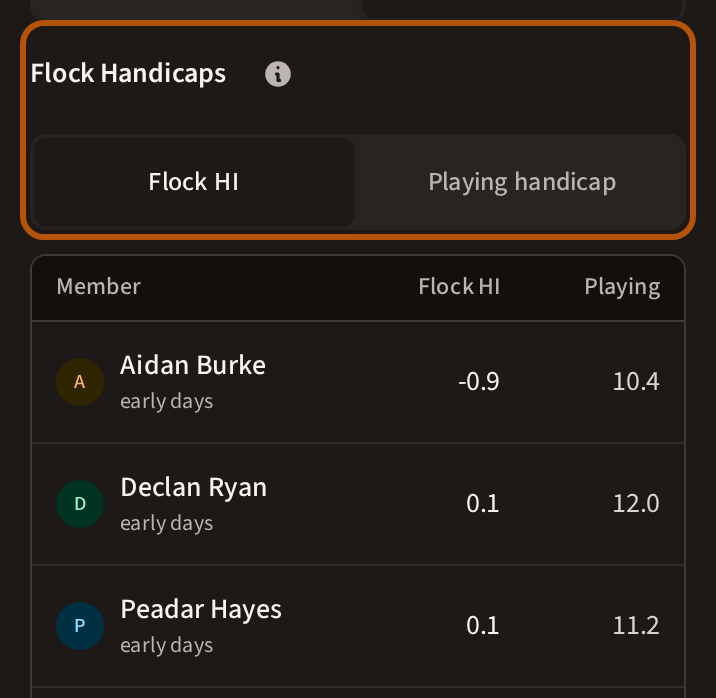
Ranking lists everyone by Flock HI, lowest first; press Playing handicap to order them by the handicap they last played off. The word under each name says how settled their Flock HI is, from still forming to rock solid. Ordered by Flock HI, members with none yet sit at the foot under Still forming.
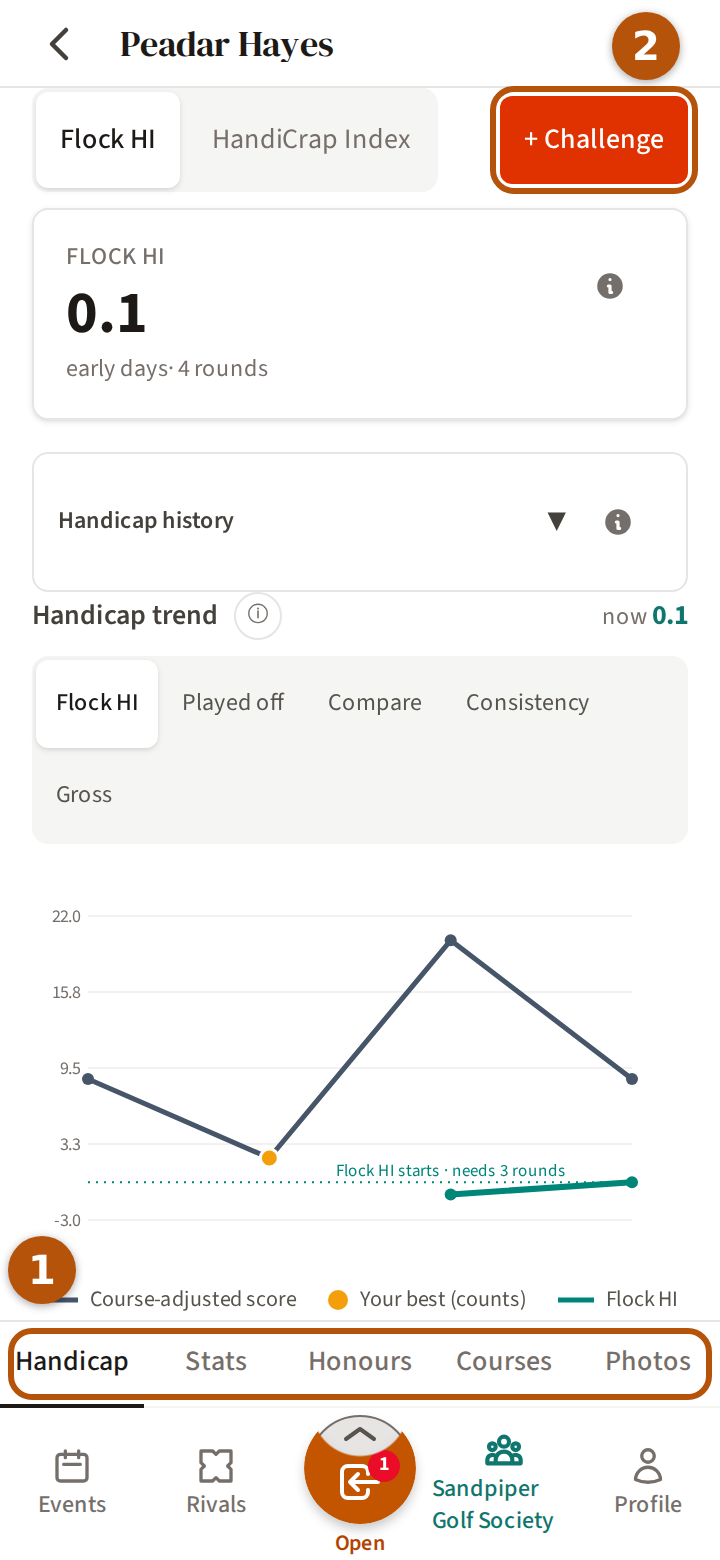
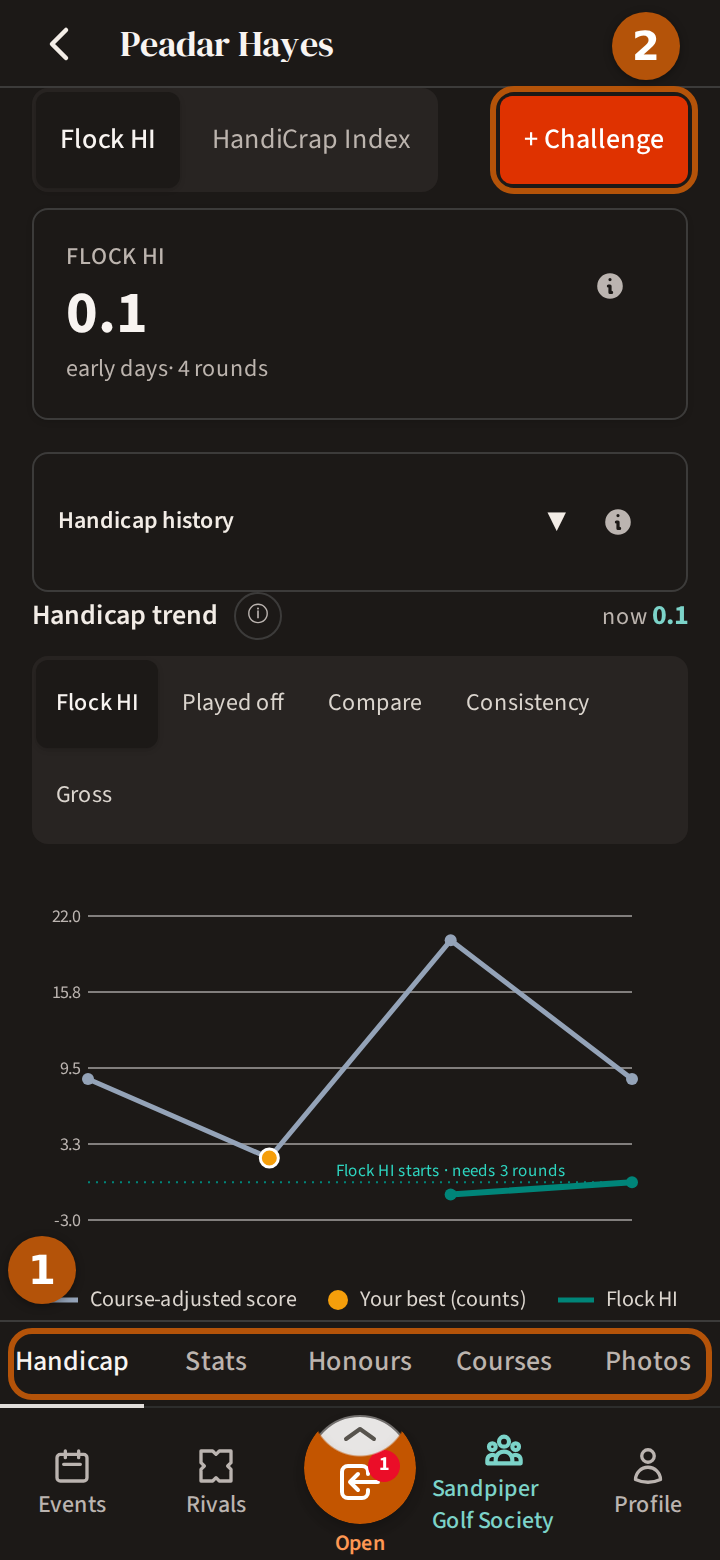
Press a member's name, on either list, to open their record. Its sections ① are Handicap, Stats, Honours, Courses and Photos — the same as your own Profile, explained in See your handicap and record. Think you can beat them? + Challenge ② challenges them to a rivalry — they choose whether to accept. If you already have one going it reads Series in play. More in Take on your rivals.
4. Read the Honours table
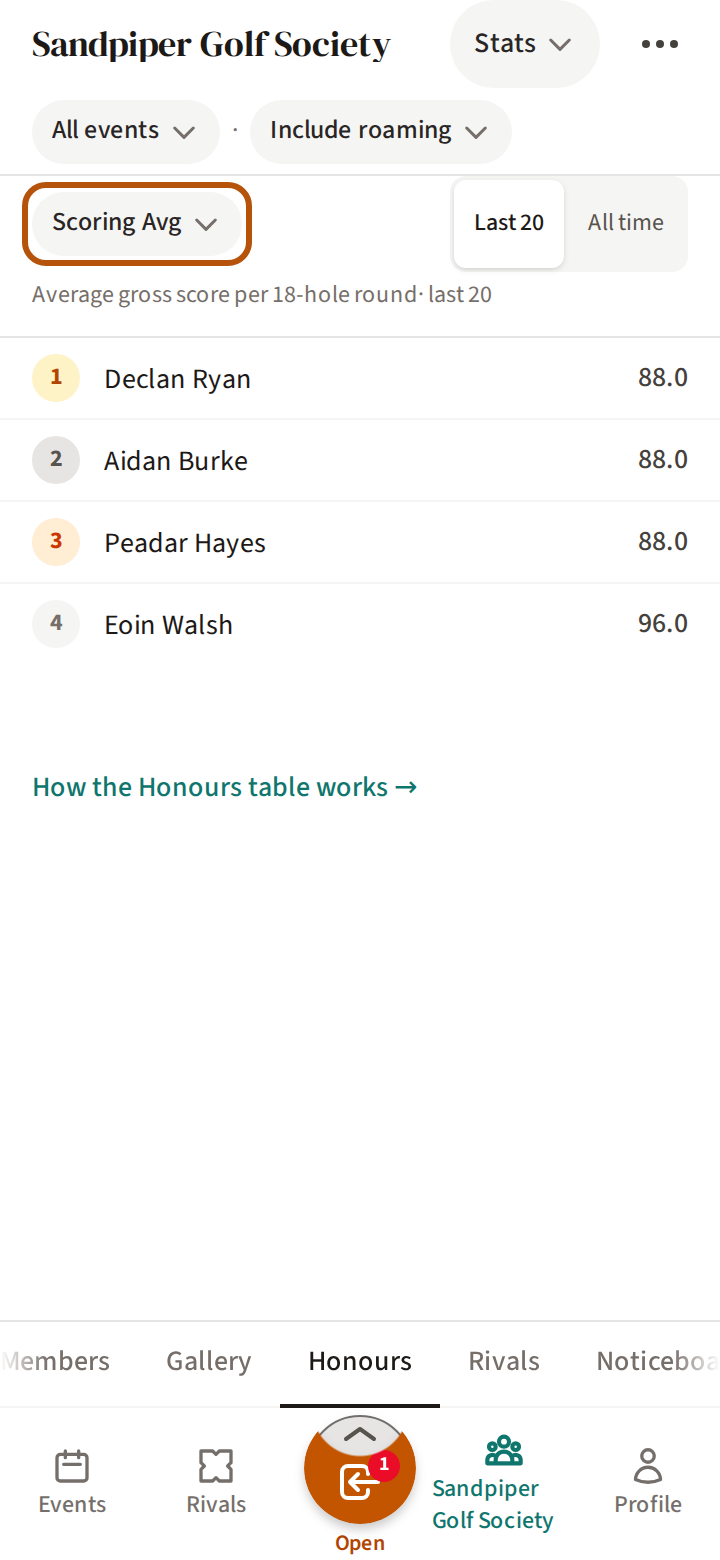
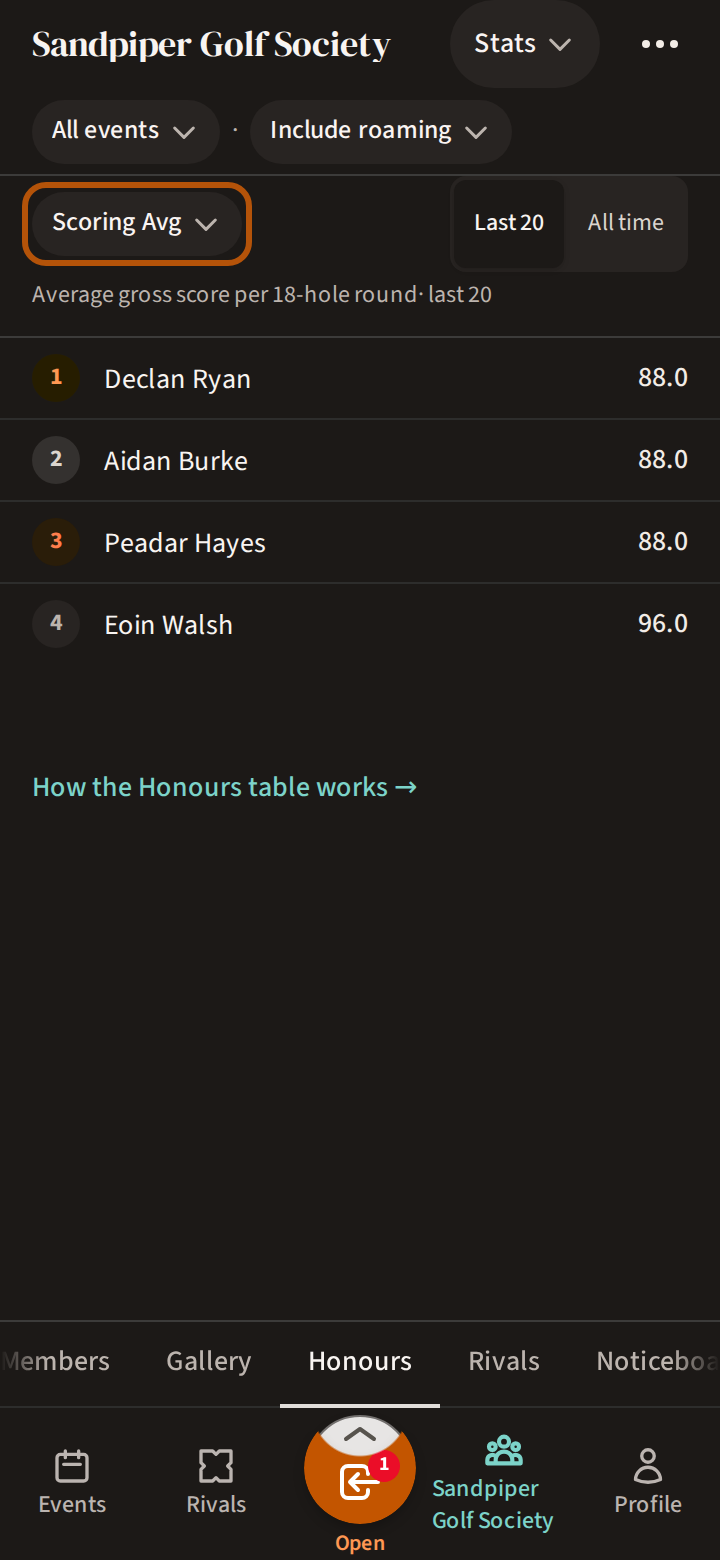
Open Honours. It starts on Stats: a table of the flock's top ten at one thing, with a line beneath its name saying exactly what is counted. It starts on Scoring Avg; press the name to choose another.
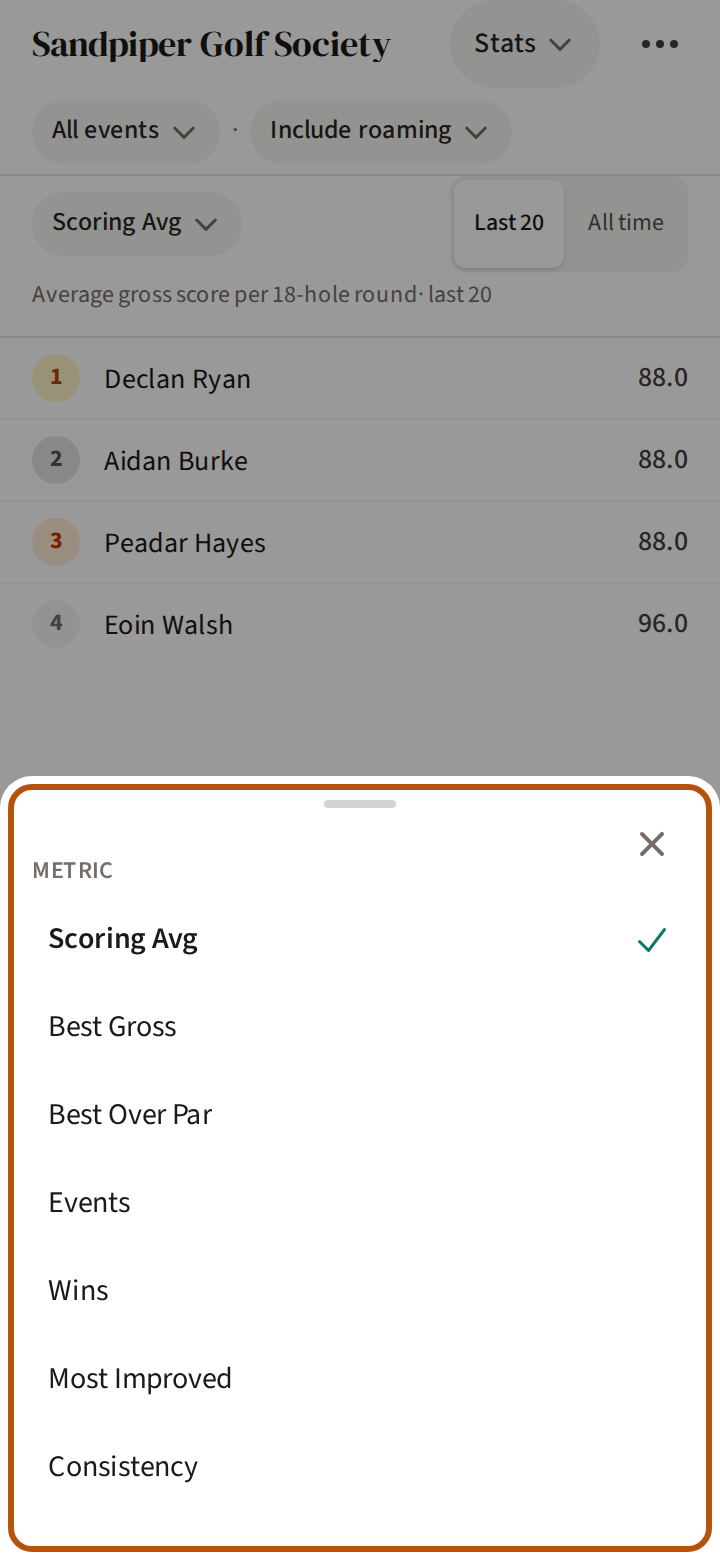
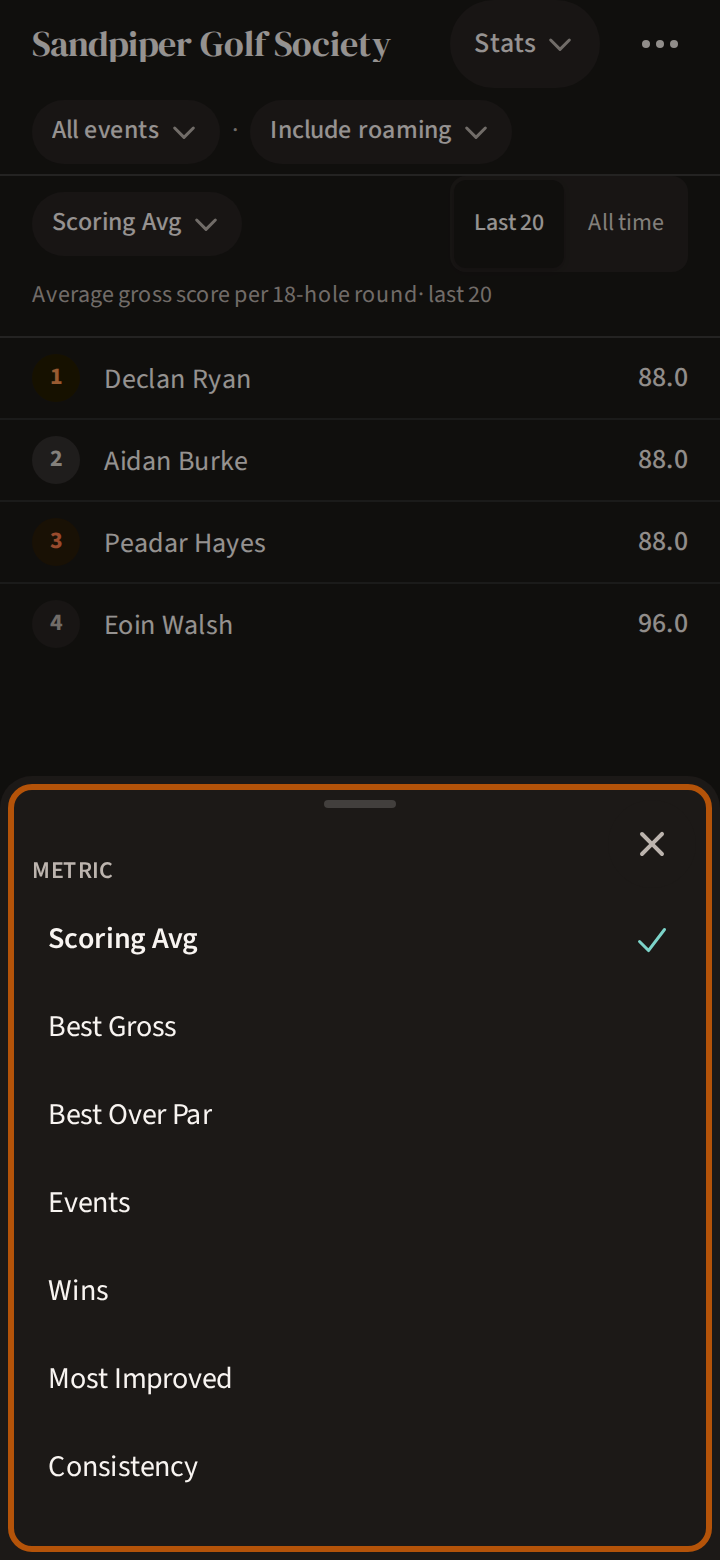
There are seven, from the lowest average and the best round to the most wins, the most improved and the most consistent. On Scoring Avg the table counts each member's 20 most recent rounds; press All time to count every round. If you are not in the top ten, a line under the table gives your place.
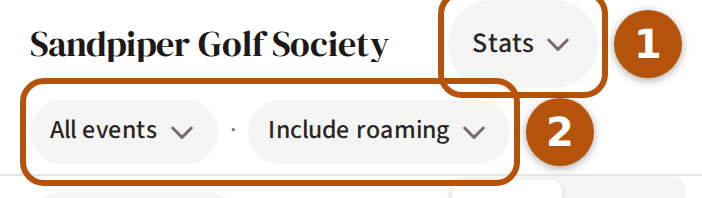
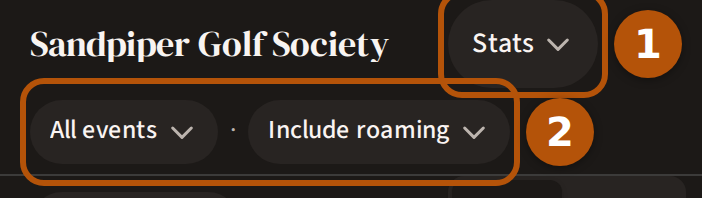
The picker in the header ① changes Stats to Awards. On Stats, the line under the header ② lets you choose All events or Signature, and Include roaming or Exclude roaming rounds.
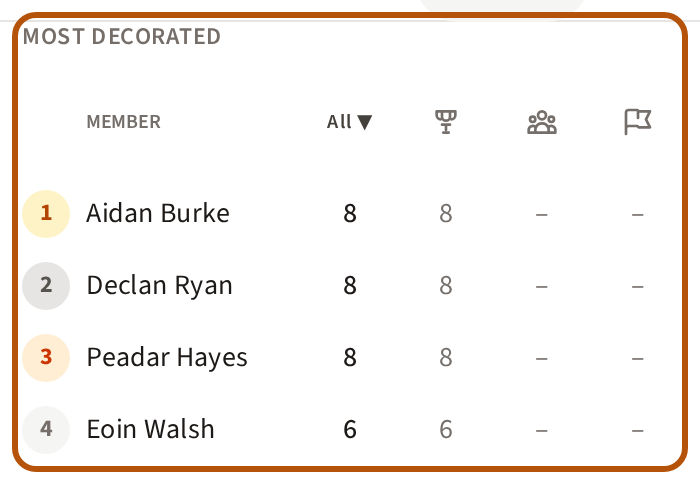
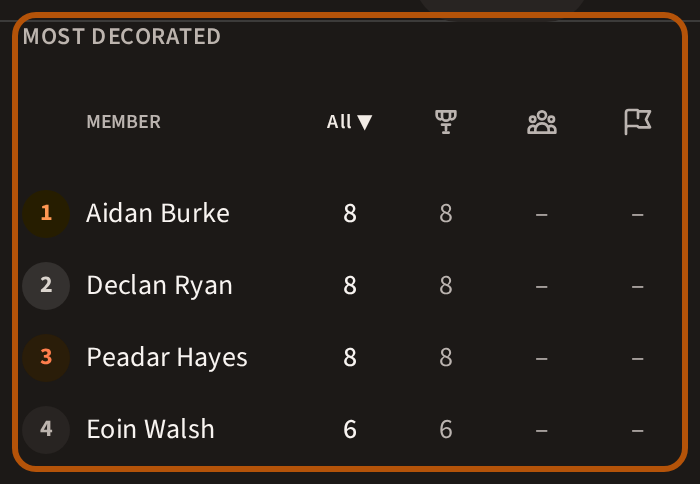
Awards opens on Most Decorated: every member's award count, with a column each for individual awards (a trophy), team awards (two people) and side-contest awards (a flag) — press a column's heading to order by it. Beneath it, Latest Awards shows the newest ones handed out.
5. Keep up with the Noticeboard
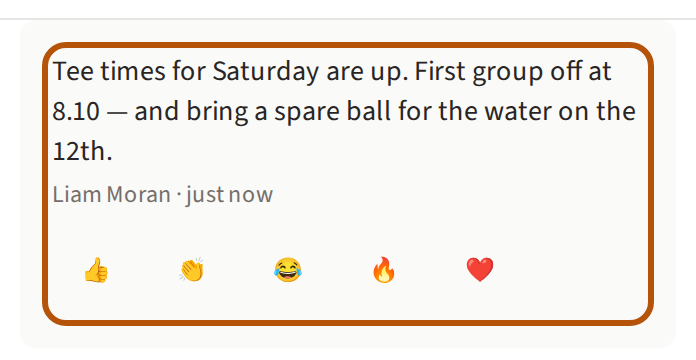
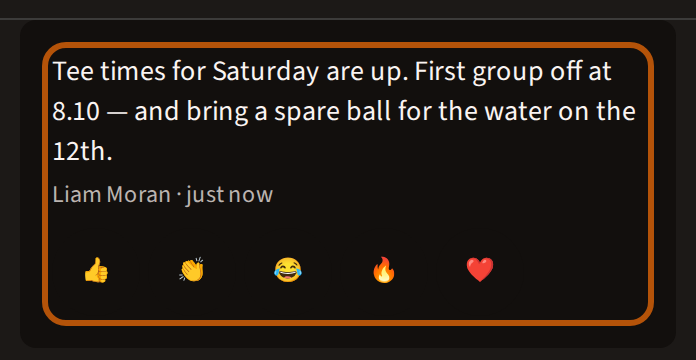
Open Noticeboard for news from the flock's admins: tee times, a change of course, the date of the dinner. Under each post are five reactions — 👍 👏 😂 🔥 ❤️. Press one to add yours, and again to take it back. The two newest posts show first; press See all for the rest. With nothing posted it reads No announcements yet.


Only an admin can post. Press Post to noticeboard at the top of the Noticeboard.
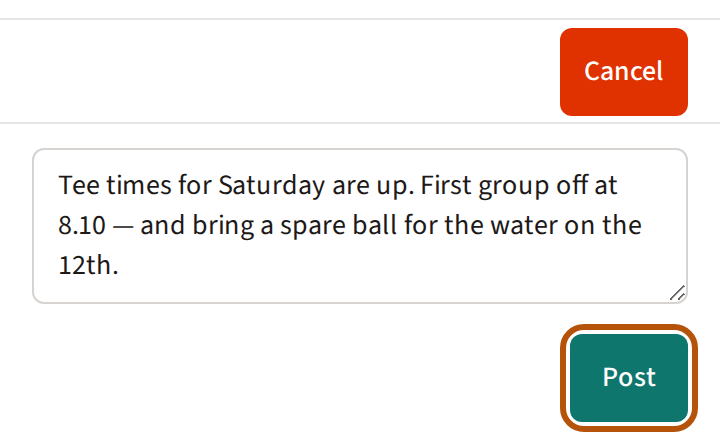
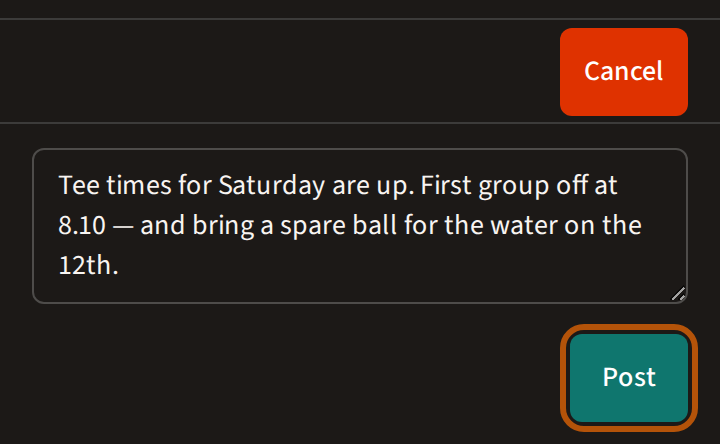
Write the message, then press Post; while you write, the button above reads Cancel. Each post carries Edit and Delete for an admin. Running the flock is in Run your flock.
6. Leagues, rivalries and photos
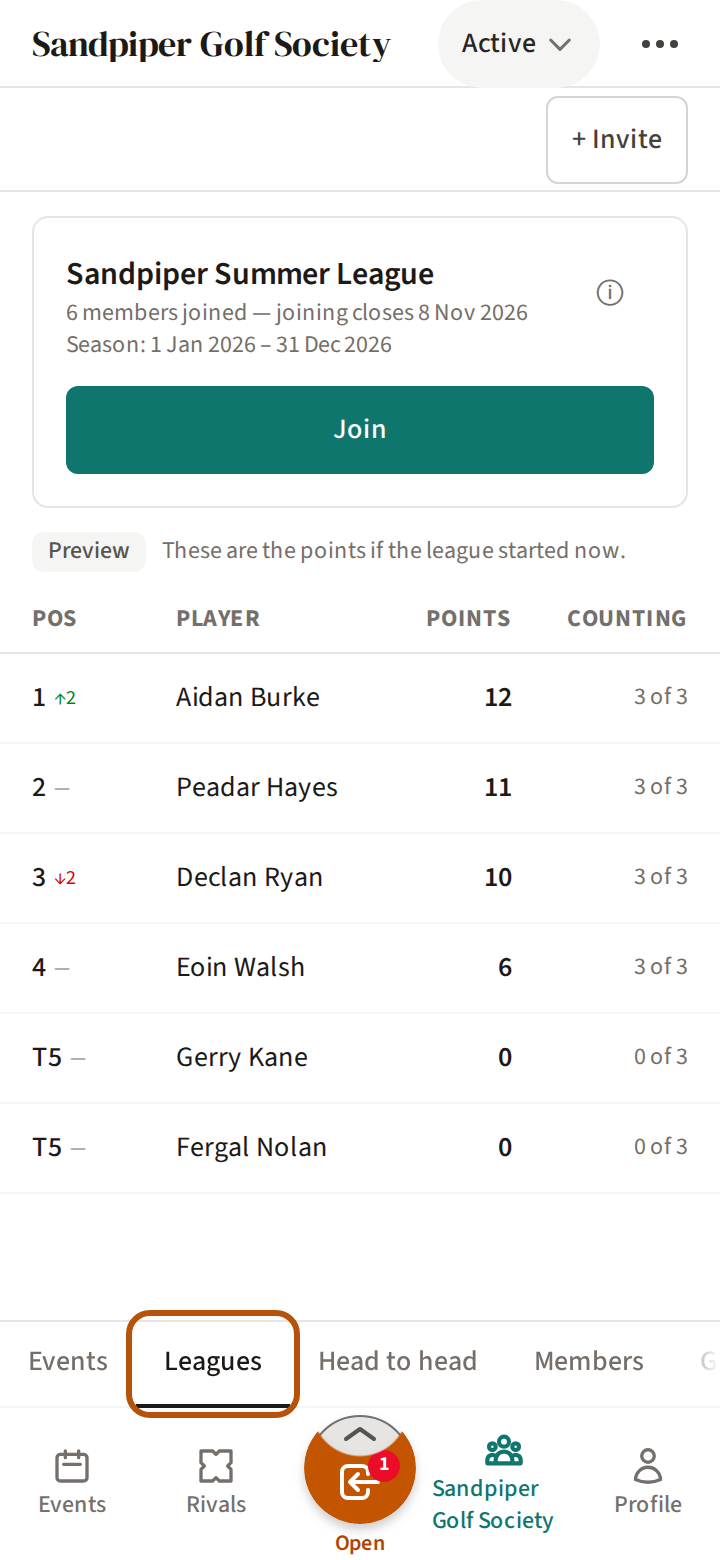
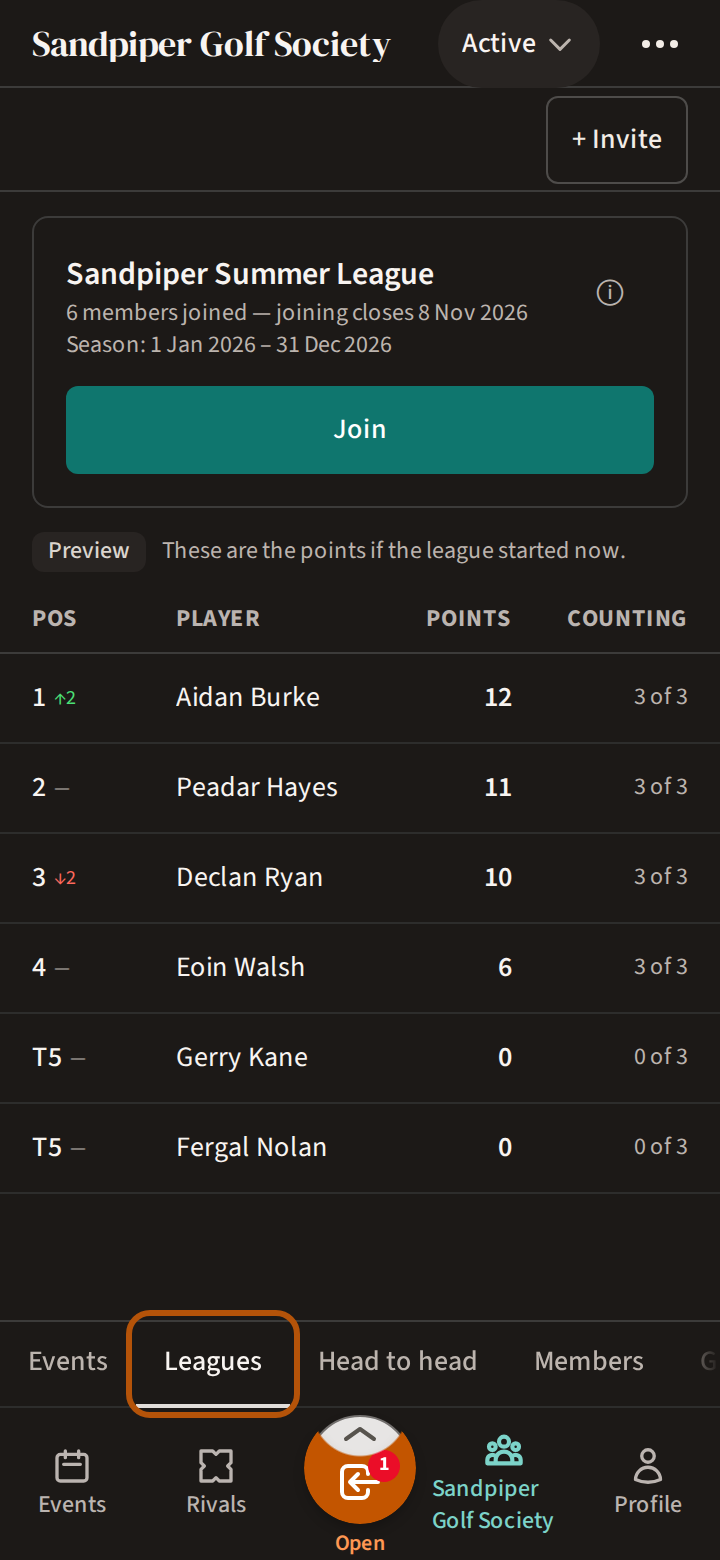
Leagues holds the flock's league and its table — see Follow your league.
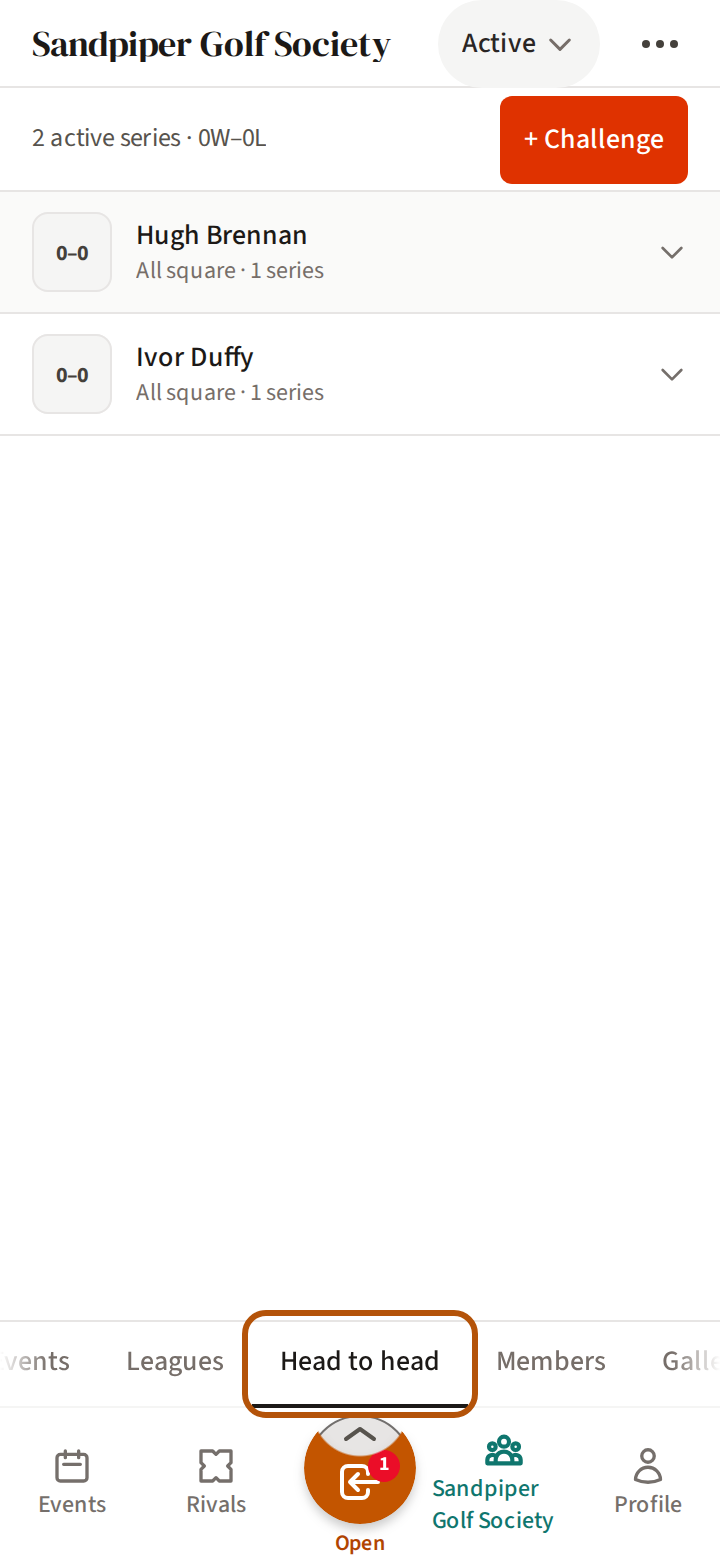
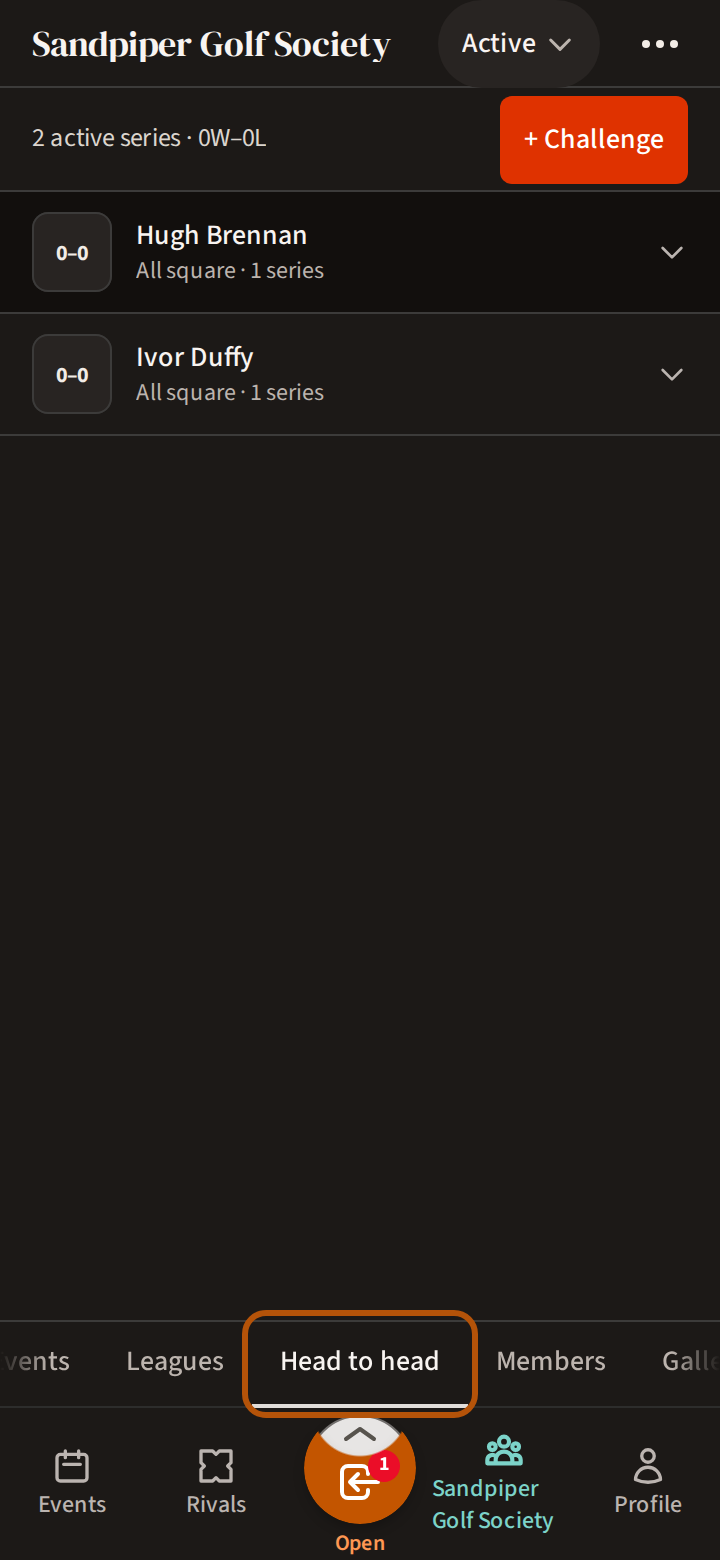
Head to head shows your own rivalries first, then every other rivalry in the flock. Rivals sums up your own record in this flock and your place in its leagues — both are in Take on your rivals. Gallery holds the photos from the flock's events; the picker narrows it to photos of you or of one event — see Share your photos. New here? Join a flock covers getting in.
Still stuck? Tell us and we will help.