Take on your rivals
Every flock has that one player you'd give anything to beat. Challenge them, and every event you both play is scored for you all season, so the argument at the 19th finally has an answer. Here's how to lay down a challenge, answer one, and read who's ahead.
1. Open Rivals
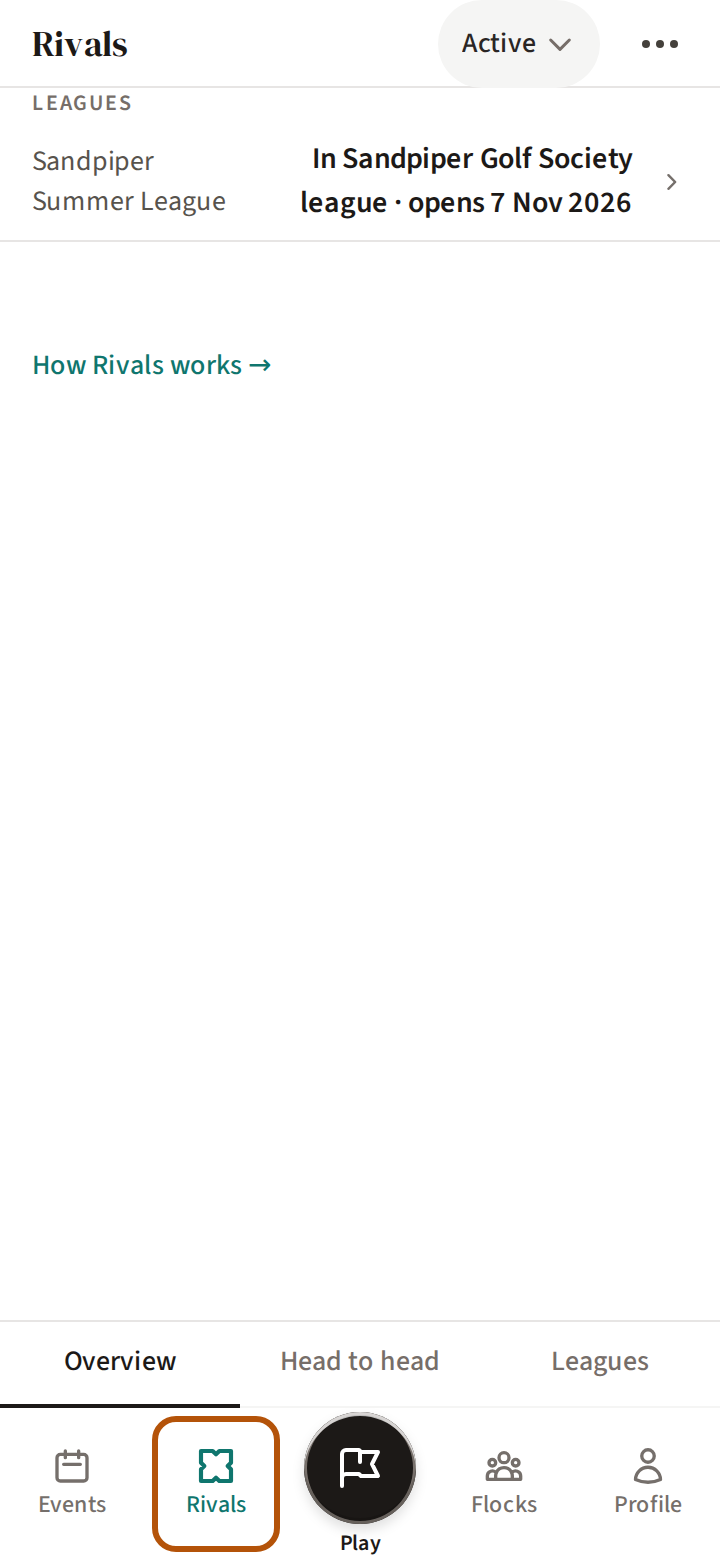
Press Rivals on the bar. It has three sections: Overview, Head to head and Leagues. The picker in the header reads Active; choose Completed to see rivalries and league seasons that have finished.
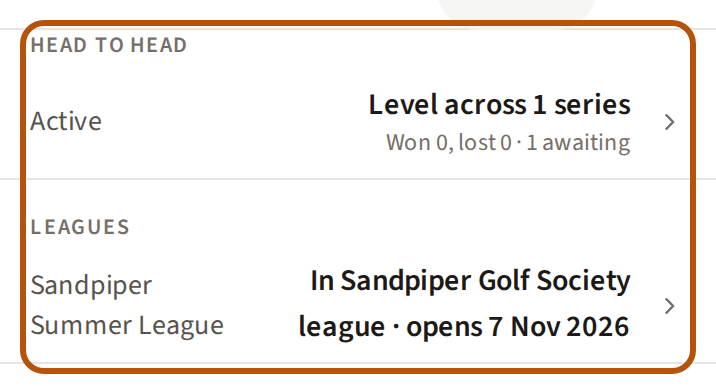
The Overview sums it all up: one row for your rivalries — whether you are up, down or level across them, and your wins and losses — and one row for each league you are in. Press a row to go to its section.
2. Challenge someone


Open Head to head and press + Challenge. Before your first rivalry, Head to head offers Start a rivalry with people you have played with, each with its own Challenge; or open anyone's name in the Members of your flock (your group) and press + Challenge there.
If you are in more than one flock, Treád asks Which flock?, then Challenge who? — press a name. Then tick a format — Matchplay, Stableford, Nett or Gross; tick more than one and each becomes its own series. A series is one format against one person, over one season. With Matchplay you can also tick Include roaming matchplay, which compares Stableford points hole by hole when you play in different groups or on different courses. Set the Season start and Season end, then press Challenge.
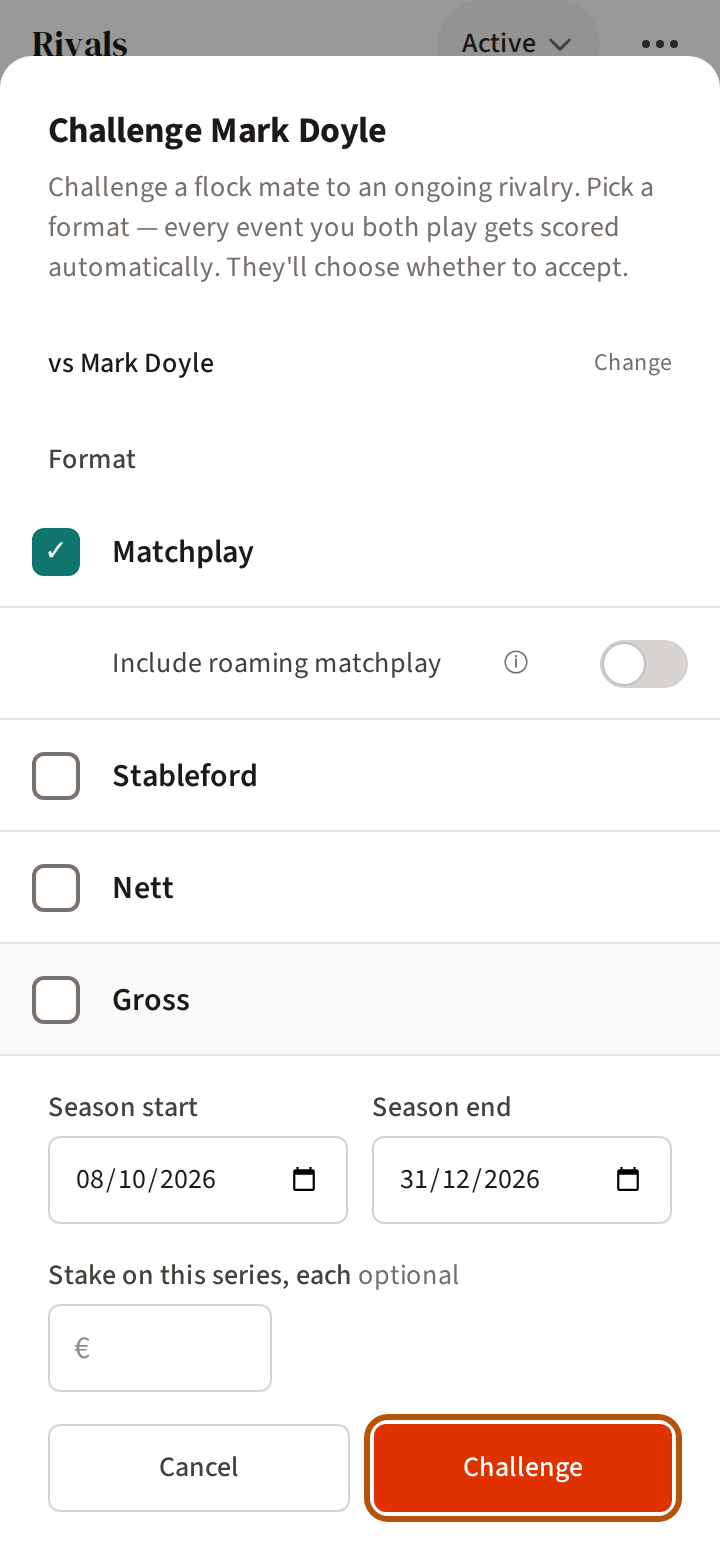
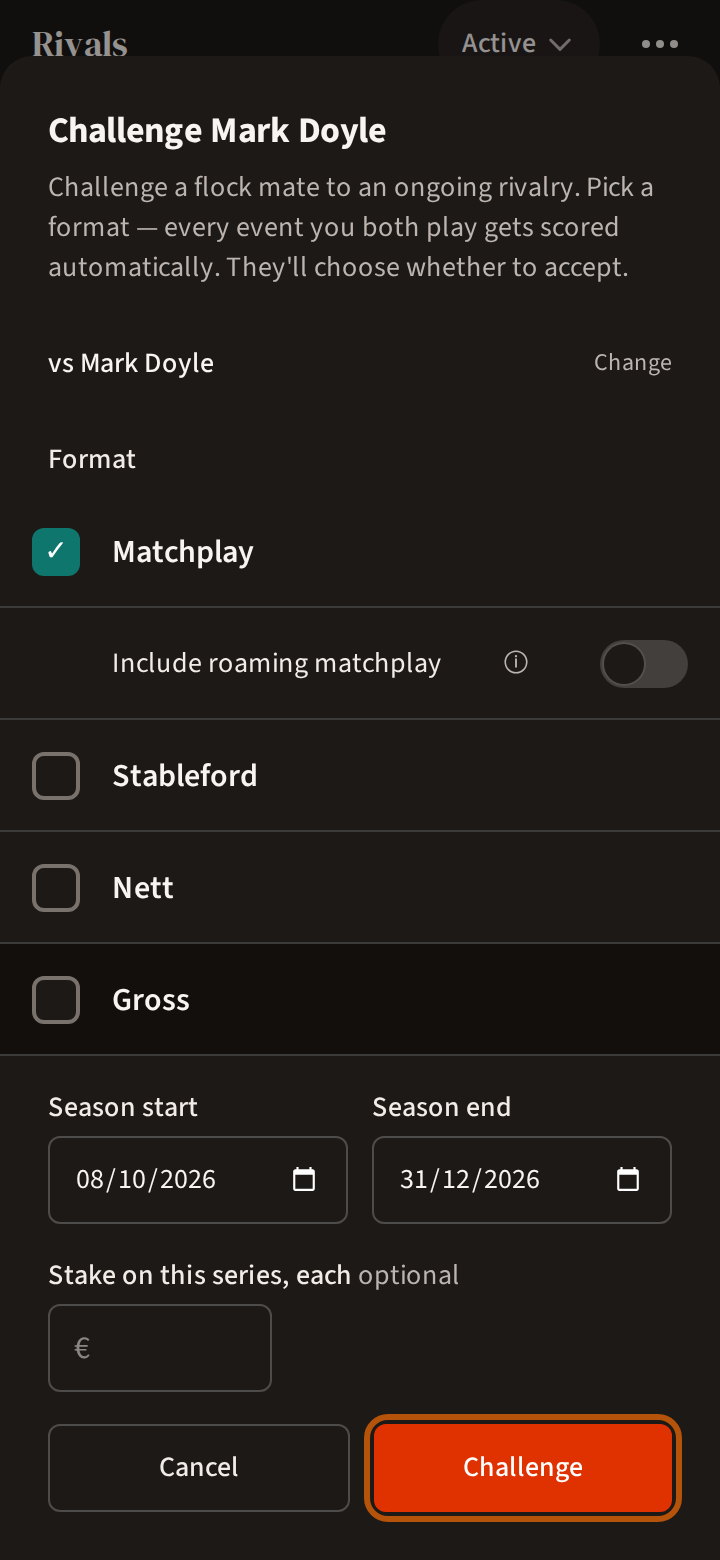
Treád says Challenge sent!. A format you already have running against that person is greyed out and reads Active series exists.
3. Answer a challenge
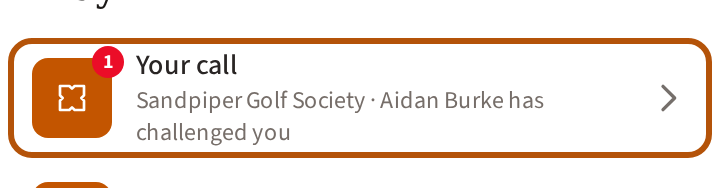
When someone challenges you, your Play button shows Your call. Open the Play list: the row says who has challenged you. Press it to open the challenge.
Press Accept challenge, or Decline — Treád asks you to confirm, because a declined challenge cannot be taken back. If you have already played together, the challenge shows how those rounds went; where your challenger left it to you, Include past rounds is off: leave it to start level at 0–0, or switch it on to count them. Answer before the date in the line at the foot, This challenge expires on.
4. Put a stake on it
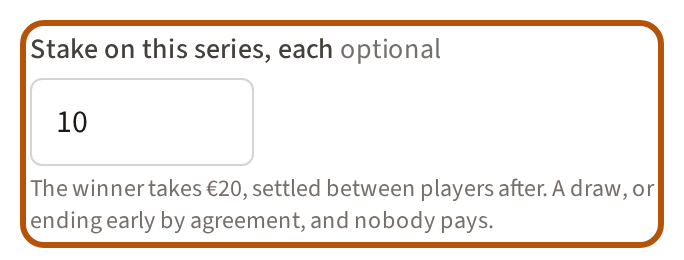
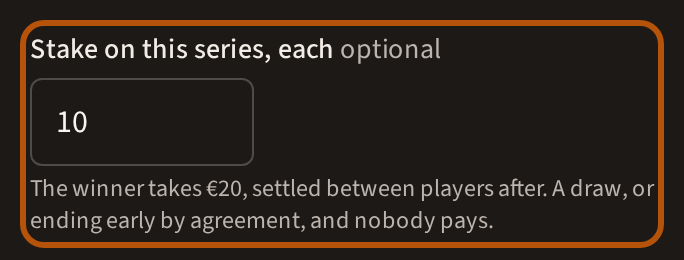
A series can carry a stake. When you challenge, type an amount under Stake on this series, each — it is optional — and the button reads Challenge with in for and the amount. The stake is on each series: tick two formats and each of you is in for it twice, once on each, and the button and the line beneath it say the whole amount. Each of you is in for it and the winner takes both; a draw, or ending early by agreement, and nobody pays. Your rival sees the amount on Accept challenge and accepts it as offered, or declines. When the series ends, its result says who pays whom, or no winner, so nobody pays. Treád works out who pays whom. It never collects, holds or pays money: you settle between yourselves.
5. Read a rivalry
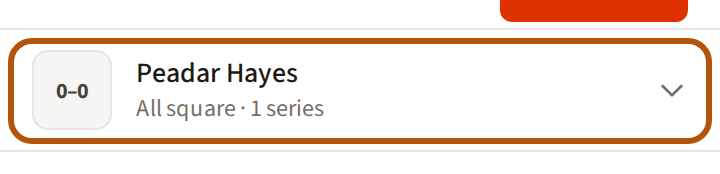
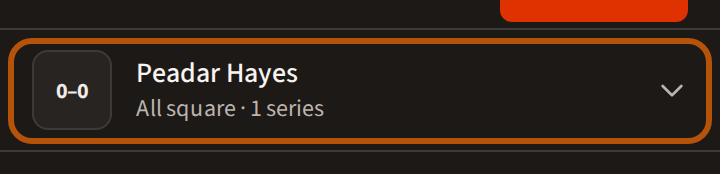
Every event you both play is scored for you. Each rival has one row. The square at its left is the score — the events you have won, then the events they have won. It is green when you lead, red when you trail and grey when you are level, and the line beneath says it in words: You lead, Trailing or All square, with how many series — formats — you have with them.
Press the row to see each format on its own. + Add format beneath them challenges the same person in another format.
6. Your leagues
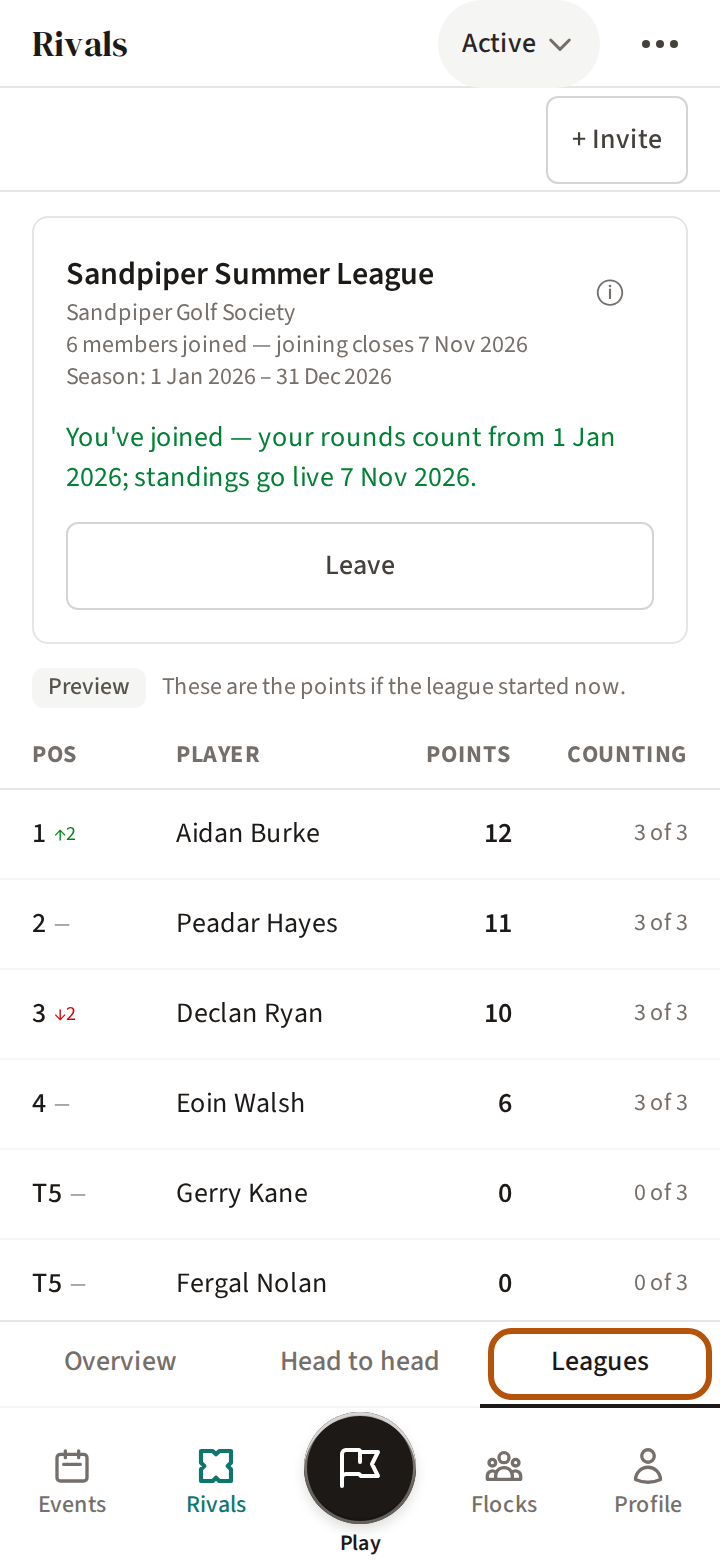
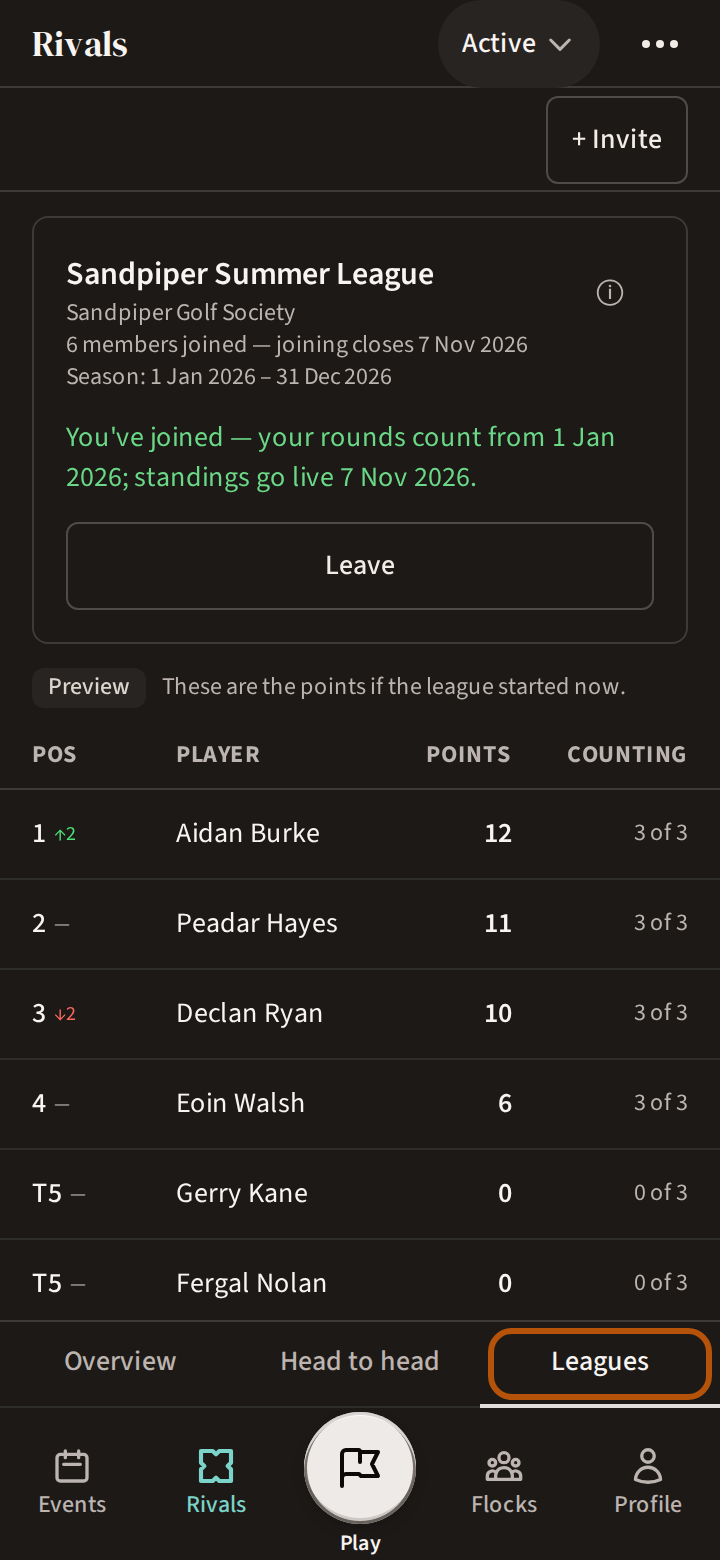
Leagues shows the league you are in, with its table, the same as your flock's own Leagues section. If you are in more than one league, the picker in the header chooses which. How the table works is in Follow your league.
Still stuck? Tell us and we will help.