See your shot pattern
Everyone remembers the approach that stopped by the pin, and forgets the ones that missed. Shot Pattern shows where your approaches really land from each distance, and how often they find the green. Here's how to read it and compare yourself with a better player.
1. Open Shot Pattern
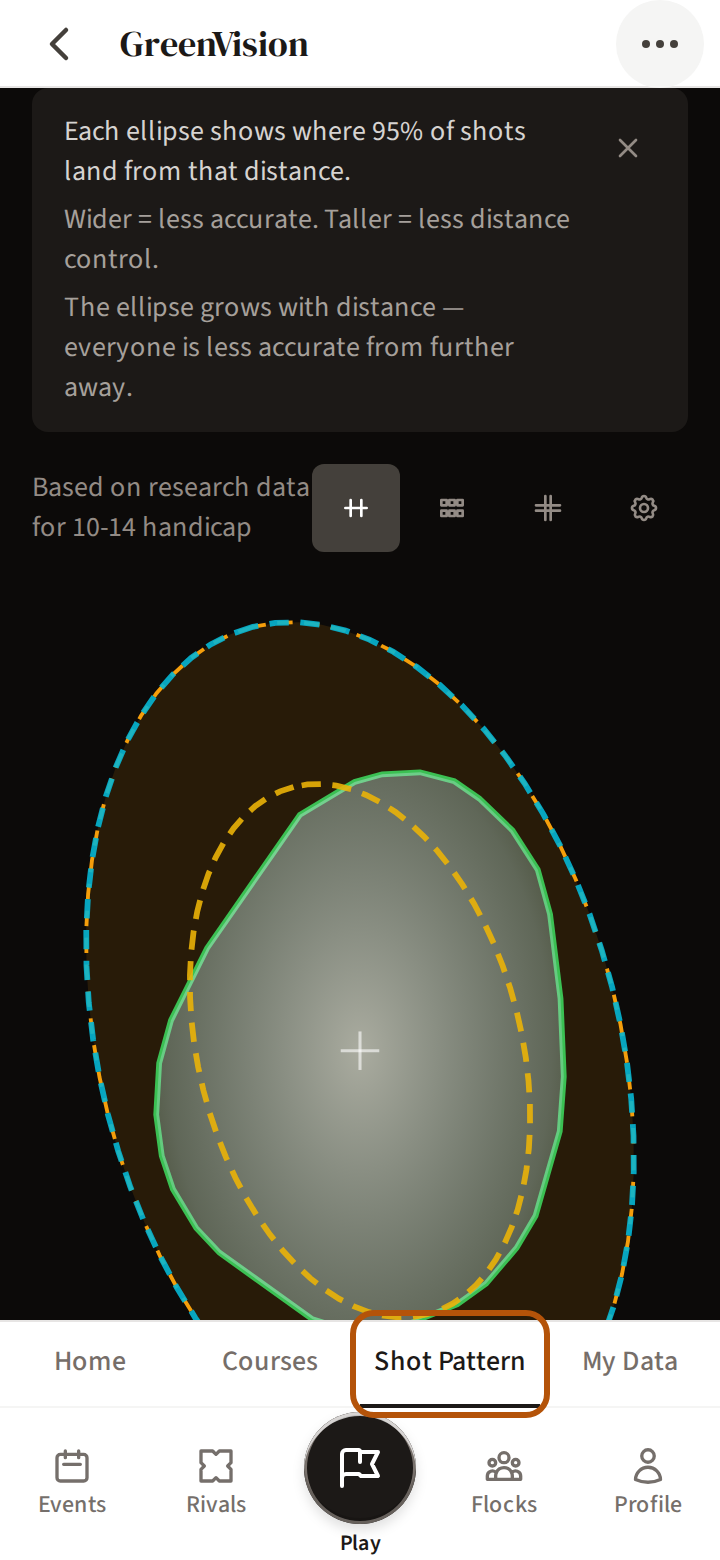
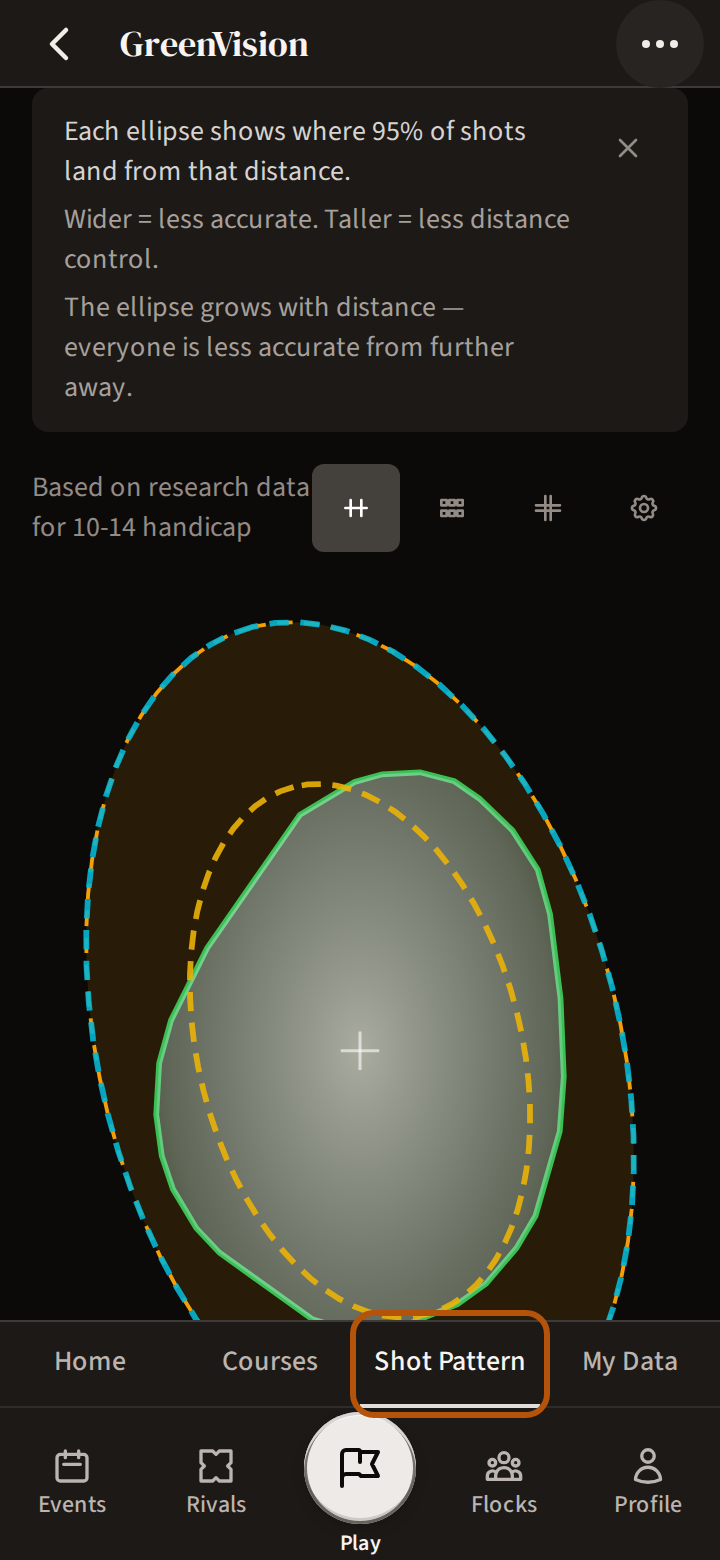
In GreenVision, press Shot Pattern in the sections above the bar. GreenVision is not switched on for every flock (your group) — Get started with GreenVision says who has it and how to ask.
2. Read the oval
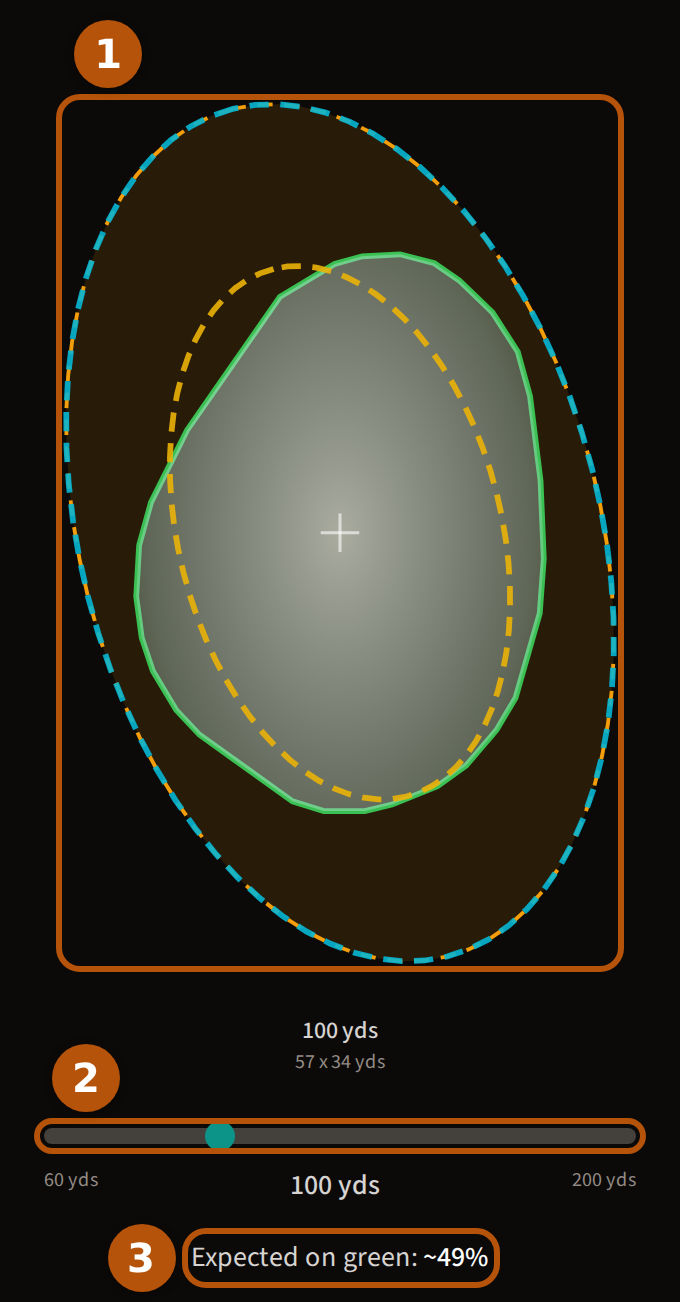
The oval ① shows where most of your approach shots land from one distance: wider means less accurate left and right, taller means less control of distance, and where it spills off the green it turns amber. The dashed outlines are the handicap bands chosen under Compare (step 3). Slide the distance ② and see it grow as you move further back. Expected on green ③ is the share of those shots that finish on the green.
Until you bring in your own numbers, the line at the top says it is based on research data for your handicap band — Bring in your TrackMan data to see your own.
3. Compare, and change what it shows
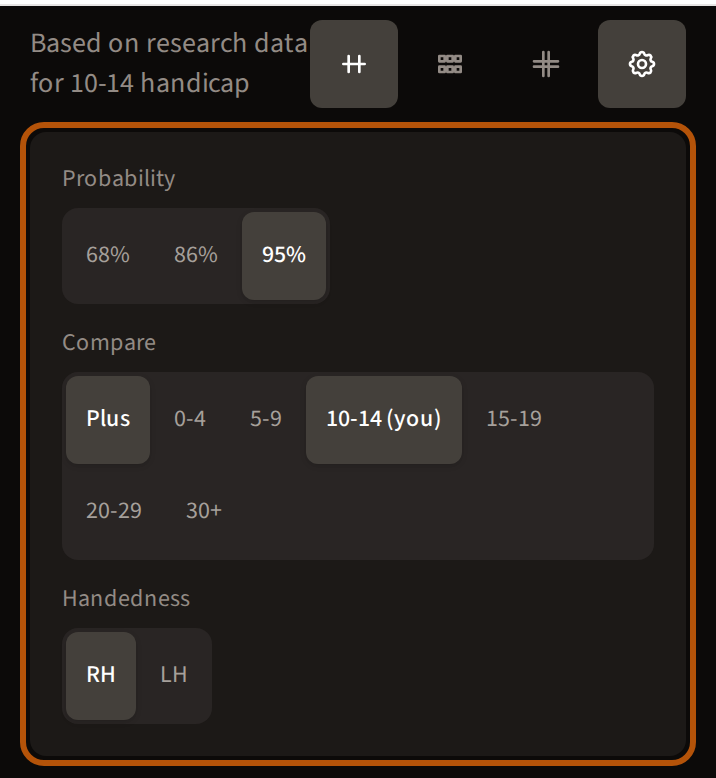
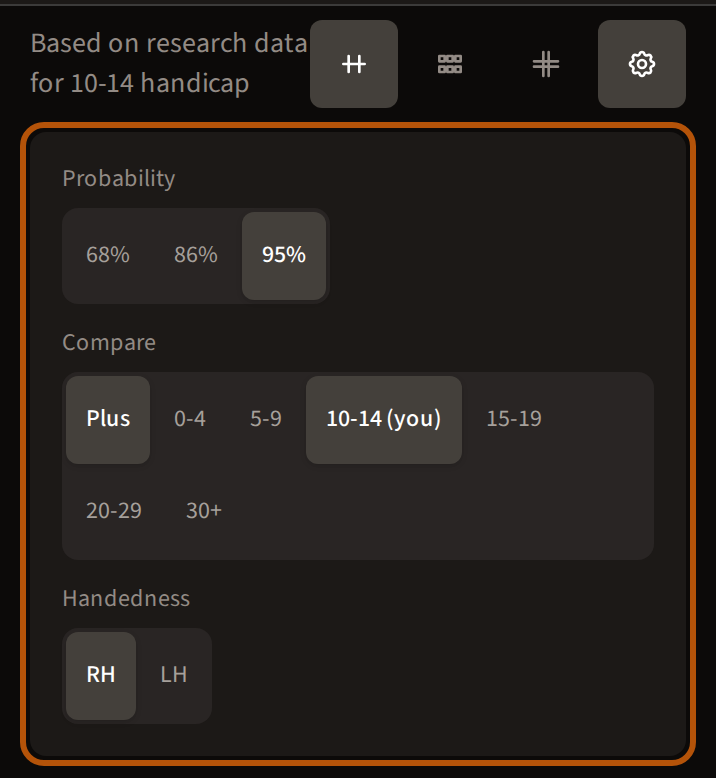
The cog at the top right opens three more choices. Probability sets how many of your shots the oval holds. Compare lays another handicap band's oval over yours, so you can see what a better player's pattern looks like. Handedness shows it for a right- or left-hander.
Still stuck? Tell us and we will help.