Bring in your TrackMan data
A handicap band says how golfers like you play; a TrackMan Combine says how you do. Bring one in and GreenVision draws your own shot pattern instead of your band's. Here's how to import a Combine and set your handicap for each session.
1. Open My Data
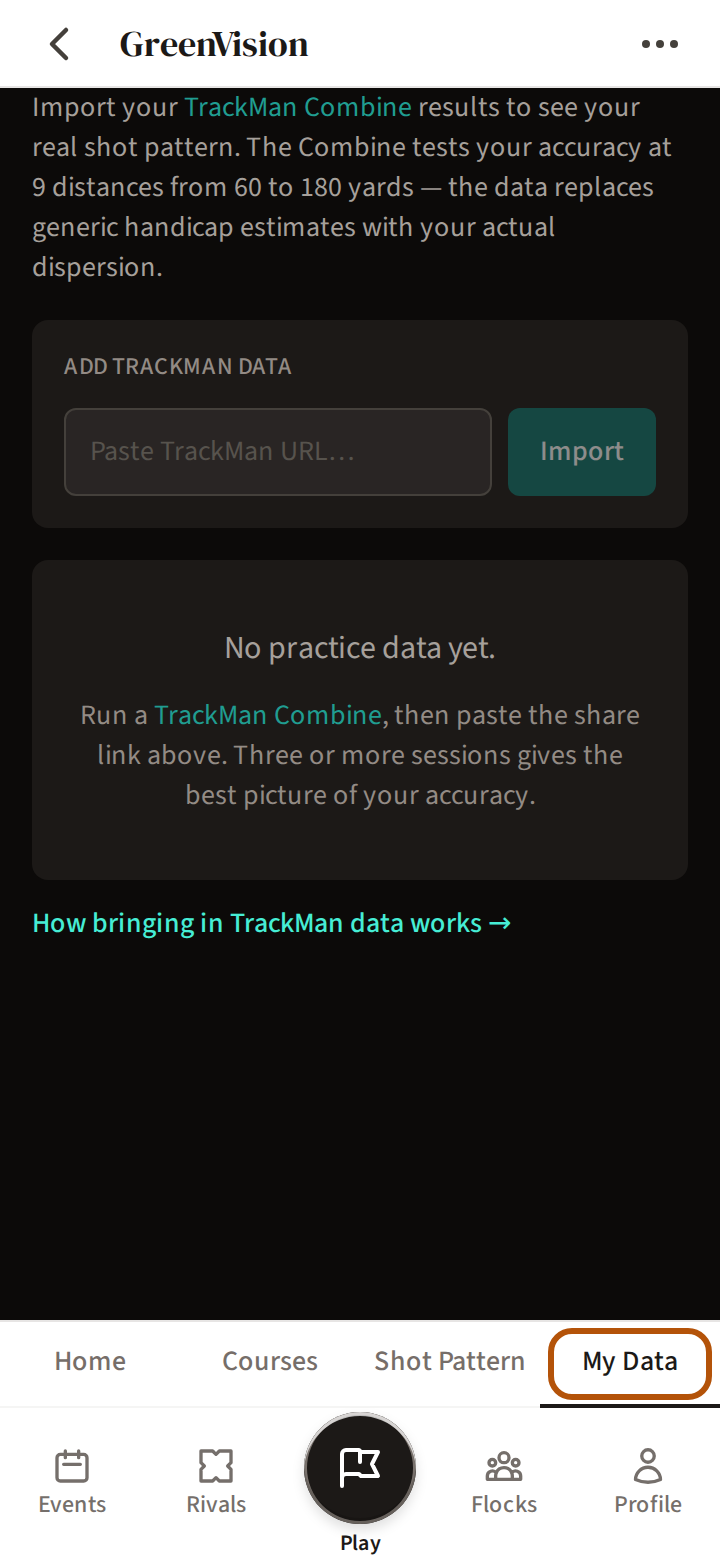
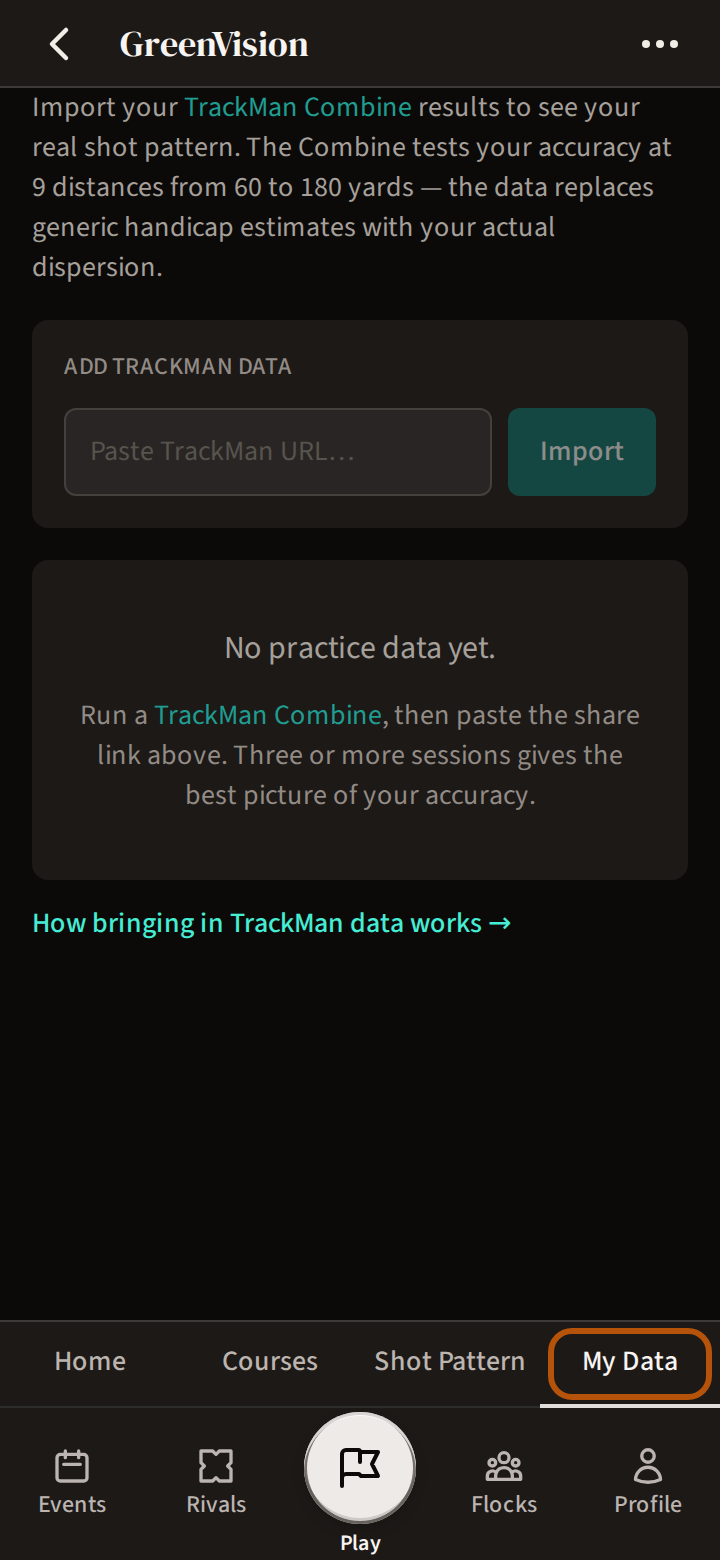
In GreenVision, press My Data in the sections above the bar. GreenVision is not switched on for every flock (your group) — Get started with GreenVision says who has it and how to ask.
2. Bring in a Combine
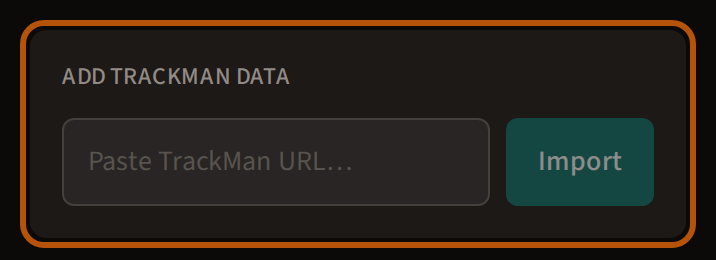
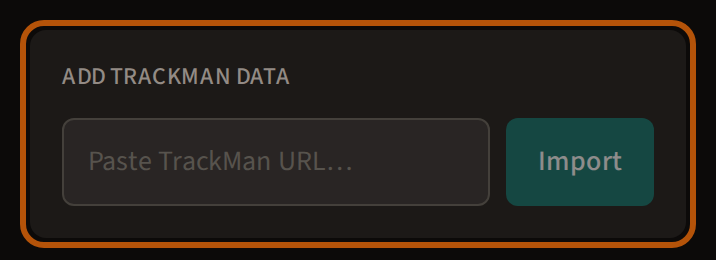
Play a TrackMan Combine — it tests your accuracy at 9 distances from 60 to 180 yards. Paste the Combine's share link under Add TrackMan data and press Import. Treád then asks for Your WHS index today; it is optional. Three or more sessions give the best picture, and from then on Shot Pattern shows your own pattern.
Each session you bring in is listed with its date, its shots and, where TrackMan gives one, its Combine score. Delete, then Confirm, removes one.
3. Your handicap on the day of each session
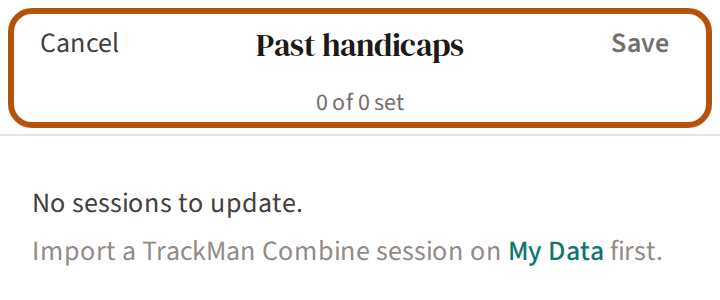
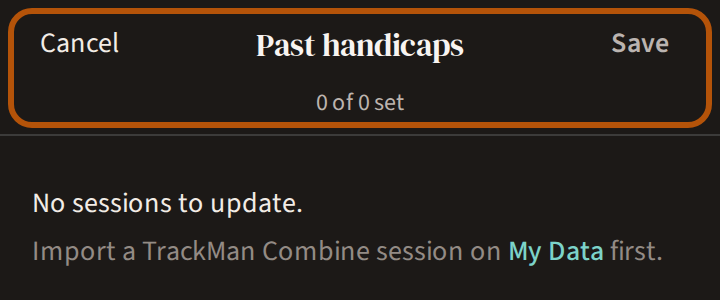
Once you have sessions in, the line above them offers Set past handicaps. It opens Past handicaps: one row per session, each for your WHS index on that day. Treád fills in what it can from your handicap record — the index you played your nearest round off — so check them, change any that are wrong, leave a row blank to keep it unrecorded, and press Save at the top. Before your first session it reads No sessions to update.
Still stuck? Tell us and we will help.