Run a Flock Forecast
Before a two-round team event, have the whole flock call it: which side lifts the trophy, by how much, who loses the first ball, who turns up the most hungover. Treád keeps every pick to itself until you reveal, counts the right answers and crowns a Nostradamus. Here's how to set one up, run the vote and reveal the answers.
1. Open Flock Forecast
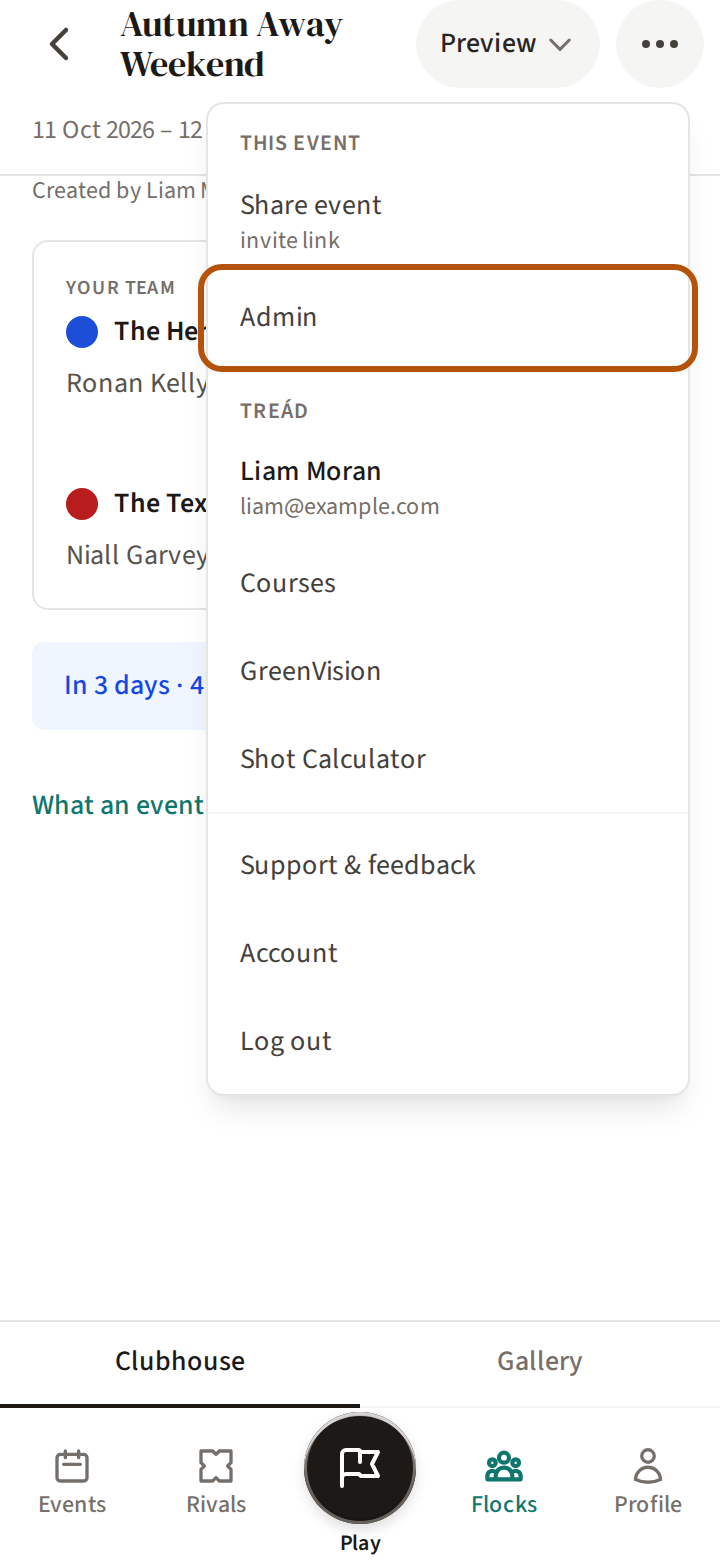
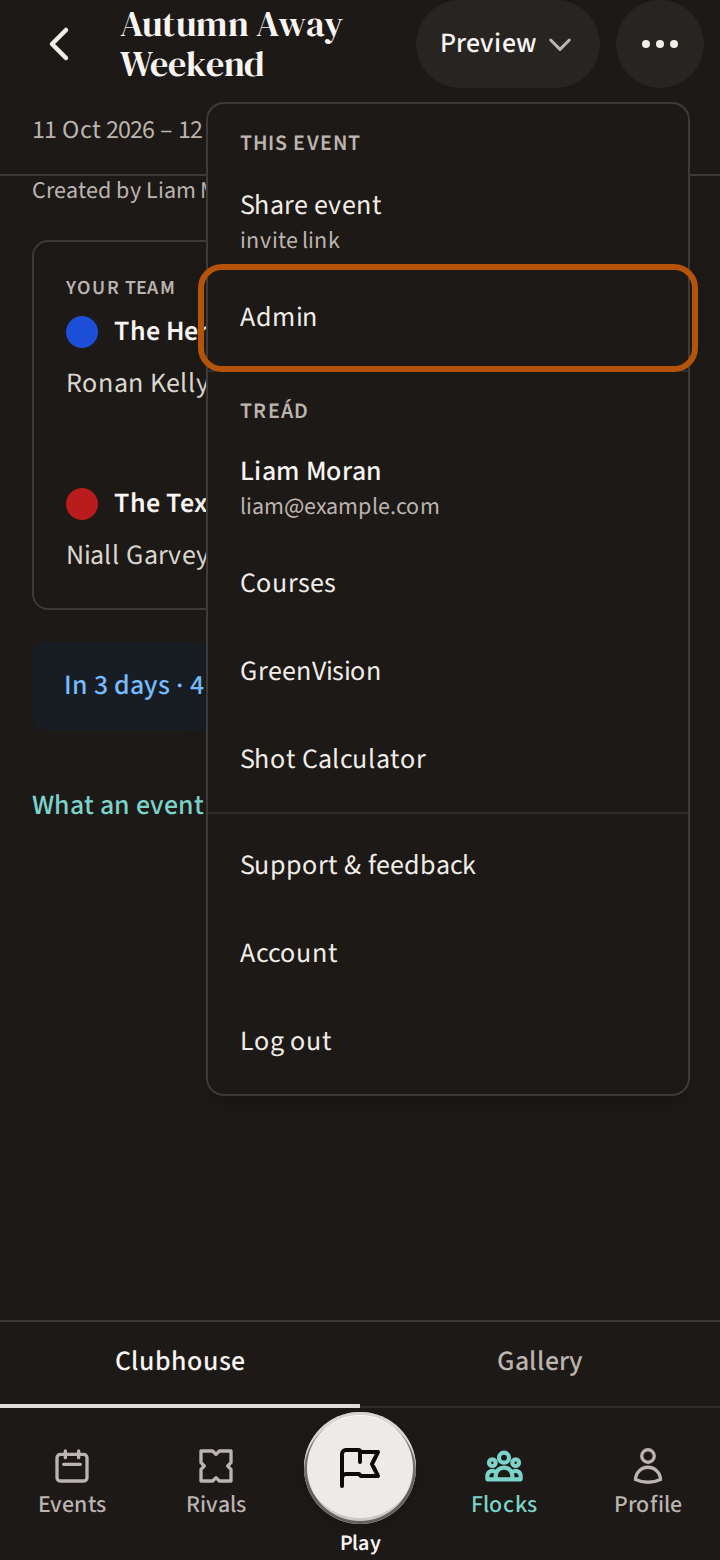
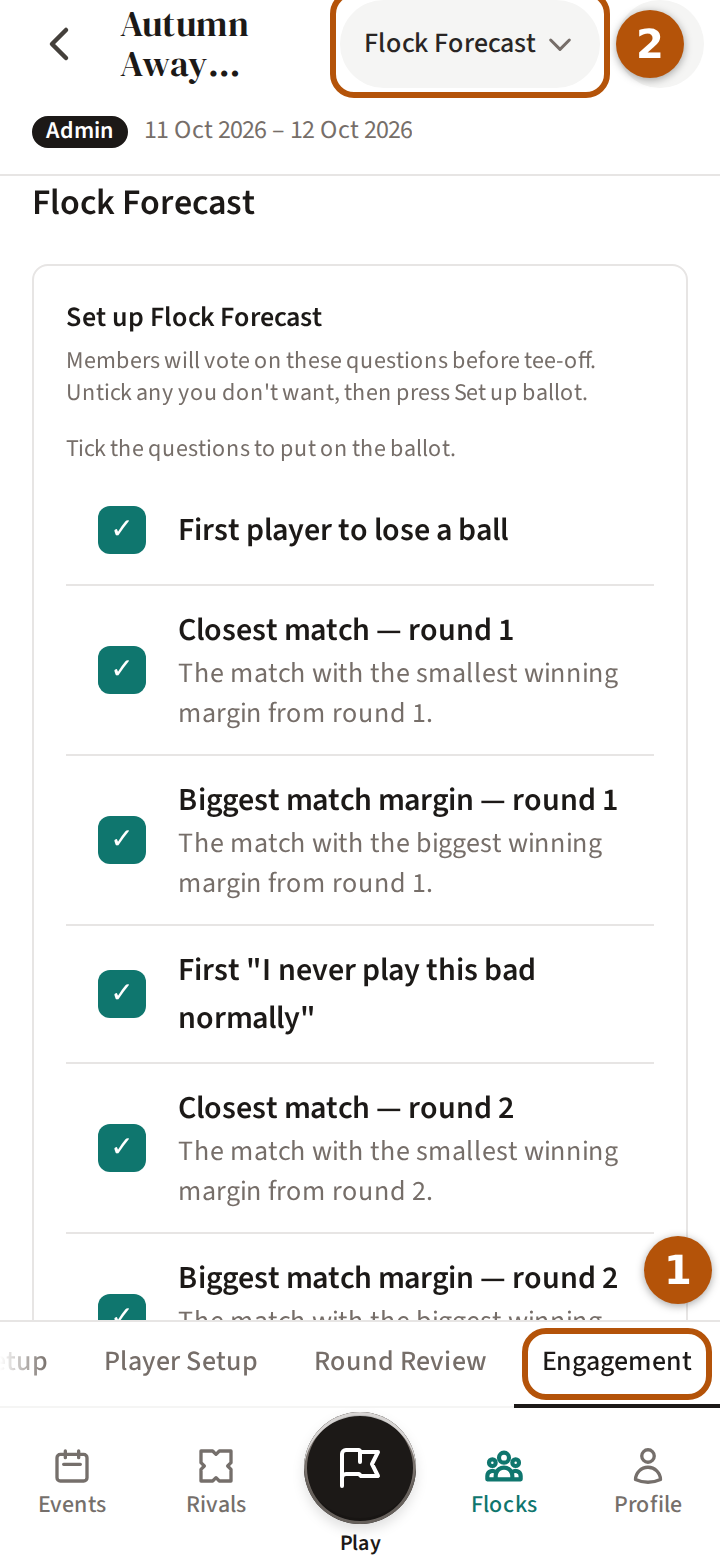
Open the event, press ⋯ for the More menu and choose Admin. Press Engagement in the sections, then choose Flock Forecast in the picker.
2. Set up the ballot
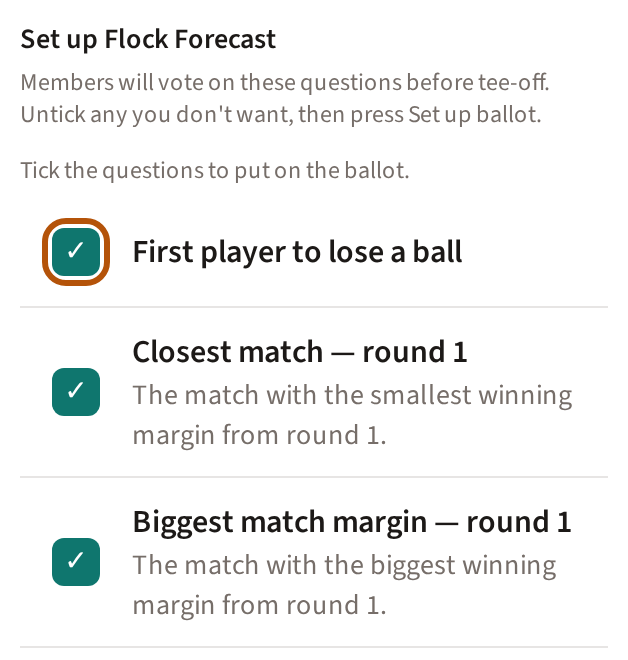
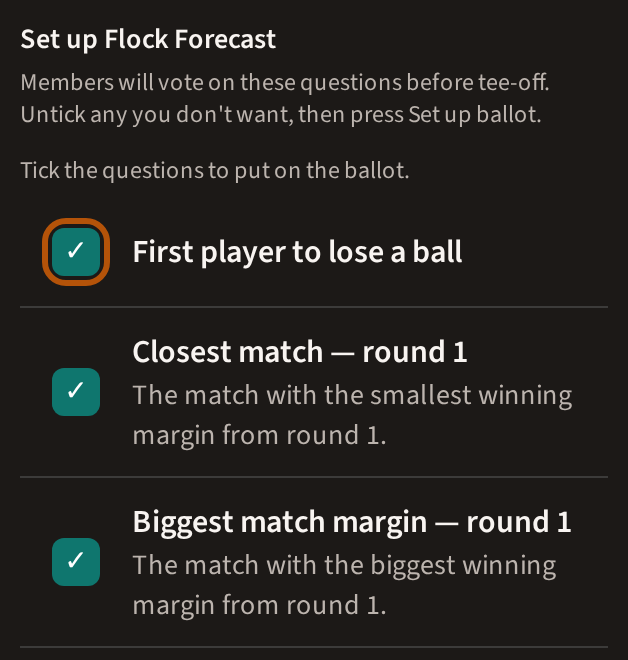
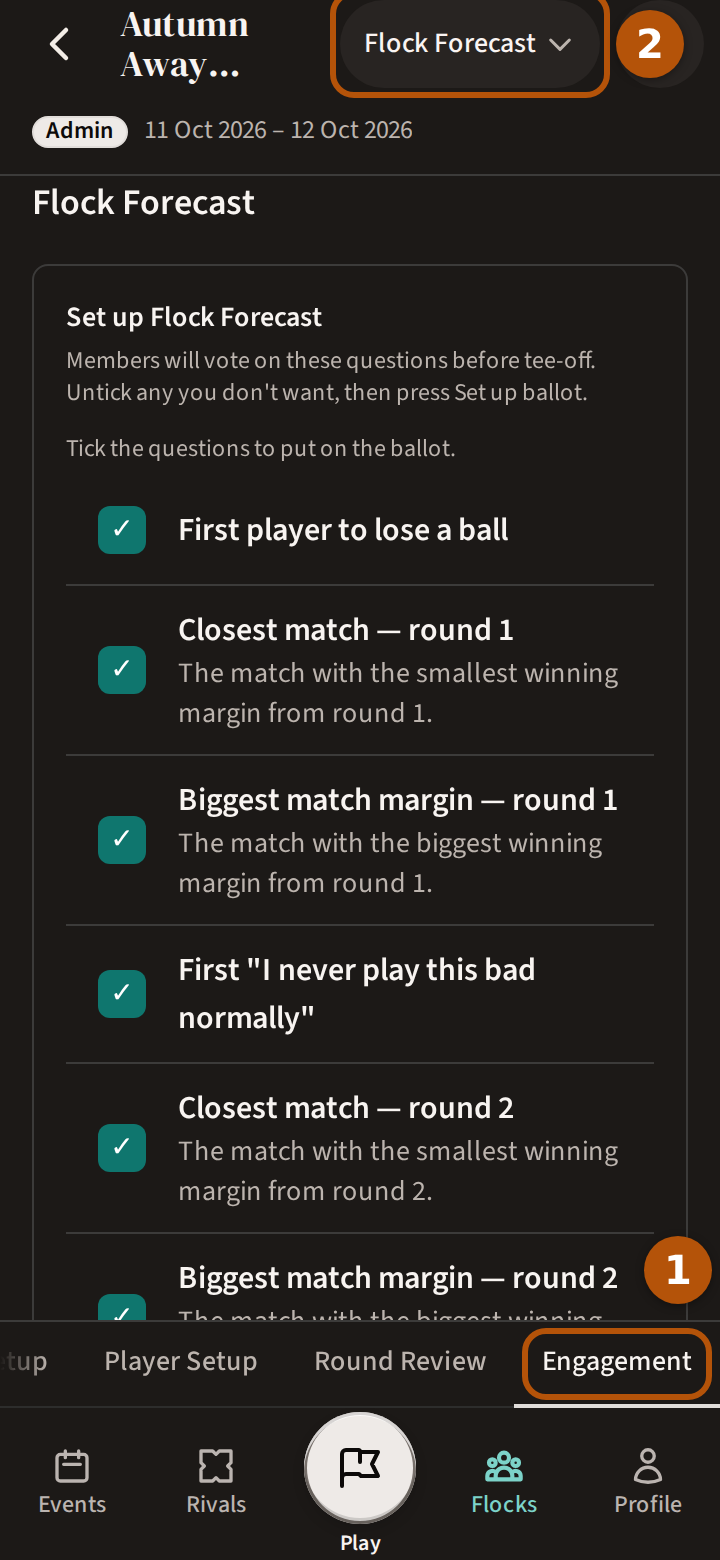
Under Set up Flock Forecast are the questions the flock (your group) will answer —Which team wins?, the Winning margin, the First player to lose a ball, the Most hungover and more — each one ticked: Tick the questions to put on the ballot. Untick any you don't want, then press Set up ballot.
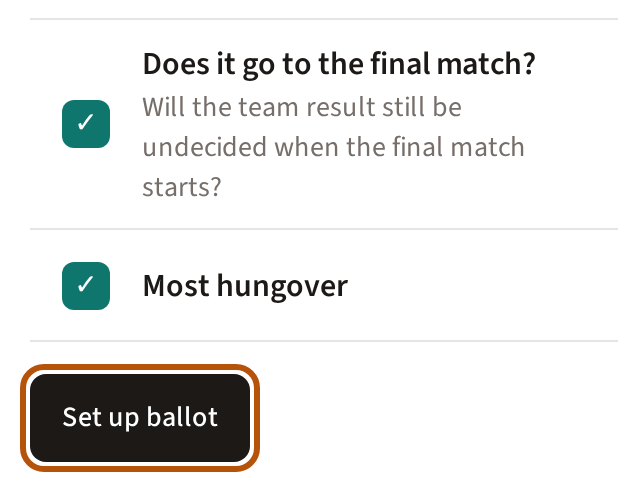
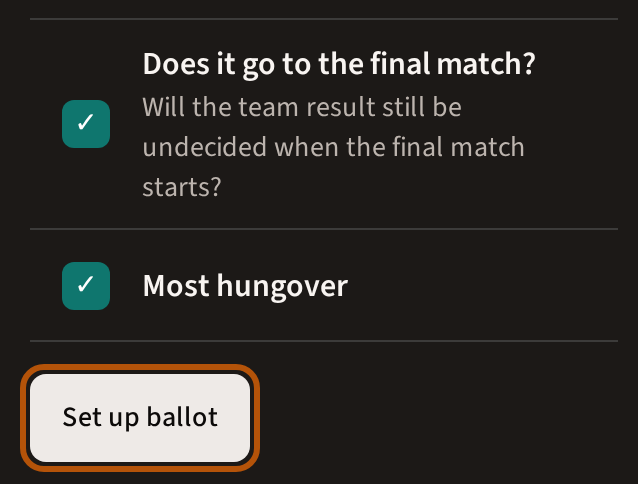
The questions are written for an event of two rounds with a team competition. On any other event, Flock Forecast says No Flock Forecast template available for this event format yet.
3. Open voting
Press Open voting. A question about a round's matches needs that round's matches made first. While one is ticked and its round has none, Open voting stays greyed: untick it and press Save changes. If you make the matches after setting up, press Save changes once they're made, then Open voting.
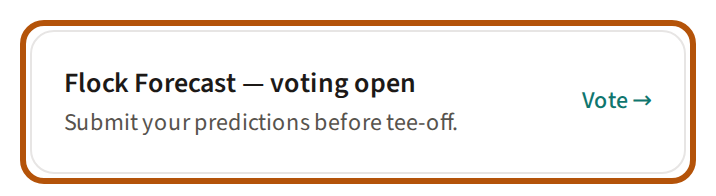
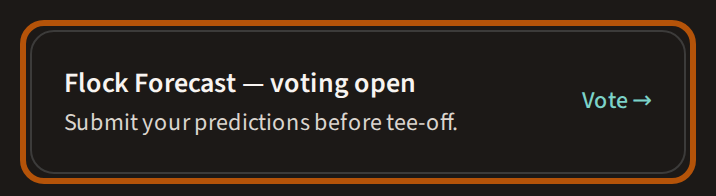
Members now find a card on the event's Preview and press Vote — see Find your way around an event. You vote the same way.
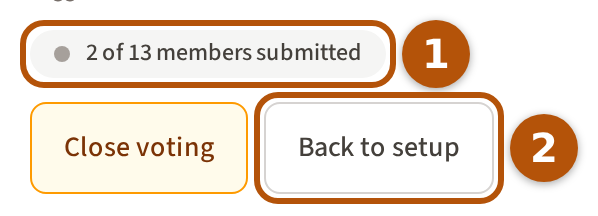
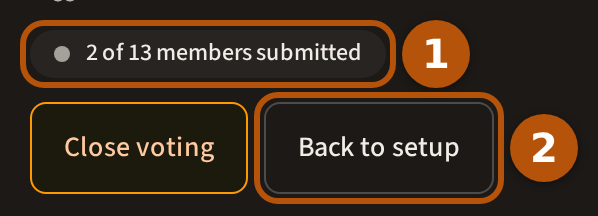
While voting is open, Flock Forecast counts how many members have voted — never what they picked. To change the questions, press Back to setup; Treád asks first — press Revert to setup — and votes already in are kept.
4. Record the banter
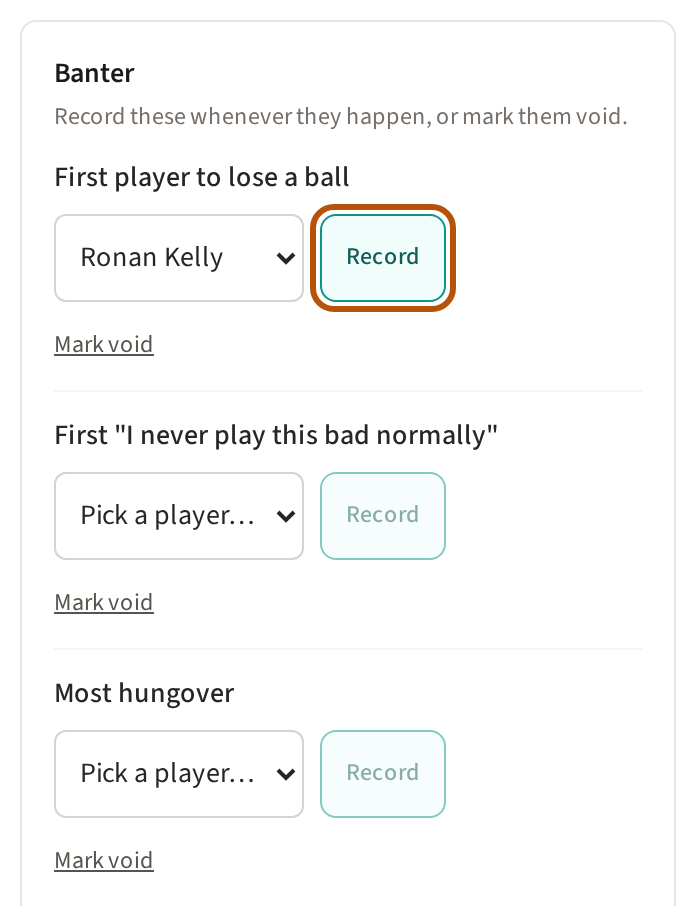
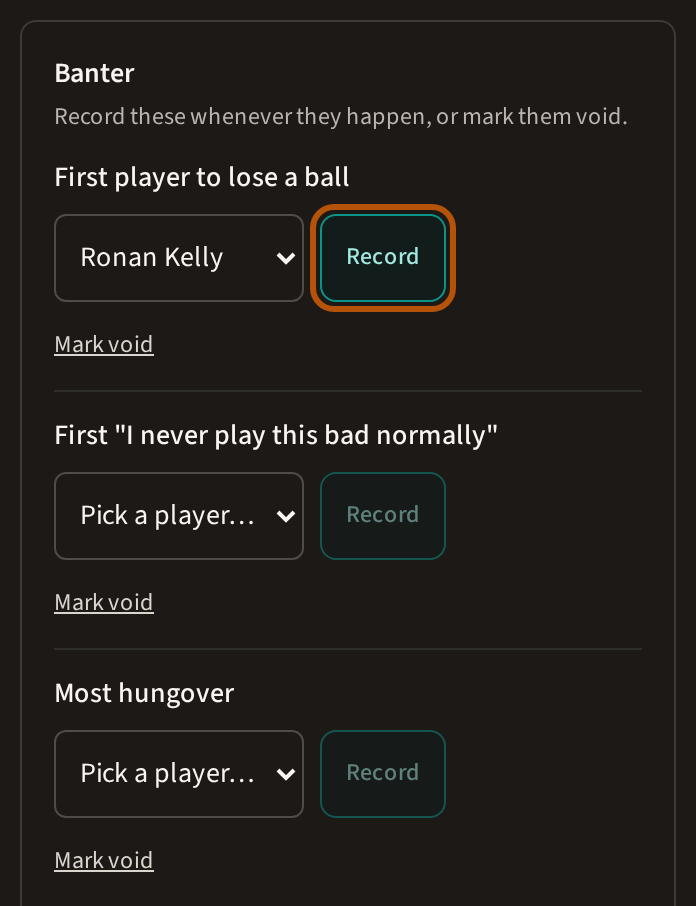
Treád answers most questions from the scores. The rest — the first lost ball, the worst hangover — wait under Banter. Whenever one happens, choose the player, press Record and then Confirm; members see it the next time they look. If nobody saw it, press Mark void, and that question counts for nobody.
5. Close voting
Before the first group tees off, press Close voting. Anyone who hadn't voted counts as making no prediction.
Closed too soon? Press Reopen voting — it stays there until your first reveal.
6. Reveal, and crown Nostradamus
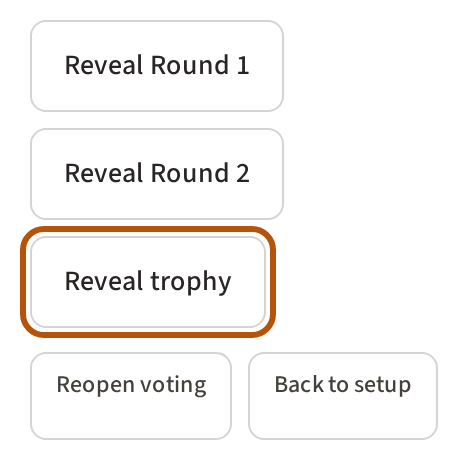
Then the reveals, each when that part of the golf is done: Reveal Round 1, Reveal Round 2, and Reveal trophy at the end. Each asks first — press Reveal now — and shows everyone the answers.
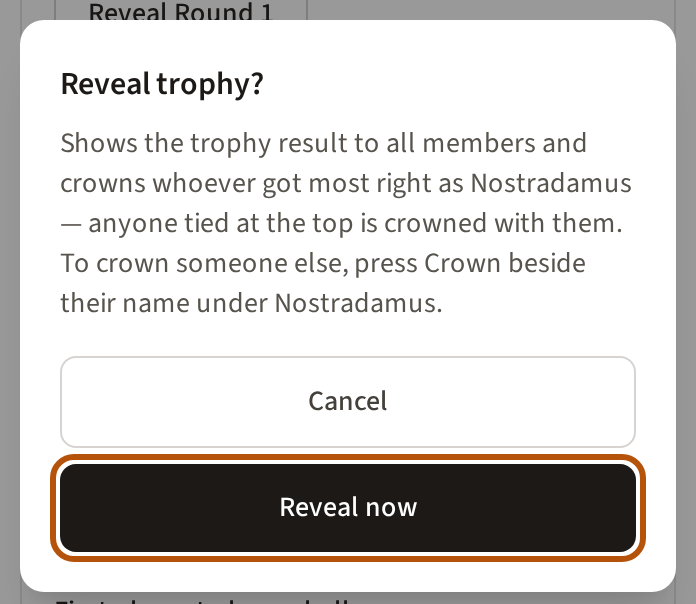
Once a reveal is done, Revealed shows beside its button, with Undo: if a score was wrong, Undo clears that reveal so you can fix the score and reveal again.
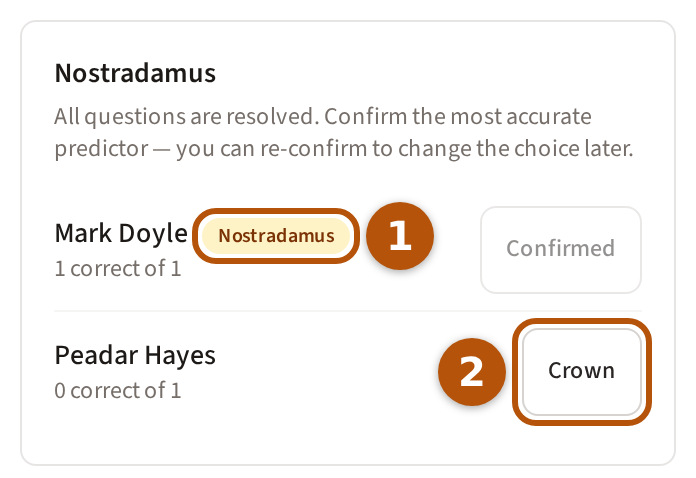
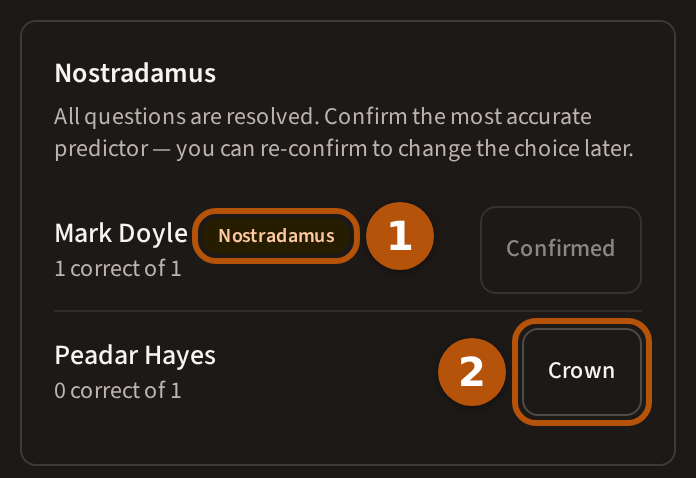
The trophy reveal crowns whoever got most right as Nostradamus; anyone tied at the top is crowned with them. The list shows how everyone did, and the winner's button reads Confirmed. To crown someone else, press Crown beside their name and then Confirm winner; if they are tied with others, Treád asks whether to crown everyone tied or just them.
Still stuck? Tell us and we will help.