Run side contests
A nearest the pin on the short seventh gives every group something to shout about, even the ones going nowhere in the main event. Put a contest on any hole, or let Treád pick a few secret holes nobody knows till the round's done, and it keeps the tally. Here's how to set them up and see who won.
1. Open Bragging Rights
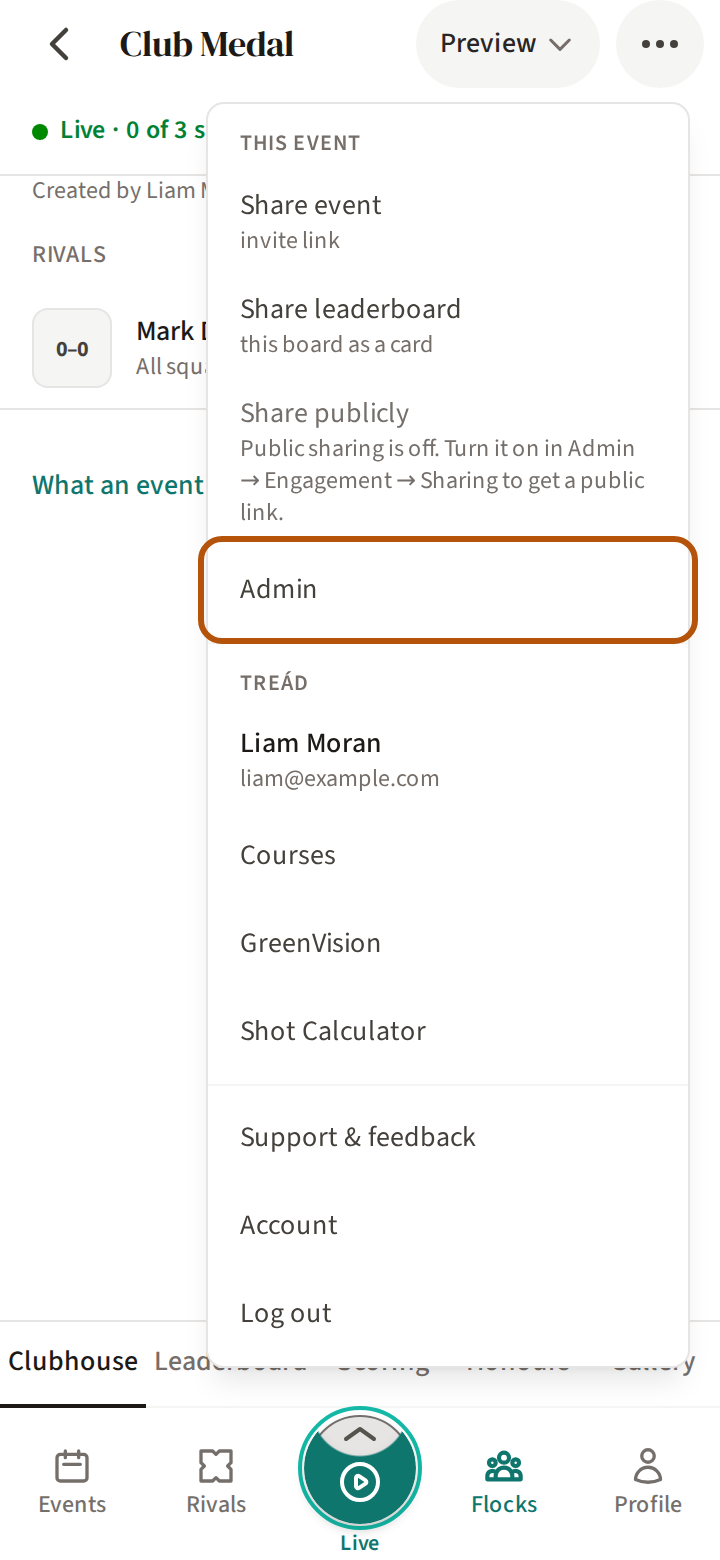
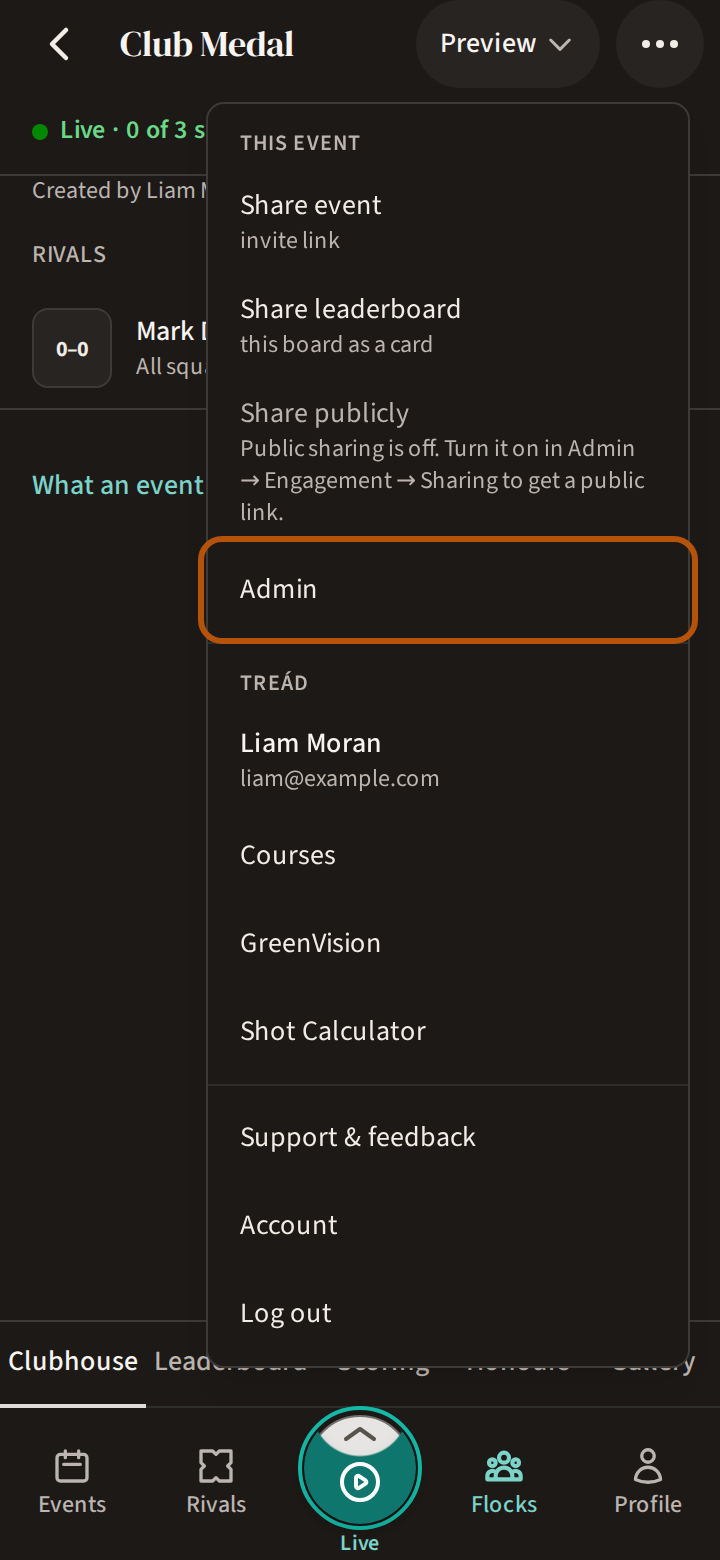
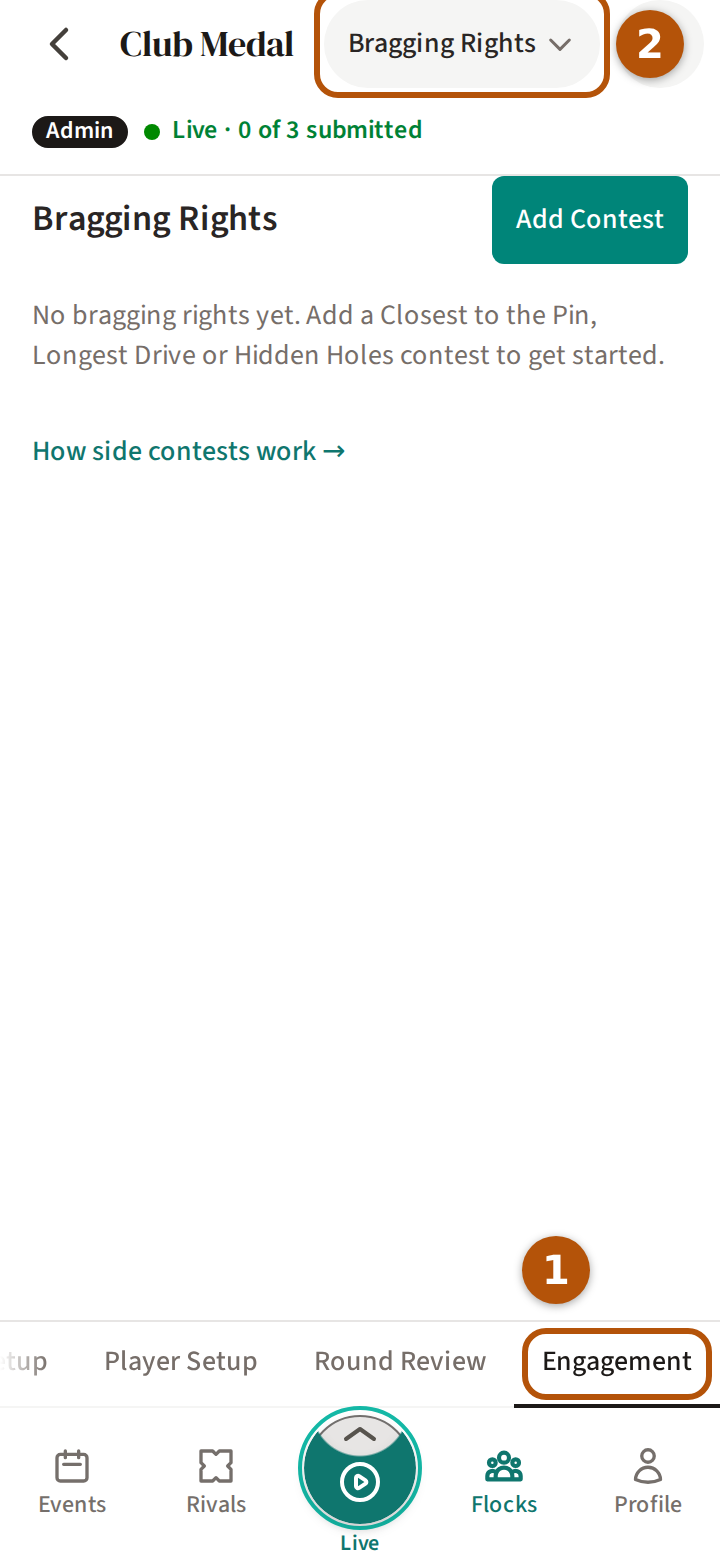
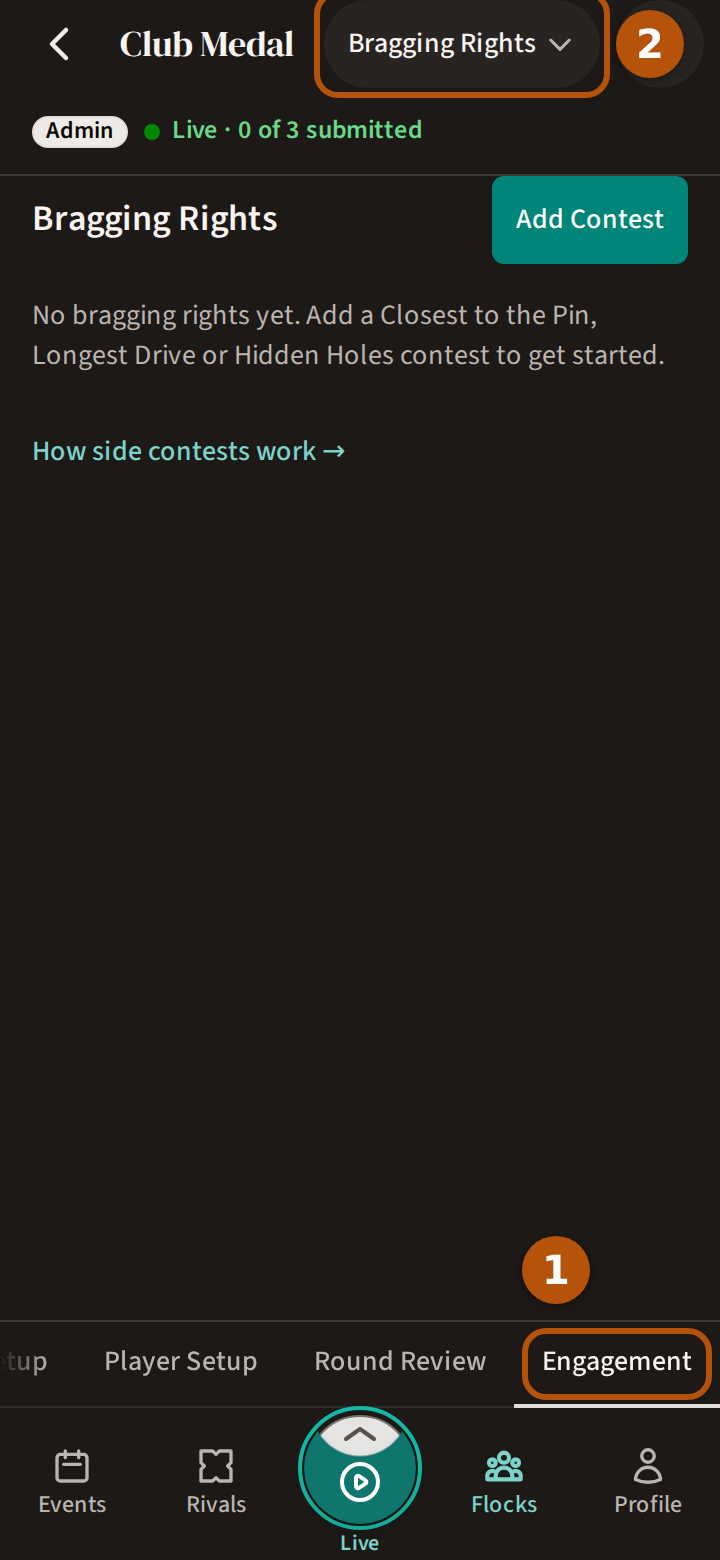
Side contests are called Bragging Rights in Treád. Open the event, press ⋯ for the More menu and choose Admin. Press Engagement in the sections, then choose Bragging Rights in the picker.
2. Add a nearest the pin or a longest drive
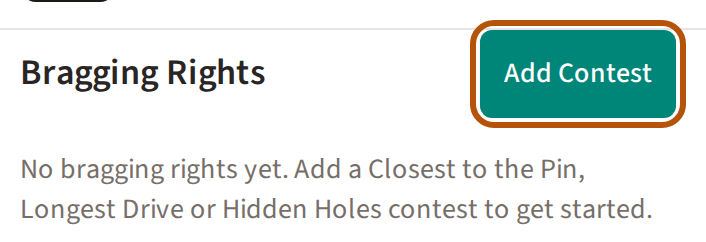
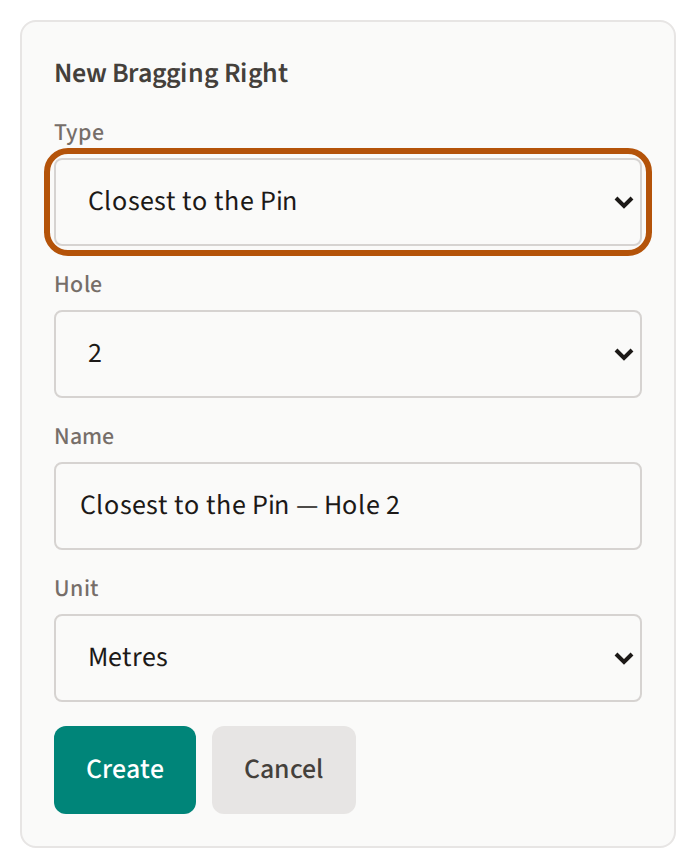
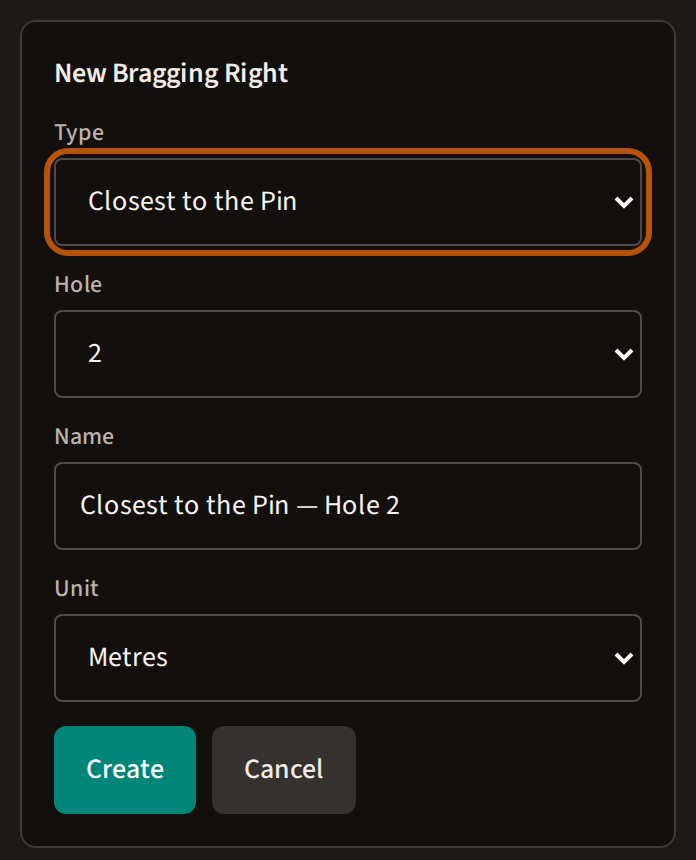
Press Add Contest. Under Type choose Closest to the Pin, Longest Drive or Custom — a contest of your own, measured the same way. If the event has more than one round, choose the Round. Choose the Hole; a nearest the pin or a long drive is named after it, and you can change the Name (a Custom one needs a name of your own). Pick the Unit — feet, yards or metres — and press Create.
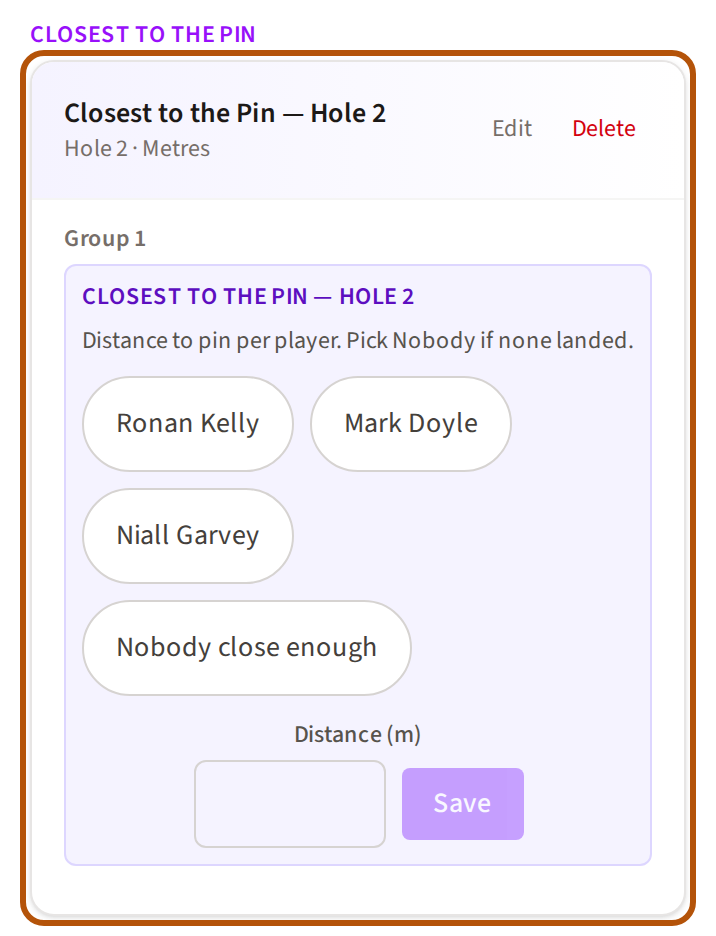
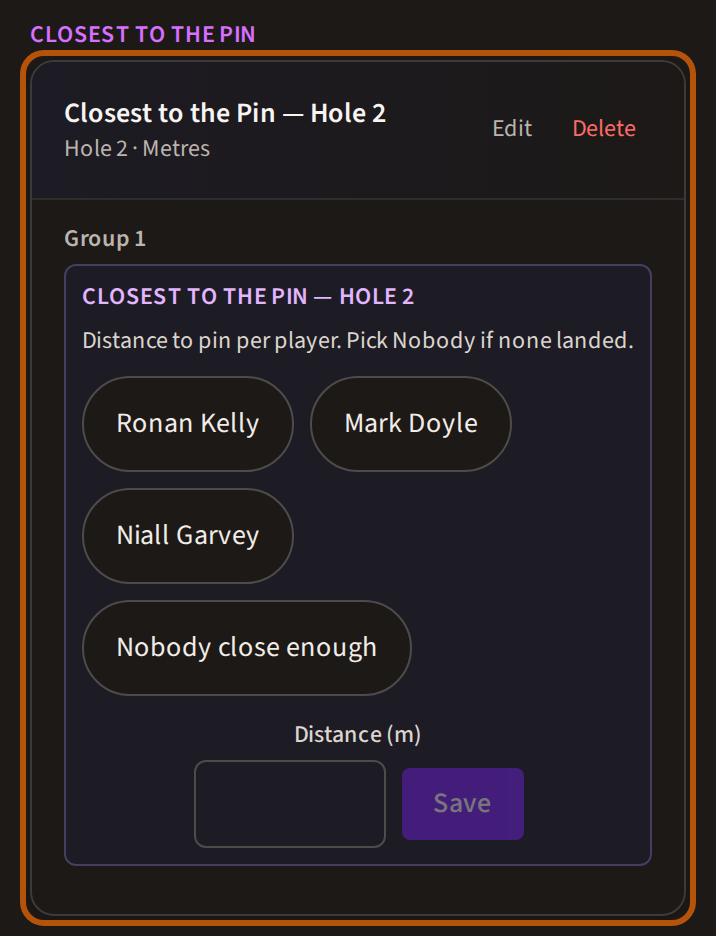
The contest appears under its heading — Closest to the Pin, Longest Drive — with each of the round's groups beneath it, so set the groups up first. Edit and Delete sit beside its name.
3. Hidden Holes
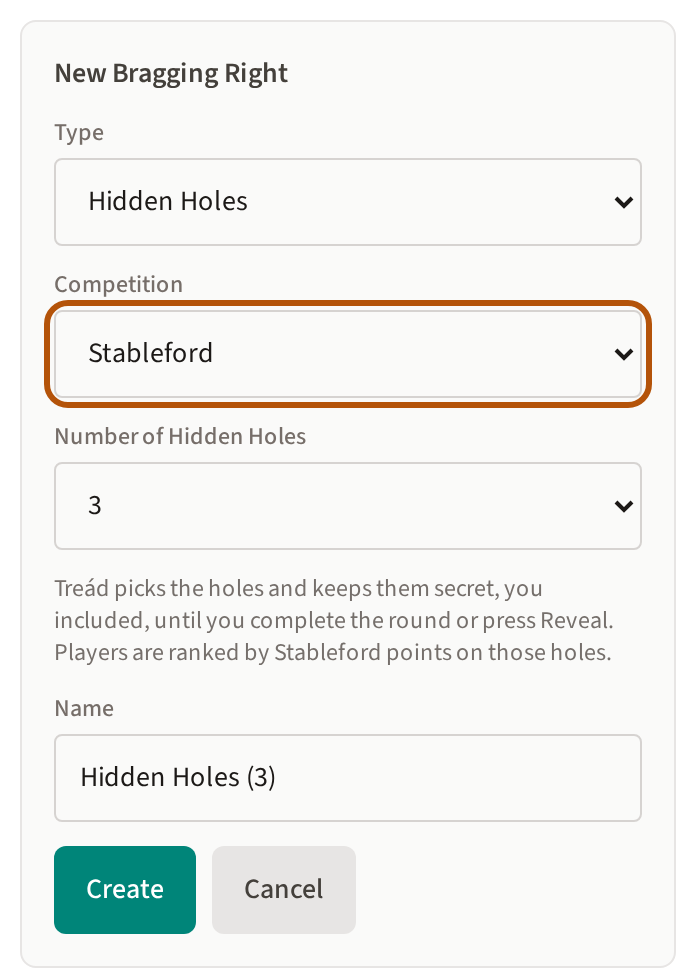
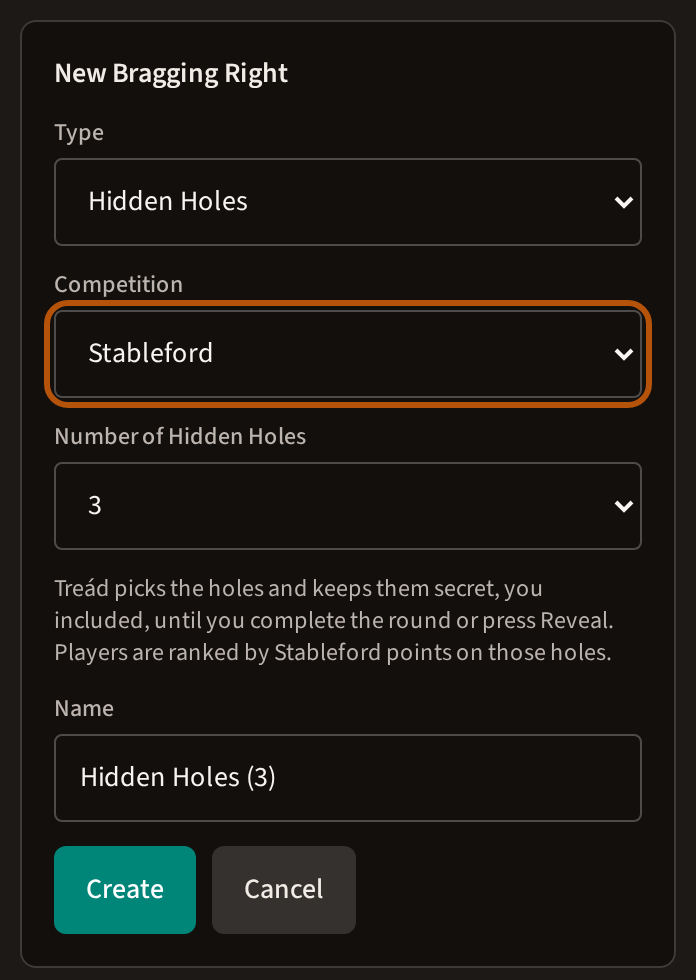
Choose Hidden Holes under Type, then the Competition it scores and the Number of Hidden Holes, and press Create. Treád picks the holes itself and keeps them secret from everyone, you included. When you complete the round, it shows them and ranks every player by Stableford points on those holes alone — so nobody can play for them.
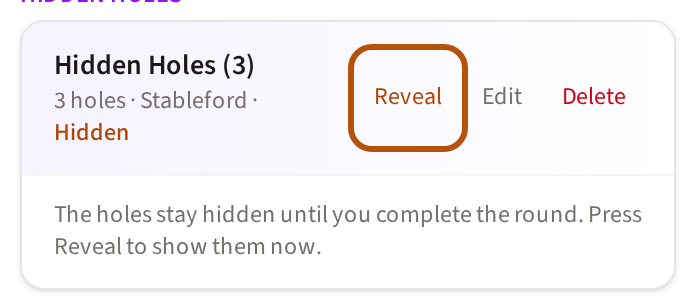
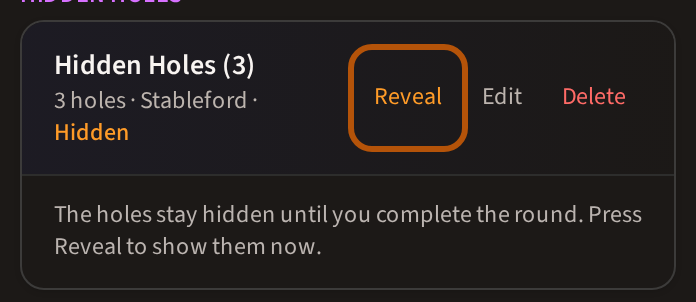
Until then it reads Hidden. To show the holes sooner, press Reveal; Treád asks first, because it cannot be undone.
4. On the day
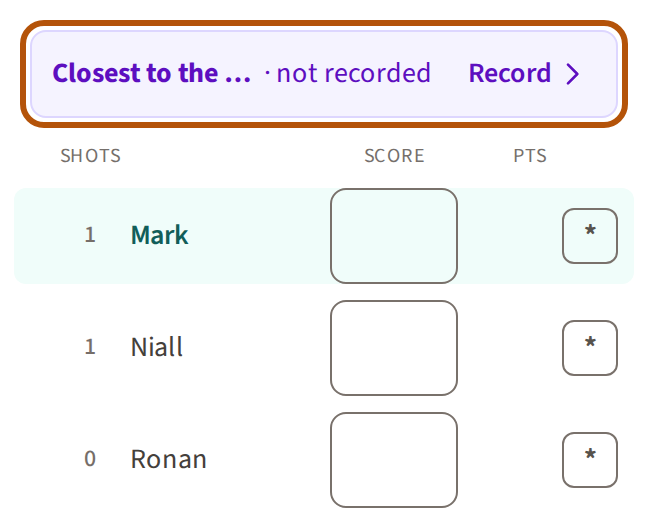
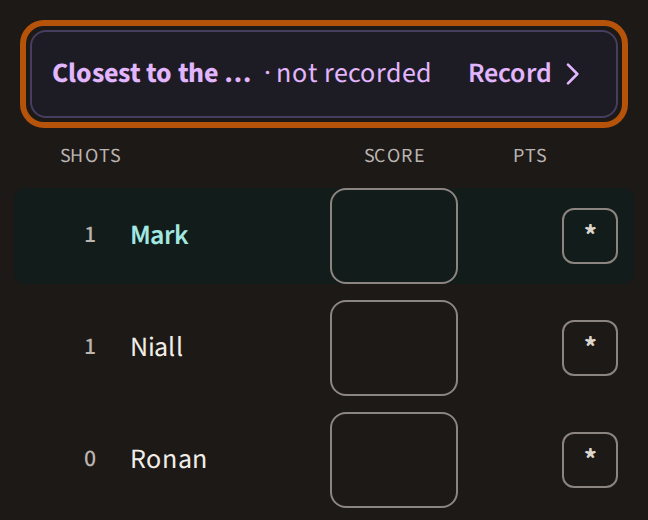
Players have nothing to set up. On the contest's hole their card carries a row for it, and whoever is scoring for the group records who won it — see Score a round.
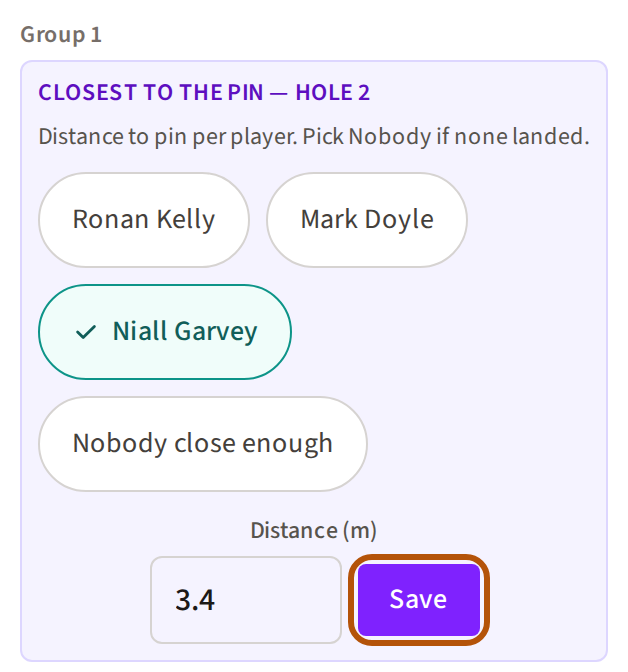
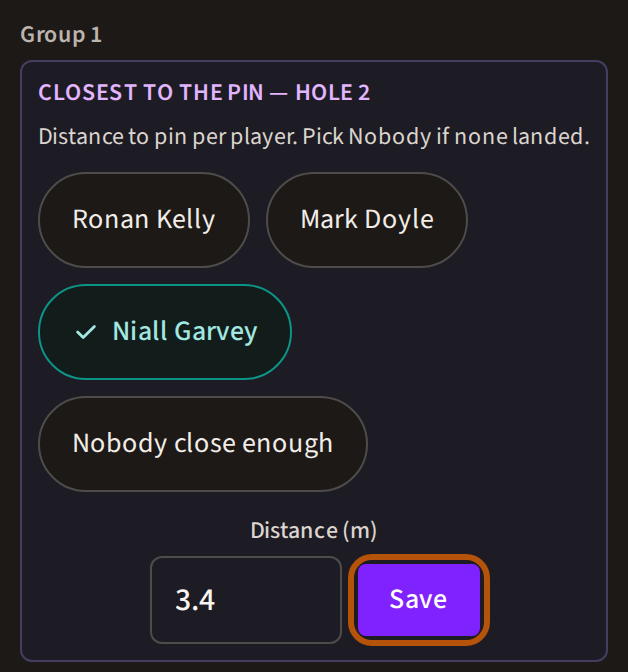
You can record or correct any group's result yourself, under the contest in Bragging Rights: in that Group, press the winner, type the distance and press Save. If nobody in the group qualified, choose Nobody close enough (on a long drive, Nobody hit the fairway).
5. Where the winners show
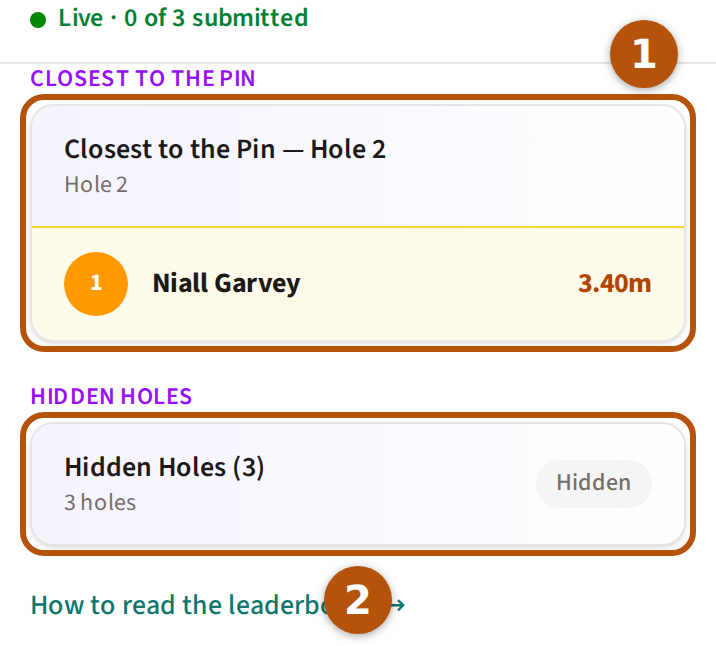
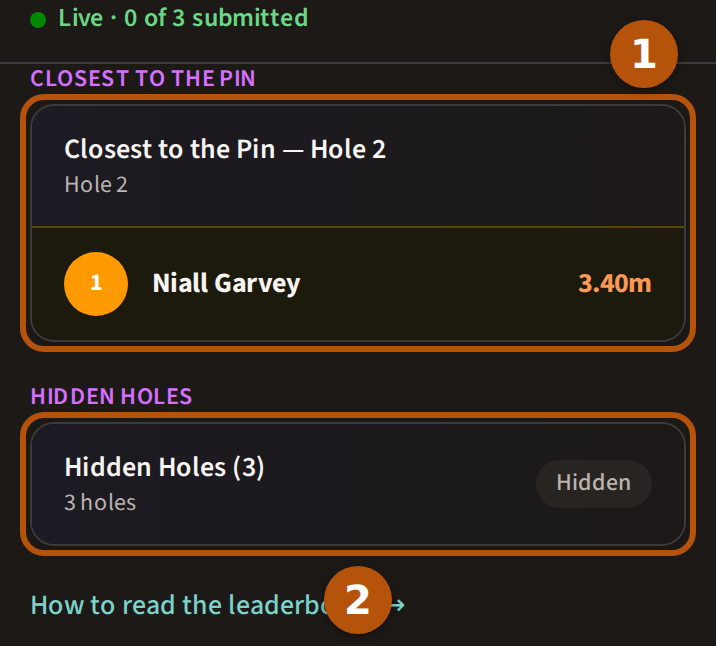
Everyone sees the contests on the Leaderboard: the picker offers Bragging Rights as soon as the event has one. Each contest has a card, with the best result so far across the groups at the top — see Read the leaderboard. When you complete the event, the winners go into its Honours under Bragging Rights.
6. An amount on each bragging right
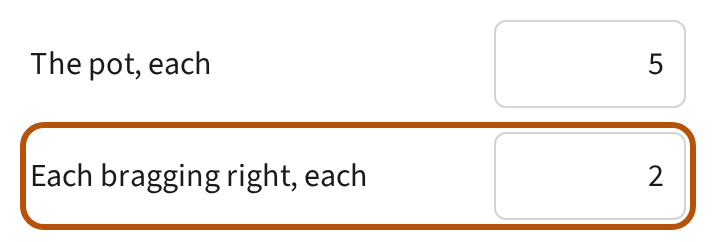
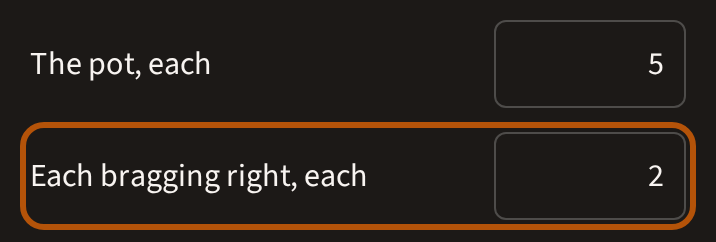
When the event has a pot, everyone in it also puts the same amount on each bragging right, paid to that contest's winner. You set it as Each bragging right, each on Stakes, under Event Setup. Joint winners share it. A contest nobody wins carries to the same contest on the next round, or, with no next round, goes back to the players. See Run a pot.
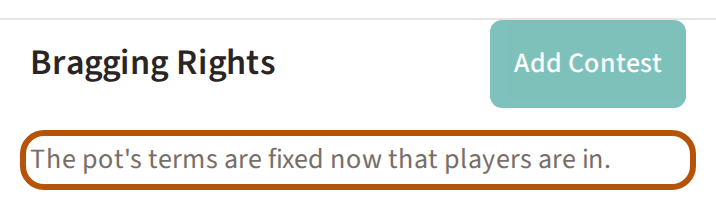
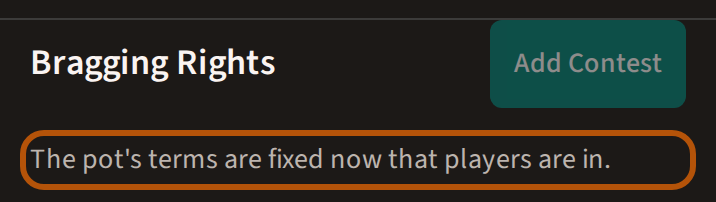
Add your contests before anyone is in the pot. Once a player is in, Bragging Rights reads The pot's terms are fixed now that players are in., and contests can't be added or deleted.
Still stuck? Tell us and we will help.