Find your way around an event
Who's off first, who's leading, who took the honours and who got snapped in a bunker — an event keeps it all in one place. Here's how to find your way through its five sections, and how to join a round, ask to play or spectate.
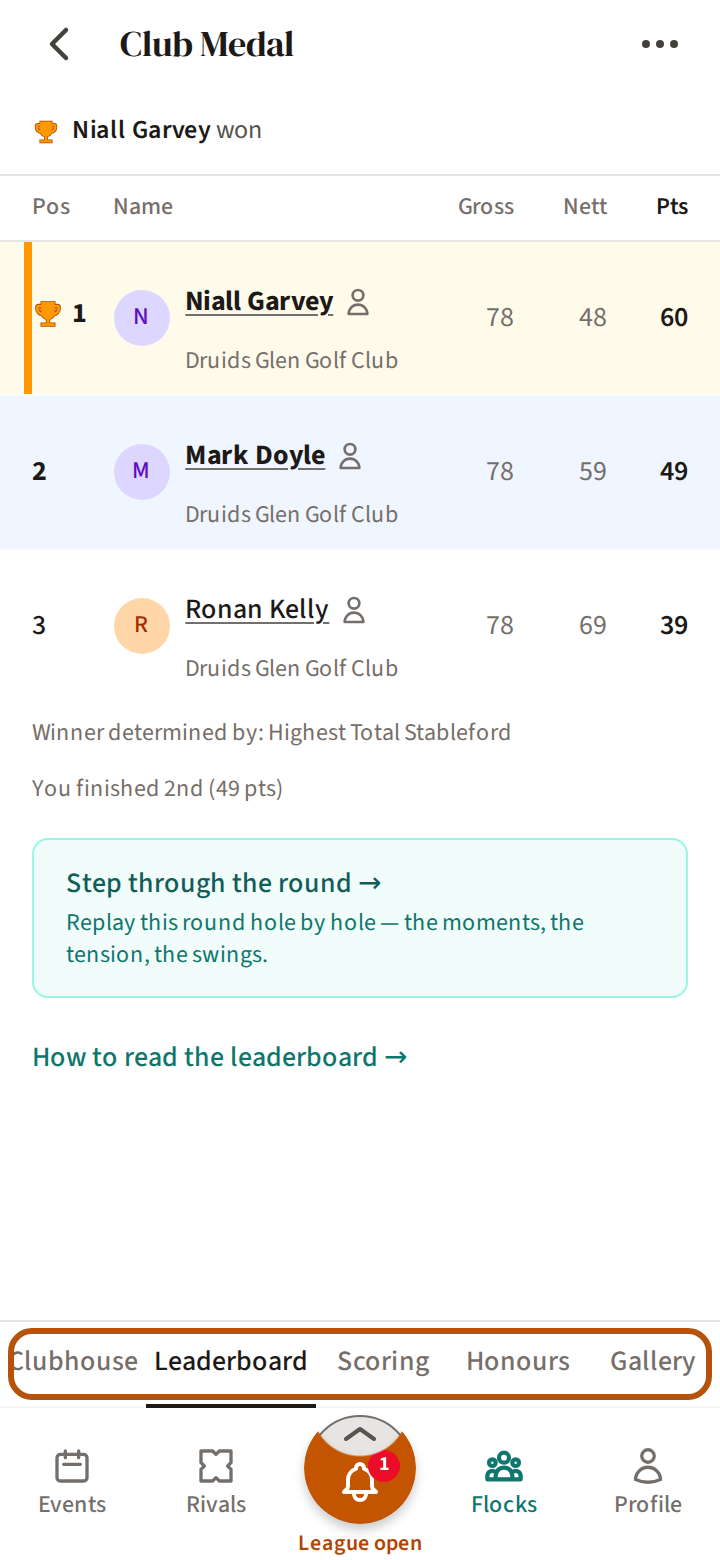
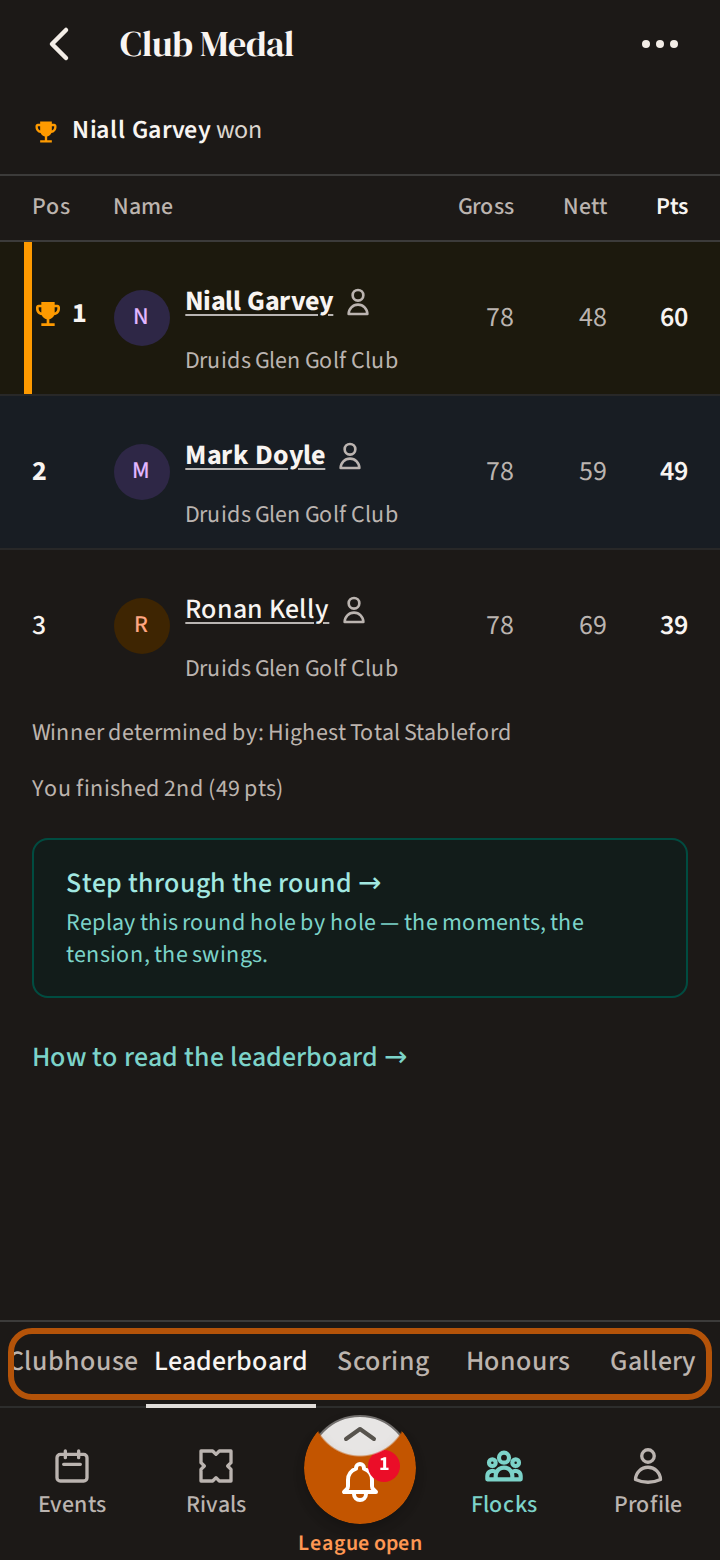
Every event has its sections in the row just above the bar. Before it starts there are two — Clubhouse and Gallery. Once it is under way there are five: Clubhouse, Leaderboard, Scoring, Honours and Gallery. In each, the picker in the header chooses what you are looking at.
Clubhouse
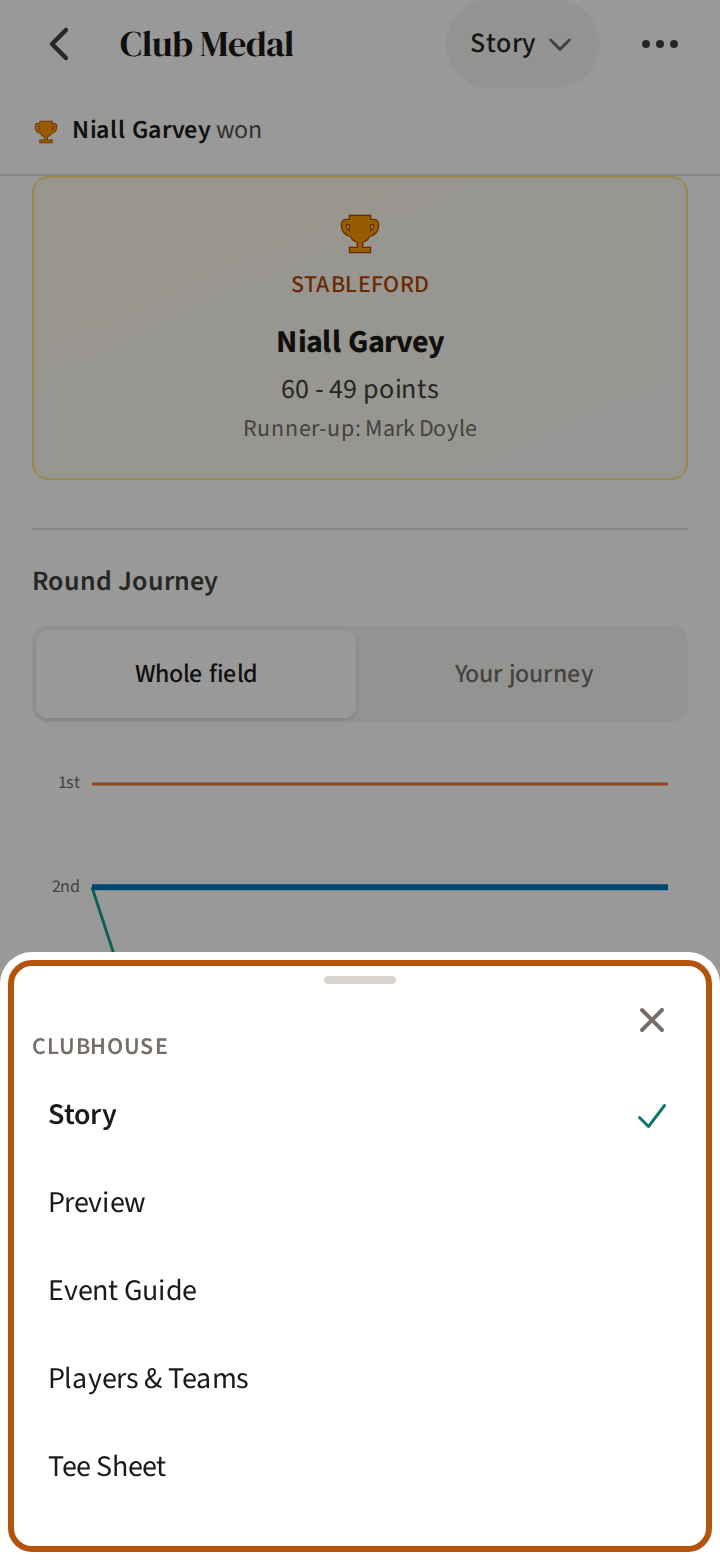
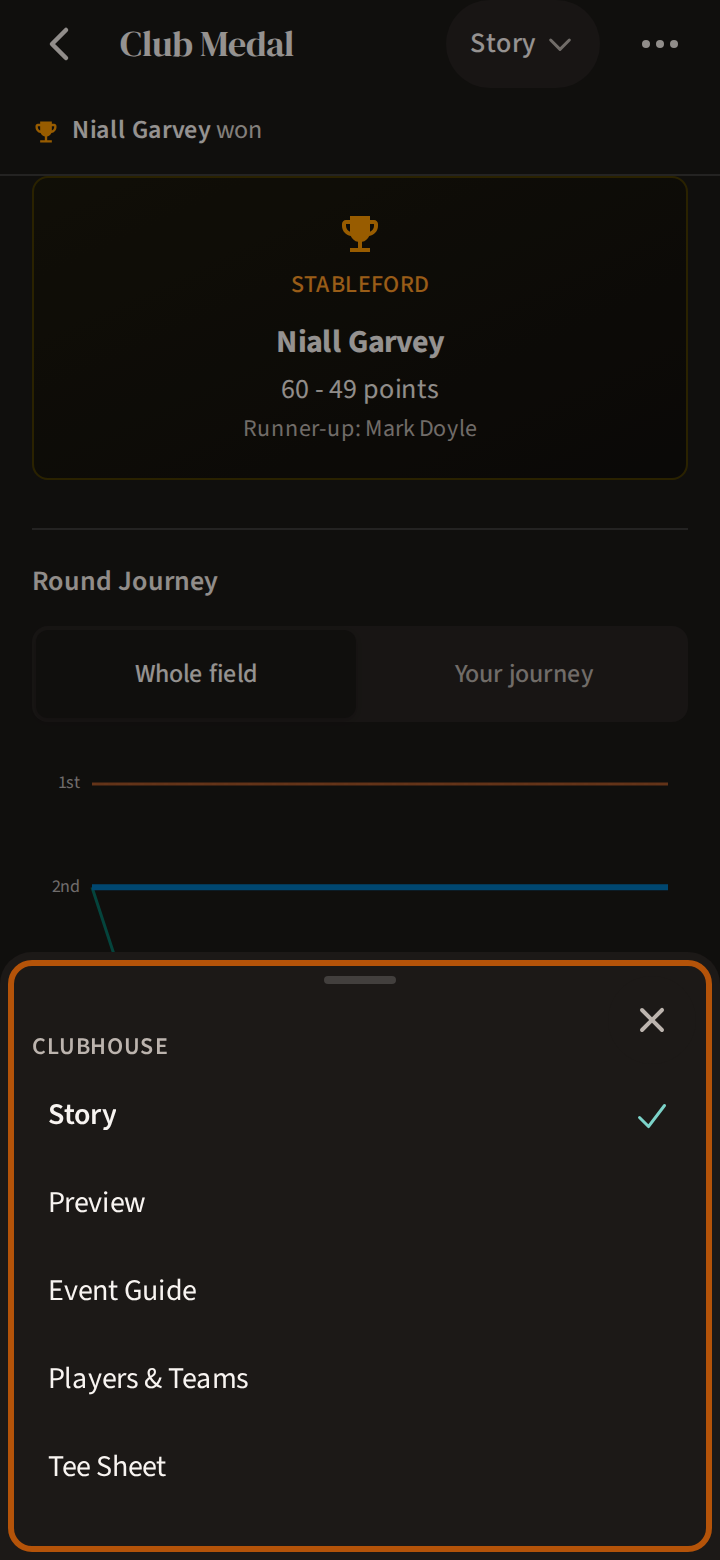
The event's front door. The picker moves through its parts one at a time: the Preview, the Event Guide (the courses, the formats, how the shots are worked out), Players & Teams, and the Tee Sheet. Once the event is over, the Story of the day comes first.
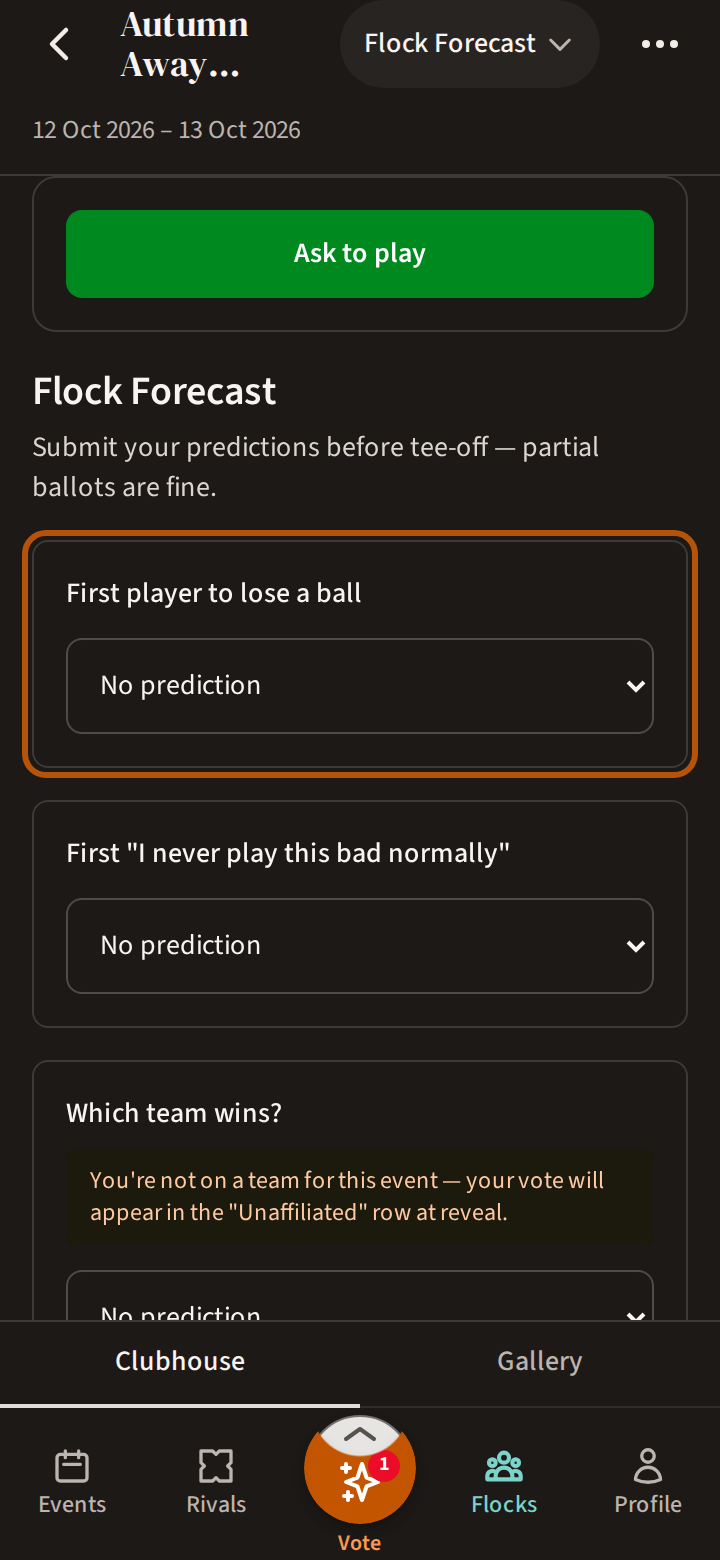
If the organiser runs a Flock Forecast — the whole flock (your group) calling the day before it is played — the Preview carries a card for it once voting opens, and the picker offers Flock Forecast too. Press Vote.
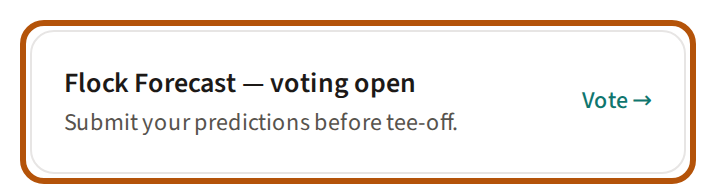
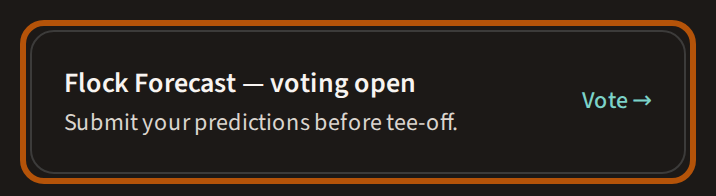
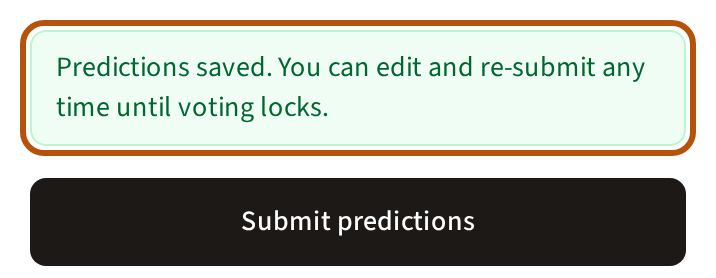
Each question has its own box: pick a player, a match or a team, put in a number, or press Yes or No. Leave any you'd rather not call at No prediction — a part-filled ballot counts. Press Submit predictions. You can change your answers and submit again until the organiser closes voting; after that the card offers See your ballot.
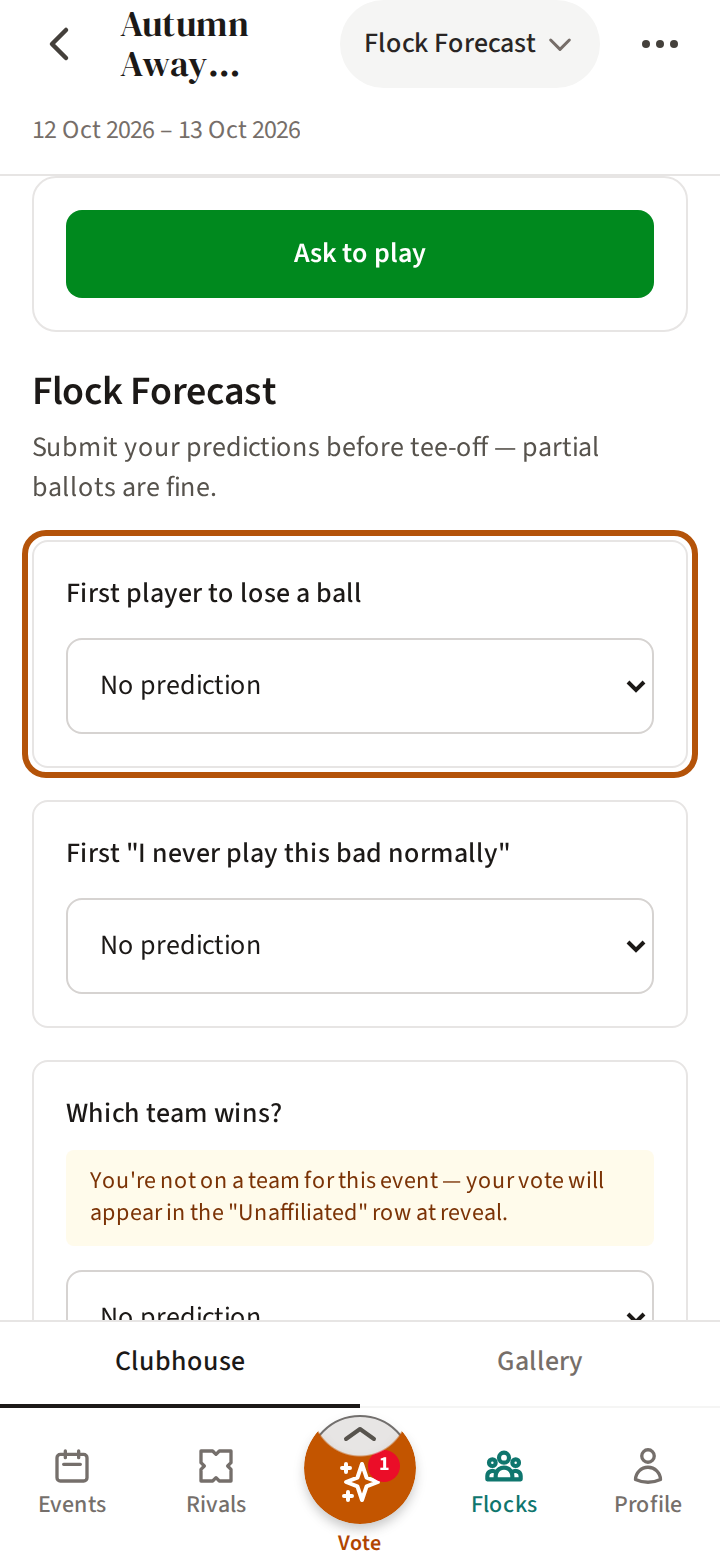
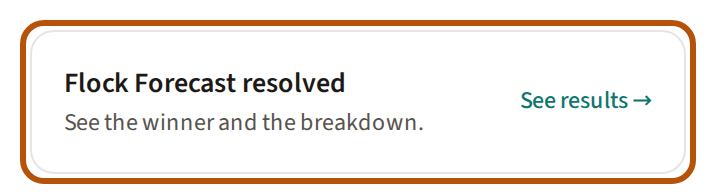
As the organiser reveals the answers, the card offers See results. Under My answers each of your predictions sits beside the Actual answer, marked Correct or Incorrect; the picker's Flock answers and Everyone show how the rest of the flock called it. Whoever called the most right is crowned Nostradamus, among the event's Honours.
Join or spectate a round
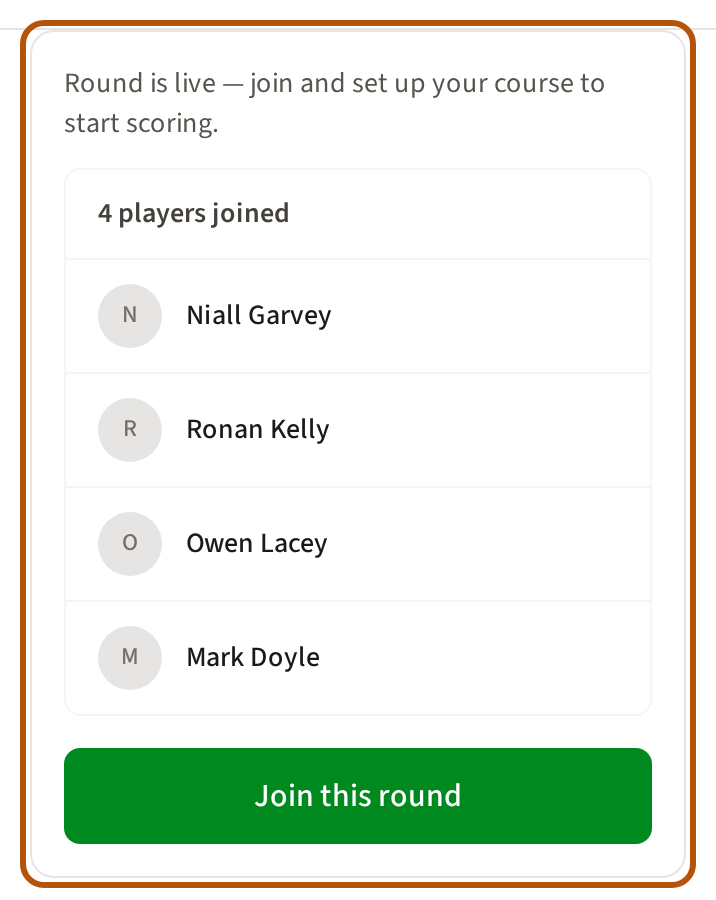
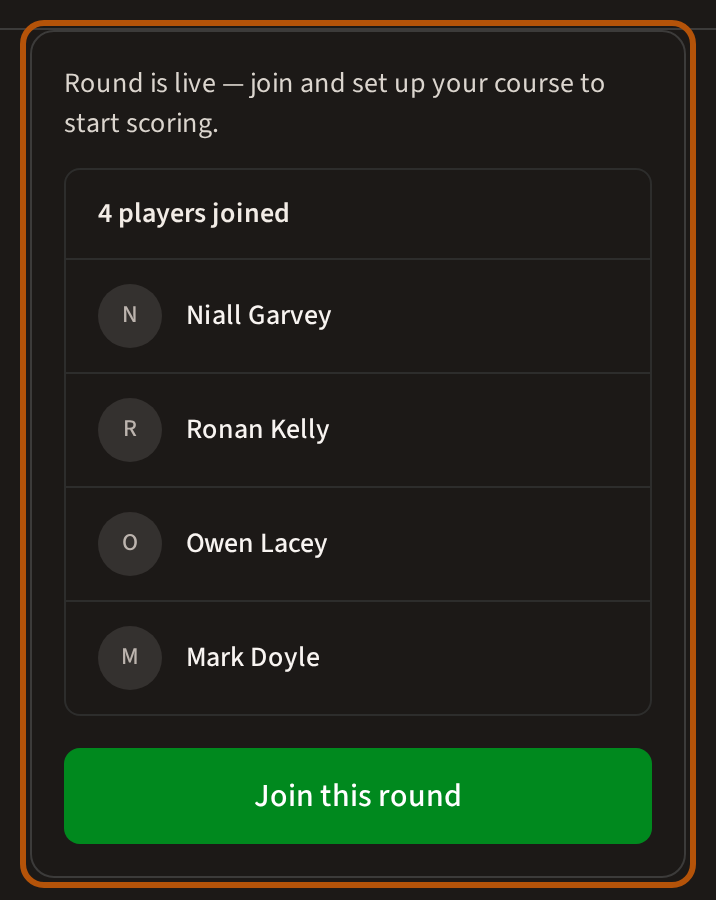
If you are not playing in an event, its Clubhouse starts with a card that says what you can do. On a roaming round open to the flock it is Join this round — and, if the organiser allows spectators, you can Spectate instead, to follow the scores without playing. A roaming round that is not open to the flock offers only Spectate. On a Regular or Signature Event it is Ask to play, which sends the organiser a request; see Asking to play.
Leave, or stop spectating
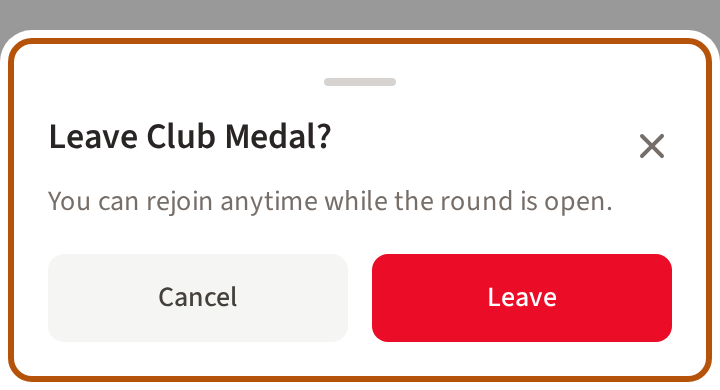
Joined a roaming round and can't make it after all? Open the More menu (⋯) and choose Leave. Leave is there until you have a score in; after that, and on a Regular or Signature Event, ask the organiser to take you off.
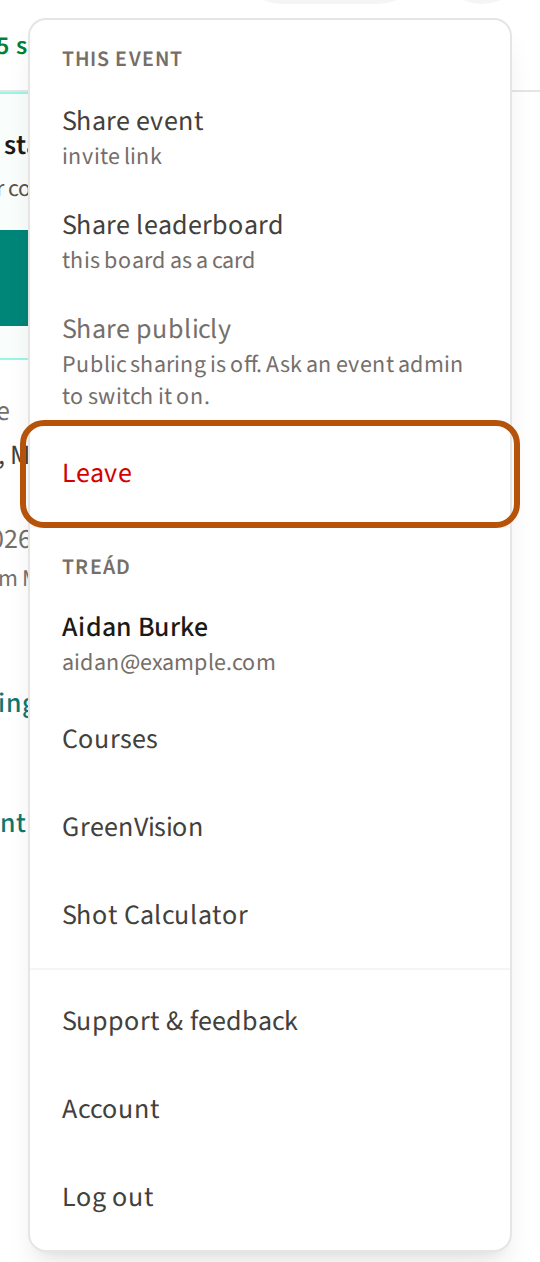
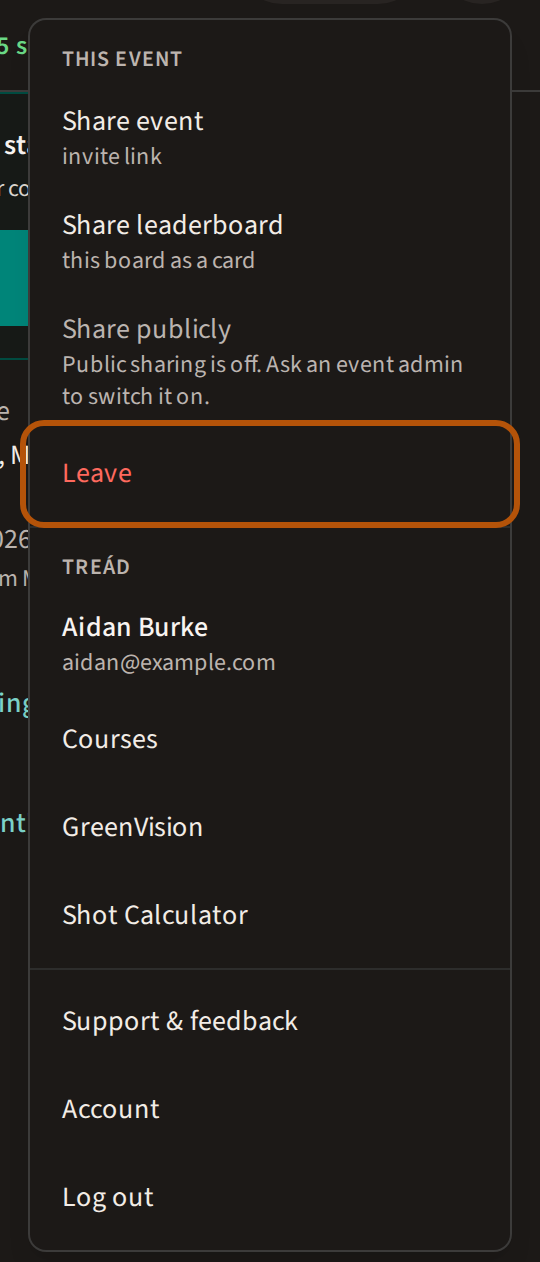
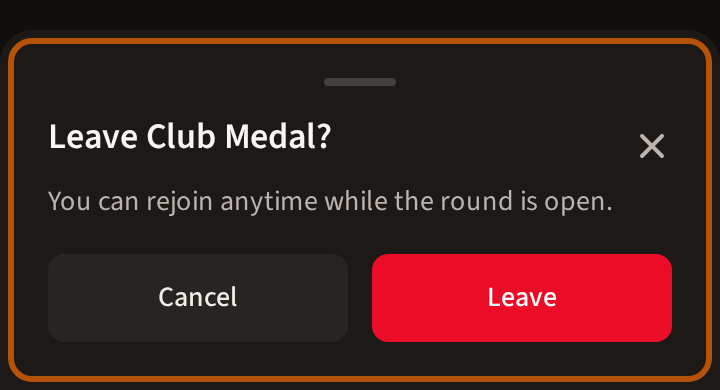
Treád asks first, naming the round and saying you can rejoin while it is open. Press Leave to go, or Cancel to stay. Once you have left, the Clubhouse offers Join this round again.
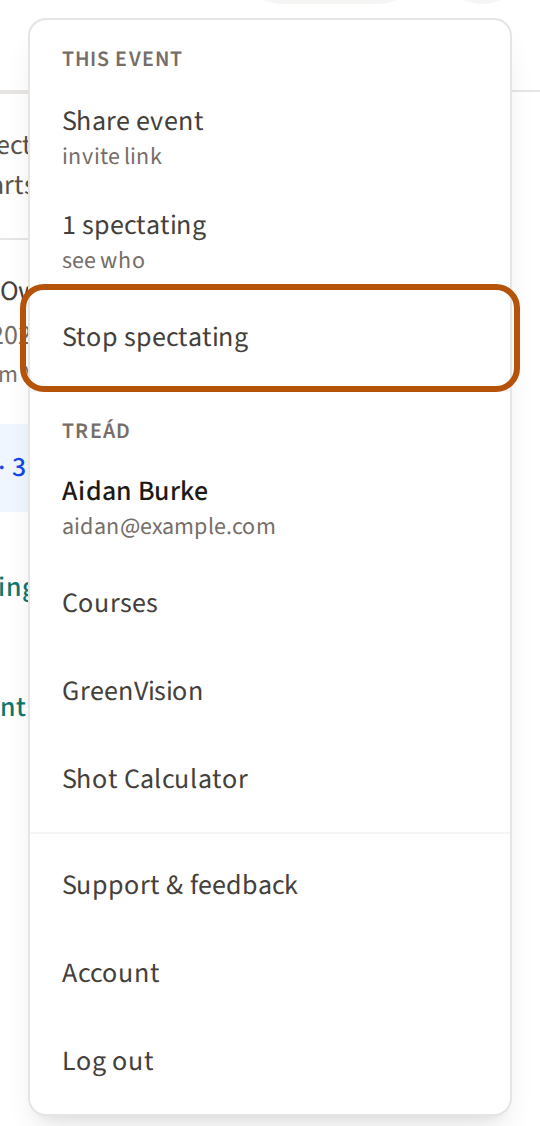
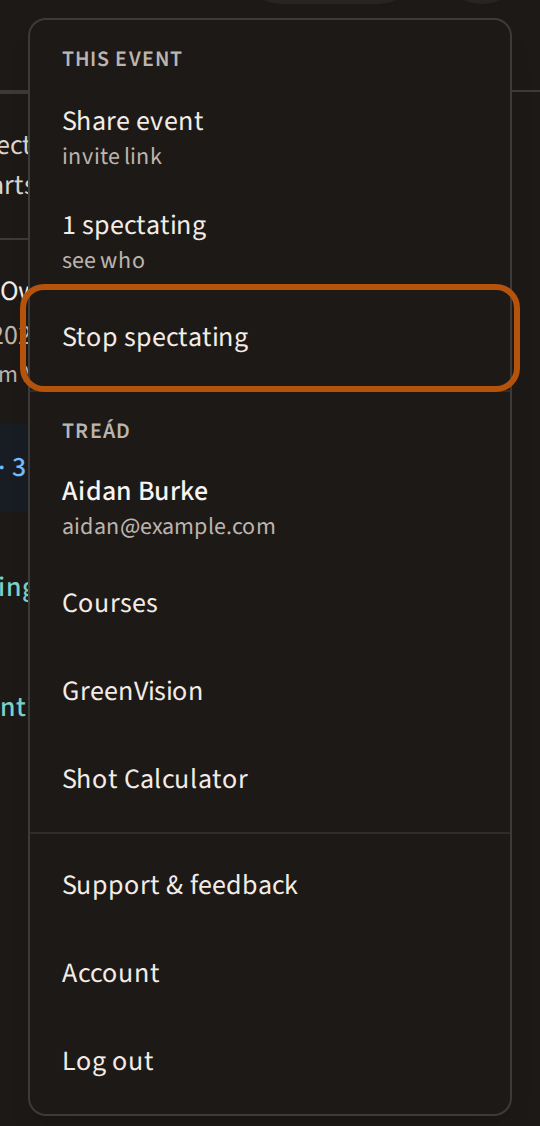
Following a round you are not playing in? Before it starts, the More menu has Stop spectating. Once it is under way you stay on as a spectator; to play, press Ask to play on the Clubhouse card.
Leaderboard
The standings. Where an event has more than one competition, the picker chooses which — and also offers Your Rivals, Rivals in Play and Bragging Rights, the side contests. While the event is on, or when it has more than one round, buttons at the top of the table switch between Standings, Hole by hole (while it is on) and By round.
Once the event is over, Step through the round under the table replays the round hole by hole — see Replay a round hole by hole.
Scoring
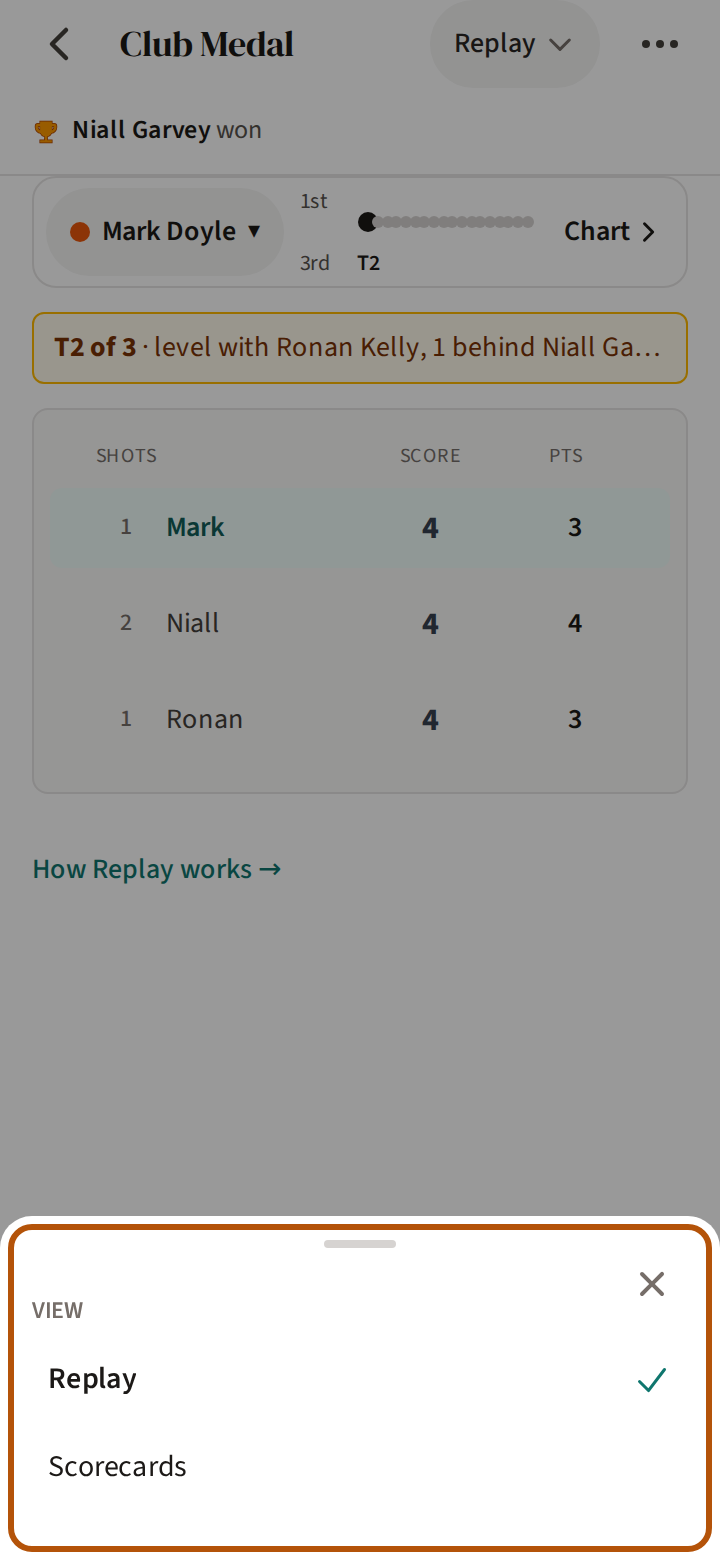
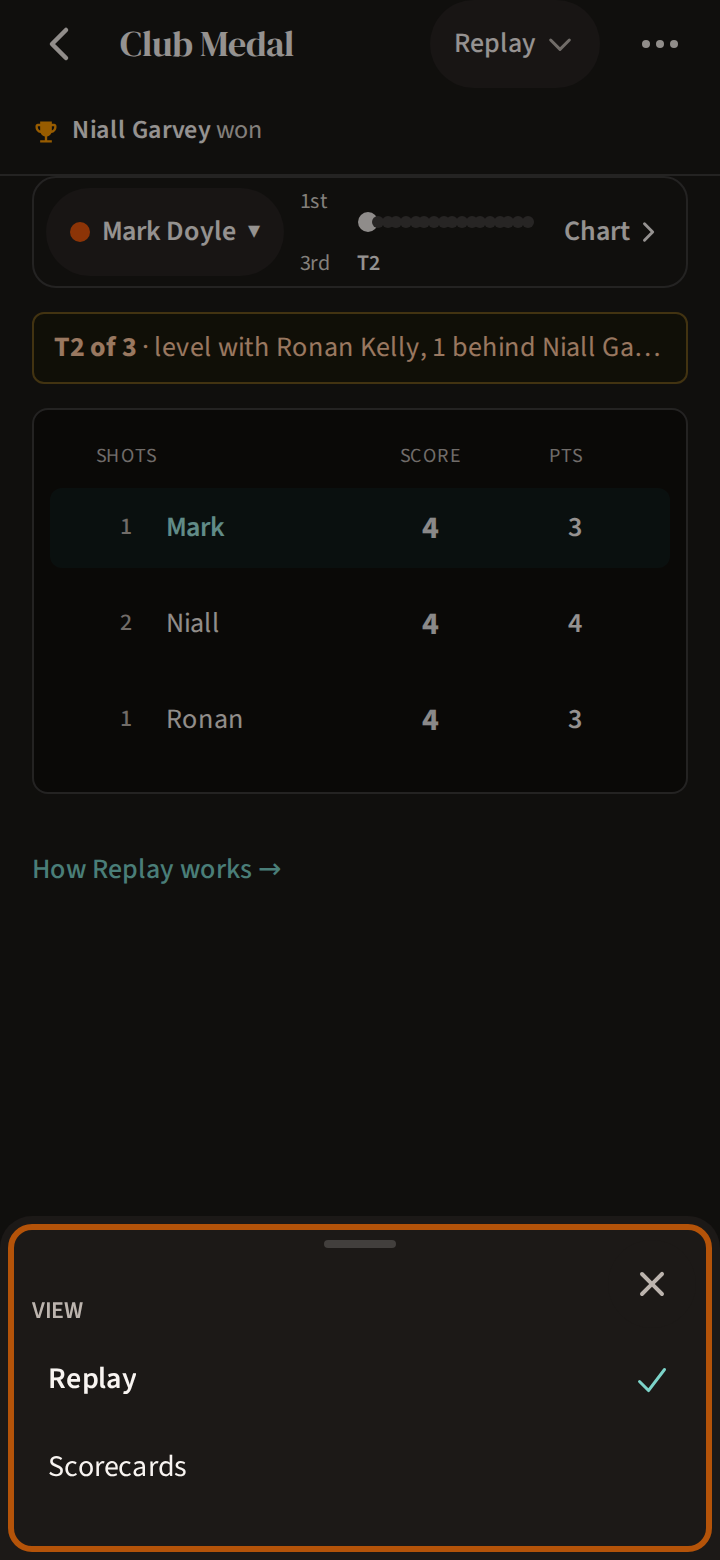
While the round is on, Scoring is where you put in scores — see Score a round. The picker also offers Scorecards, everyone's cards, and Replay, the round hole by hole. Once it is over, Scoring opens on the replay.
Honours
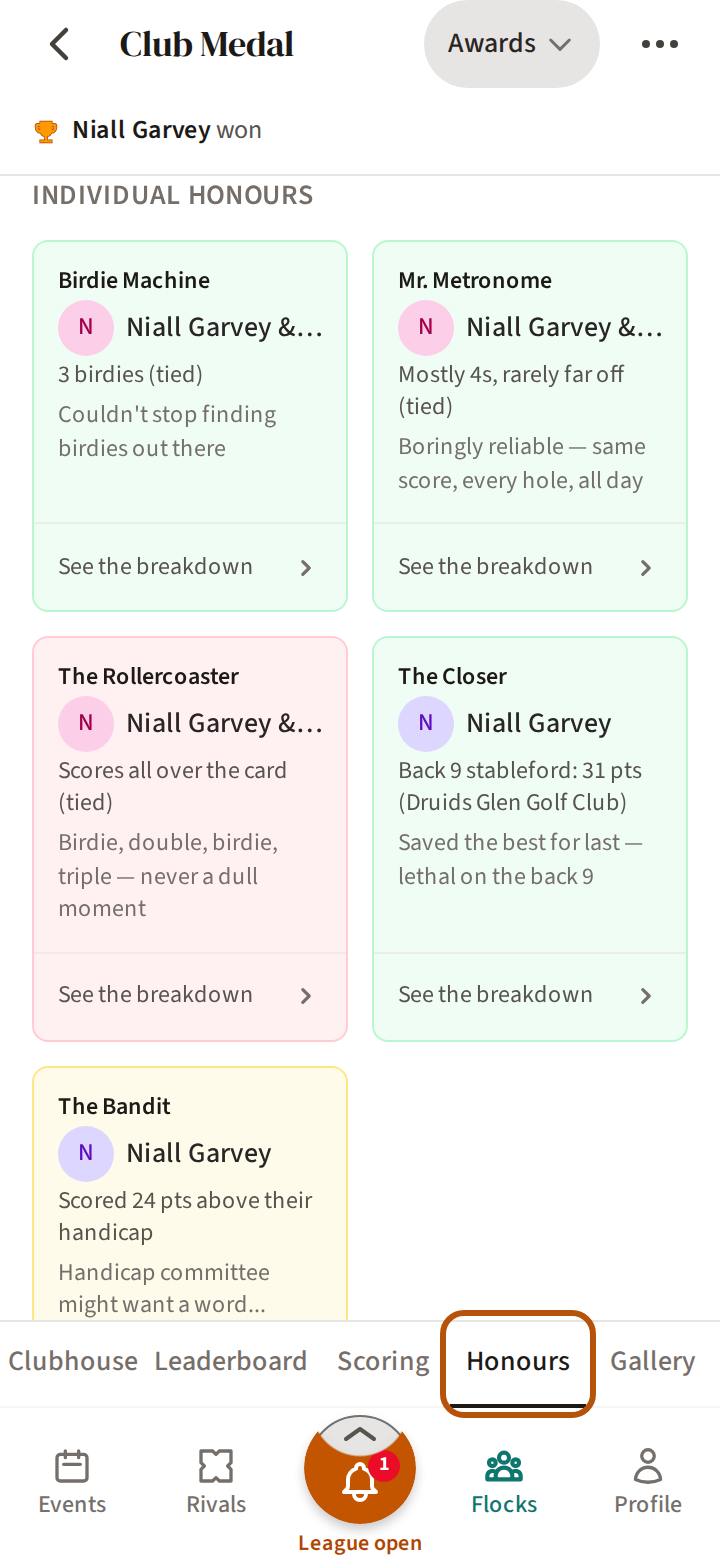
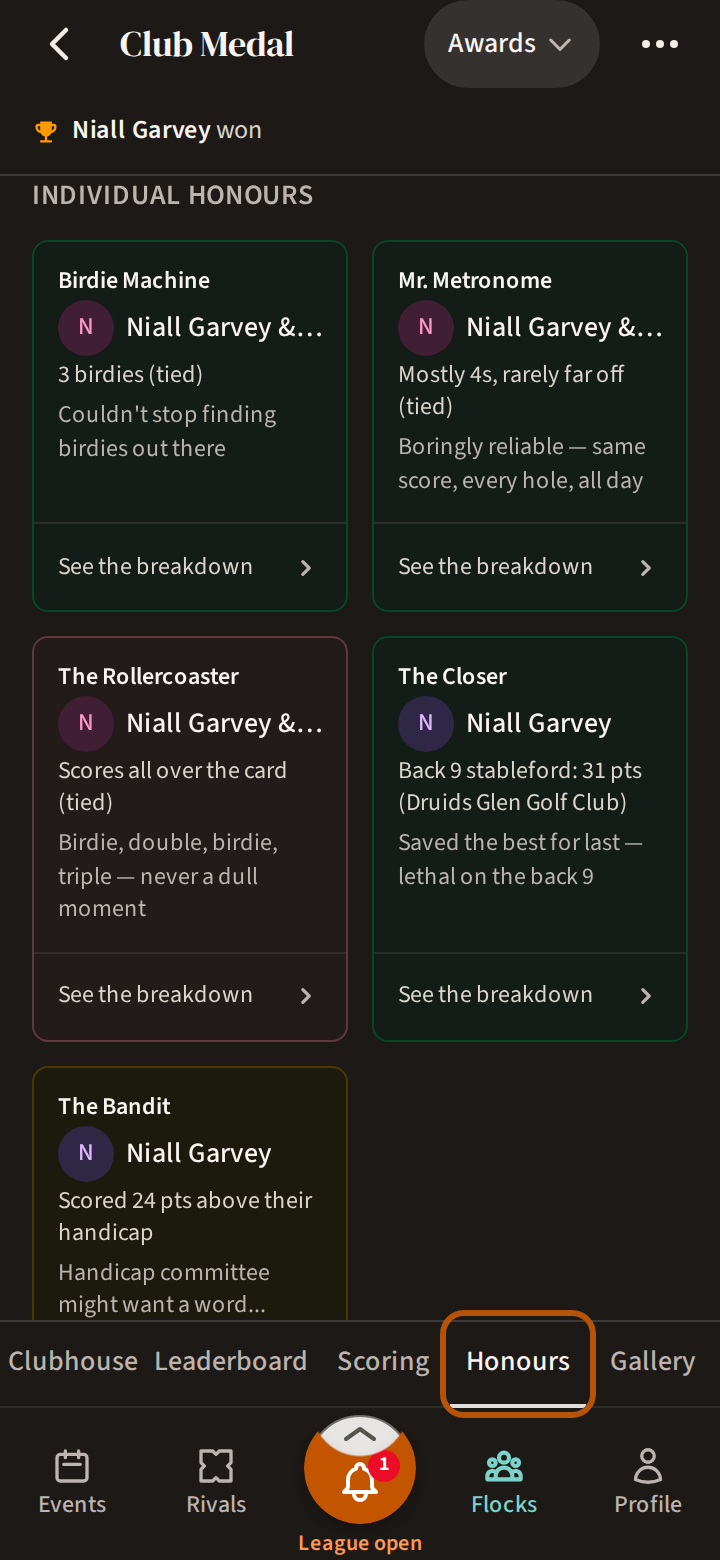
The awards for the event: individual and team honours, the Bragging Rights winners, and the Flock Forecast. Once the organiser publishes them, the picker also offers the event's Stats.
Gallery
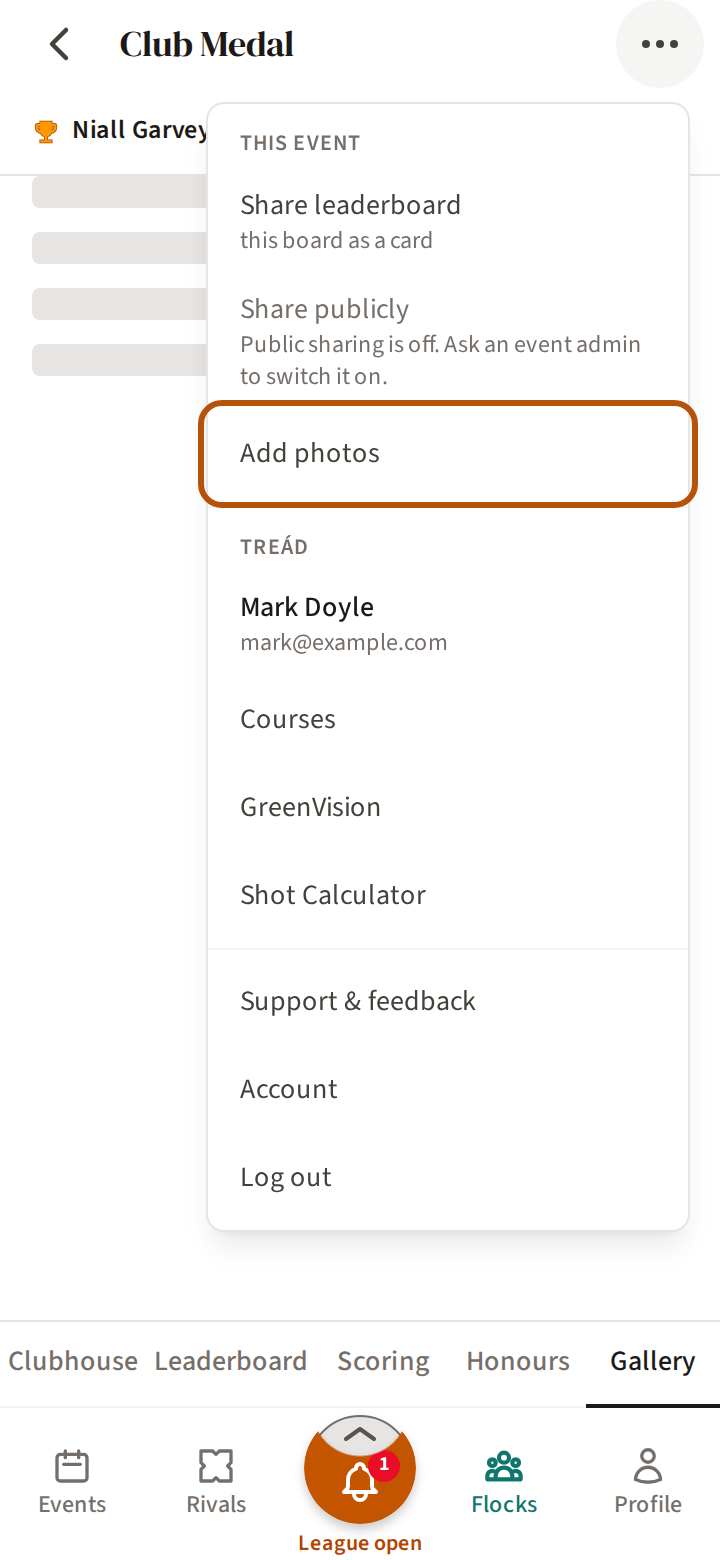
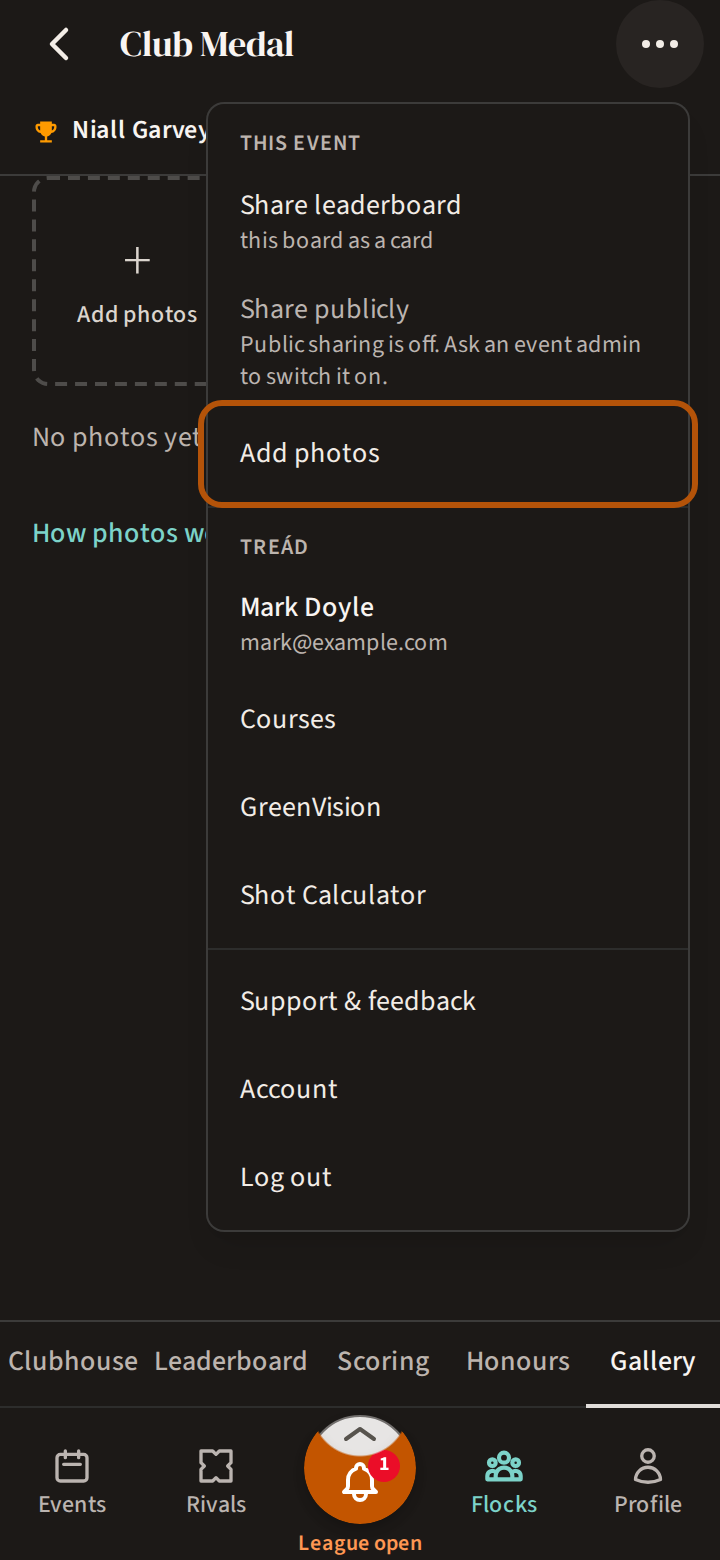
Everyone's photos from the event. The picker filters them — by course, by player, or Me: the photos you are tagged in. To add your own, press + Add photos, the first square in the Gallery — or open the More menu (⋯) and choose Add photos.
Still stuck? Tell us and we will help.