Work out who gets shots
Sort out who gives who how many shots in about a minute, with every line of the sum on show, so there's no argument on the first tee. Here's how to put in the course, the format and everyone's Handicap Index, read the answer, and send it to the people you're playing.
Check the Golf Ireland (or your union's) app for everyone's official, up-to-date Handicap Index — like 12.4.
To open it, press the More menu (⋯) at the top right of any page and choose Shot Calculator.
In the pictures below, an orange ring marks the part being described. Where a picture points at two things, they're numbered in orange.
Working out the shots
1 Choose the competition
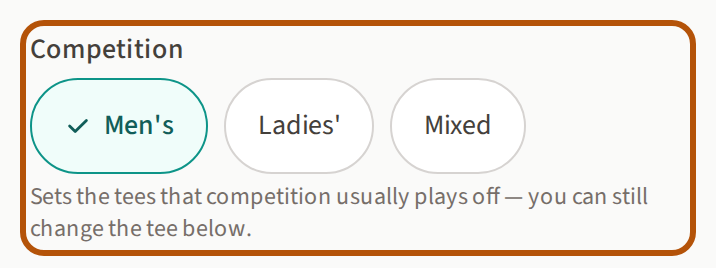
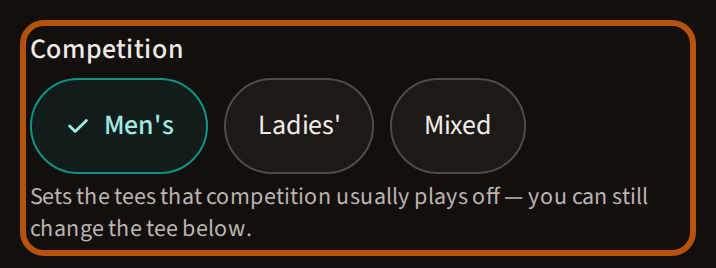
Start here: Men's, Ladies' or Mixed. This is what you're playing in, and the tees follow from it.
Mixed is for a men-and-ladies pairing, and it's foursomes only — choosing it sets the format to Foursomes and asks you for two tees instead of one.
2 Pick the course and the tee
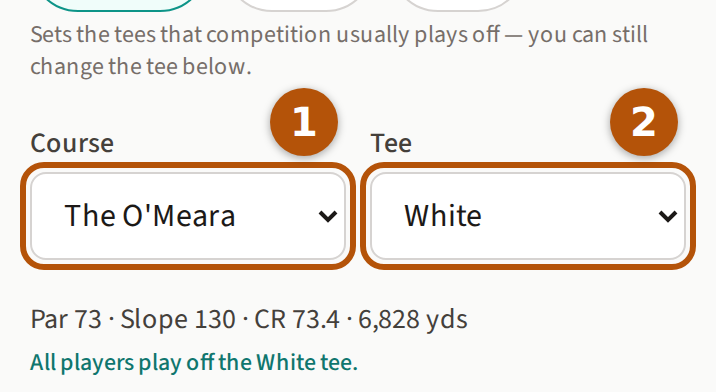
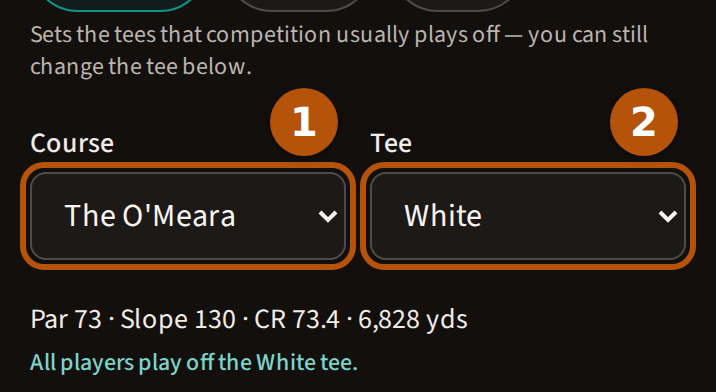
Both boxes may already be set for you — a course, and the tee that competition usually plays off. If they're right, there's nothing to do here. Otherwise choose the course under Course ① and the tee under Tee ②.
Underneath, it shows the par, slope and course rating for that tee, and confirms it in words: "All players play off the White tee." If that line doesn't match what you're actually playing, change the tee above it.
If a course hasn't had its tees rated yet you'll see "No fully-rated tees yet." where the tee would be, and the shots can't be worked out for that course.
3 Choose the format
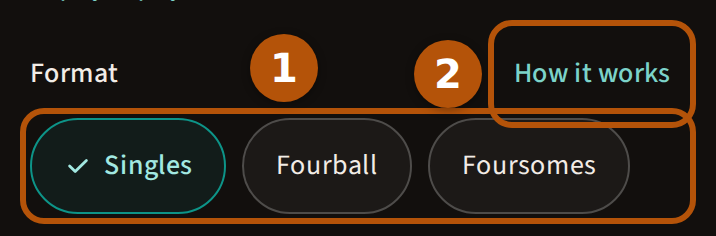
Pick the format you're playing. The pictures here follow a Singles match.
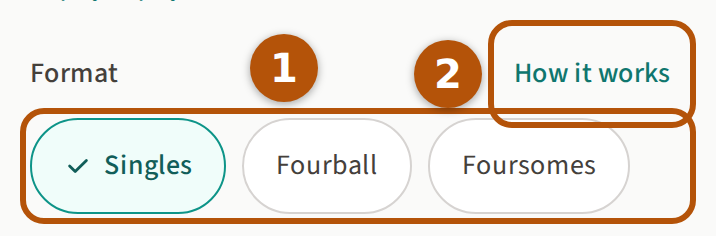
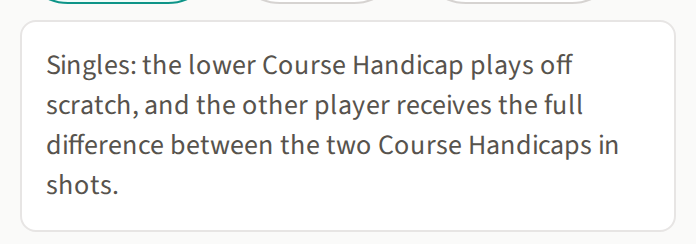
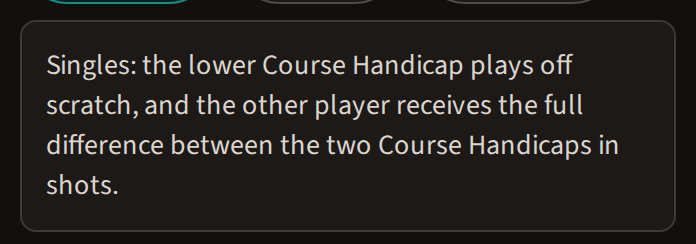
Press How it works and it tells you, in a sentence, how the shots are worked out for the format you've picked:
4 Put in the handicaps
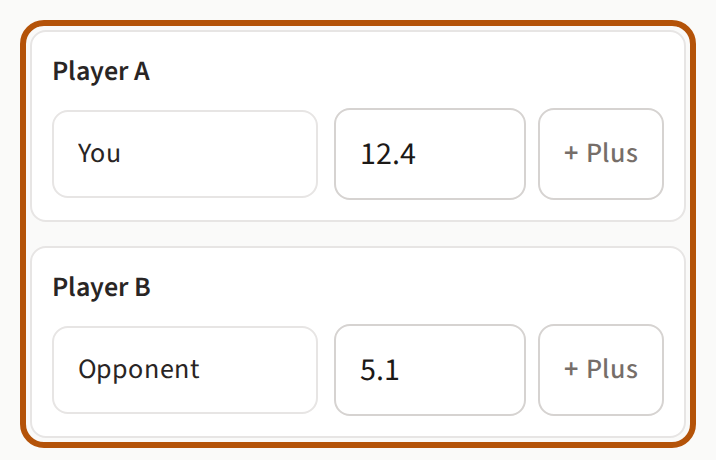
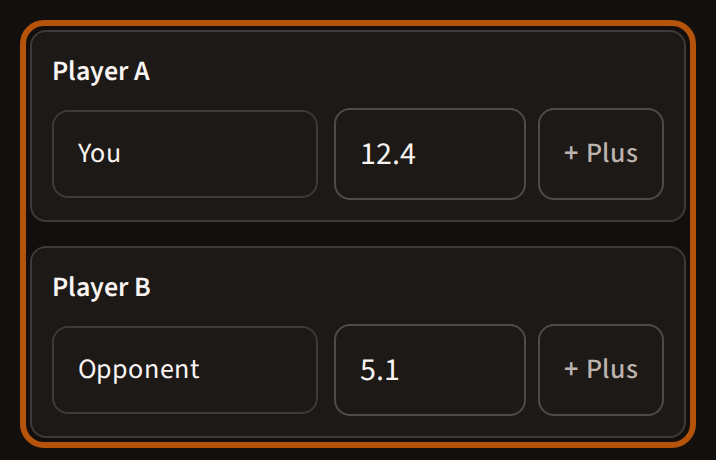
Type each player's Handicap Index in the small box beside the name — 12.4, 5.1, and so on. It's the index, not the shots you get.
The names come already filled in — You and Opponent — which is what the pictures here show. Type over them if you'd rather see real names.
For a plus handicap — better than scratch — press + Plus beside the number. It changes to ✓ Plus so you can see it's on.
5 Press "Work out the shots"
It stays grey until every player has a Handicap Index in — if it won't press, that's why, and the line underneath it will say so.


Reading your answer
The answer appears below the button, under the heading Your shots.
6 Who gets the shots
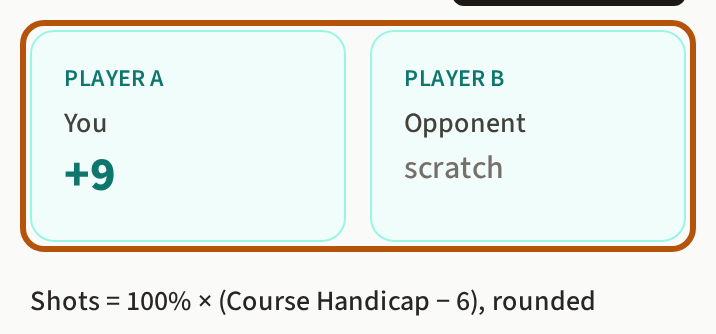
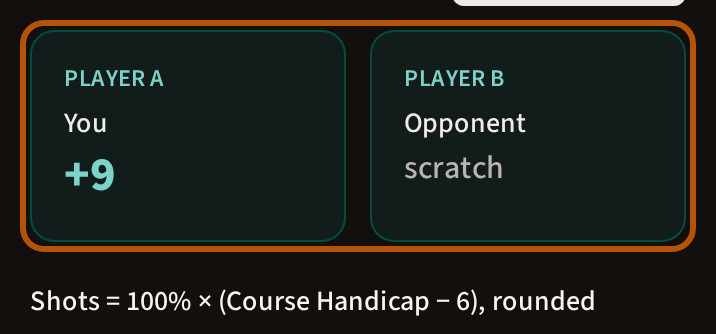
Two boxes, side by side. One side says scratch — they give the shots. The other shows a number with a plus in front of it, and that's how many they receive.
Here, the opponent plays off scratch and gives 9 shots.
If both players come out on the same Course Handicap there are no boxes. It says "All square — no shots given", and there's no hole-by-hole card, because nobody is getting a shot. The workings table is still there.
7 The workings, so you can check it
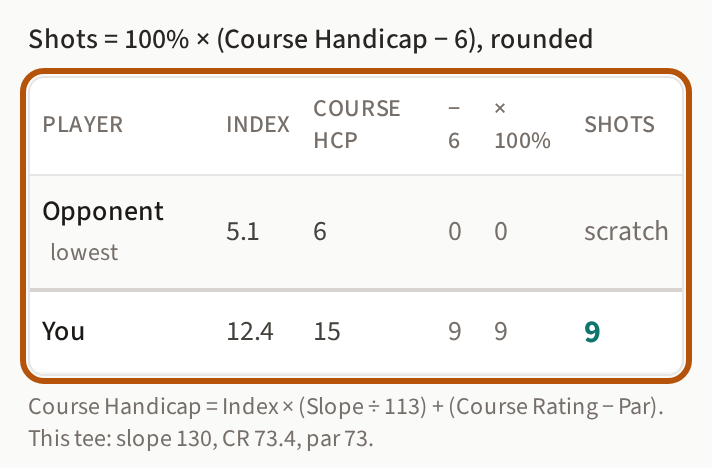
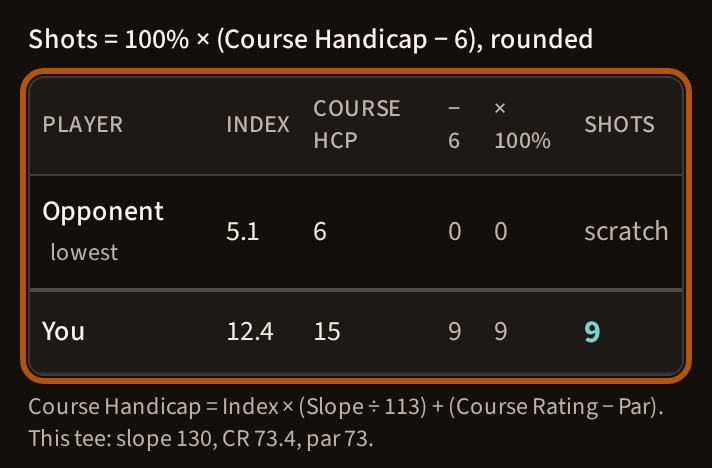
The table shows every step of the sum, a row per player, so nobody has to take the answer on trust:
- Index — what you typed in.
- Course Hcp — your Course Handicap on this tee. A 12.4 becomes 15 off the O'Meara White.
- The lower player is marked lowest and plays off scratch. Everyone else is measured against them — that's the − 6 column.
- × 100% — the allowance for the format you picked.
- That column holds the figure before rounding; Shots, the last, rounds it — the answer.
Underneath, it shows the sum it used to turn an Index into a Course Handicap, and the slope, course rating and par it used to do it.
8 Which holes the shots fall on
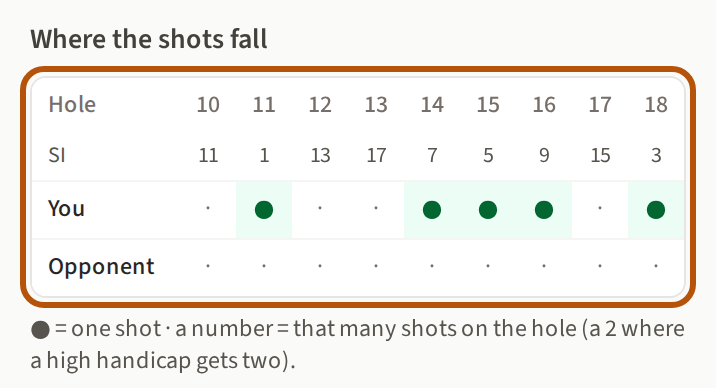
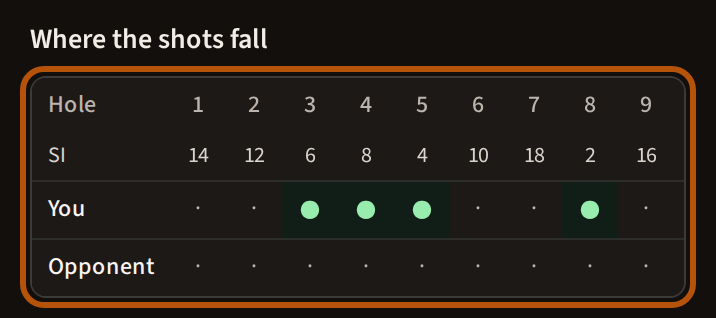
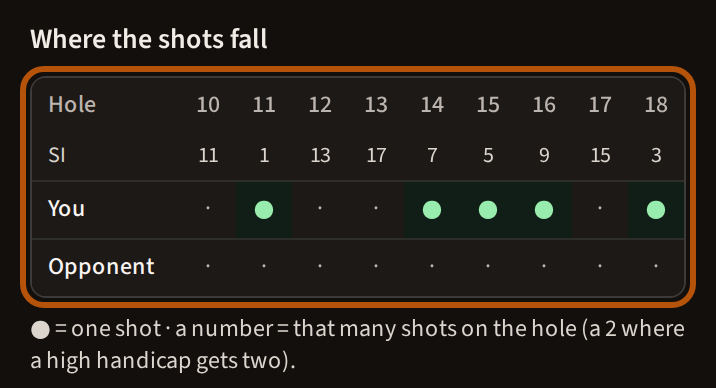
Last comes Where the shots fall — all eighteen holes, with the stroke index underneath each one on the row marked SI, and a green dot on every hole where a player gets a shot.
The nine shots land on the nine hardest holes, exactly as they would on a card. If somebody is getting two shots on a hole, you'll see a 2 there instead of a dot.
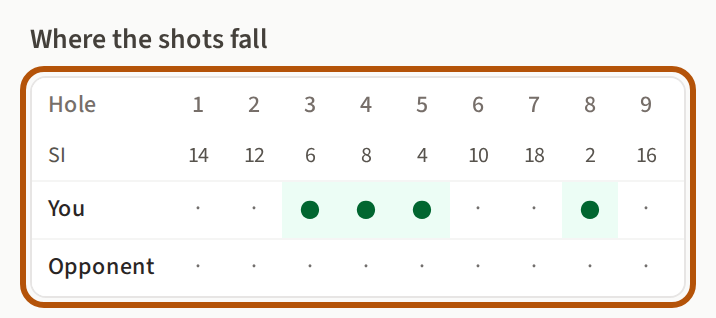
On a phone the card is wider than the screen. Slide it sideways to see the rest of it:
The whole answer
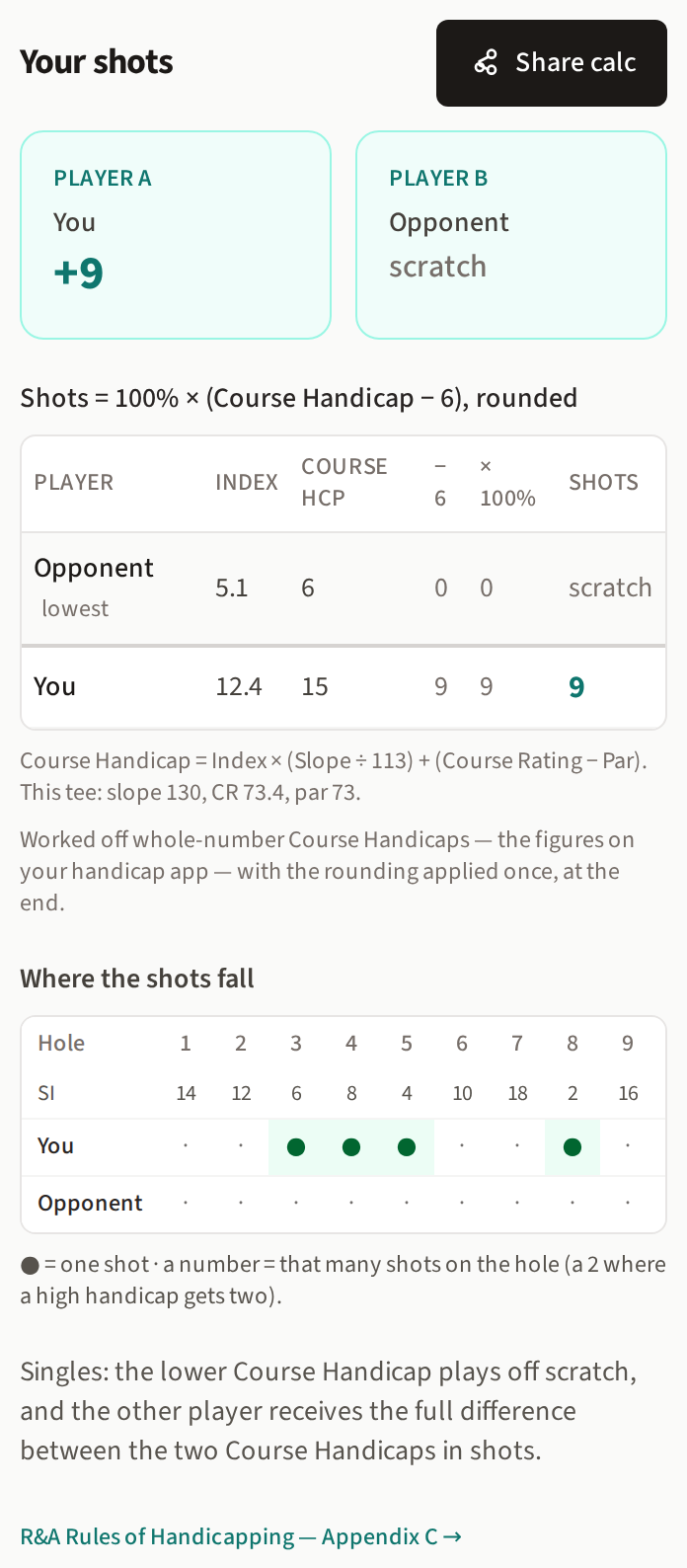
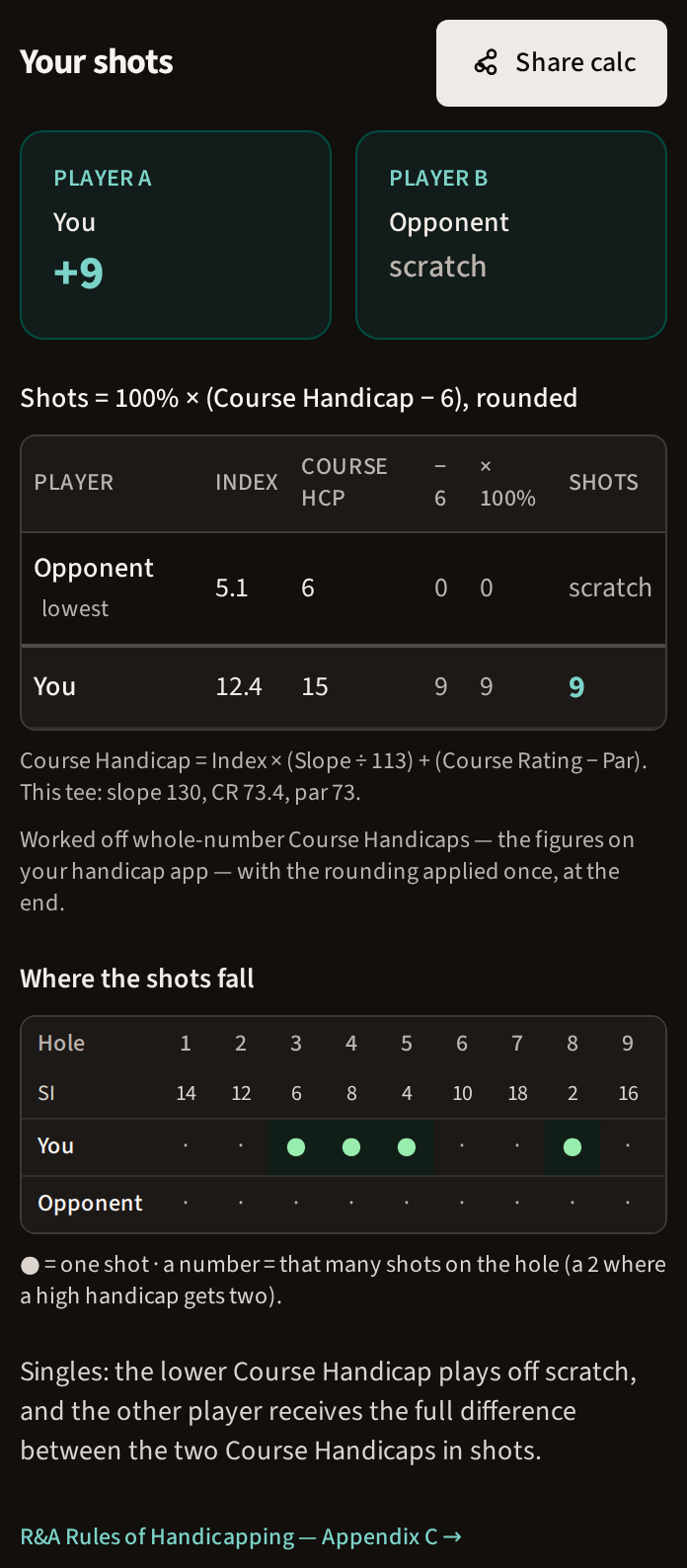
Put together, that's what you should be looking at. If your screen looks like this, you've done it right.
The other formats
Everything above works the same way for the other formats. You put in four handicaps instead of two, and the sum at the end changes:
- Fourball
- Everyone is measured against the lowest Course Handicap of the four. The lowest plays off scratch; everyone else receives 90% of the gap to them.
- Foursomes
- Add each pair's two Course Handicaps together. The lower pair plays off scratch; the other pair receives 50% of the difference between the two totals. One ball, one score — so the shots belong to the pair, not to a player.
- Mixed foursomes
- Each player's Course Handicap comes off their own card. After that it's ordinary foursomes: add each pair up, and 50% of the difference. The calculator lists every player's tee and Course Handicap, so you can see where each number came from.
Sharing it with the others
Once the shots are worked out, Share calc sits beside the answer. Press it and send the result to whoever you're playing — when they open it they'll see the same calculation already filled in, and won't have to type anything.
Ready to try it?
The allowances come from the R&A Rules of Handicapping, Appendix C.
Still stuck? Tell us and we will help.