Submit your card
Signing the card is the last act of every round, and here it takes one press: check it against the paper, submit it, and the result follows. Here's how to review and submit your cards, hand in a short one, put right a mistake and concede a match.
1. Open the review
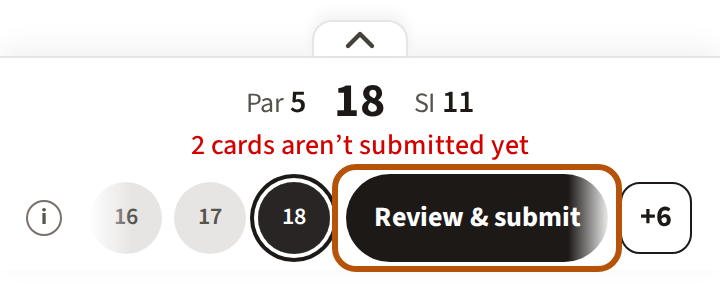
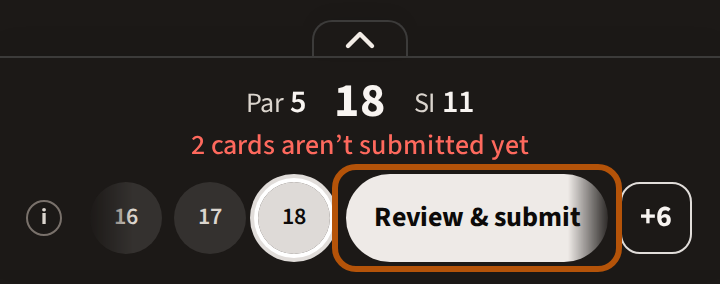
A card is in when you submit it. Once every card you mark has something on every hole, the hole bar shows Review & submit on every hole, with a line above saying how many cards aren't submitted yet. Press it. The review shows each card you mark as its scorecard, with the line Check each card against the paper: read each one against the card in your pocket before you go on.
2. Submit
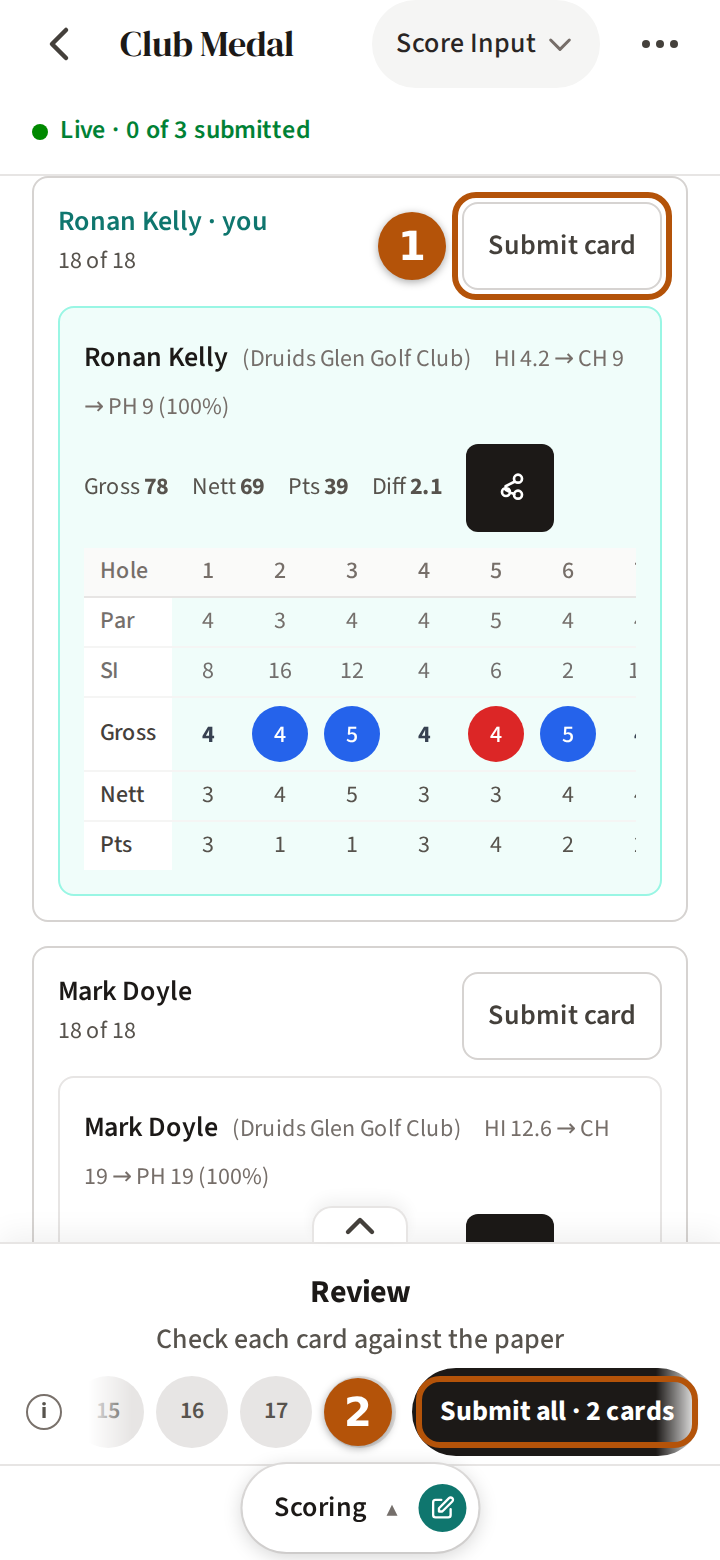
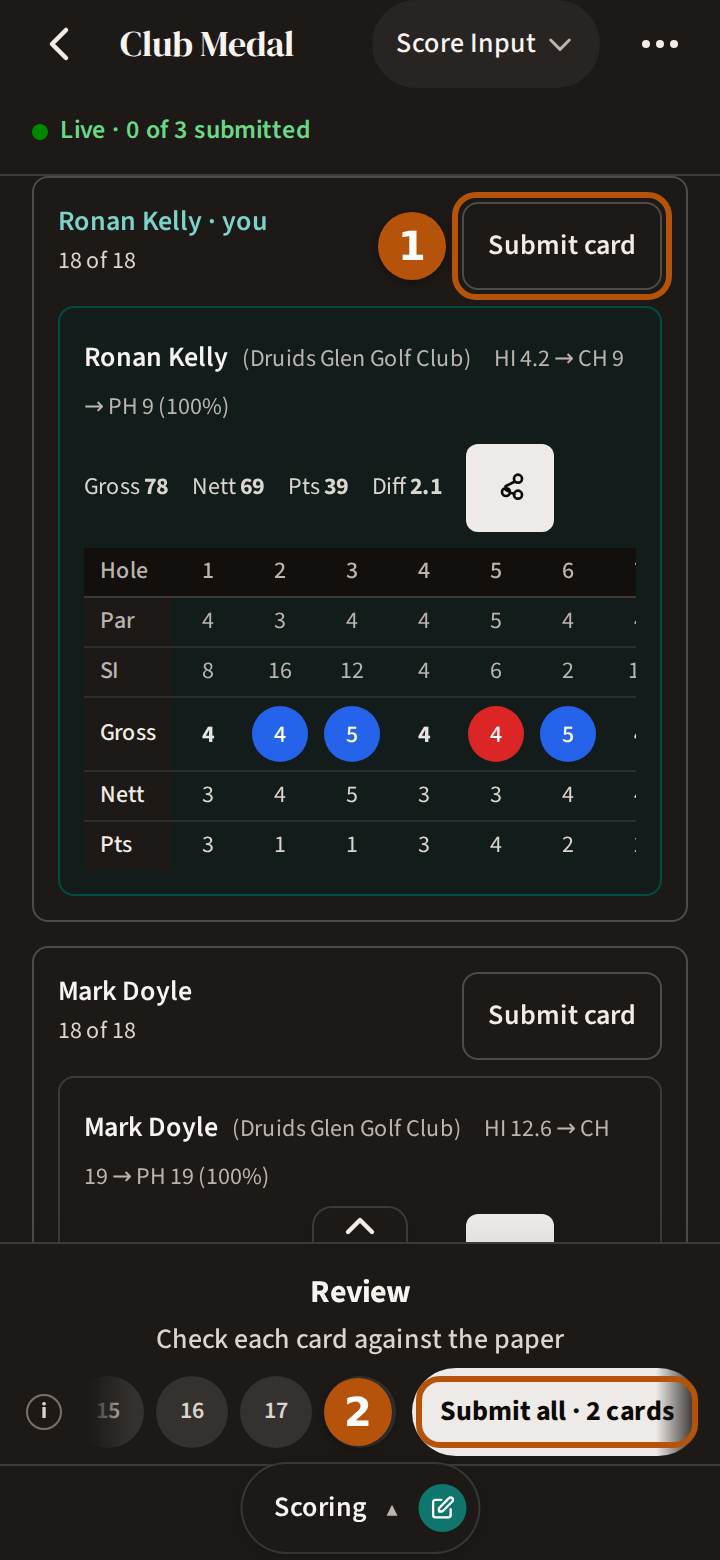
Press Submit card ① beside each name — or, when you mark more than one, Submit all ② on the hole bar, which says how many cards it will send. A submitted card reads Submitted. If a submit fails, your scores stay on the card: press Try again.
When the last card you mark is in, Treád says so, with Go hole by hole and See full result; afterwards the hole bar shows See full result on your card's last hole. Leave with a full card not submitted and Treád asks once: Review & submit or Leave anyway. On a solo round you then complete the round yourself.
While the result is still hidden, the leaderboard first asks See the result? — Keep revealing walks you back through the holes, See the result shows where everyone finished. More on that in See the result when you're ready.
3. A card that stops short
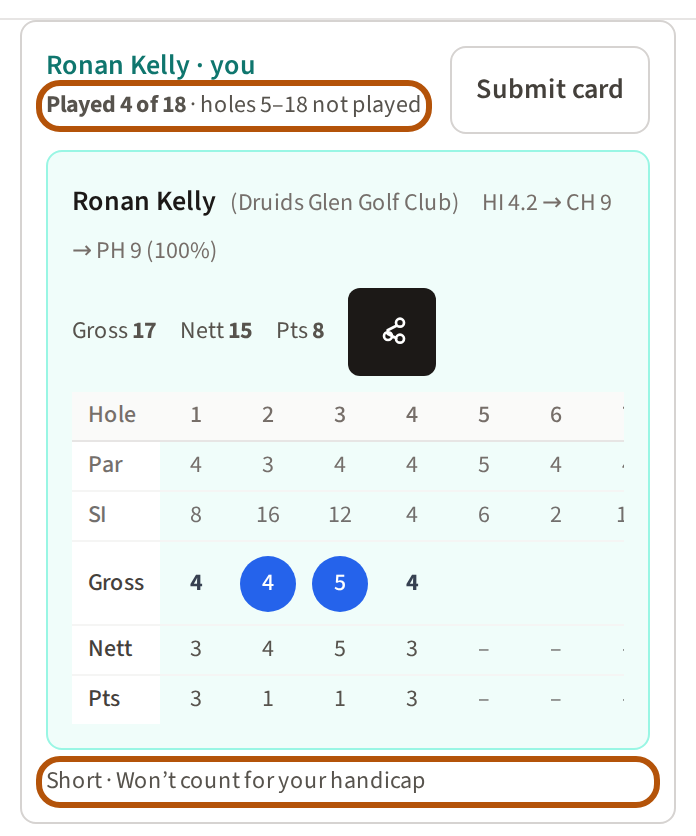
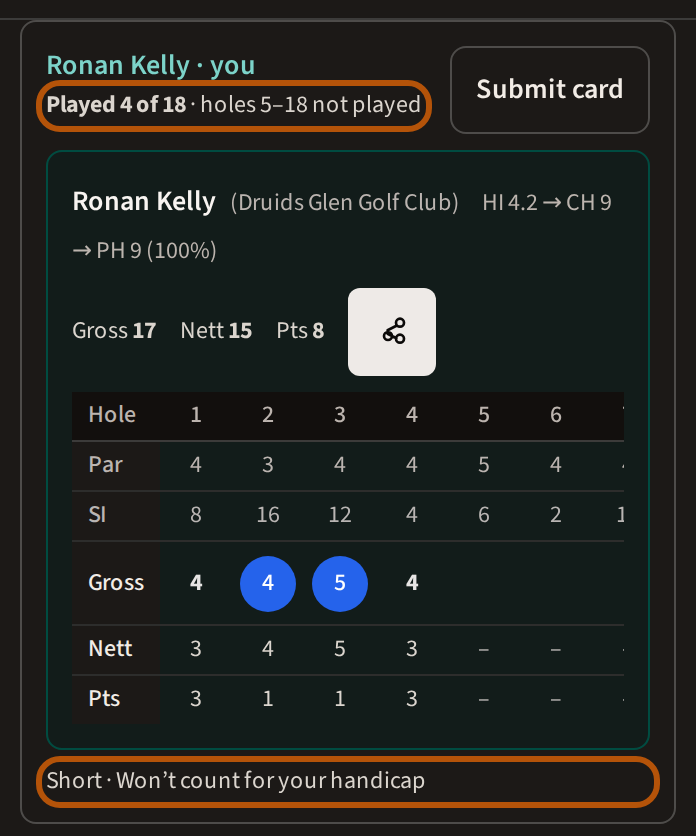
Stopping early? Press Review and submit under the card. The review says how many holes were played — Played 9 of 18, and which holes were not — and, on a line starting Short, what a short card costs: not counting for your handicap, and DNF on any Gross or Nett competition in the event. Then submit it as it is. A hole left empty before the card's last score is named on the review, to answer there: Enter a score, No score or Not played.
4. Put a mistake right
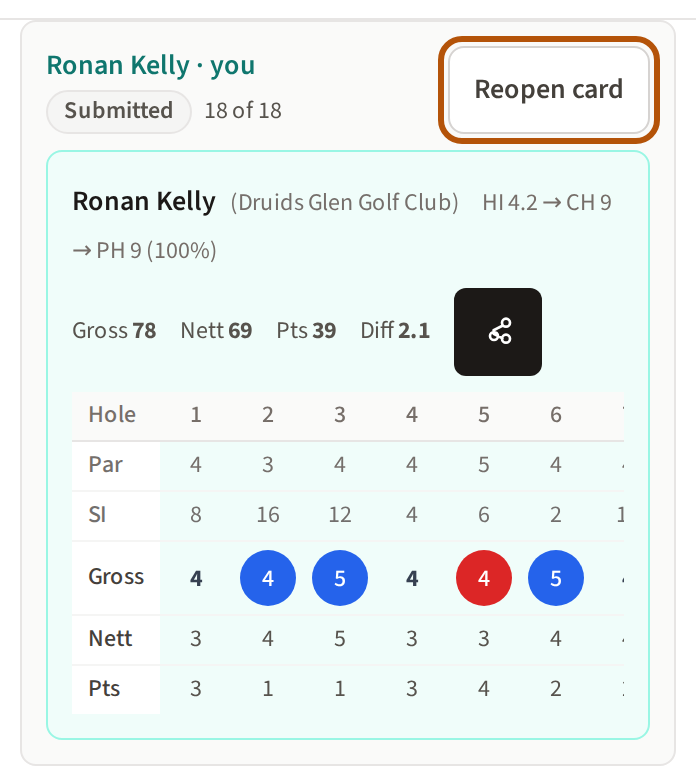
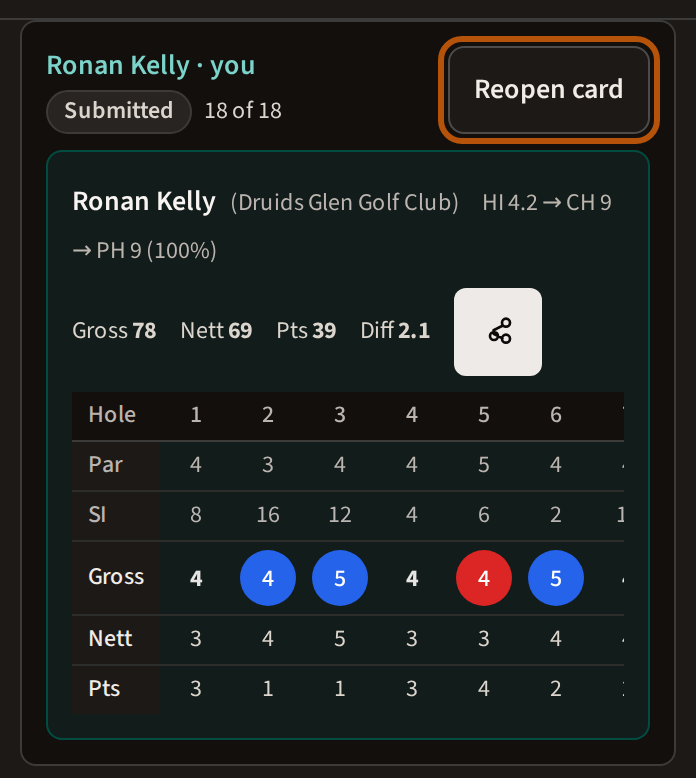
Spotted a mistake after submitting? Reopen card is in the More menu, on the review, and in what the score box opens, until the organiser completes the event. Reopen it, put the score right, and submit it again. Submitted with no signal? The card reads Waiting to sync until it reaches Treád, and Reopen card beside it takes the submit back.
5. Concede a match
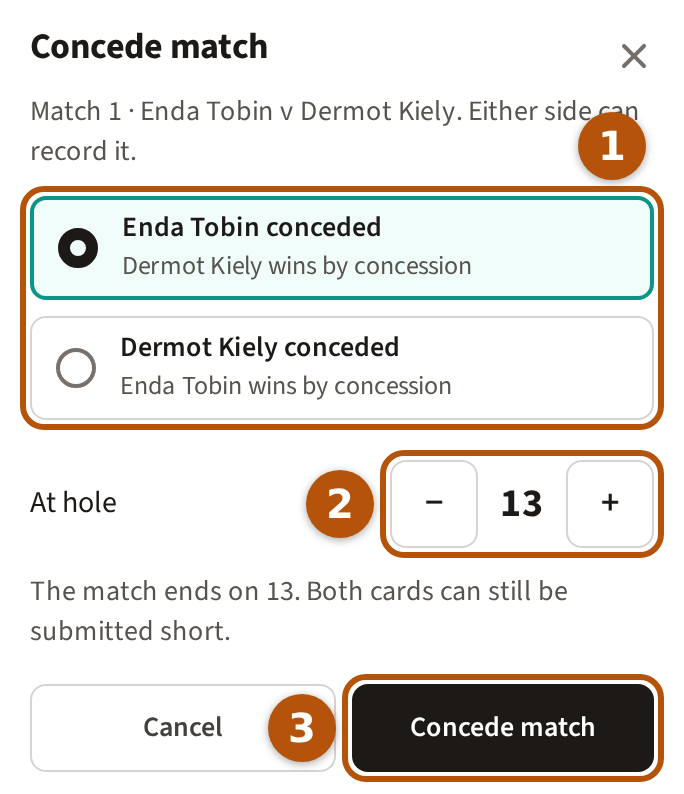
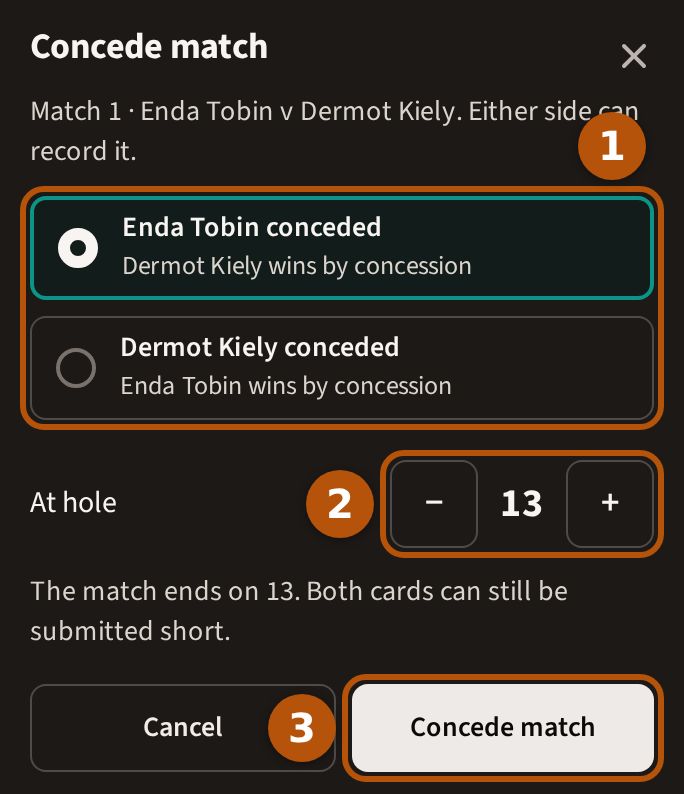
In match play, a player who stops before the match is decided concedes it. Either side can record it: press ⋯ for the More menu and choose Concede match, pick who conceded, set At hole to the hole it ends on, and press Concede match. Both cards can still be submitted short.
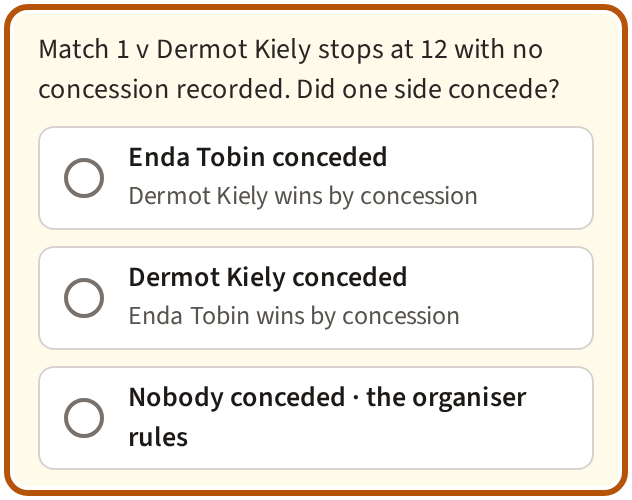
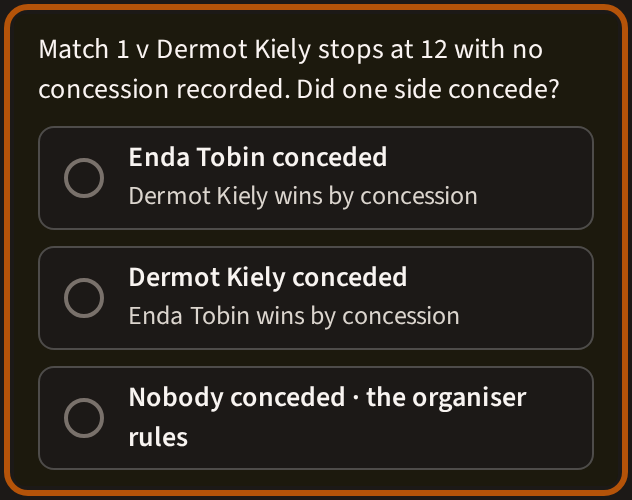
If you submit a short card in a match nobody has conceded, the review asks first — Did one side concede? — and holds Submit card until you answer: one side conceded, or Nobody conceded, and the organiser rules on it when the event is completed.
Recorded it by mistake? Press ⋯ and choose Withdraw concession — it is there until the event is completed.
Still stuck? Tell us and we will help.