See the result when you're ready
No spoilers on a roaming round: you only see the field's score on a hole once you've played it yourself. When your card's in, you pick the moment — turn the holes over one at a time, or take the whole result in one go. Here's how to read where you stand along the way, and how to choose.
1. Why other scores stay hidden
On a roaming round everyone plays their own course at their own time, so Treád keeps the result a surprise. You see another player's score on a hole once you have played that hole yourself — never on a hole you have not reached, where the hole bar shows only how many players are already through it. Your own card, and your partners' in a team, always show in full. On every other kind of round, each score shows as soon as it is in. How a roaming round works is in Play a roaming round.
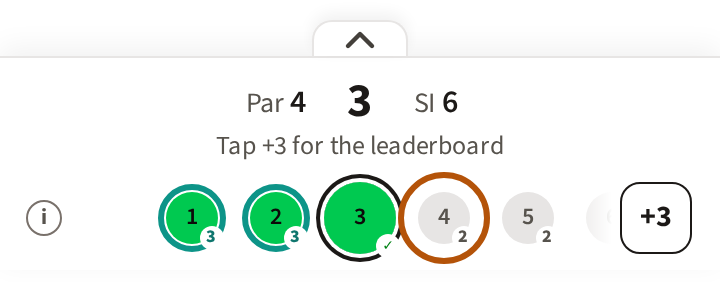
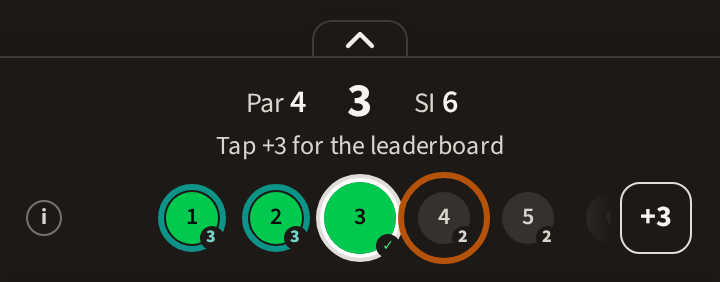
2. What you see as you play
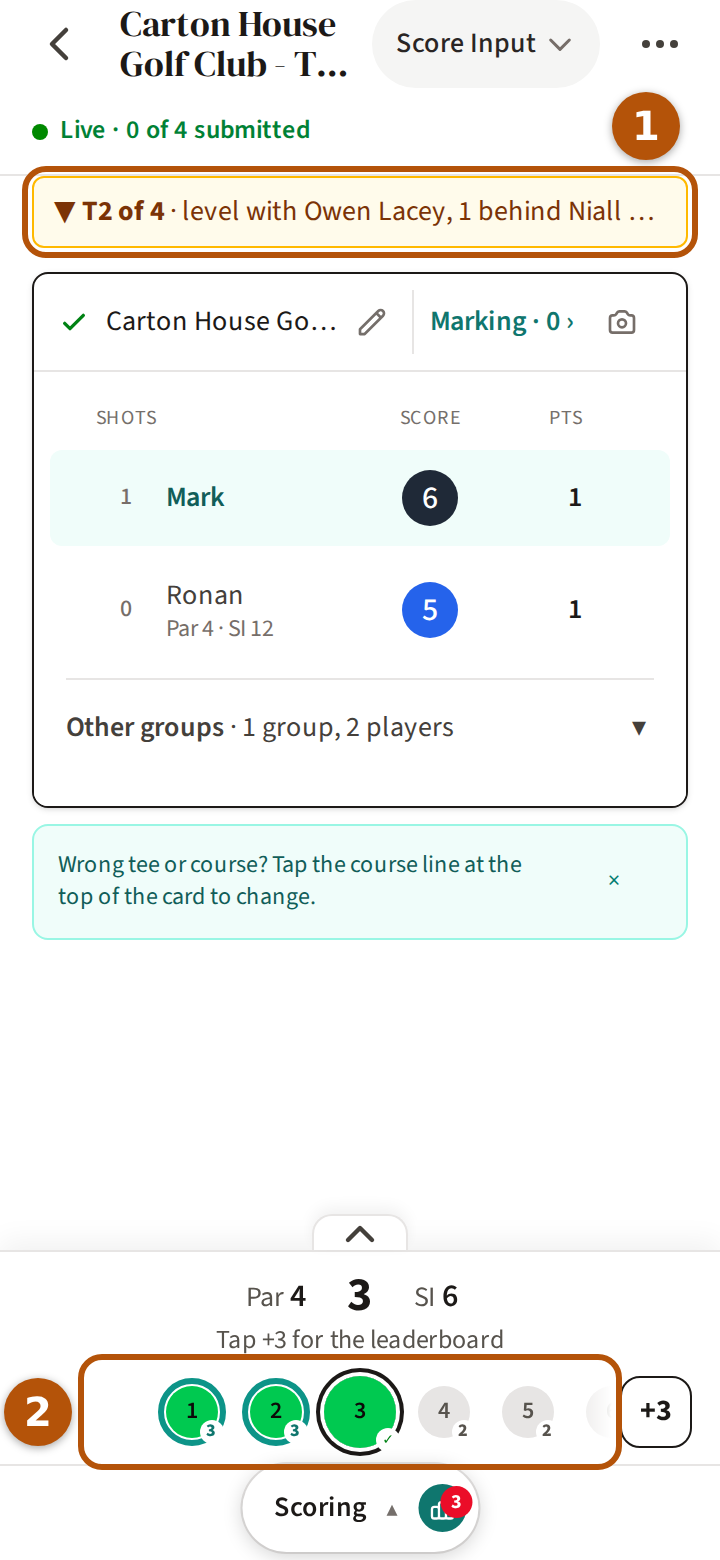
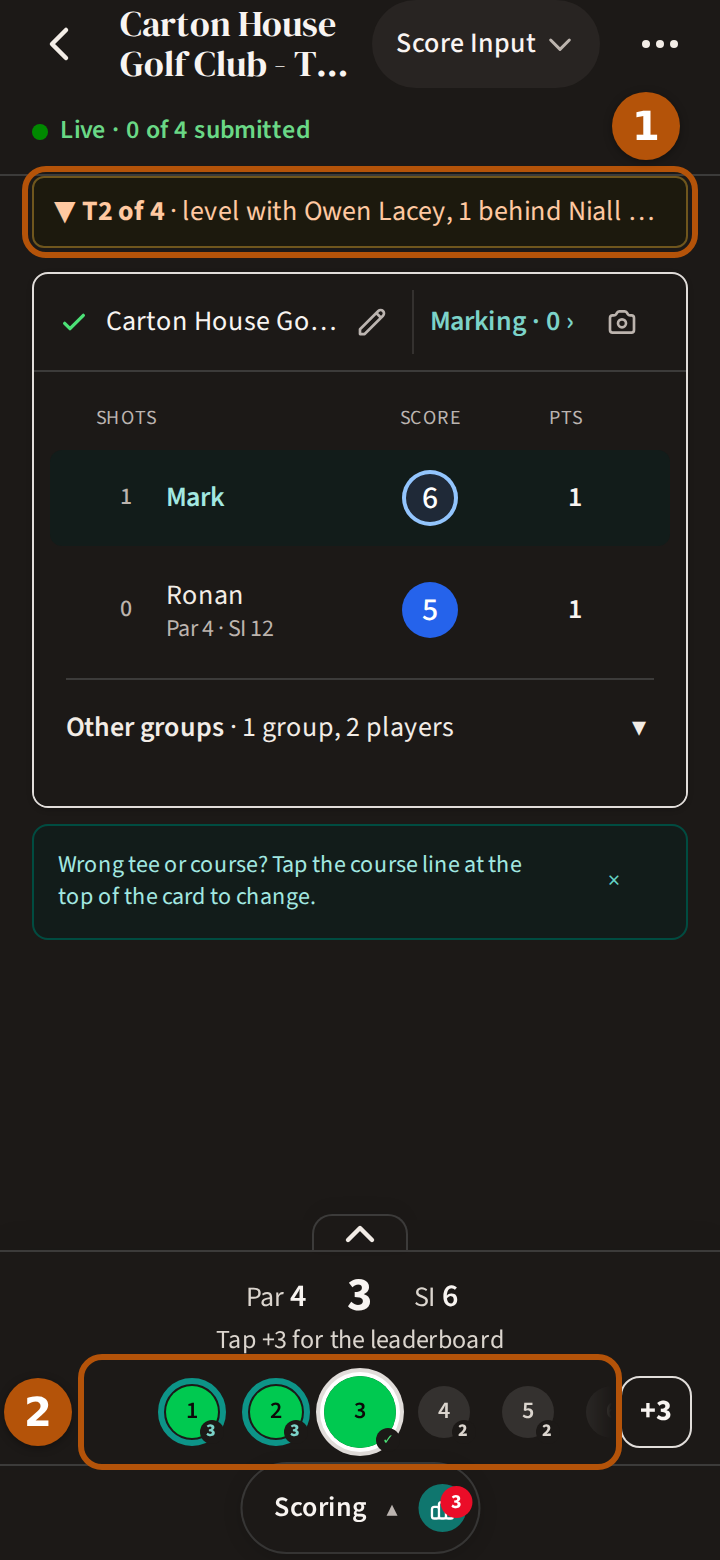
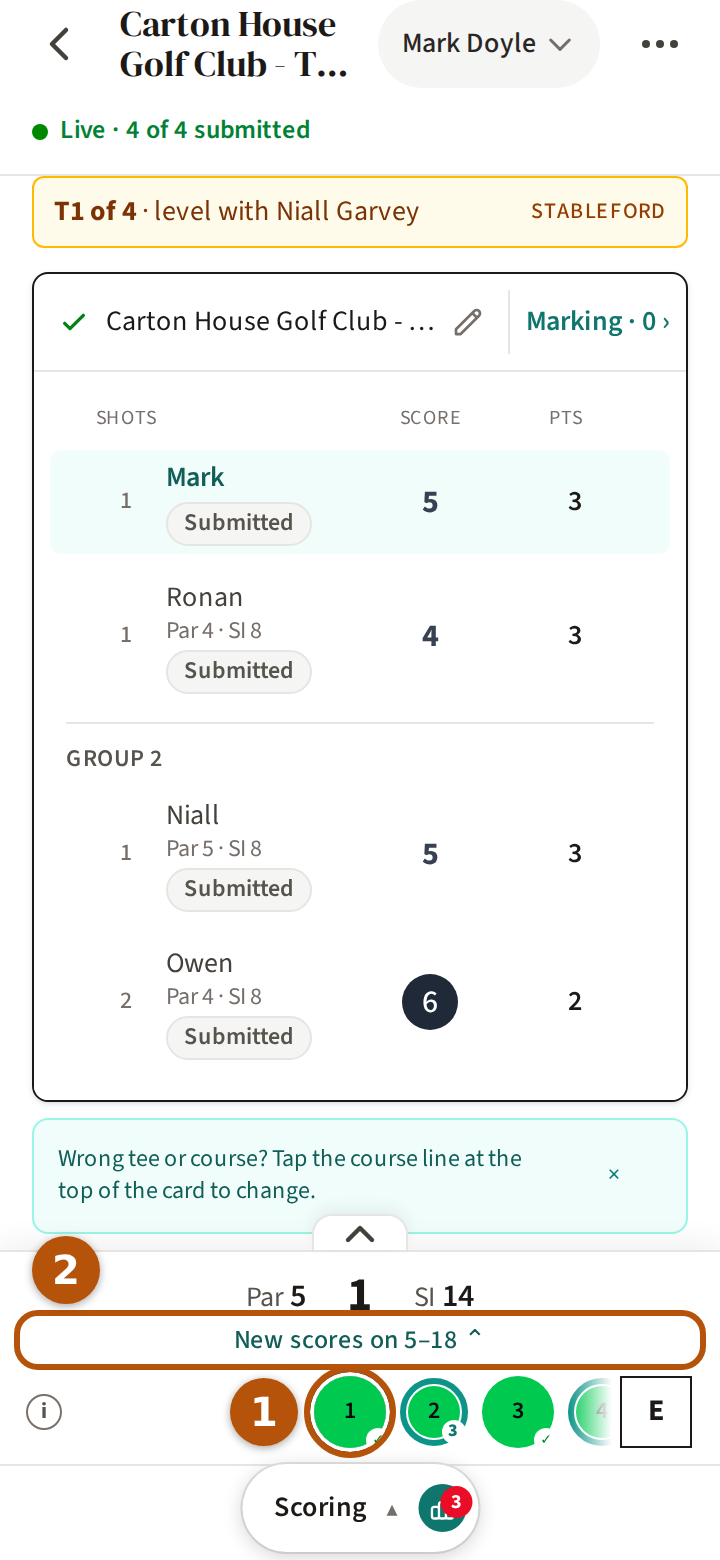
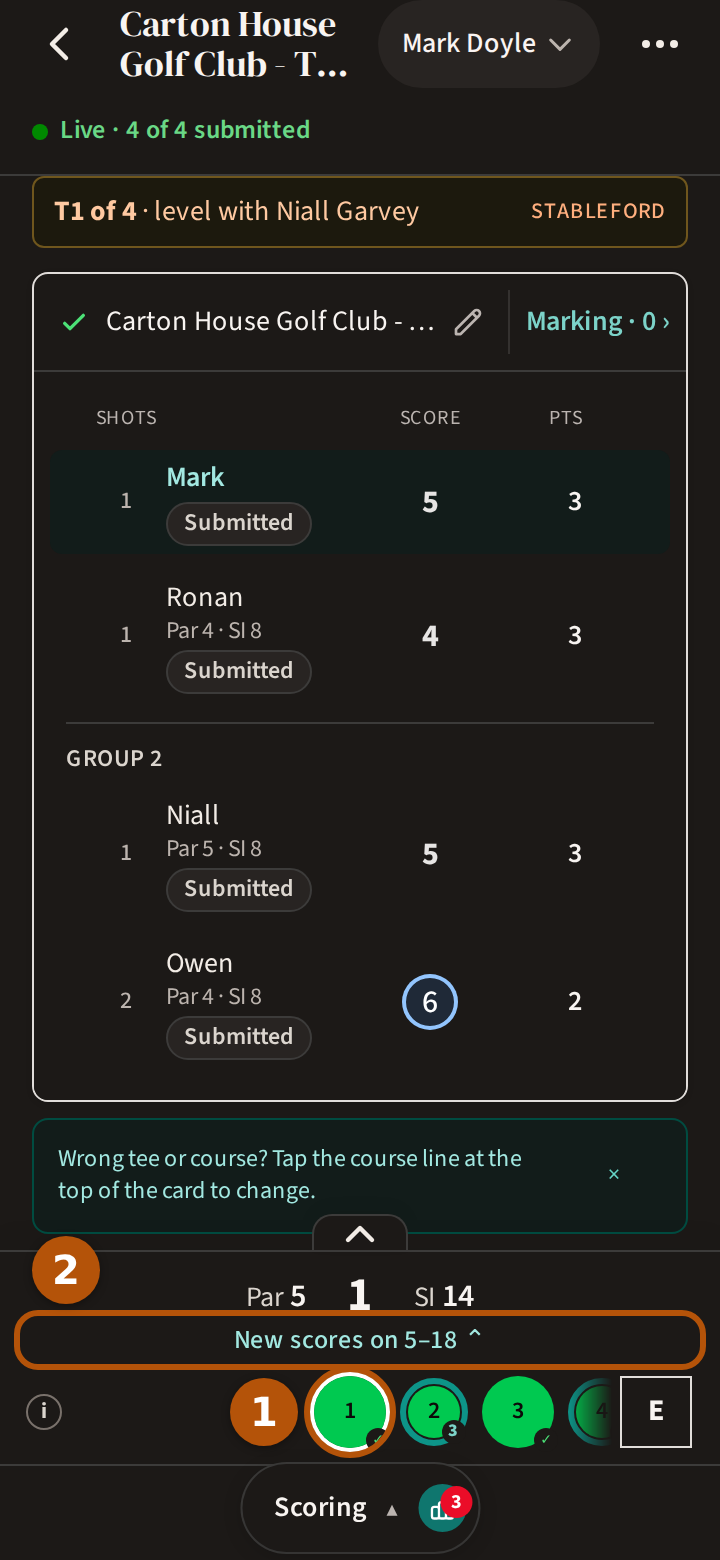
Score as usual (Score a round). The line above the card ① is your place after the hole on screen, counting everyone's scores on the holes you have played — for example 3rd of 12 · 1 behind Dave. The arrow before your place says whether you moved on that hole: ▲ up, ▼ down, ↔ the same. Before your first score it names the competition, with positions after your first hole.


The circles on the hole bar ② show where the news is. The round's Leaderboard counts the same holes, and says so beneath the table: Showing results through hole, with how far you have played.
3. The circles on the hole bar
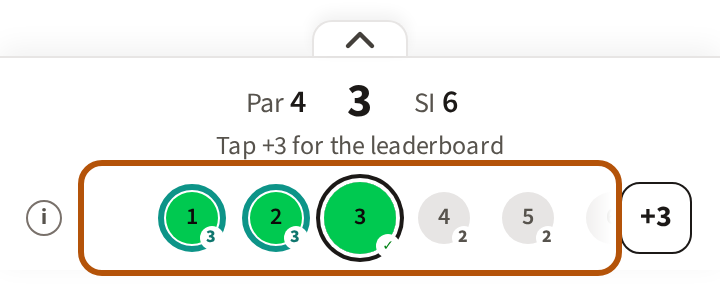
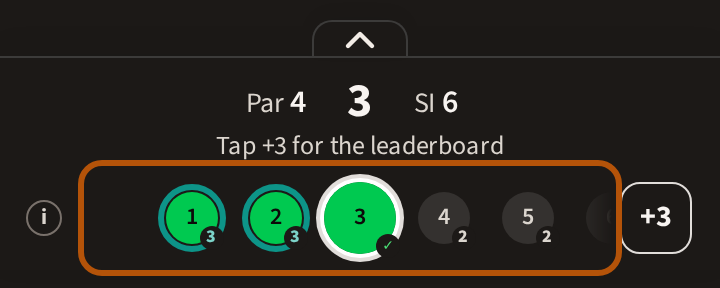
Each circle is a hole. As well as your own score, it can carry:
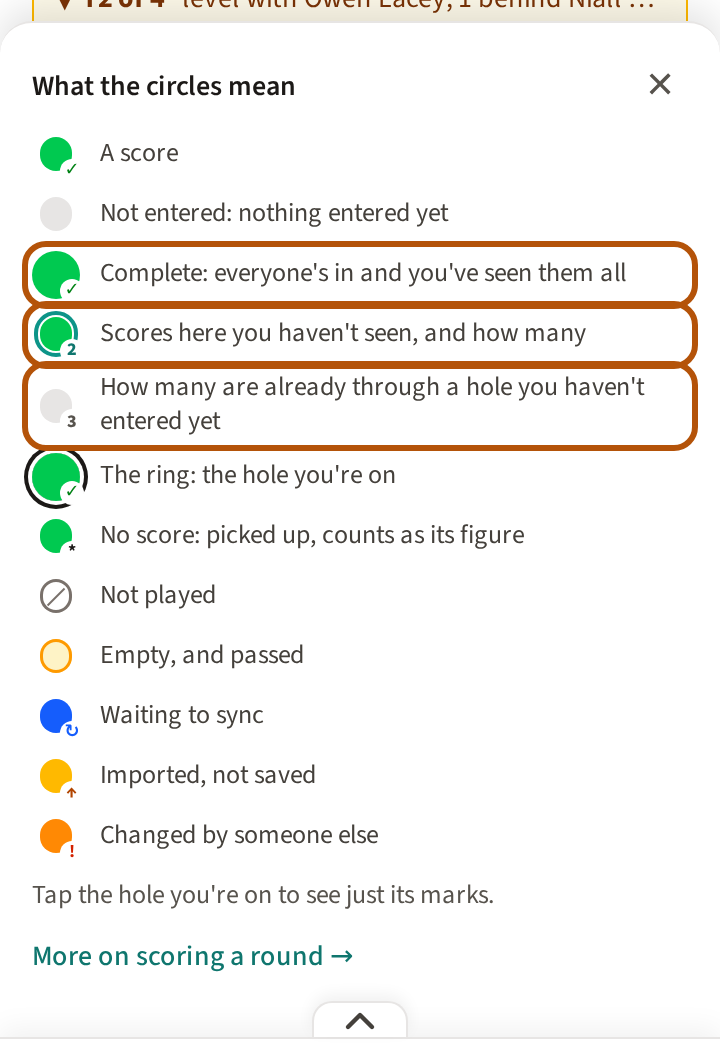
- A ring and a small number — Scores here you haven't seen, and how many. Go to that hole and the ring goes.
- A small number on a hole you have not played — How many are already through a hole you haven't entered yet. Their scores show once you put in yours.
- A full circle — Complete: everyone's in and you've seen them all.
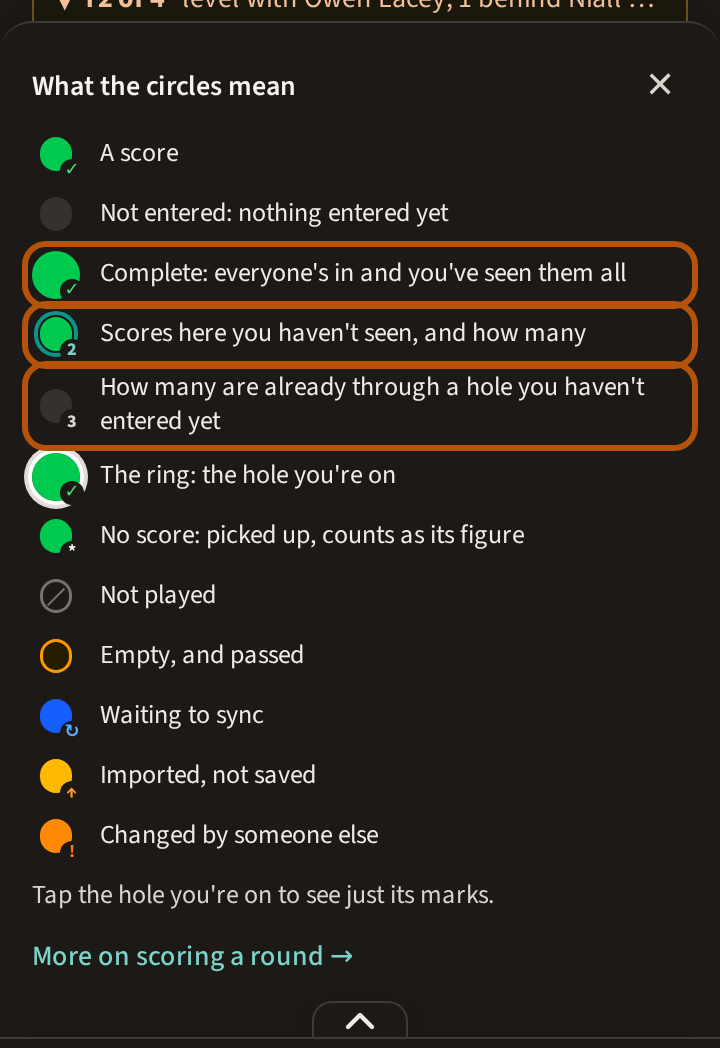
A bold outer ring marks the hole you are on. When there are rings on circles out of sight, the hole bar says where: New scores on and the holes. The ⓘ at the left of the circles opens What the circles mean; press the hole you are on to see just its marks.
4. See the result?
When your card is submitted, the round's Leaderboard asks first: See the result? Right after you submit, Treád offers the same choice: Go hole by hole or See full result.
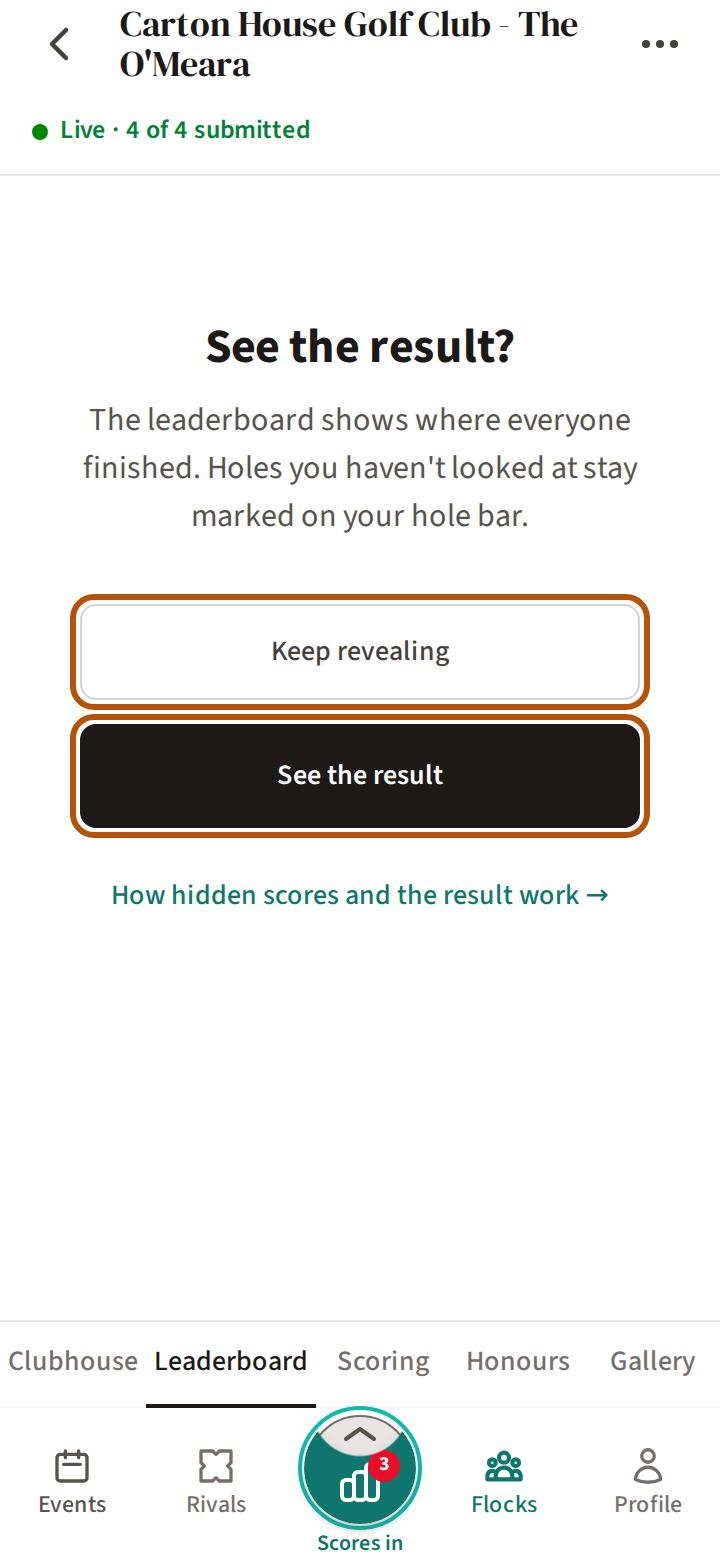
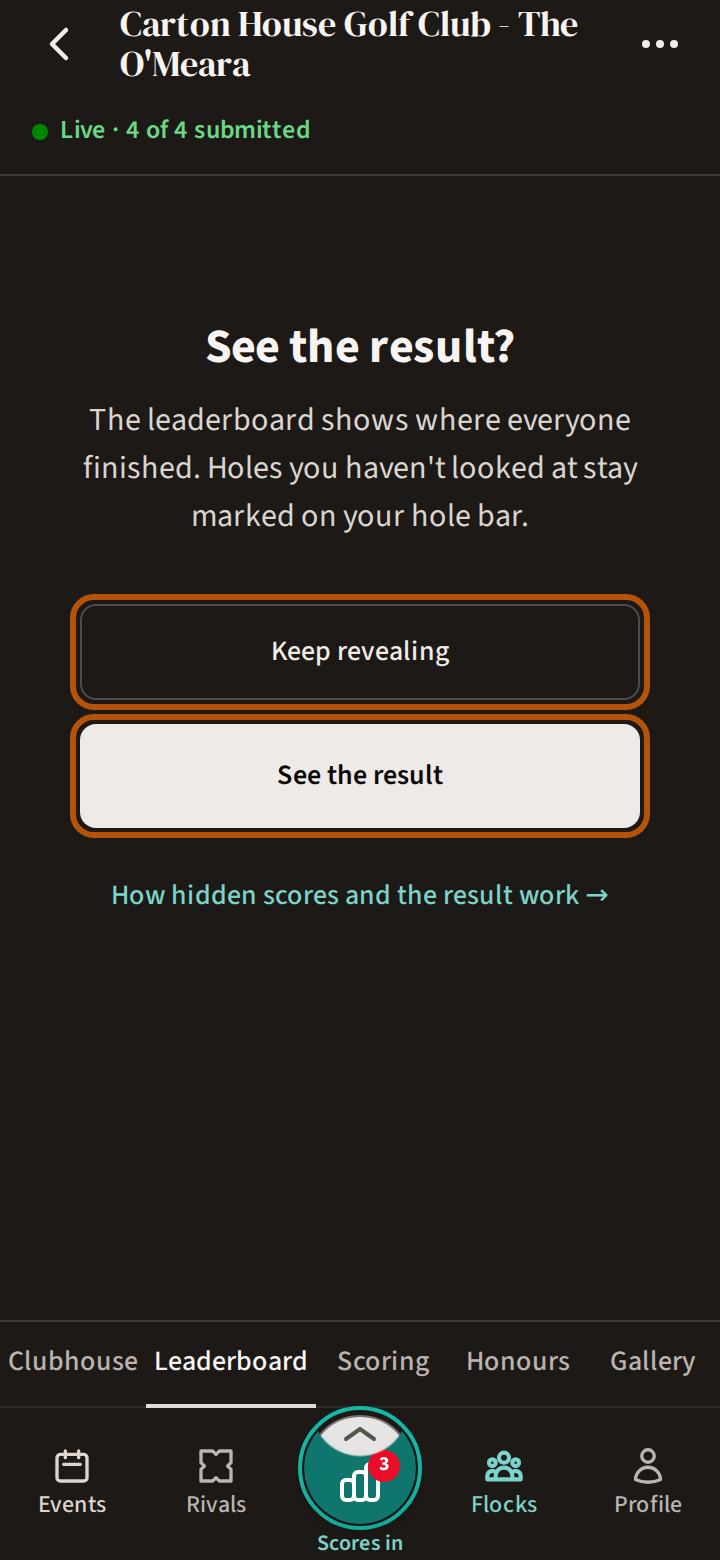
- Keep revealing takes you to the first hole with scores you have not seen ①, and shows everyone's scores there. The hole bar says where else there is news ②; press the next circle to move on. On your card's last hole, See full result sits on the hole bar just after that hole's circle, in place of the next hole.
- See the result opens the Leaderboard with where everyone finished. You are asked once for the round. Holes you have not looked at stay marked on your hole bar.
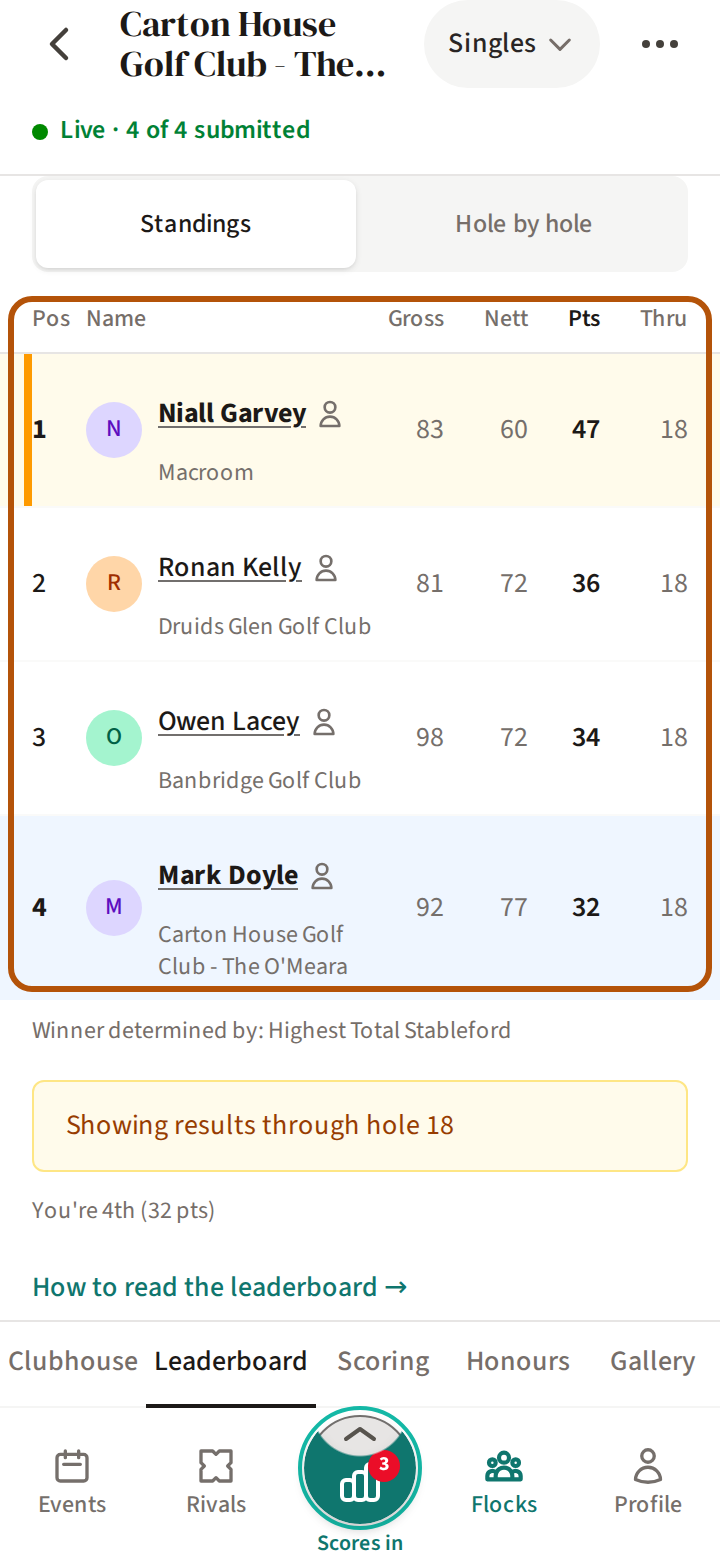
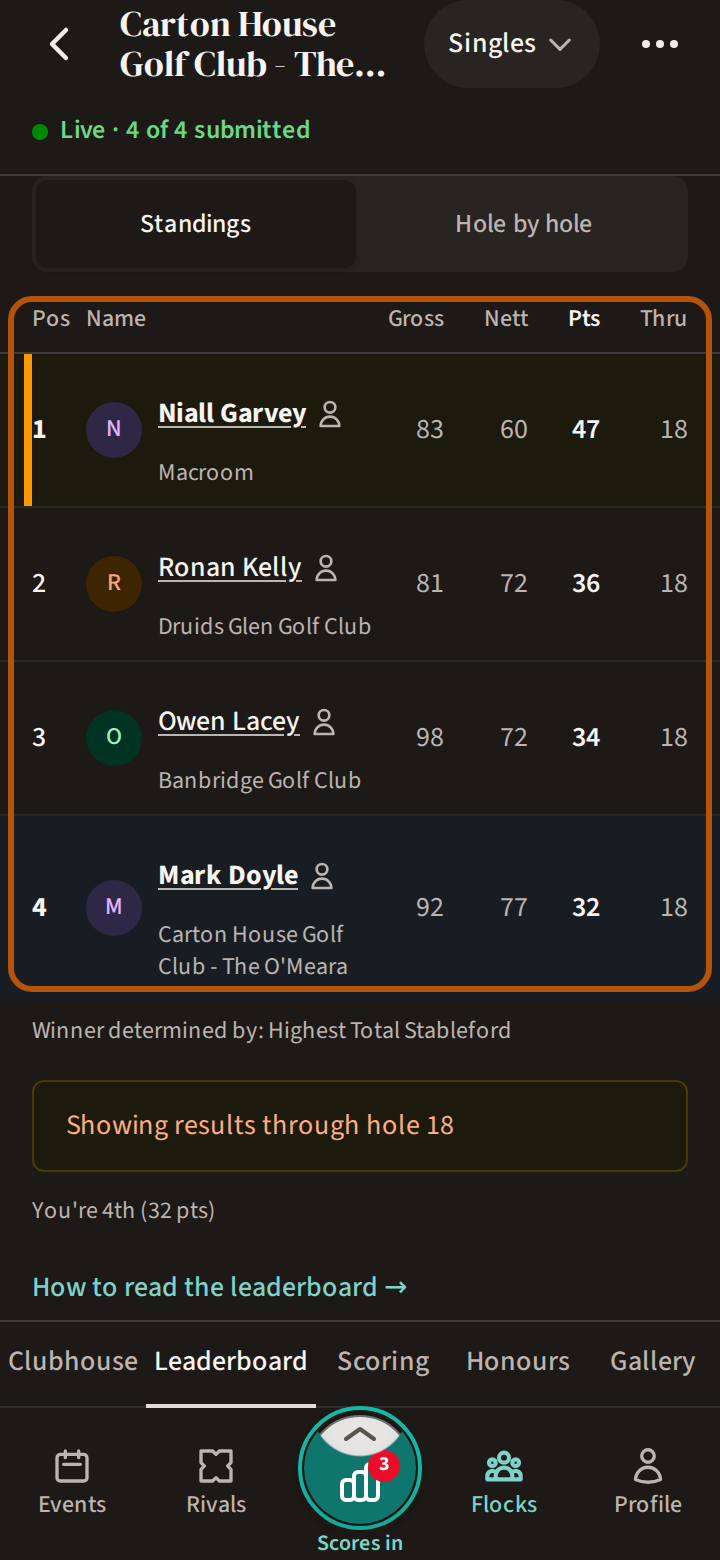
Your Play button points you back to the result until you have seen it — see Read the Play button.
5. When everyone sees everything
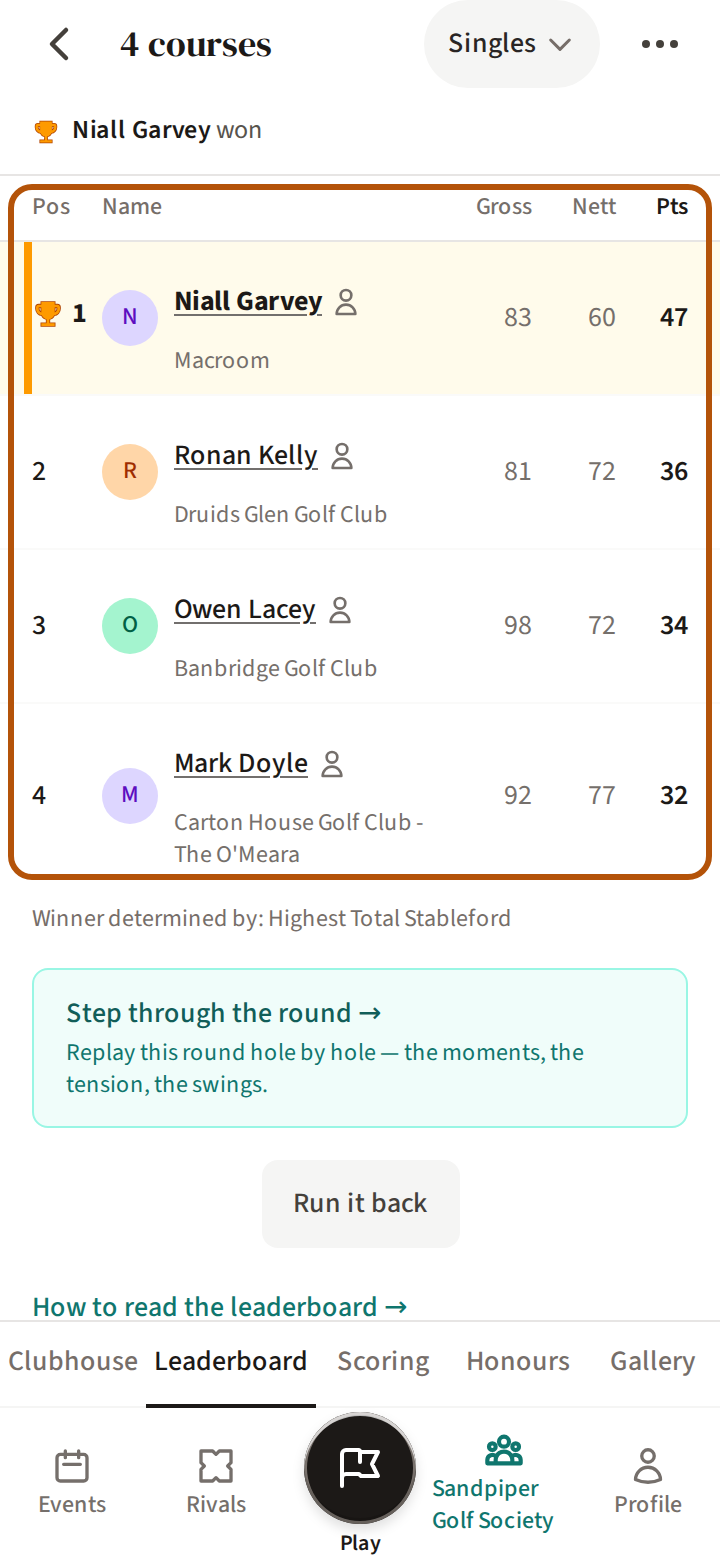
Submitting your card does not show the result by itself — it lets you choose. A card that is full but not submitted is still in progress, so the choice waits for the submit. The result opens for everyone when the organiser completes the event. After that nothing is hidden, and any scores you had not looked at are still ringed on your hole bar, so you can step through them. To go back over a finished round hole by hole, see Replay a round.
6. If you are spectating, or not playing
If you press Spectate on a roaming round (Join or spectate a round), you see what a player who has finished sees: you can go hole by hole, and the Leaderboard asks you See the result? too.
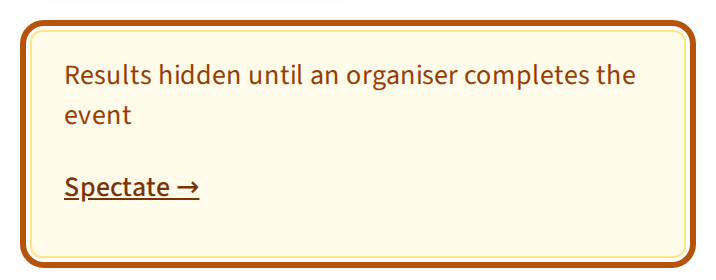
A member of the flock (your group) who is neither playing nor spectating sees no scores until the event is completed. The Leaderboard says Results hidden until an organiser completes the event, with a way in to spectate or join when the round allows it. An organiser can show them sooner with Force Reveal; that changes nothing for the players.
A public share link, where the organiser has turned sharing on, shows the leaderboard as it stands.
Still stuck? Tell us and we will help.