Log a solo round
Your best round of the year, played away from a flock event, deserves better than a story nobody believes. Log it as a solo round and it goes into your stats, and once it's complete it can count toward your Flock HI. Here's how to start one, set up the course, score it, complete it and find it afterwards.
1. Start a solo round
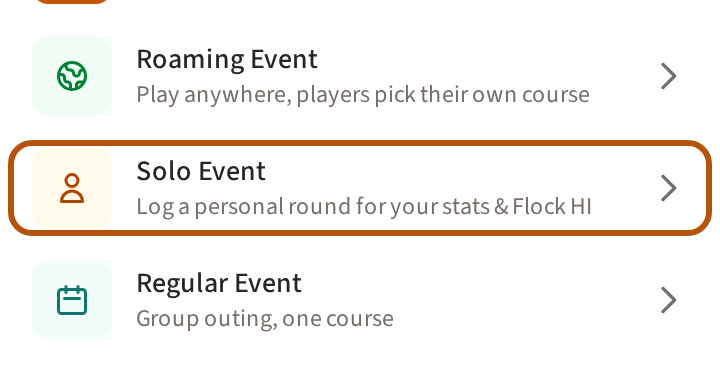
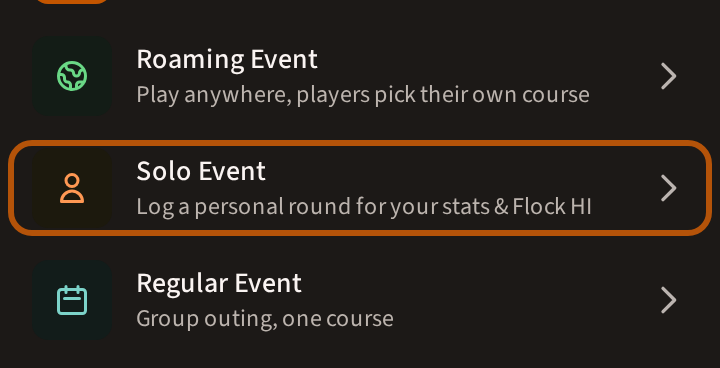
A solo round is one you played outside the events of your flock (your group). Logged on Treád, it goes into your stats, and once it is complete it can count toward your Flock HI like any other round. Open the Play list — the little arrow on top of the Play button, or the button itself when it has no arrow — and choose Solo Event near the end of the Play list. If your list is long, those rows are gathered into Create › — press it first.
If you are in more than one flock and Treád asks you to Choose a flock, pick the flock whose Flock HI the round is for. Every member can log a solo round unless the flock's admins have switched off Members can create Solo Events — then the row is not there.
2. Fill in the form
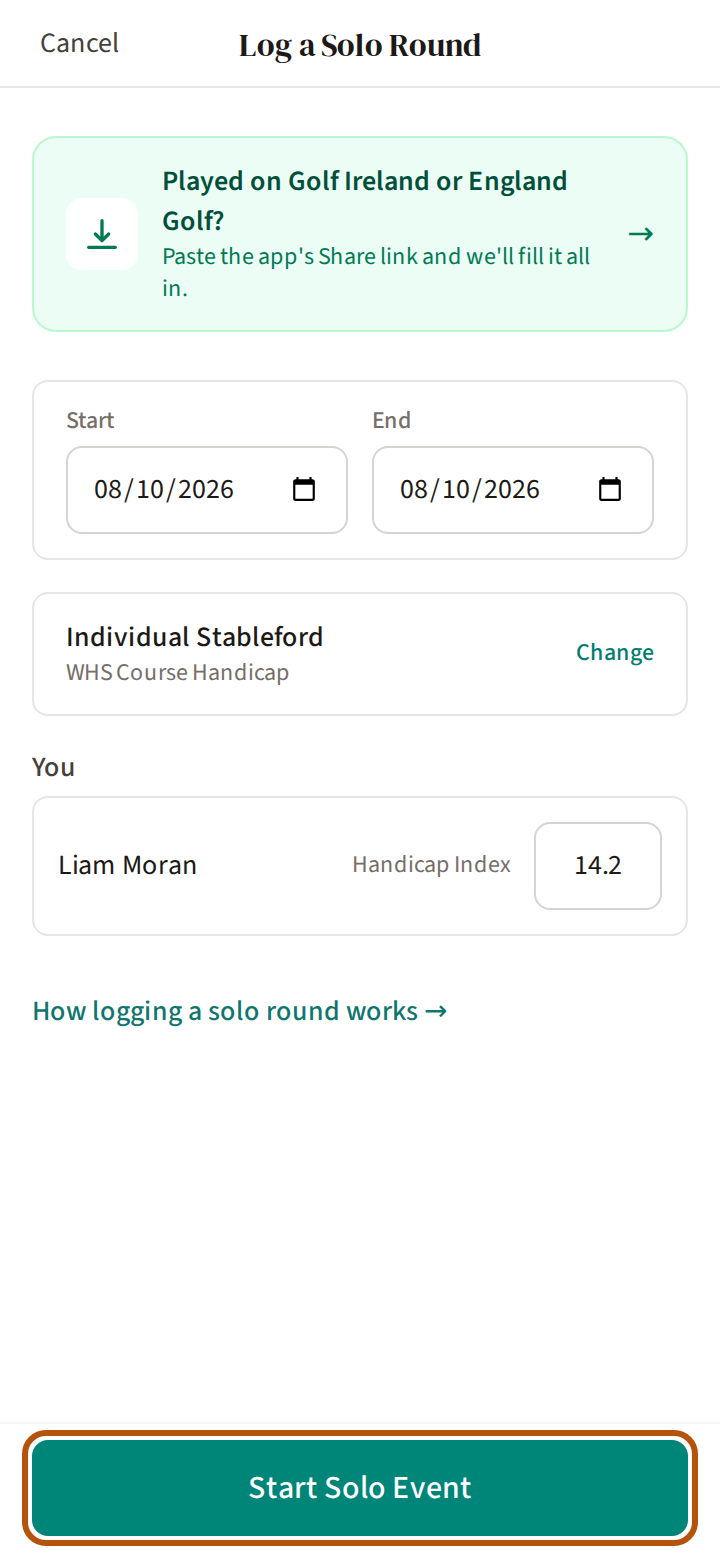
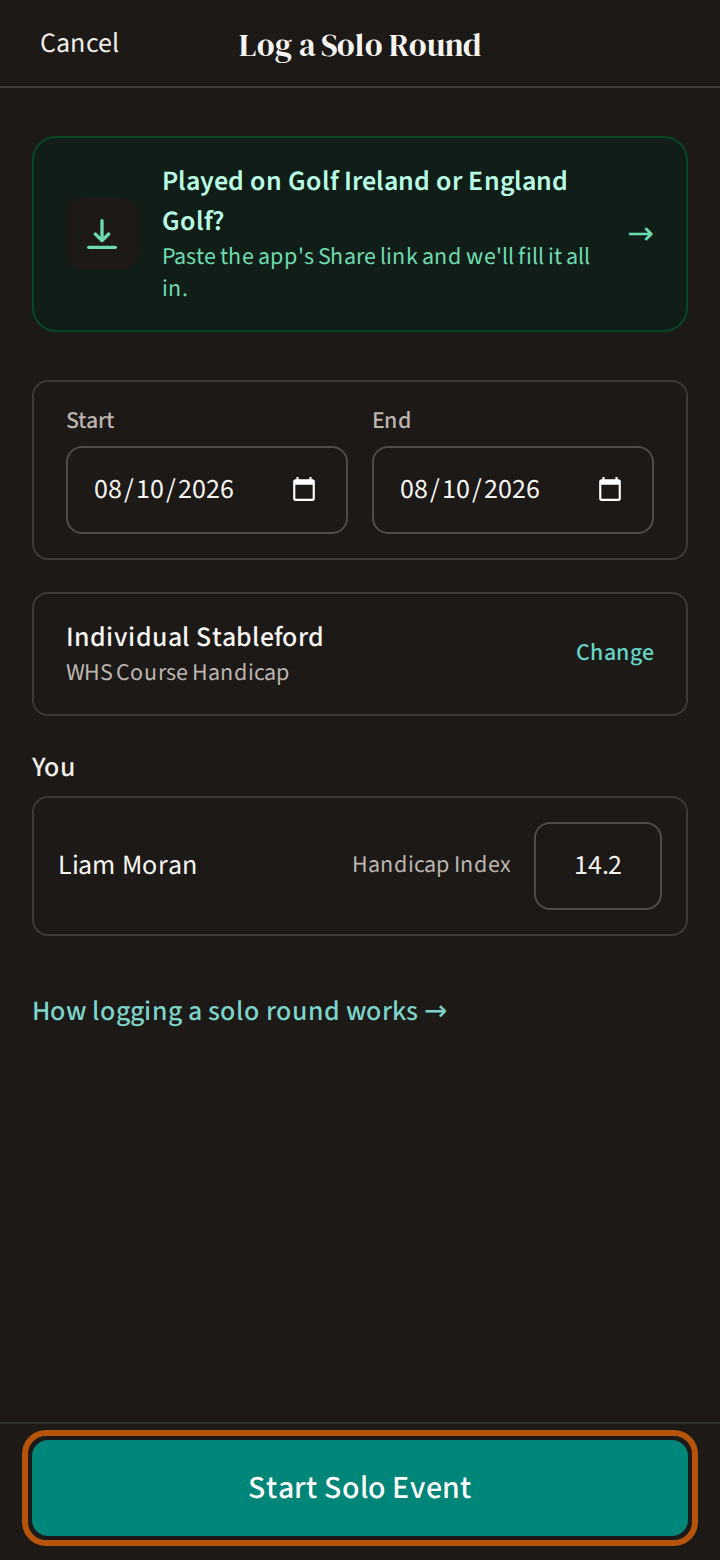
The form is headed Log a Solo Round. Set Start to the day you played — today or earlier, never a day ahead. Under You is your name with your Handicap Index; check it. Then press Start Solo Event. If the button won't press, the line under it says what is missing.
Already recorded it on the Golf Ireland or England Golf app? Press Played on Golf Ireland or England Golf? at the top of the form and paste that app's Share link — Treád fills the round in for you.
3. Choose your course, then score
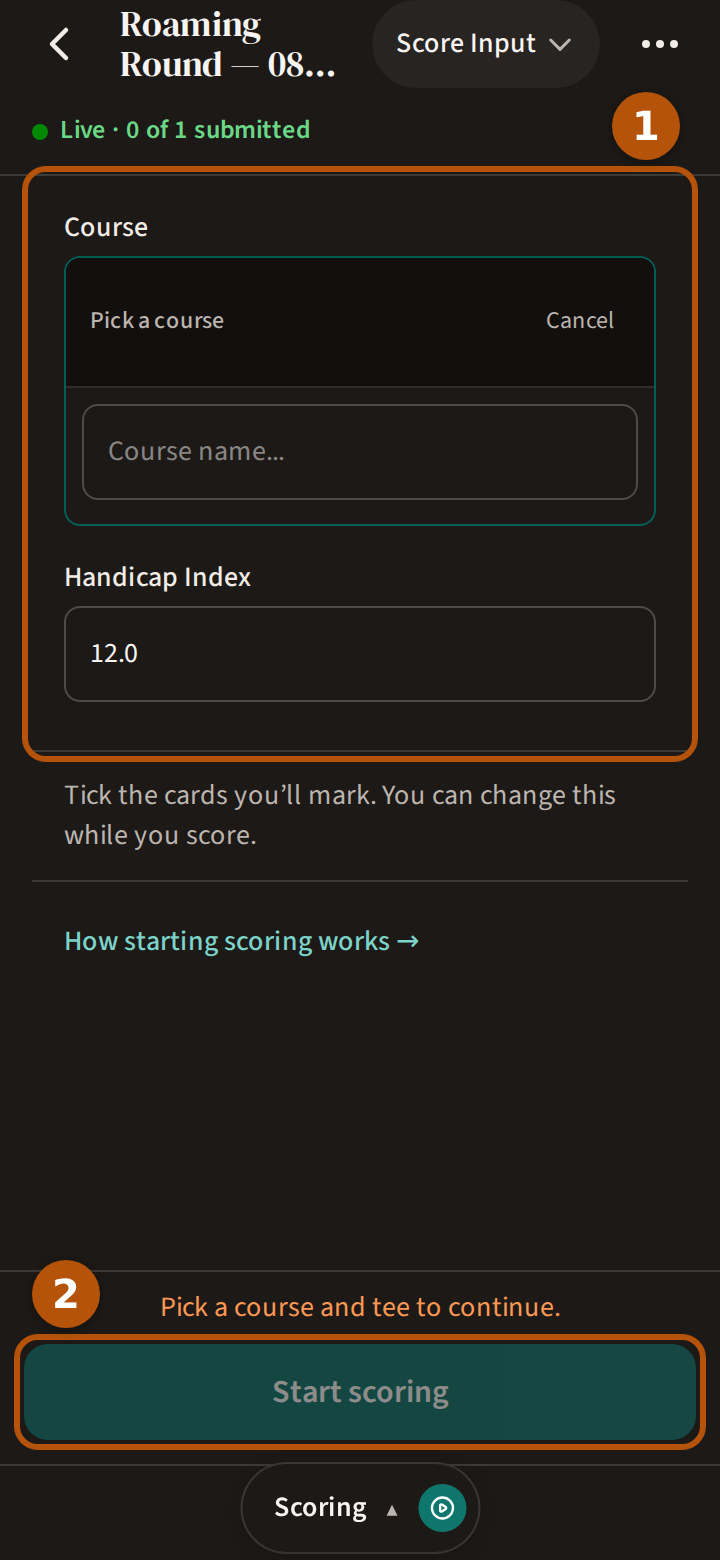
The new round opens on its Scoring section, ready to start. At the top ①, under Course, find the course and choose the tees you played, and check your Handicap Index; then press Start scoring ②. Until a course and tee are chosen, the line above the button says Pick a course and tee to continue. Your favourite courses wait at the top of your list under Course — Keep your regular courses close.
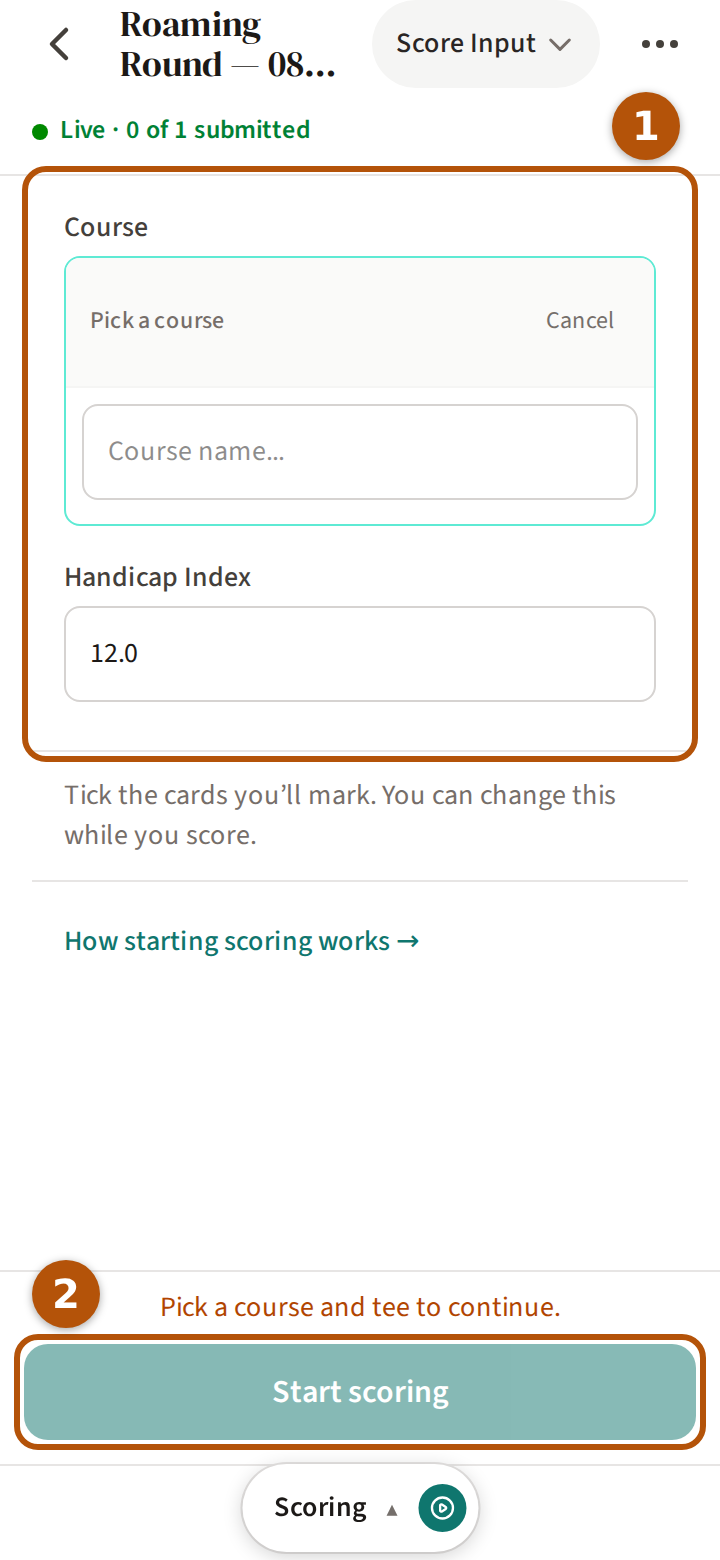
If Treád says the tee is missing its slope or course rating, choose another tee or course — a round without them cannot be completed. Then put in your score hole by hole, just as Score a round shows; on a solo round the card is yours alone. After the last hole, press Review & submit on the hole bar, check your card and press Submit card — Submit your card.
4. Complete it
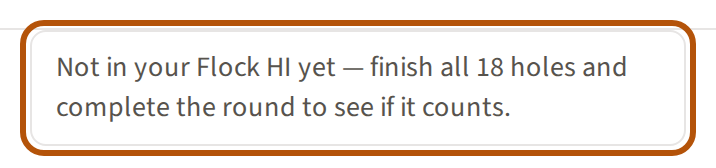
A solo round has three sections: Clubhouse, Scoring and Gallery. While it is open, its Clubhouse says Not in your Flock HI yet — finish all 18 holes, submit your card and complete the round to see if it counts.
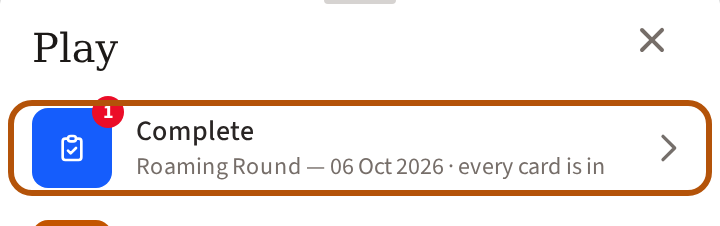
Once your card is submitted, your Play list gets a row to complete the round, reading every card is in. Press it to open the round's Admin — a solo round is yours to run, and the More menu's Admin row opens it too.
Press Complete event and confirm, as Close out an event shows. If the round's course is missing its Course Rating, Slope or stroke index, Treád won't complete it yet and says so. Add them to the round itself: in its Admin, open Courses, press Edit on the course for the rating and slope, and fill in the stroke index beneath and press Save Stroke Index. Then complete it.


Once it is complete, the Clubhouse says Counts toward your Flock HI. — or, if it doesn't, why not.
5. Where it shows afterwards
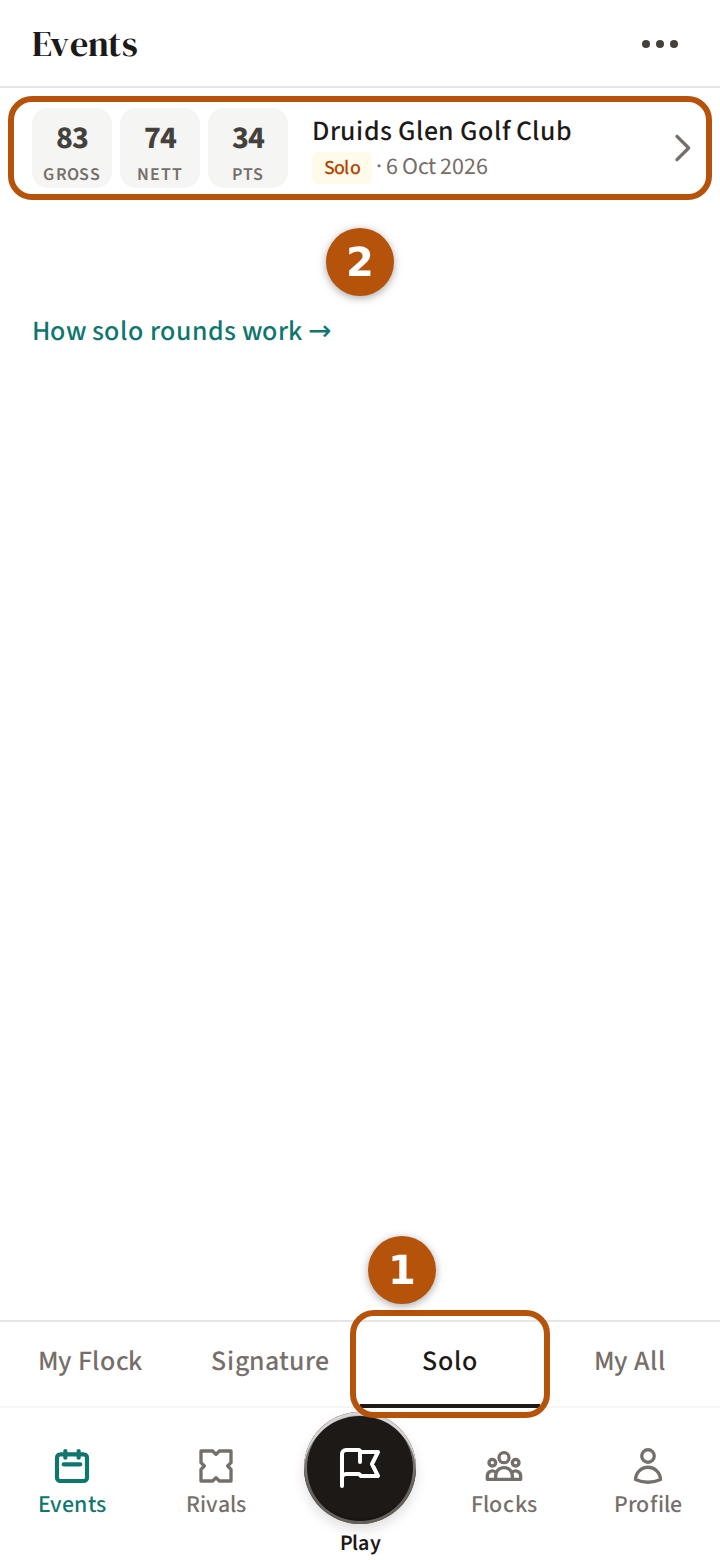
Your solo rounds are under Events on the bar, in its Solo section ①. Each row ② shows the round's gross, nett and points once it is complete, with a dash where there is no full 18. On your Profile, a solo round counts in your own stats and scoring average, but never on the flock's Rankings.
A solo round is yours alone: it is in none of the flock's lists or honours, and nobody can join it, spectate it or ask to play in it. What your flock does see is your Flock HI record — a solo round that counts is in it like any other, marked Solo.
A roaming or regular round that ends with only you in it is saved as your solo round when it is completed.
Still stuck? Tell us and we will help.