See who won the league
A season of golf deserves a proper finish. When your league ends, Treád crowns the winner for the whole flock (your group) and keeps the top three at the front, so the bragging rights get their airing. Here's when a season ends, where the result shows, and how to share it and settle any pot.
How points are won through the season is in Follow your league.
1. The winner is crowned
A season ends the day after its last date. If an event dated in the season has not been played or finished yet, the league waits for it, for up to a week. The organiser can also end it early. Then the points are final.
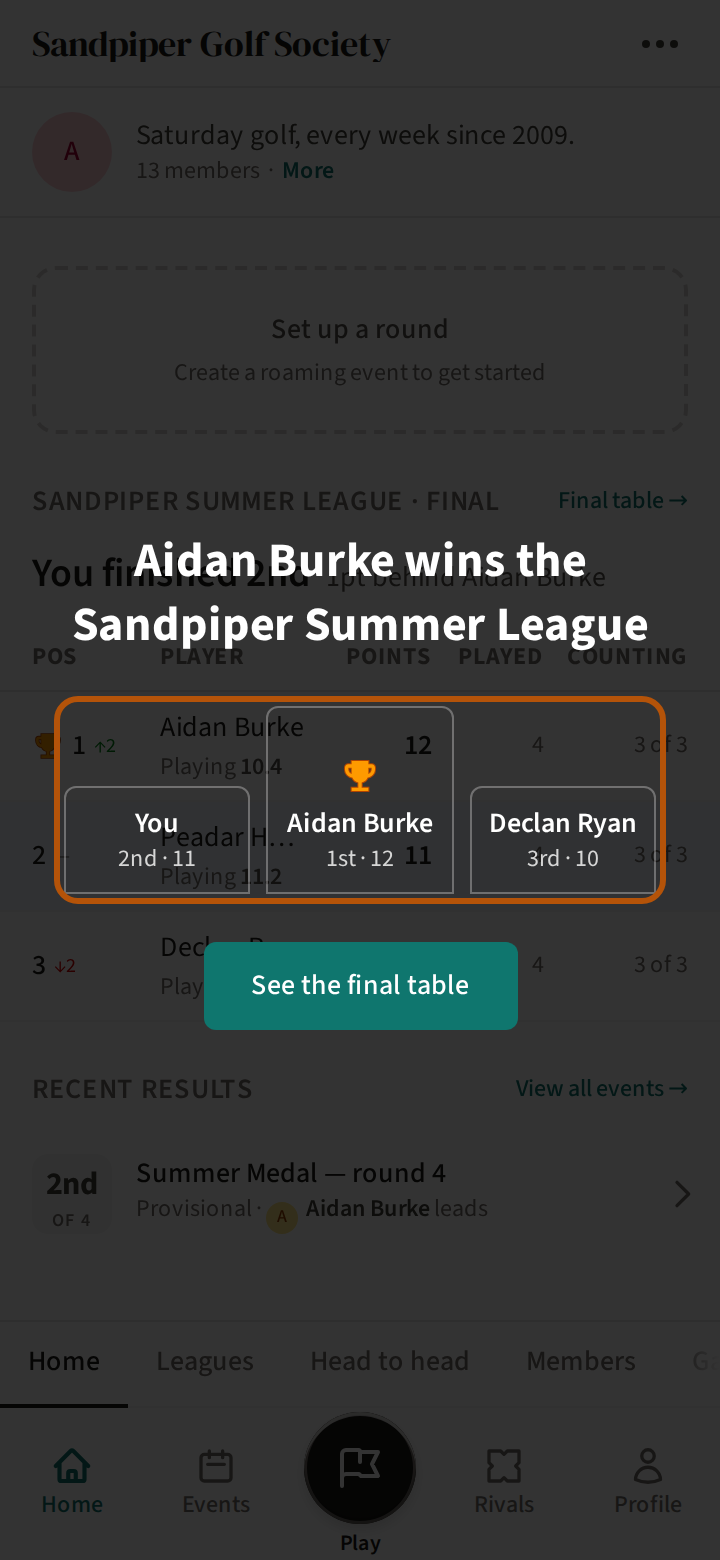
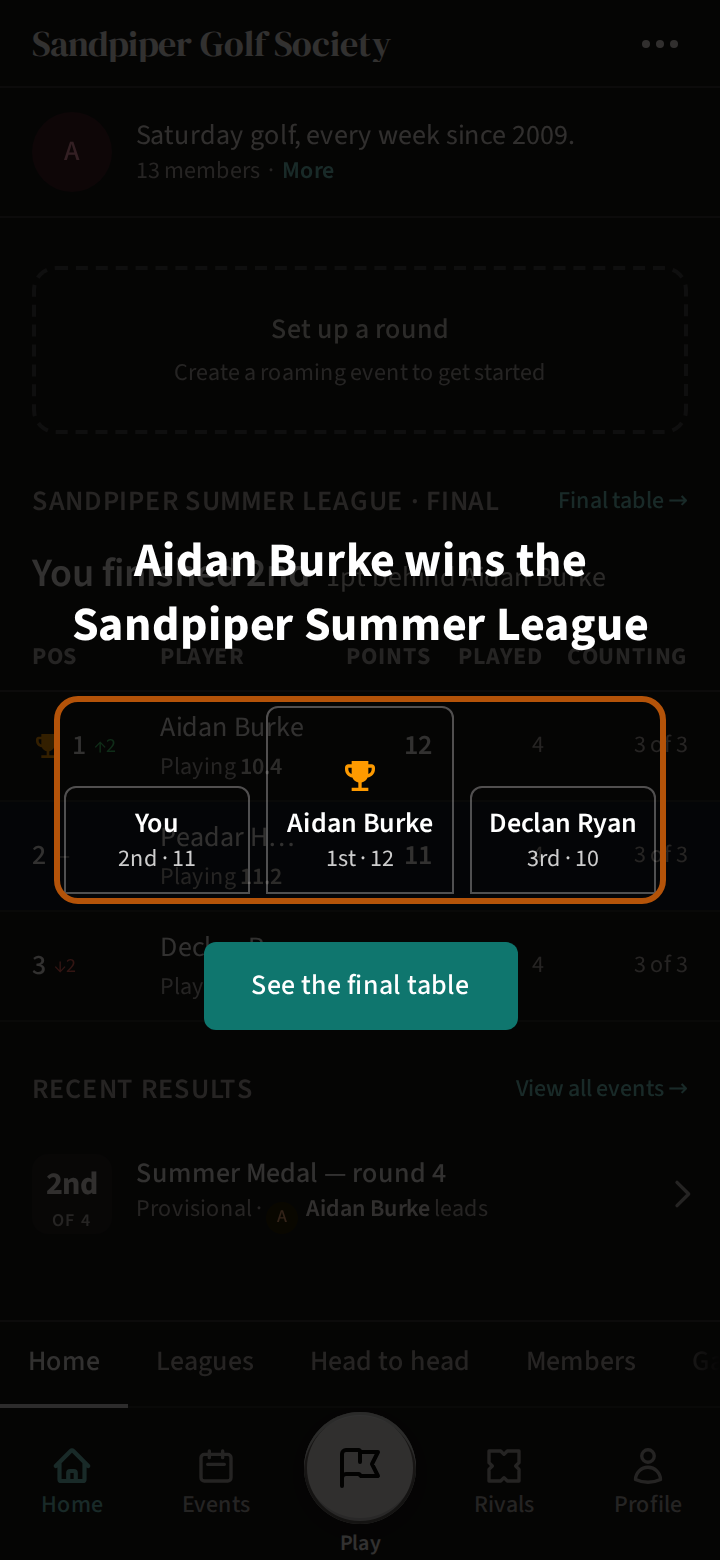
The first time you open your flock in the two weeks after the end, Treád crowns the winner in a headline such as "Aidan Burke wins the Sandpiper Summer League", with the top three on a podium, their places and points beneath. If it is you, it says You won; joint winners share it. You see it once, whichever phone you use. Press anywhere to close it, or it closes itself after a few seconds. Press See the final table to read the whole table.
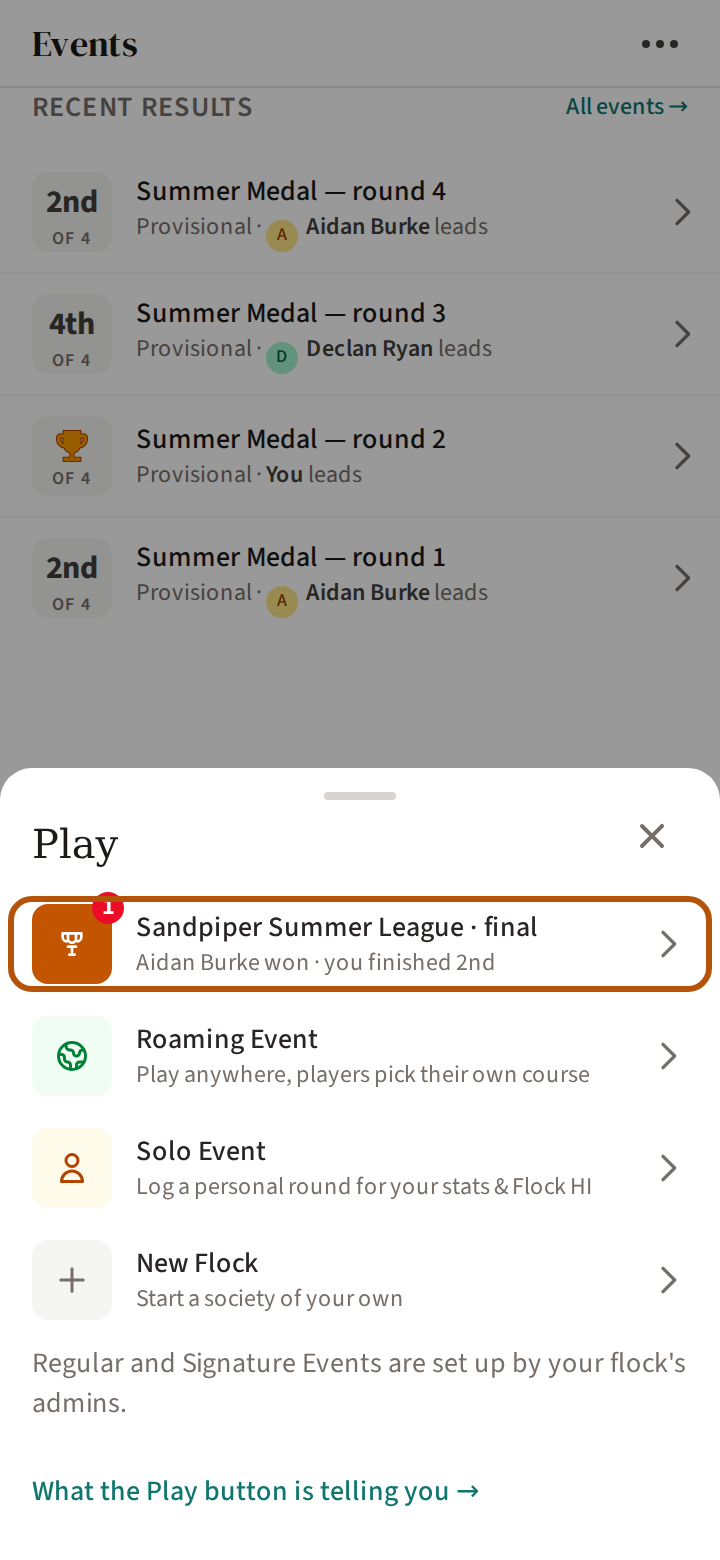
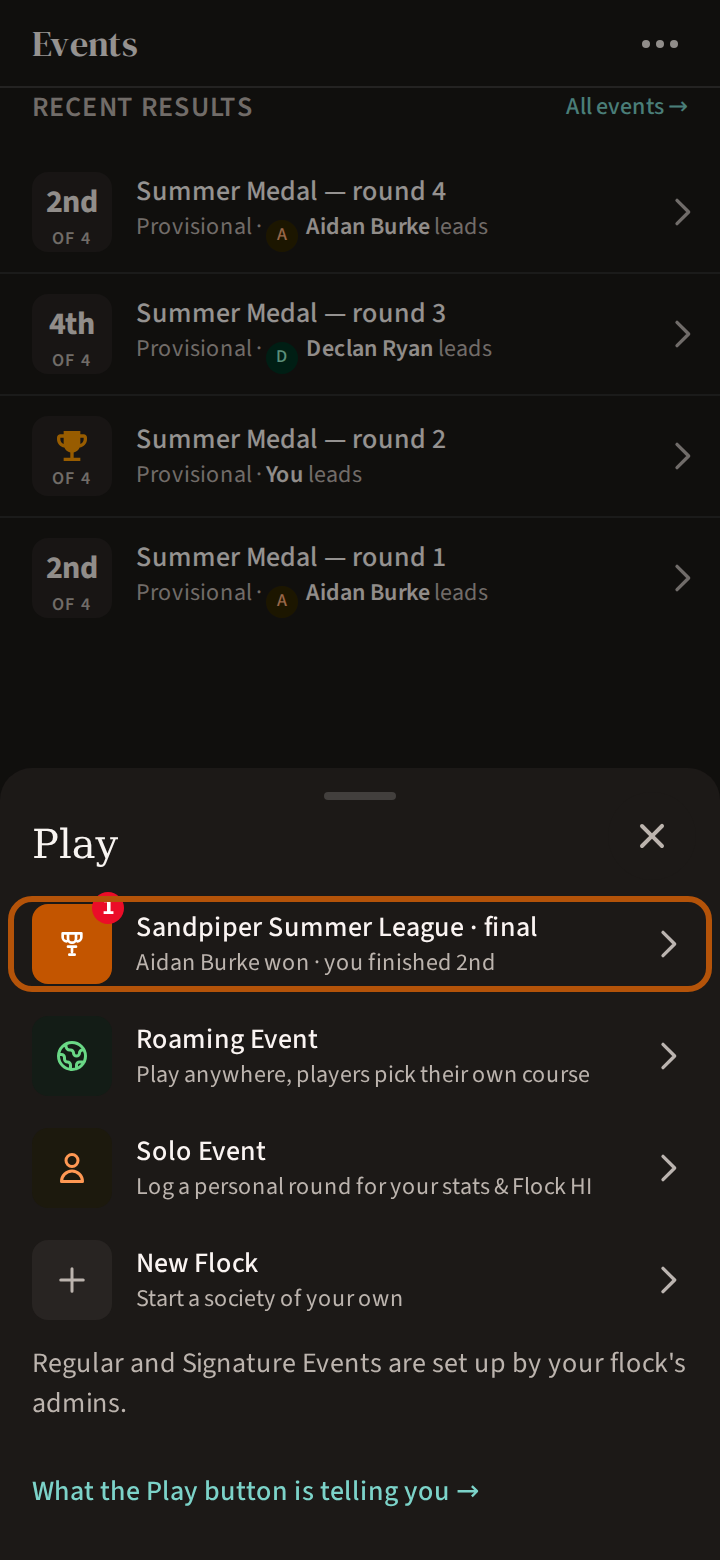
In those two weeks, until you have seen it, your Play list carries the news too: a row with the league's name and final, saying who won and, if you played, where you finished. Press it to go to your flock's Leagues section, where the winner is crowned. Once you have seen it the row goes, and it goes at the end of the two weeks either way.
While that row waits, your Play button may show it too: amber, with a trophy and Result. A round of yours that is on, or other news waiting for you, shows first; if another result is waiting as well, the button says 2 for you and opens the Play list (see Read the Play button).
2. The final table
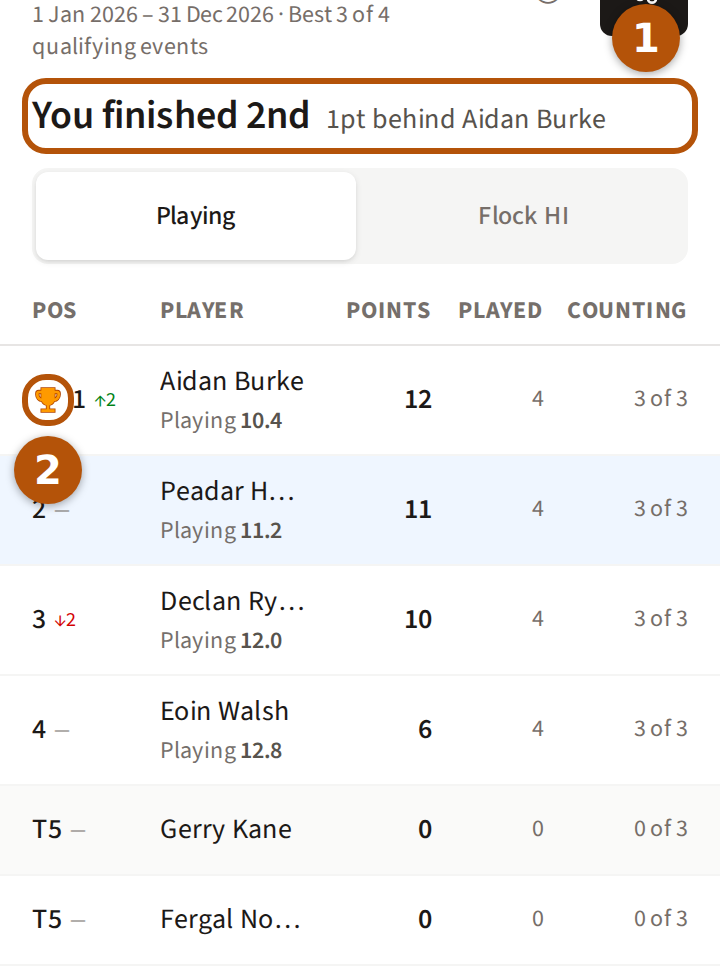
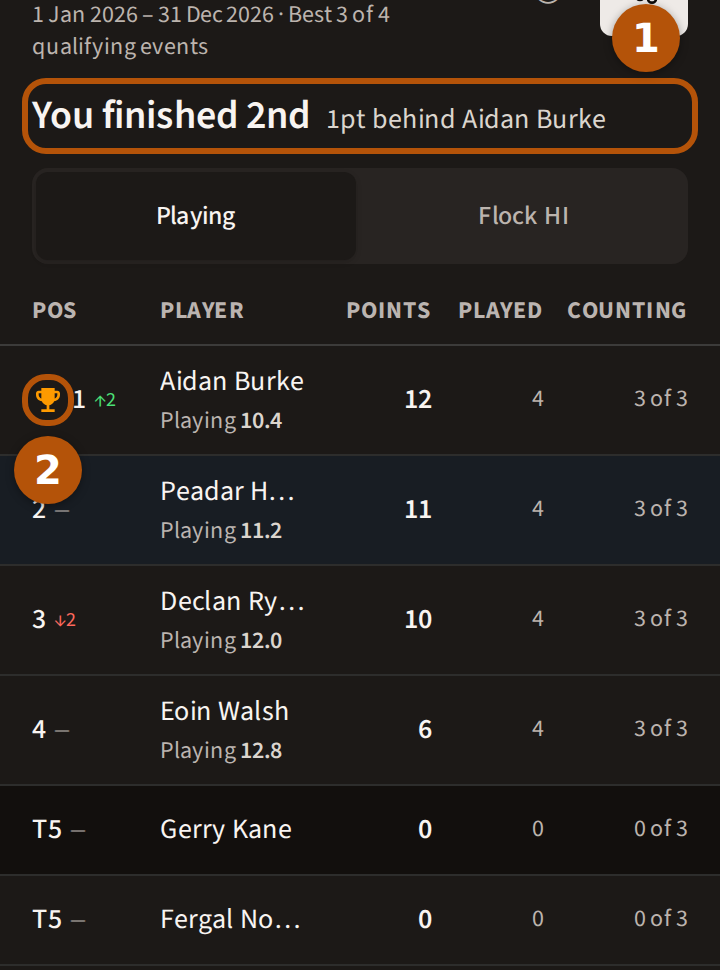
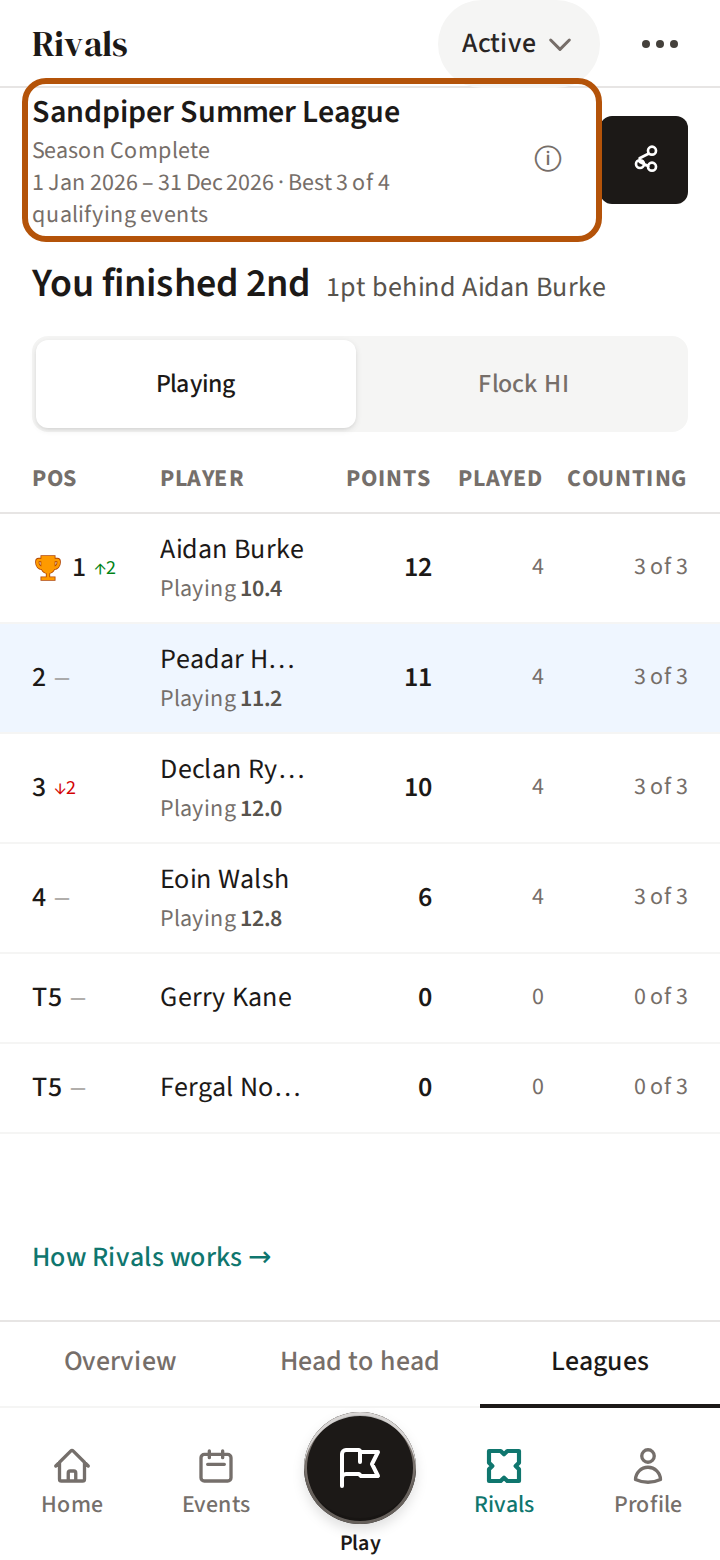
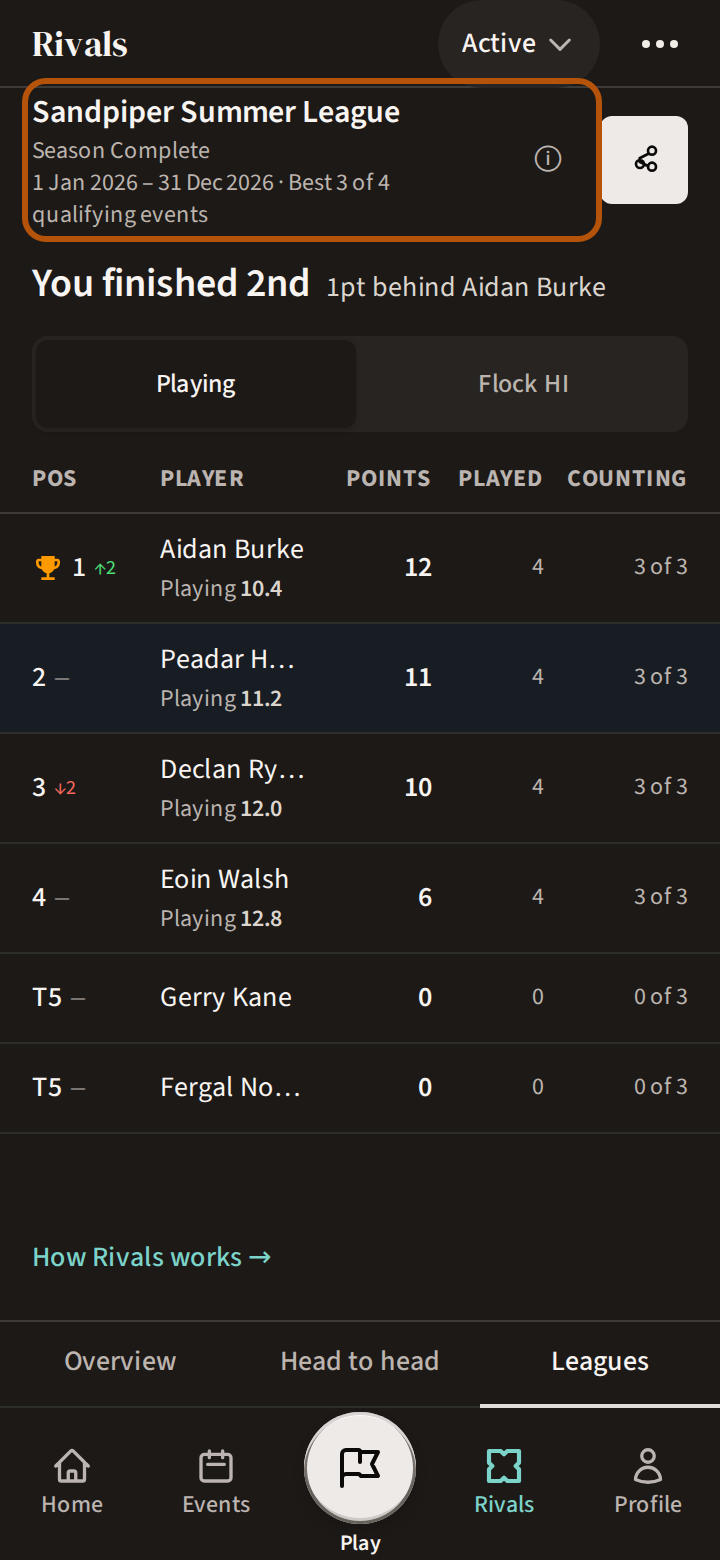
The Leagues section shows the final table until the flock's next league opens. The line above it ① says where you finished, and a trophy ② marks the winner.
For two weeks after the end, the final's top three stay at the front of your flock's Home, headed with the league's name and Final ①, even if the next season has already started. After that they stay until the next league starts scoring. Press Final table ② for the whole of it.
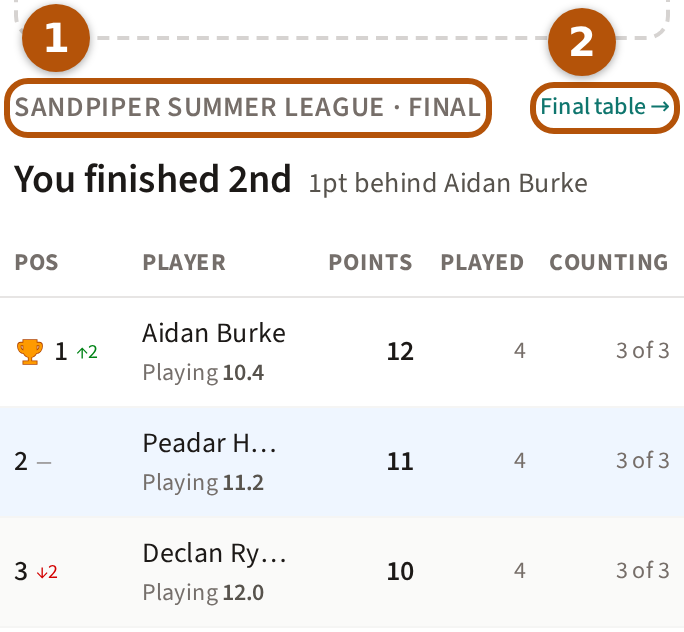
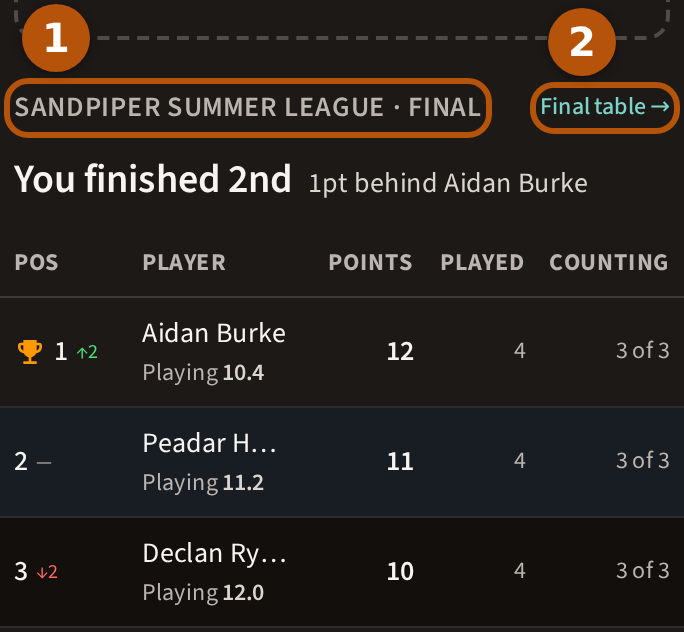
If the next league opens inside those two weeks, it leads the Leagues section, and last season's top three stand beneath it as Last season.
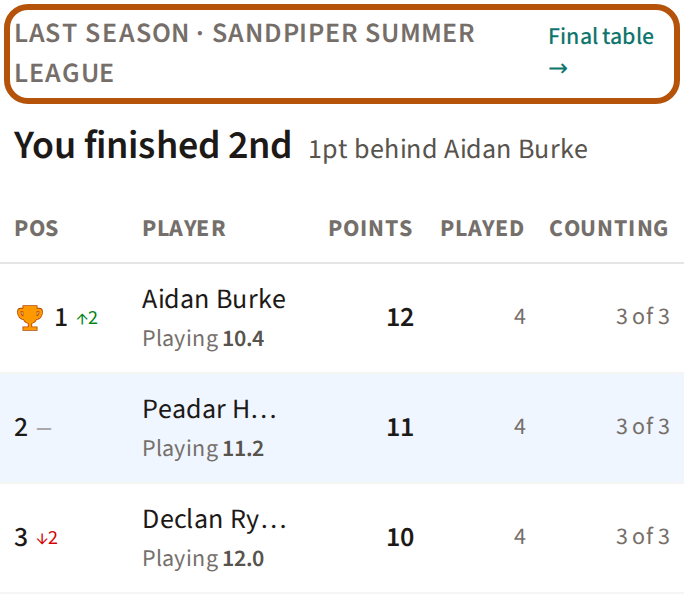
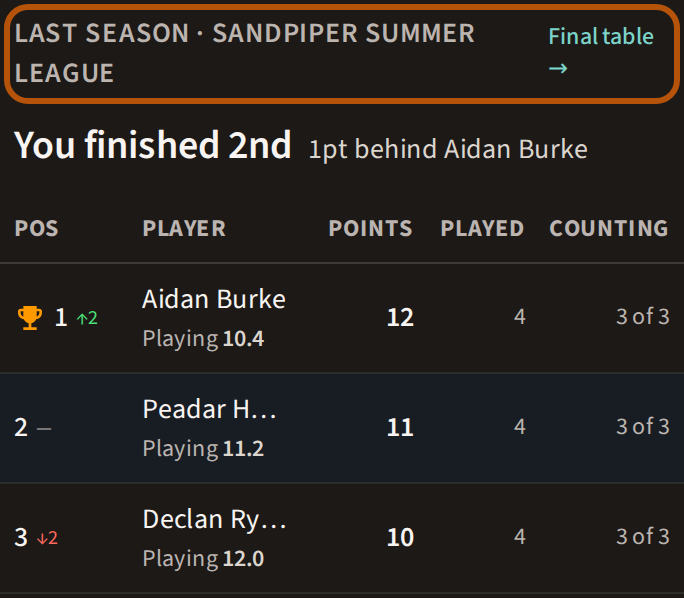
The same final is on Rivals, on the bar: choose Leagues in its sections. It shows there for as long as your flock's Leagues section shows it. Rivals shows one league at a time, a running one first: if you are in more than one, choose this one in the picker at the top.
3. Past seasons
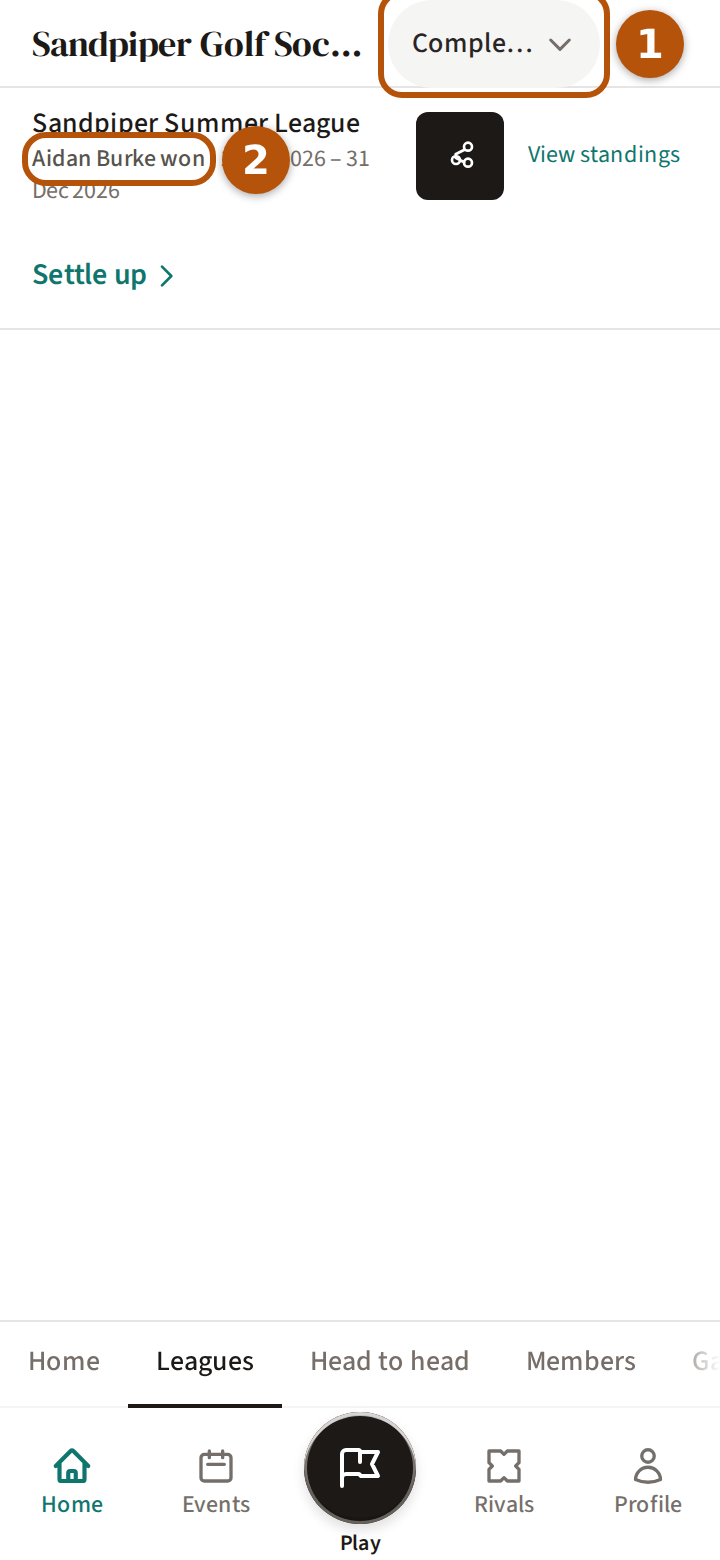
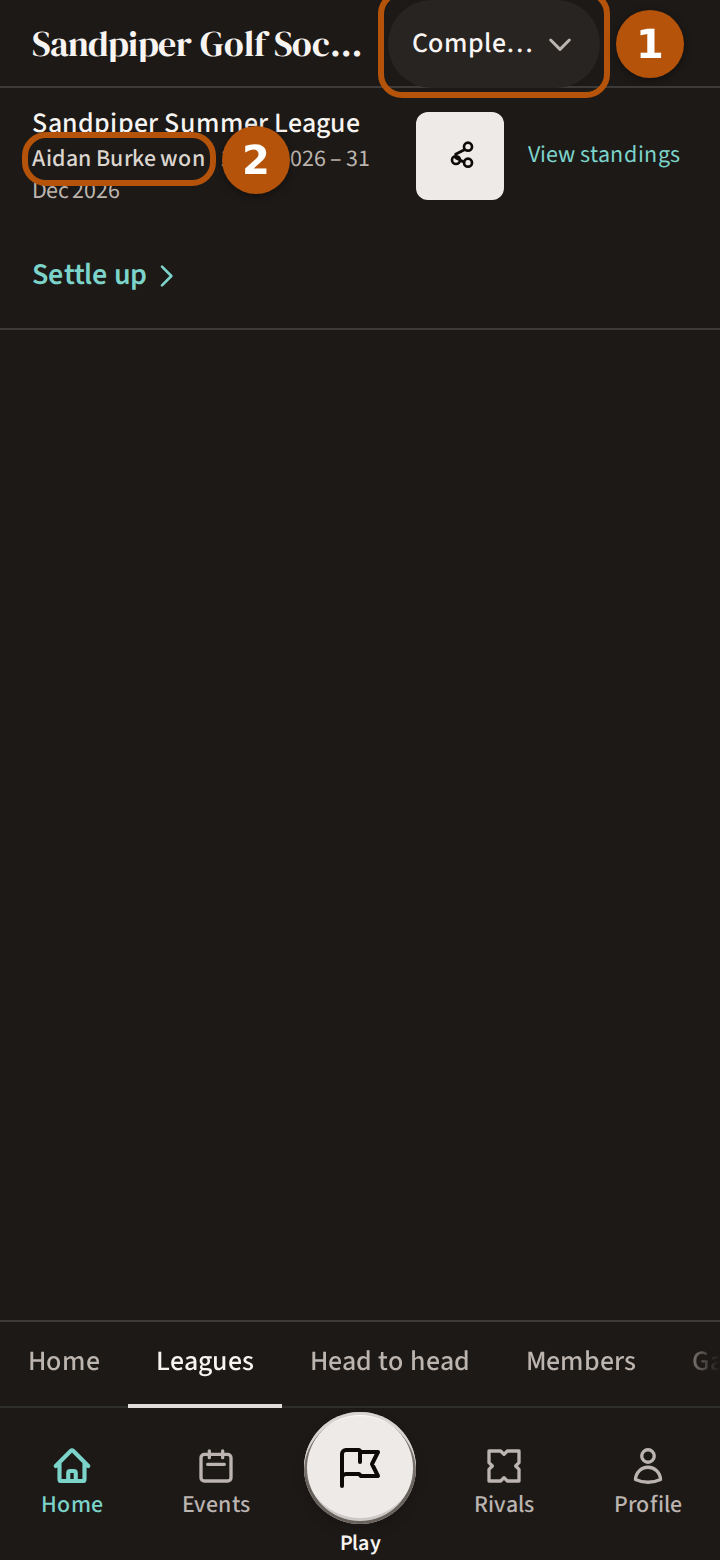
Every finished season is kept under Completed: choose it in the picker ① on the Leagues section. Each row says who won ②; press View standings for its final table.
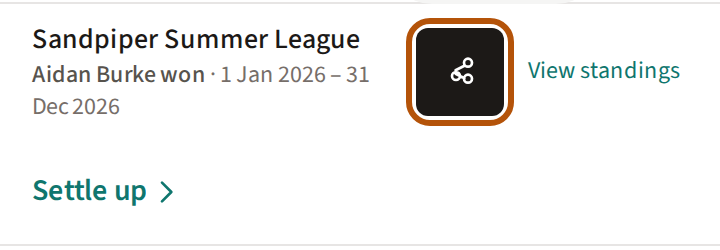
The share button on the row sends the season's final, with its picture, to your group chat; on a phone that can't share, it copies a link to paste instead.
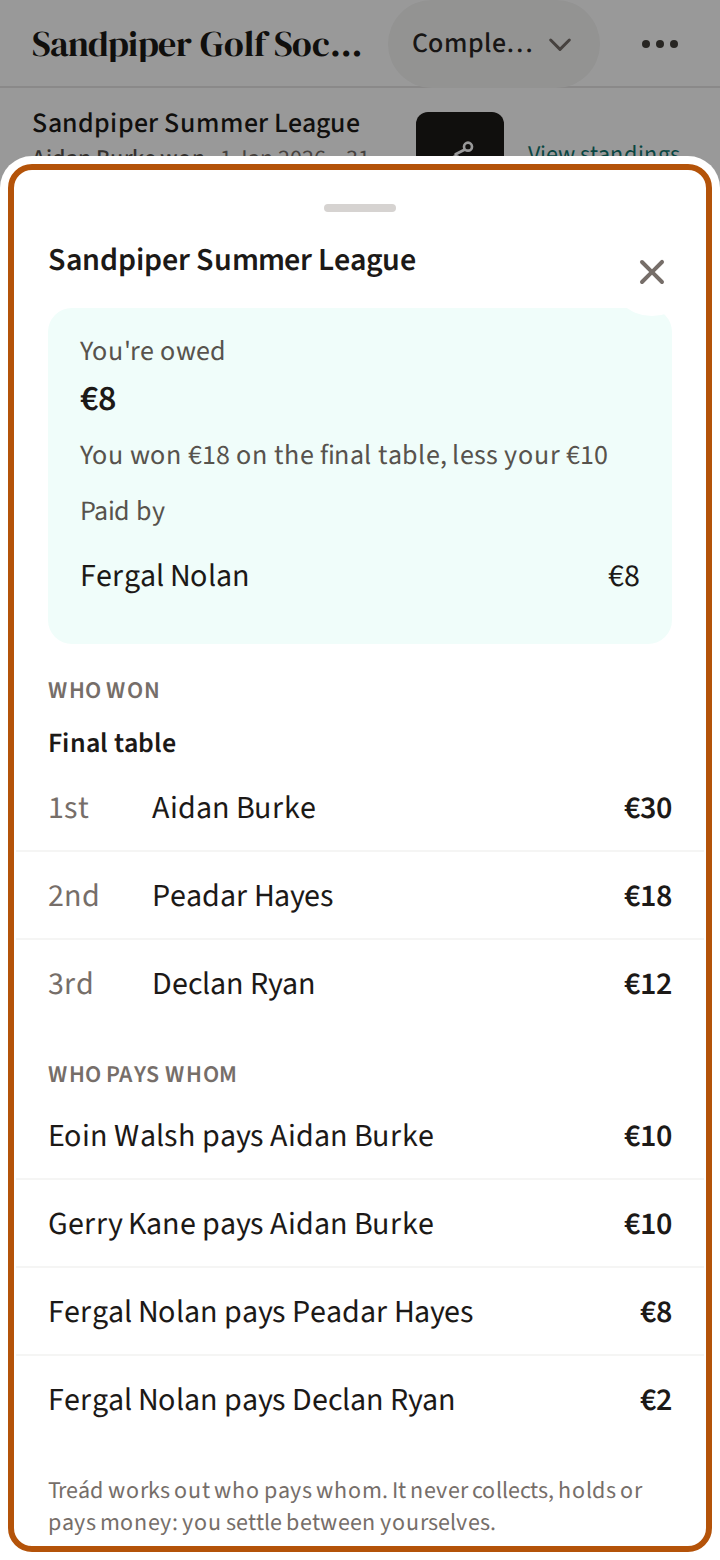
If the league had a pot, the row also carries Settle up for every member who was in the pot, and for the organiser.
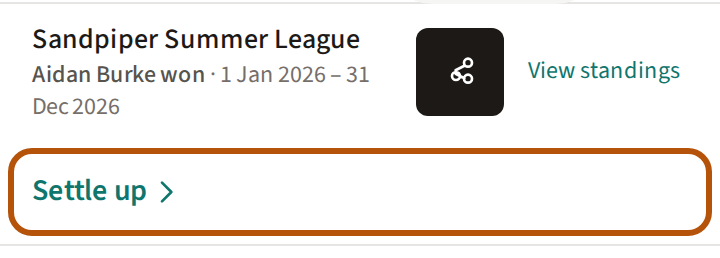
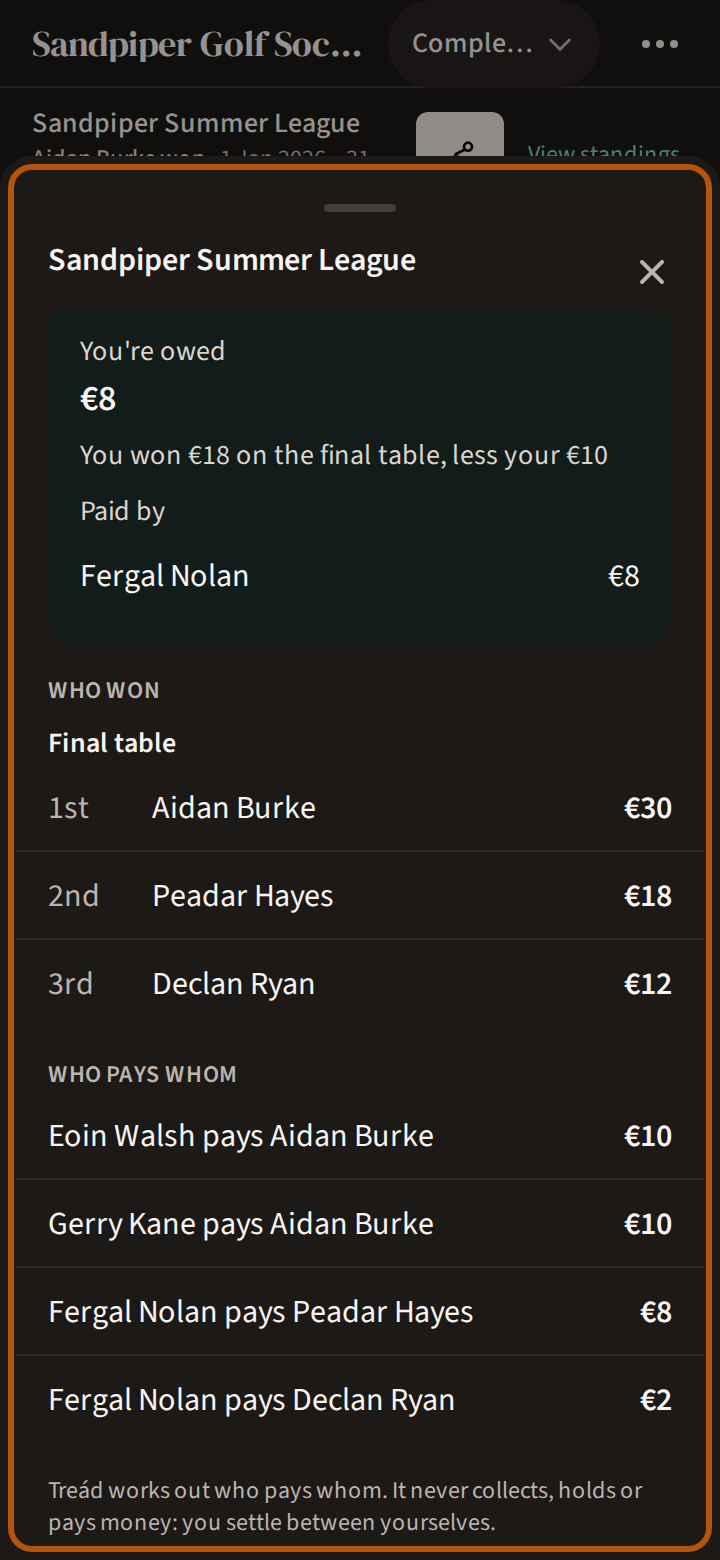
Press Settle up to see your own line first — what you're owed or owe, and to or from whom — then who won the pot's places on the final table, and Who pays whom, in as few payments as possible. Treád works out who pays whom. It never collects, holds or pays money: you settle between yourselves.
Still stuck? Tell us and we will help.