Read the leaderboard
Who's out in front, who's hanging on, and how many holes your playing partner has left to throw it all away — it's all there on the Leaderboard. Here you'll learn to read it at a glance, whether it's players, teams or a match.
1. Open it and choose what it shows
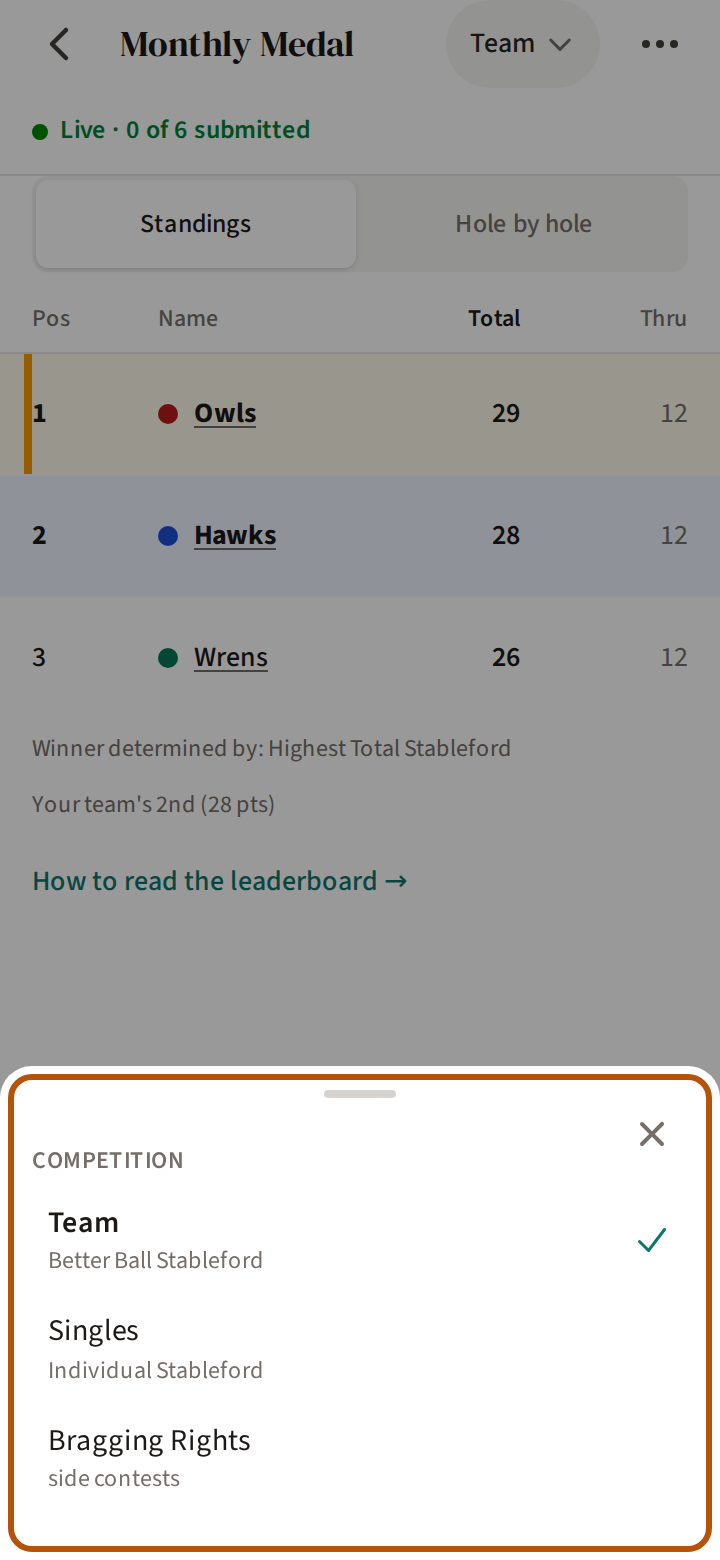
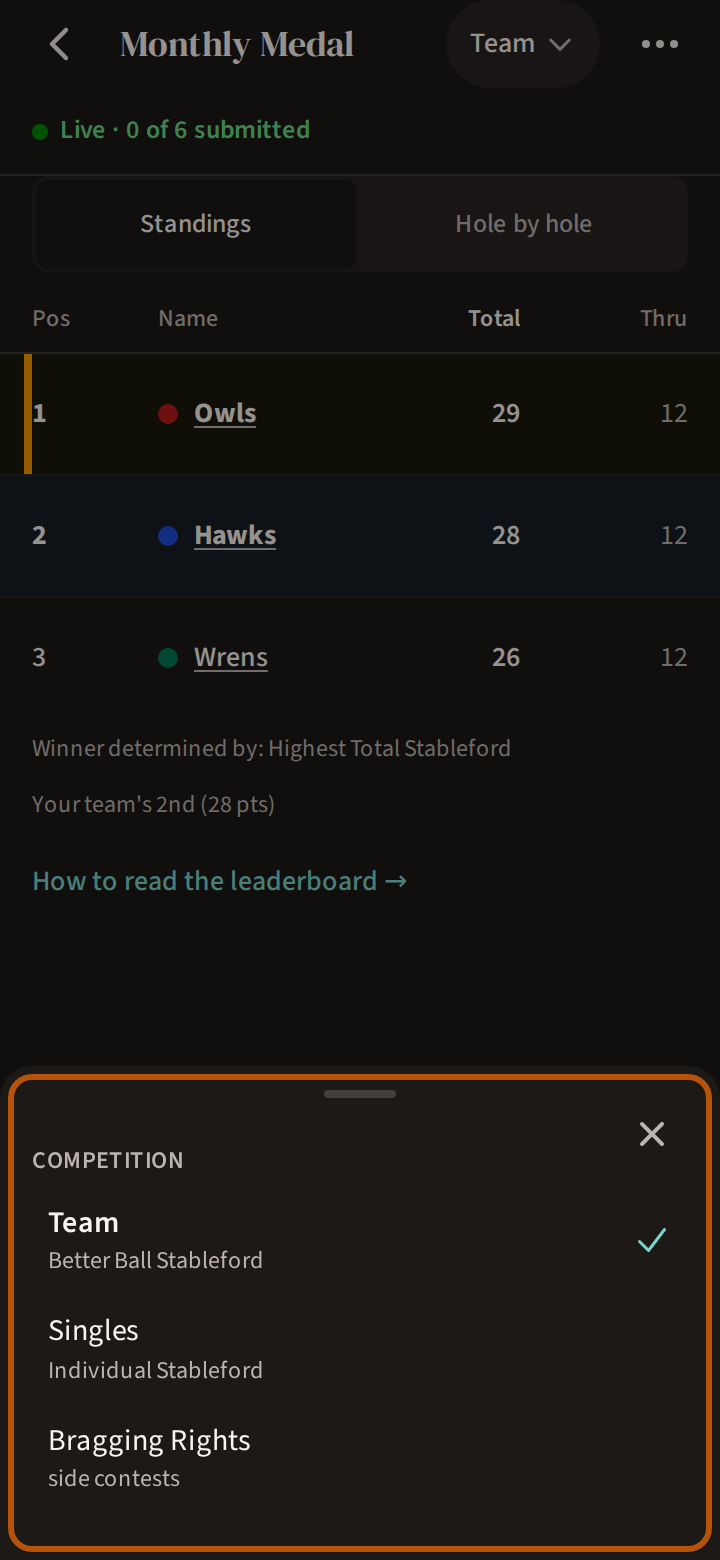
Open the event and press Leaderboard among its sections. When there is more than one thing to show, the picker in the header chooses. Its Competition list names each competition, then, when the event has them, Your Rivals for your own series, Rivals in Play for any series with both players in this field, and Bragging Rights for the side contests. Series are explained in Rivals.
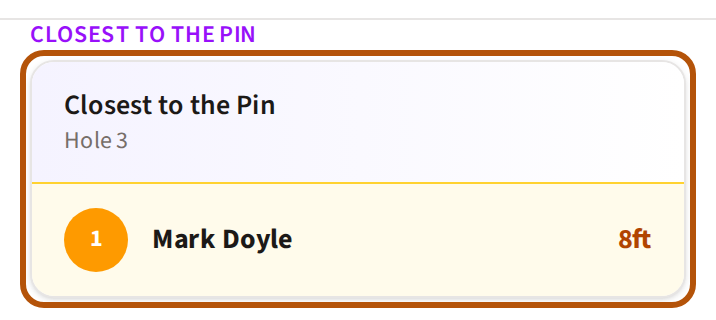
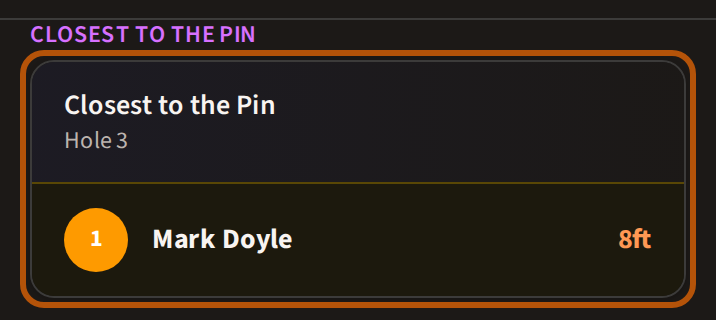
Choose Bragging Rights and the board gives way to the side contests, grouped by kind — Closest to the Pin, Longest Drive — with a card for each giving its hole, and the leader once someone is in.
2. Read the columns
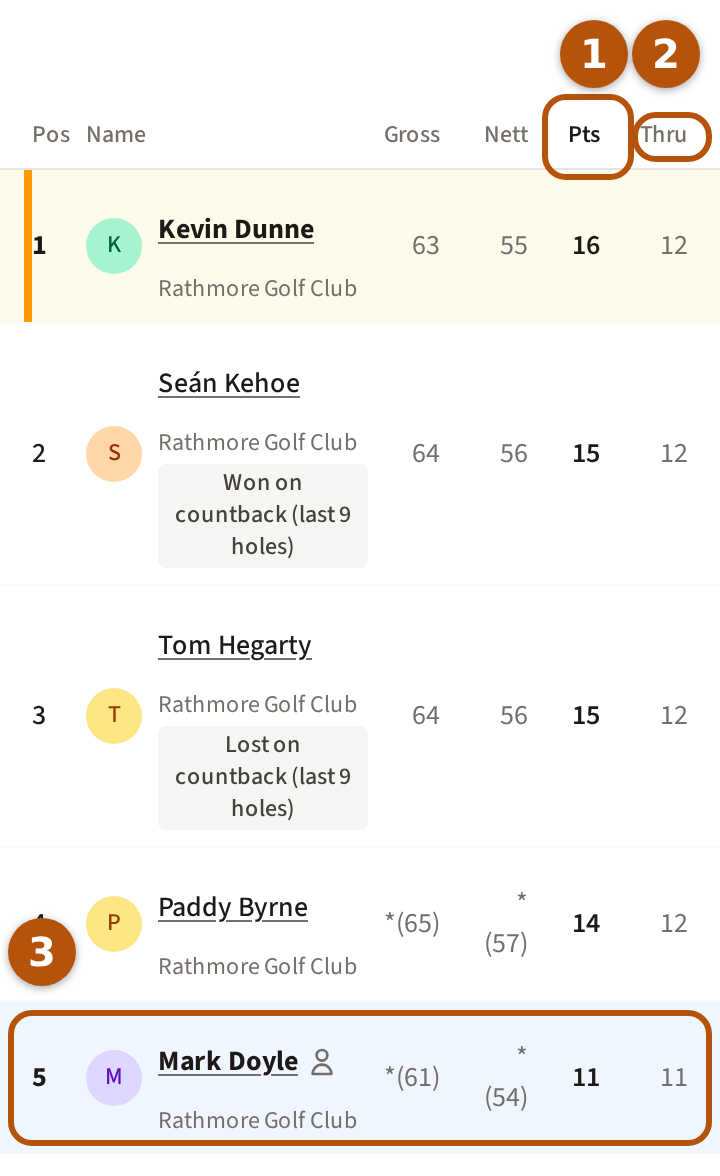
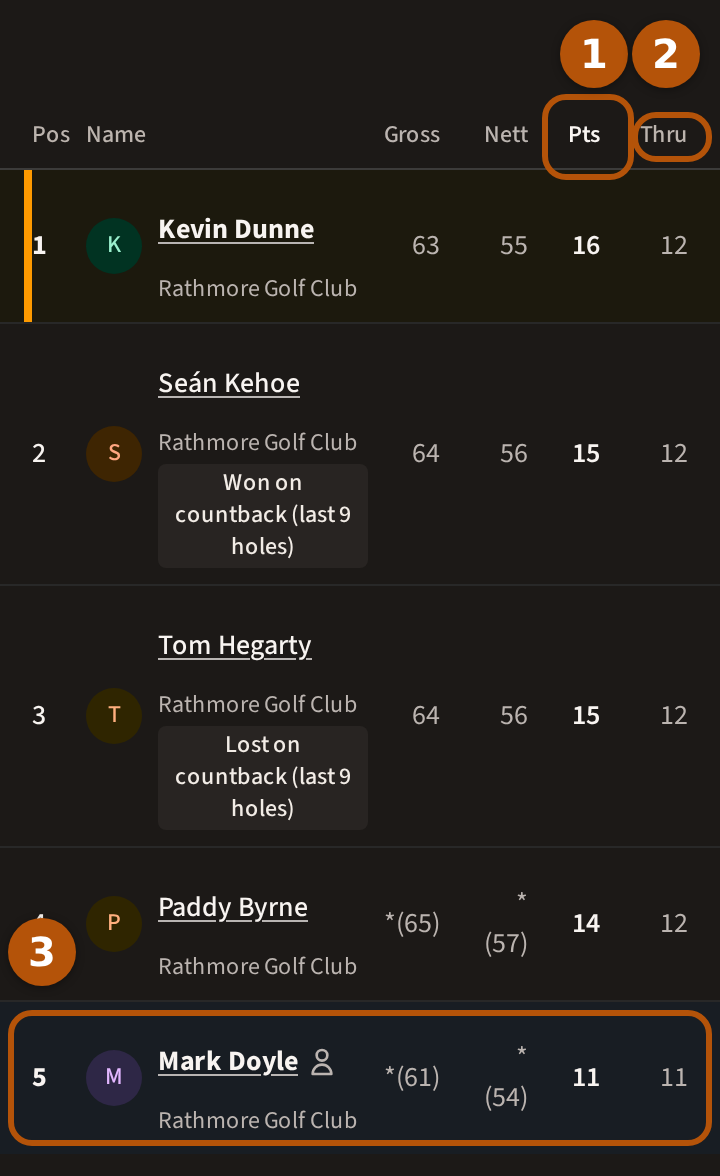
Each row is a player. Pos is their place; press a name to open that player's card for the event. Gross and Nett are strokes before and after handicap, shown where the competition is not decided on that figure. The bold column ① is what it is decided on: Pts for Stableford, Nett or Gross for strokeplay, or Total when the event has more than one round. While the round is on, Thru ② is how many holes each player has played. Your own row ③ is shaded blue — pale blue, or a deep navy if you have Treád set to dark.
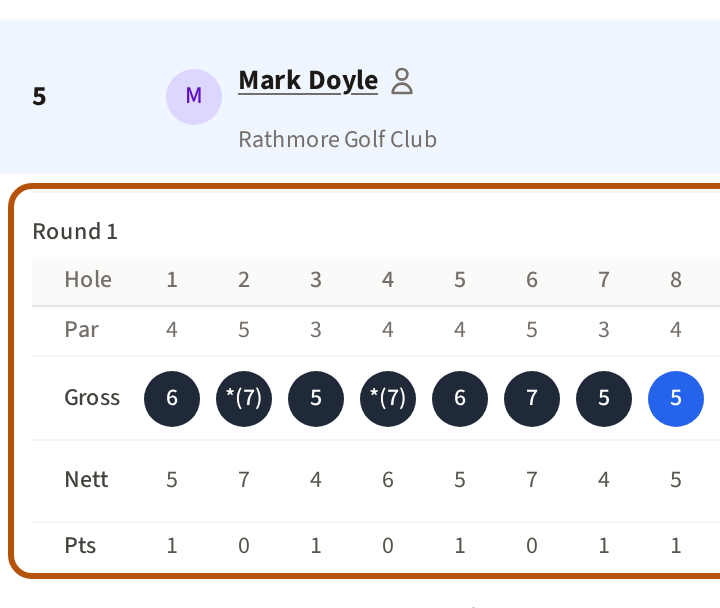
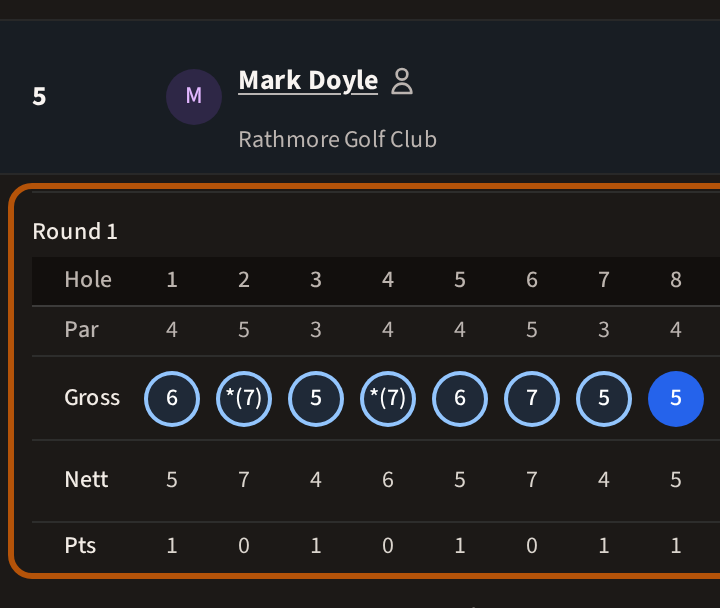
On a roaming round each player's course sits under their name, and you see the others only as far as you have played — see Play a roaming round and The reveal.
3. Places, ties, DNF and DNP
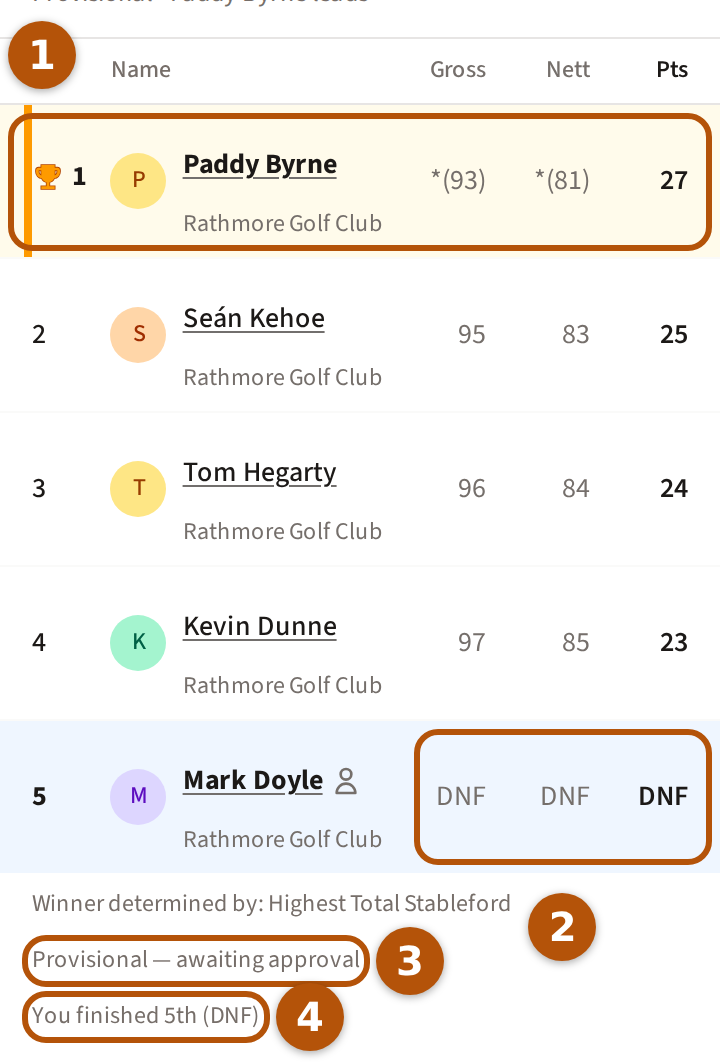
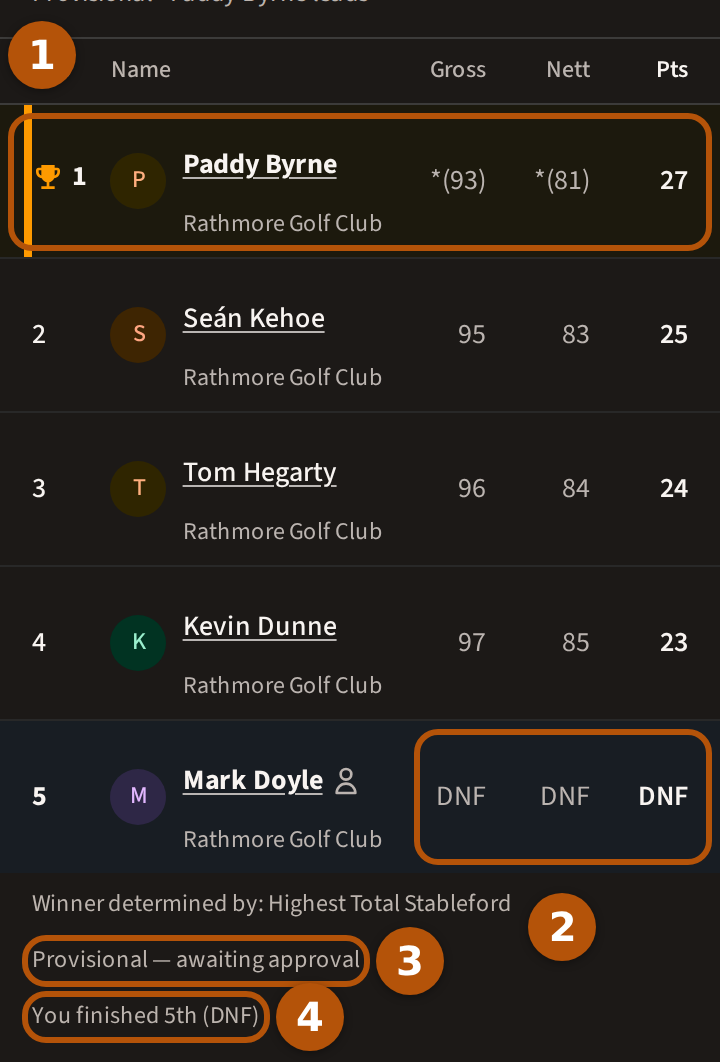
The leader's row ① has a gold bar at its edge, and carries a trophy once the event is over. Players still level share a place, written with a T: T2 is joint second. DNF ② means the card did not finish: the organiser ruled it so, or, on a Gross or Nett competition, it was submitted before the last hole. It shows no figure and sits below everyone who did. On a points competition a short card keeps the points it has. Beneath the table, Winner determined by says how the competition is decided. Provisional — awaiting approval ③ means the organiser has yet to approve the round, and You finished ④ says where you came, unless you won. While the round is on it reads You're and your place as it stands.
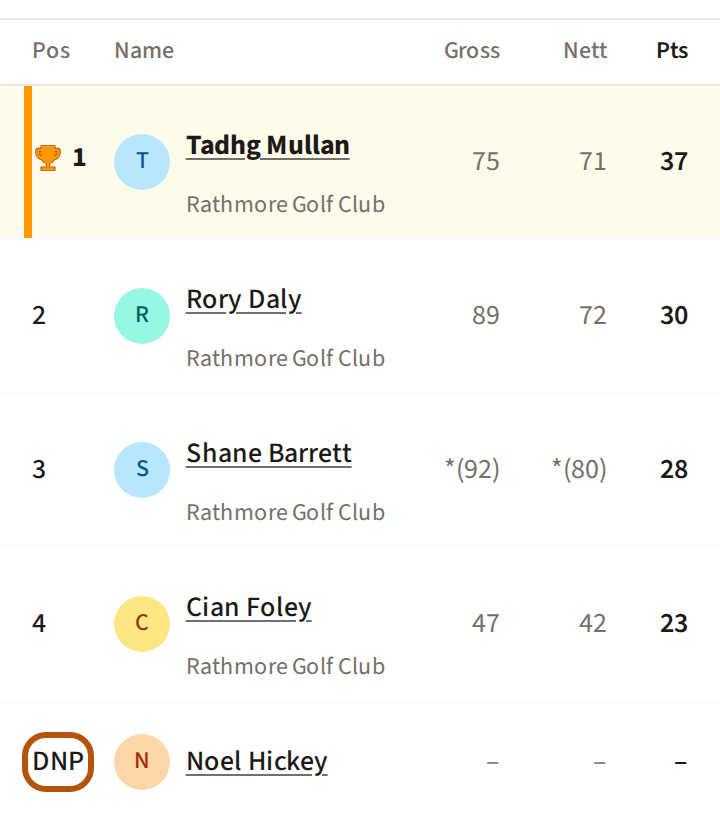
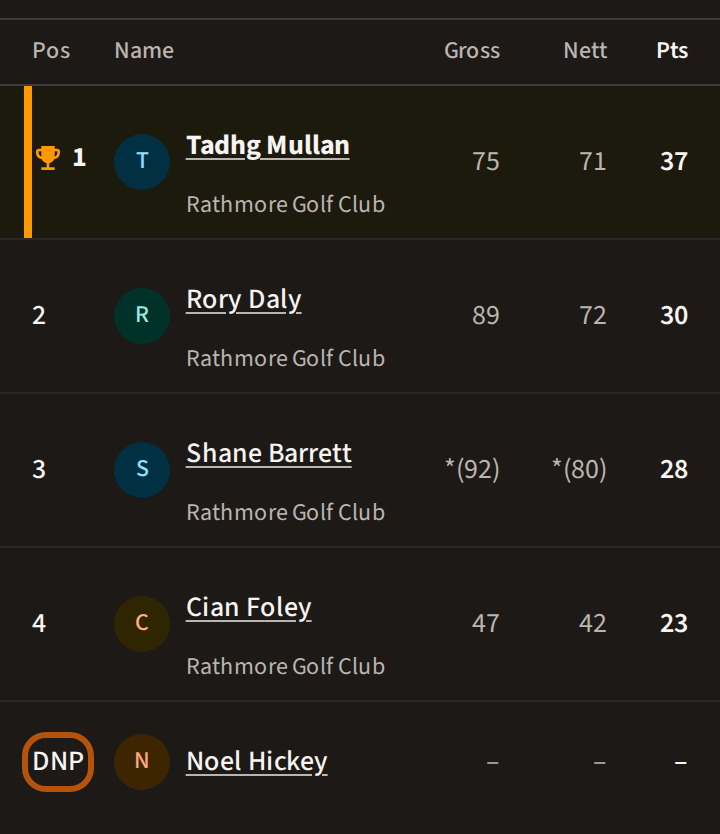
DNP in place of a position means the organiser ruled that the player did not play: they are listed, with no position and no figure, and are out of every result. On an event of more than one round, DNP in a round's column means that round. If it is you, the line beneath the table reads Did not play.
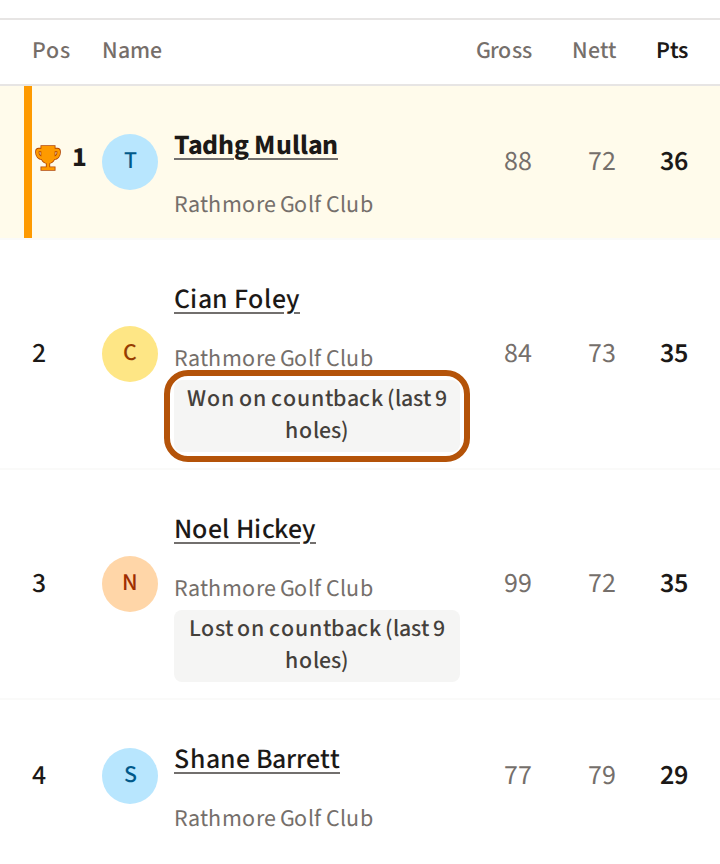
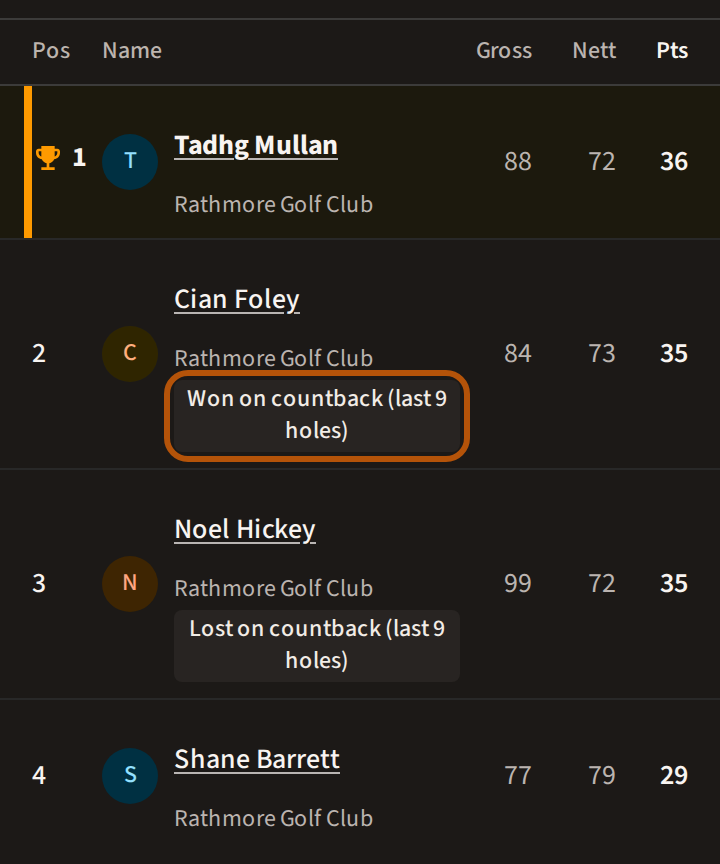
A tie settled on countback says so under each name — Won on countback or Lost on countback, with the holes that decided it. A tie countback cannot settle reads Tied on countback.
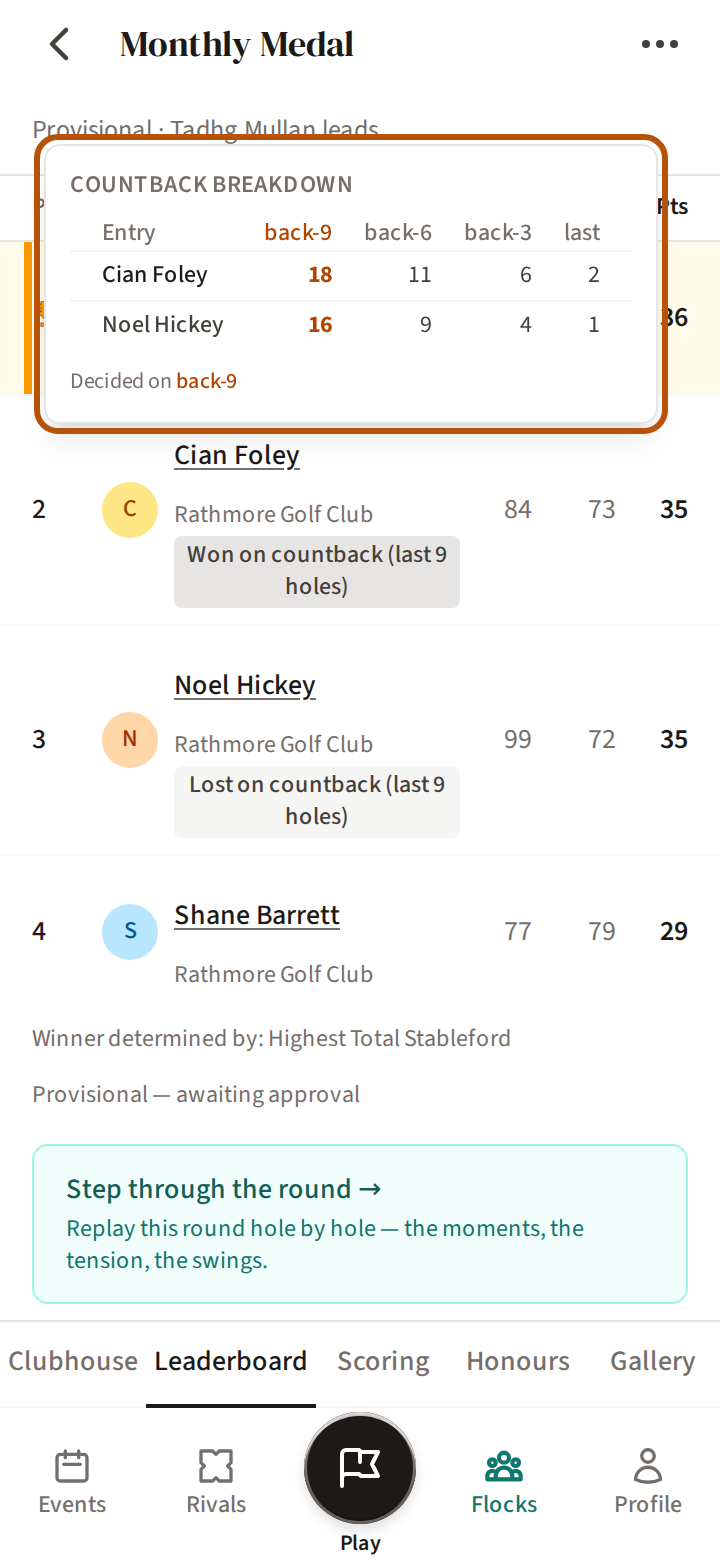
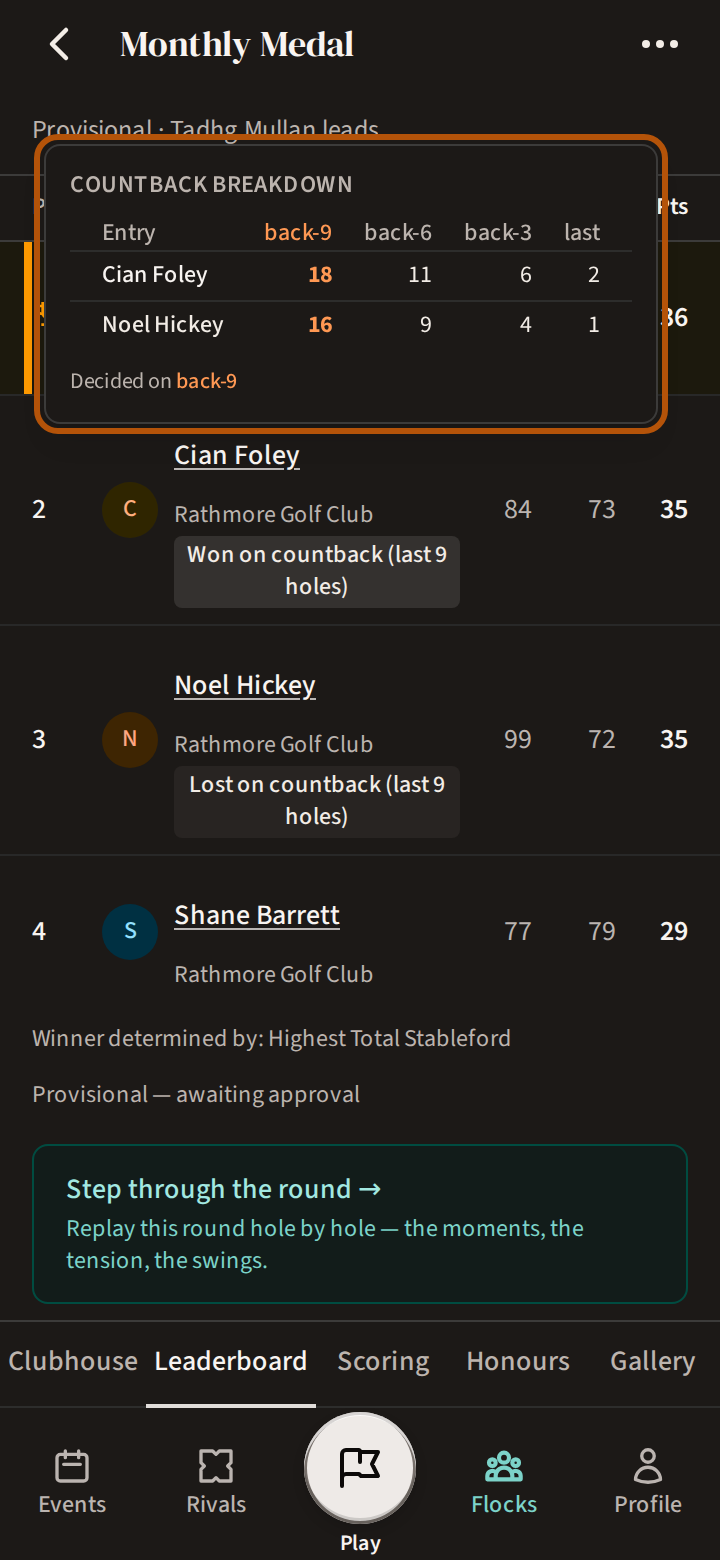
Press the result for the Countback breakdown: each player's score over the last nine, six and three holes and the last hole, and the level that split them.
4. Switch the view
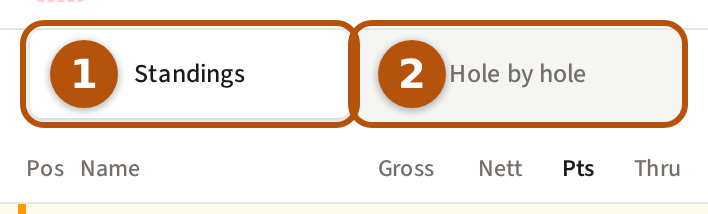
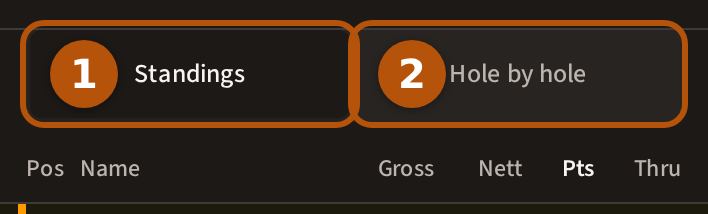
Buttons at the top of the table switch the view. Standings ① is the table. While the round is on, Hole by hole ② charts the round as it goes.
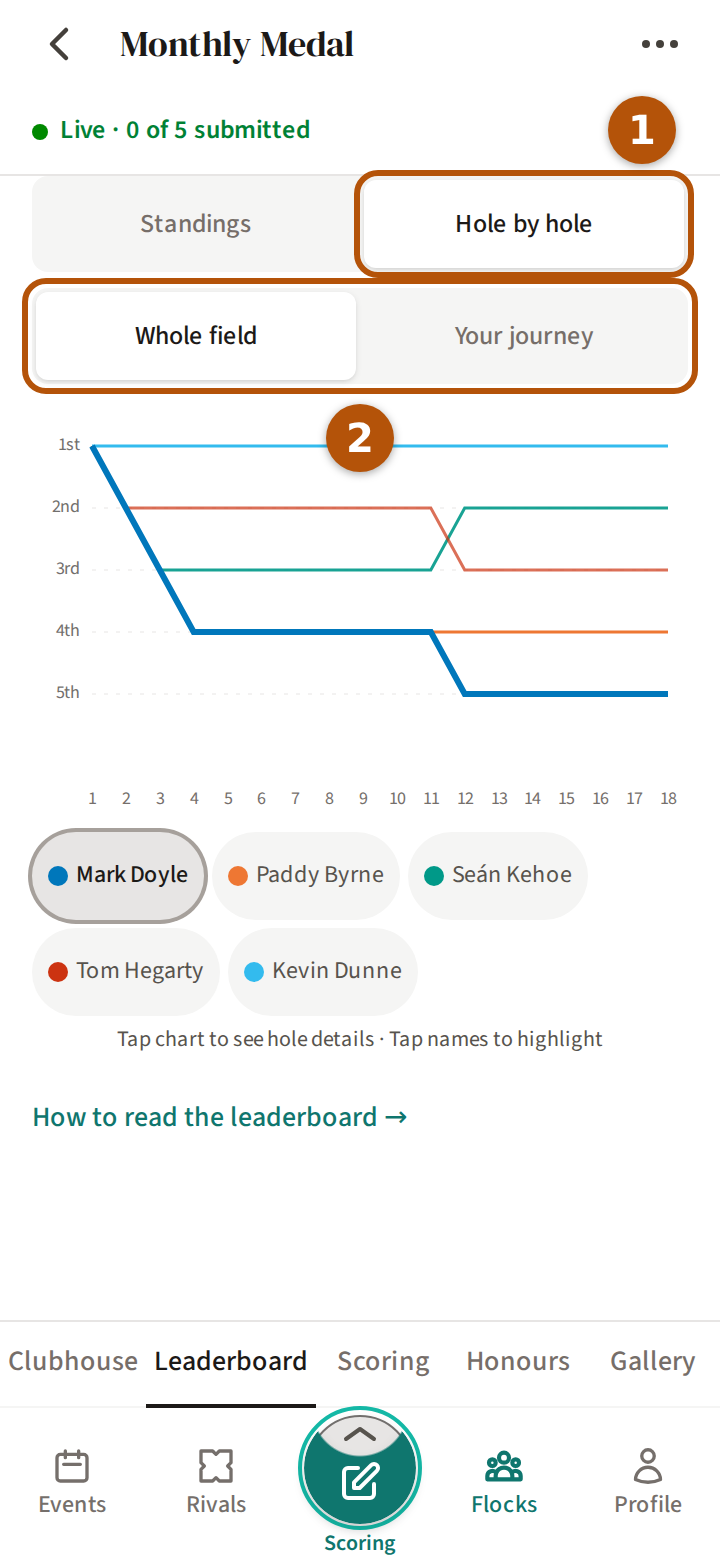
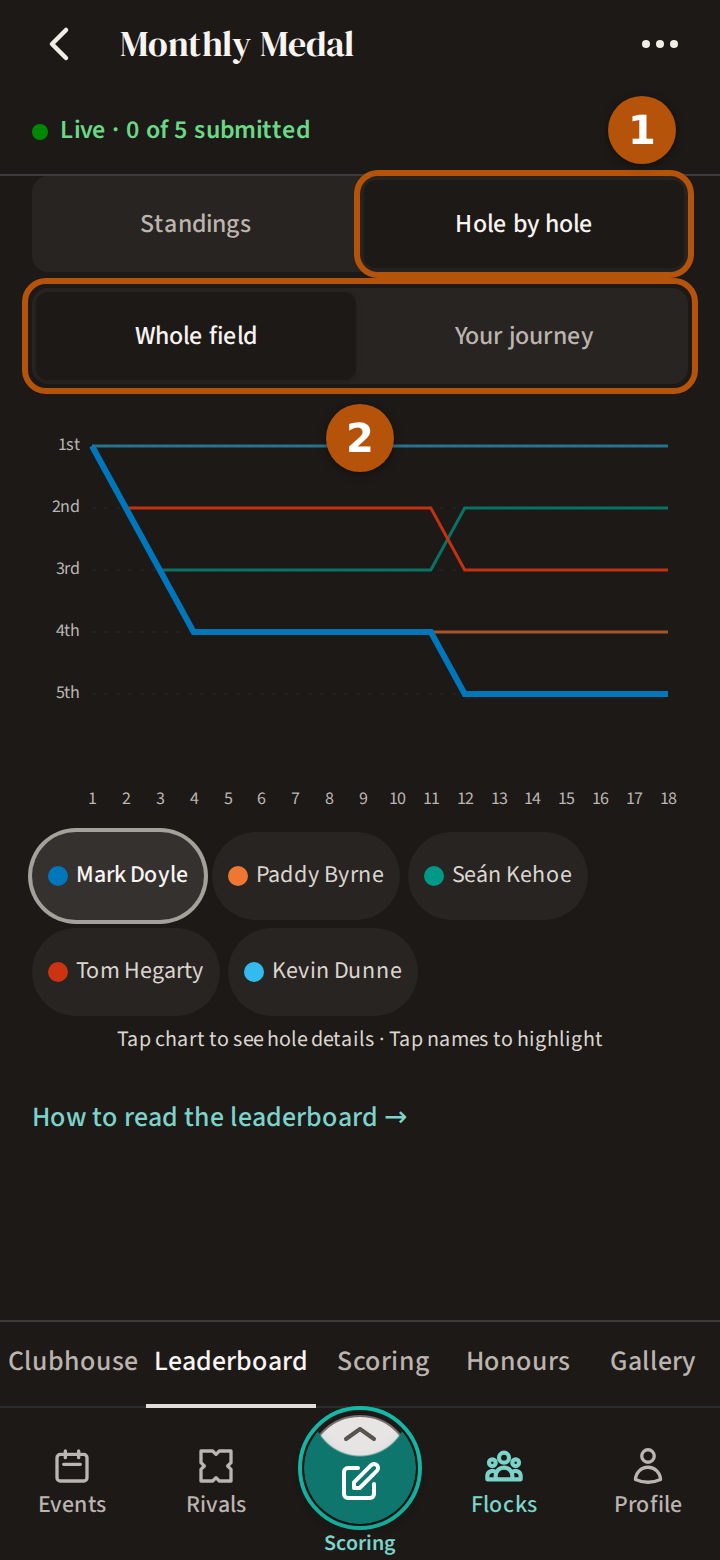
Whole field charts everyone's places hole by hole; Your journey charts your own round. Once the event is over, Step through the round under the table replays it — see Replay a round hole by hole.
5. The Pot view
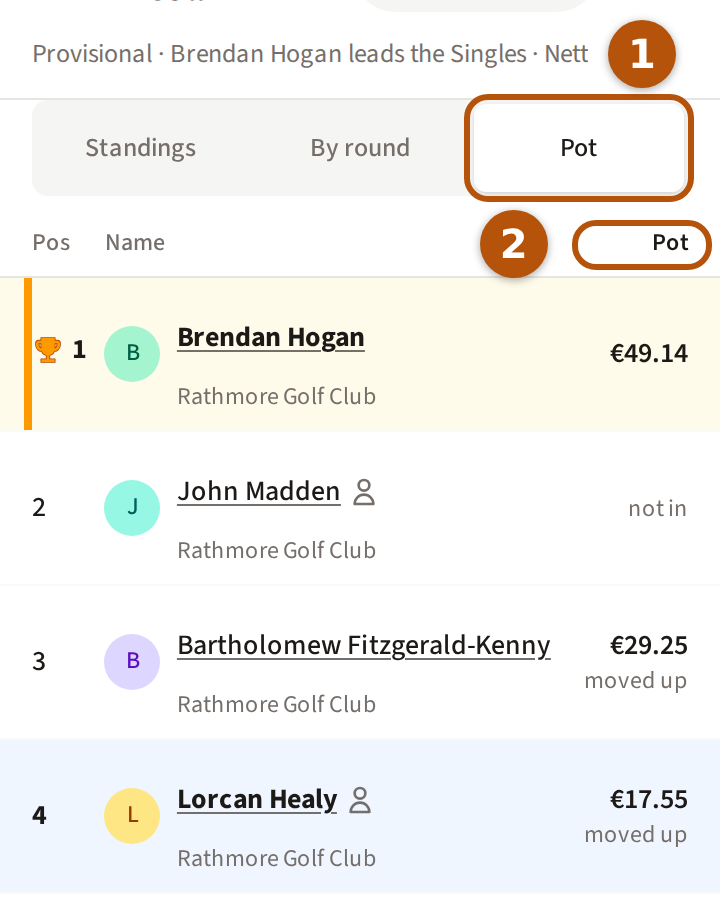
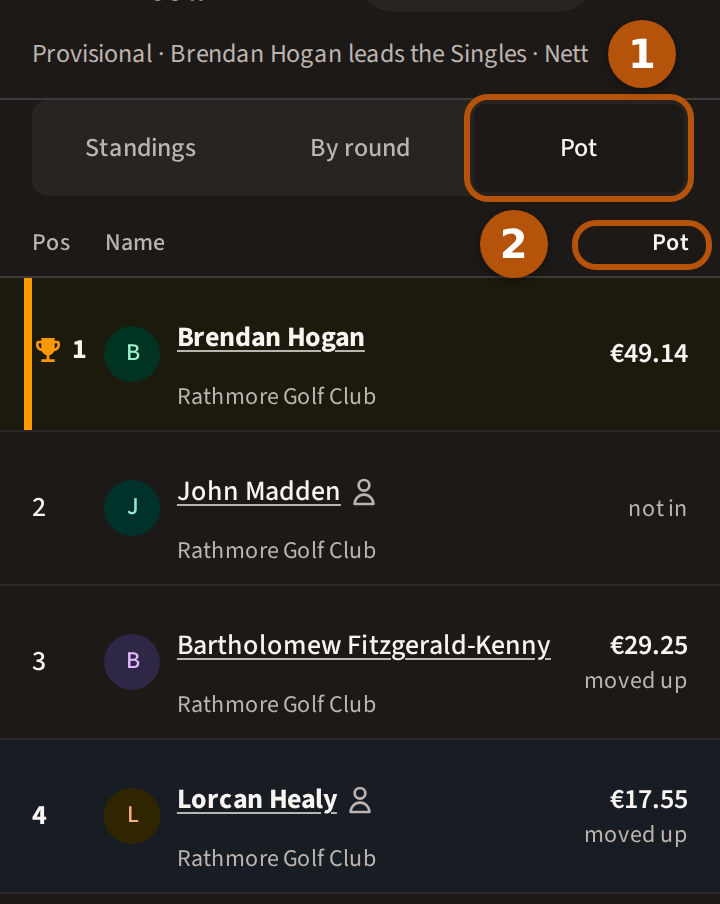
When the event has a pot, Pot sits beside Standings. It is the same table, with the score column replaced by Pot: during the round, what each place pays as the scores stand; once the event is over, what each player won, with moved up beside a player who moved up a place because the one ahead took a better prize. A player outside the pot reads not in. Once the event is completed, Who pays whom › beneath the table opens settle up — see Play for the pot.
6. Team competitions
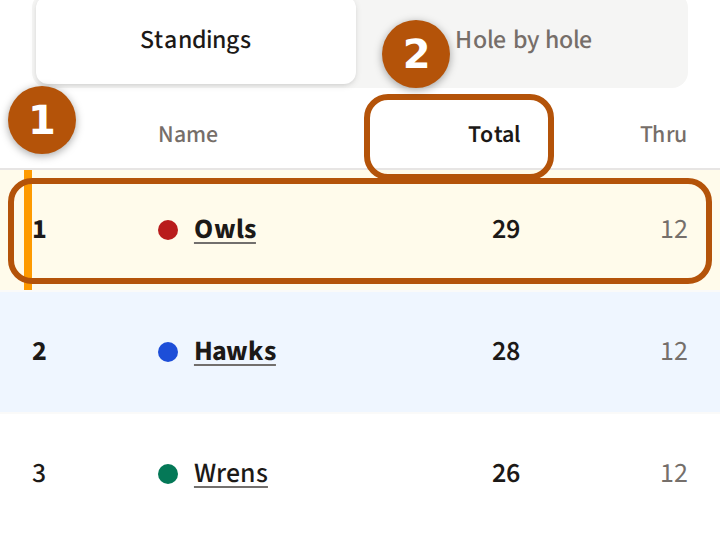
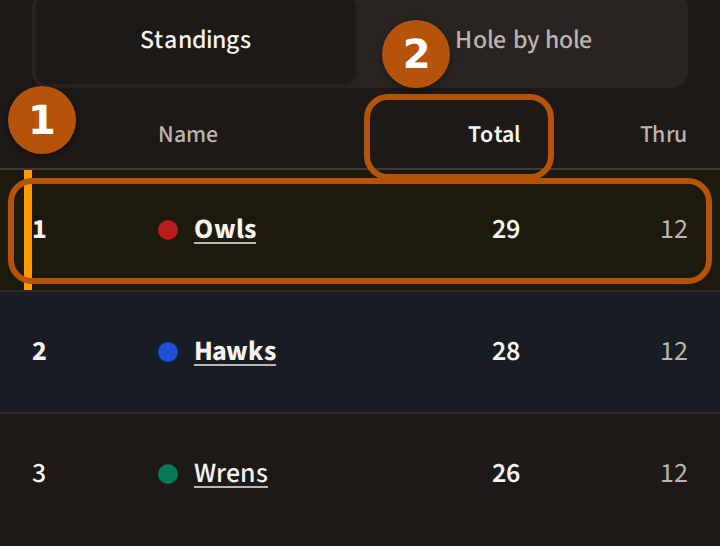
On a team competition each row ① is a team, with its colour beside its name; press the name to open the team's card. The total column ② is the team's score. Your team's row is shaded blue in the same way, and beneath the table Your team finished says where it came, unless it won — Your team's and its place while the round is on.
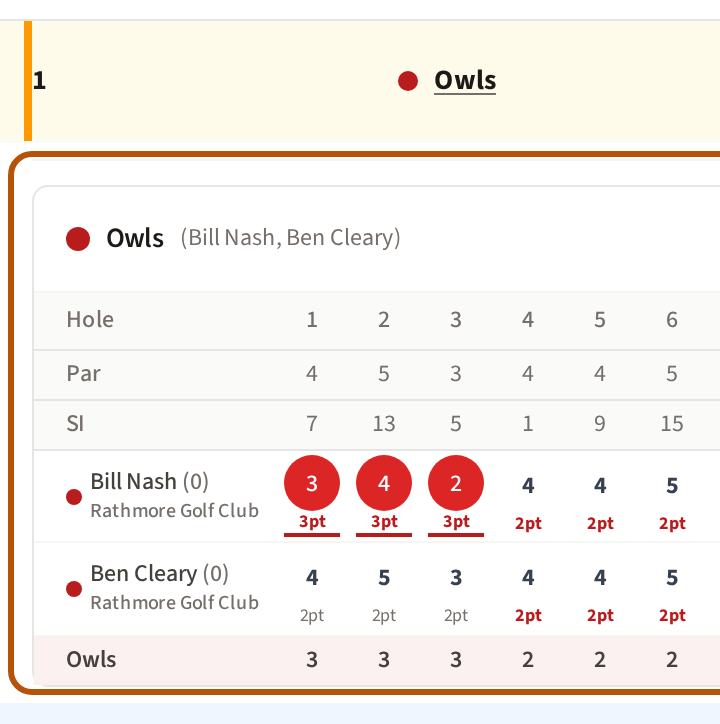
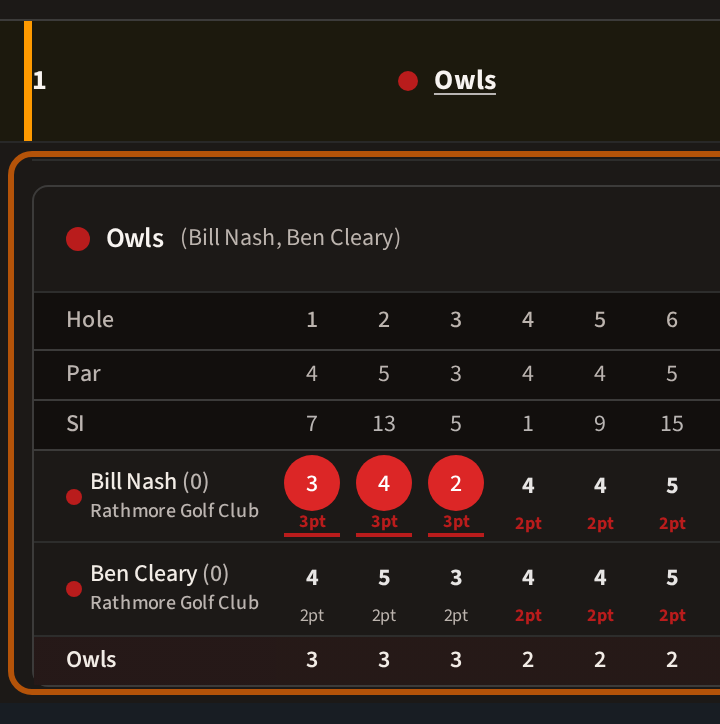
7. Match play
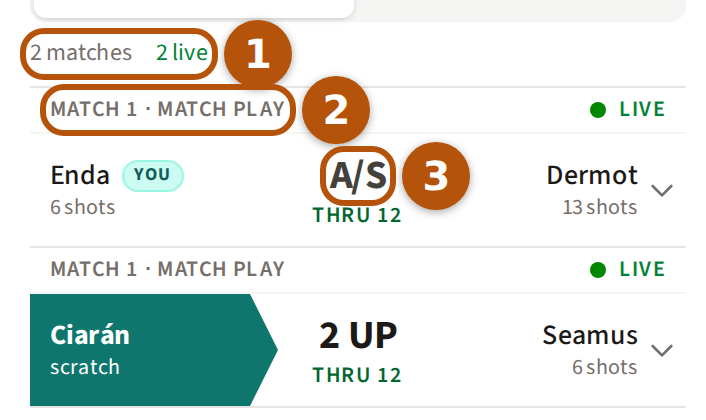
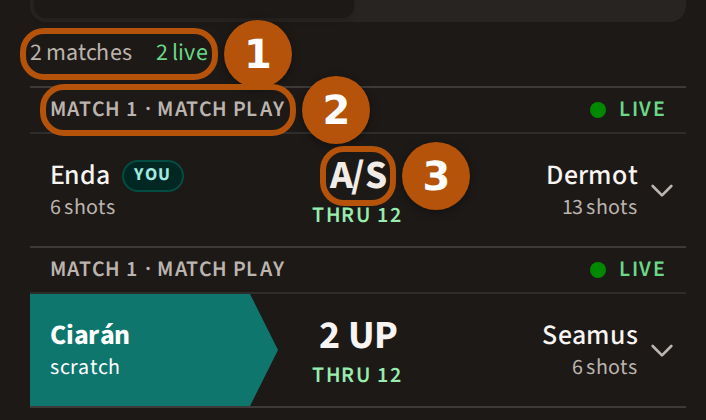
Match play shows each match as one row. Above them ① is a count of the matches, how many are live and how many final. Each match's line ② gives its fourball's number and the format, and on the right whether it is Live or Final. Your side is marked YOU, and the side ahead is filled in colour. On a singles match, under each name are the shots that player gets off the low player, or scratch. Between them ③ is the score: 2 UP, A/S when all square, or 3&2 for a match won three up with two to play — and vs before it starts. Under the score, thru and a number counts the holes played, then the holes left to play, Dormie when a side is as many up as there are holes left, and Final when it is over, with a trophy for the winner.
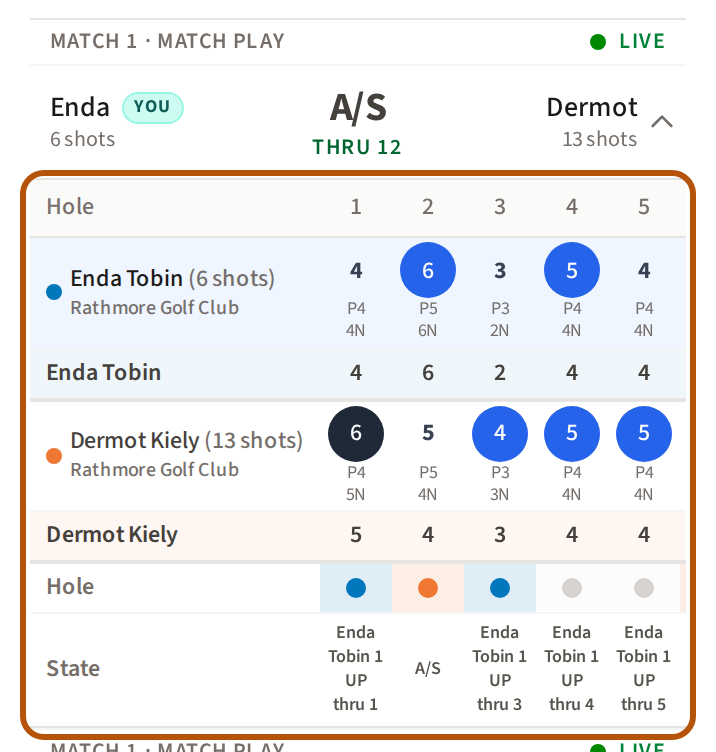
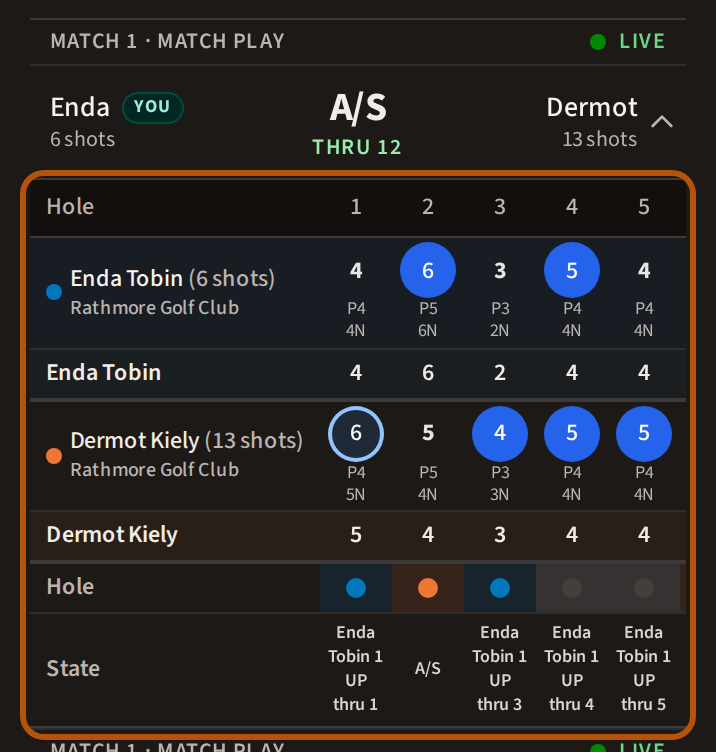
Press a match to open its card beneath it, hole by hole. Press it again to close the card.
8. A team match
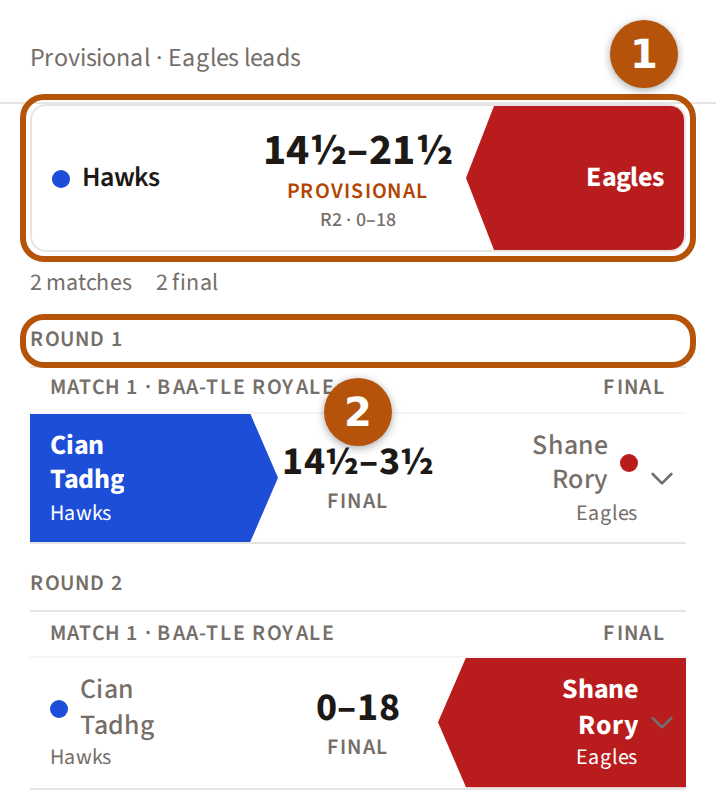
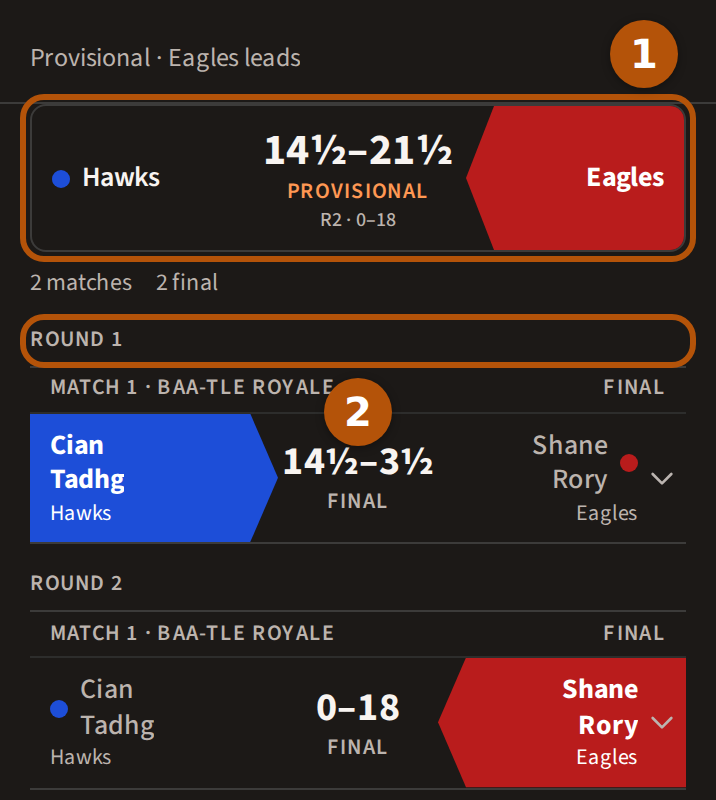
When two teams play a set of matches, the first row ① is the team match itself: the two teams and their points, such as 10½–7½, a half point written ½, and Final once it is decided. From the second round on, that round's own score sits under it. Below, every match counts in points, grouped by round ②; press one to open its card.
9. The leaderboard behind the score box
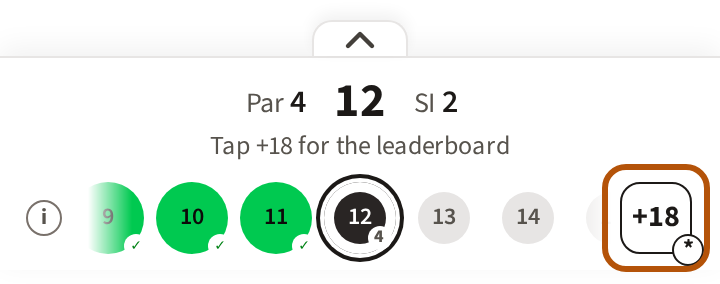
While you are scoring, press the score box at the right end of the hole bar.
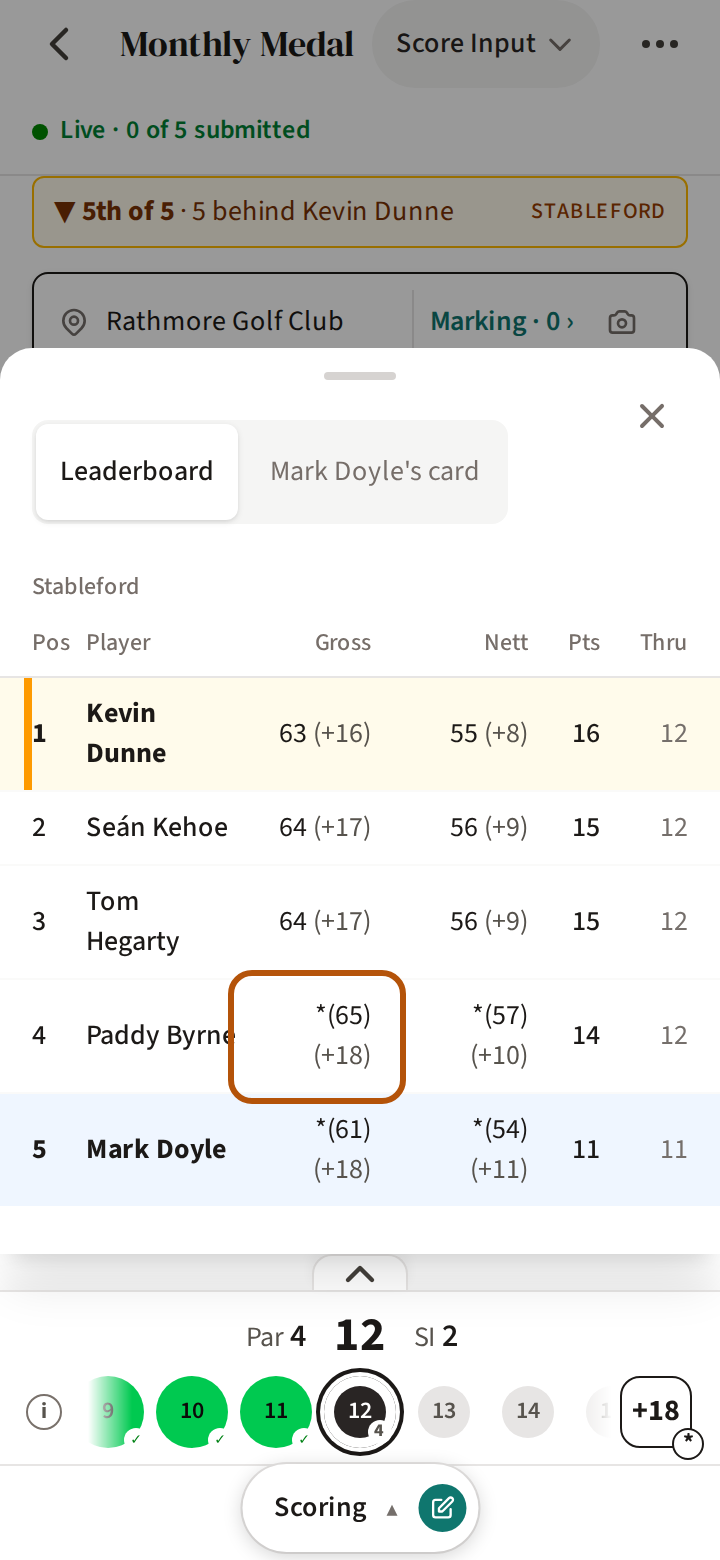
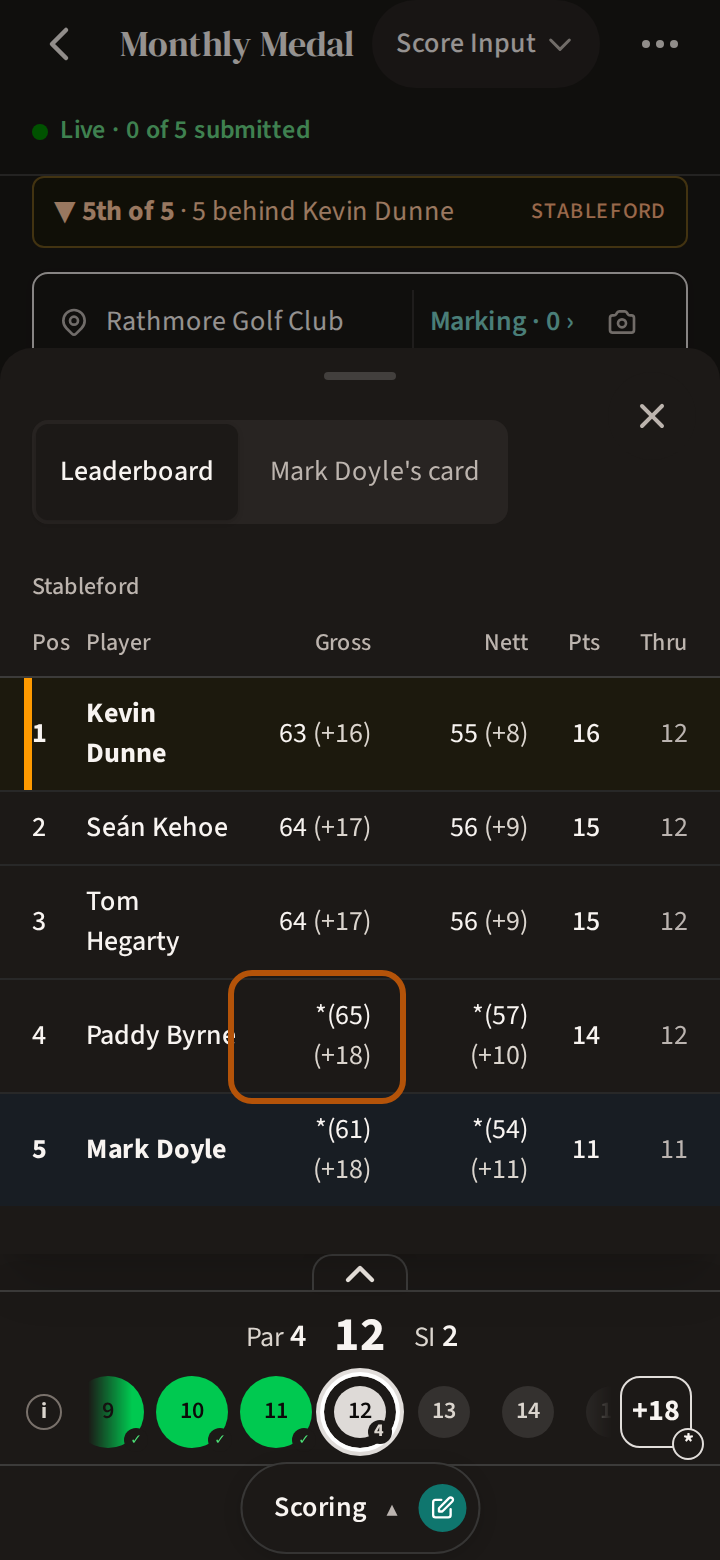
Leaderboard opens first: each Player with their Gross, Nett, Pts and Thru so far, the gross to par in brackets beside it. A star before a gross, as in *(89), means it counts a hole that player picked up — see A hole you picked up.
Still stuck? Tell us and we will help.