Play a roaming round
Can't get everyone to the same course on the same day? In a roaming round you each play your own course, on any day the round is open, and still fight it out on one leaderboard, with Stableford keeping it fair. Here you'll start one, join one, choose your course and tees, spectate, and read the results.
In a roaming round everyone plays wherever they like — their own course, their own tees — on any of the round's days. Each of you puts in your scores as you play, and you are all scored together on one leaderboard.
1. Start one
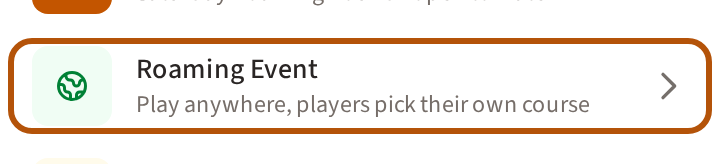
Open the Play list — the little arrow on top of the Play button, or the button itself when it has no arrow — and choose Roaming Event (under Create › if your list is long). If you are in more than one flock (your group), Treád asks which. Any member can start one, unless the flock has switched that off.
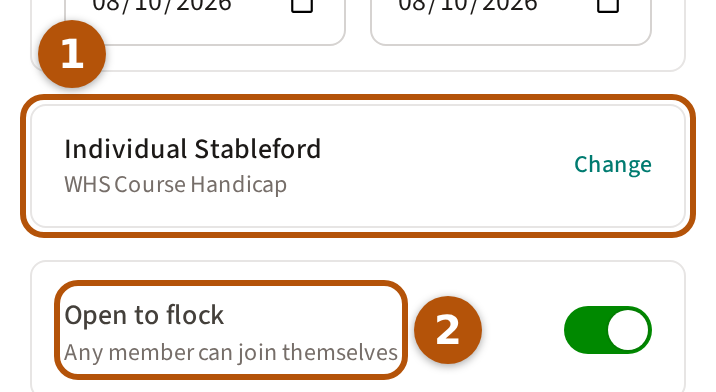
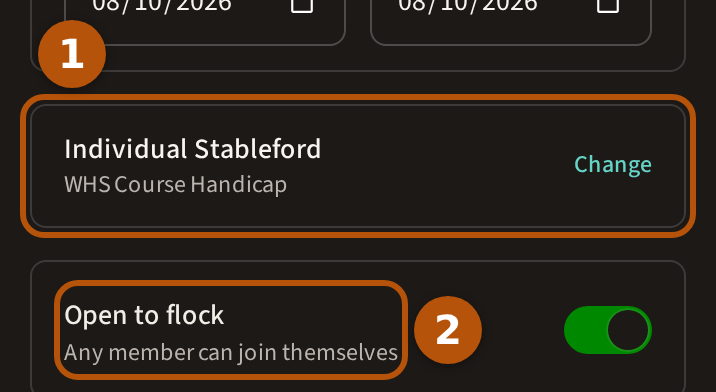
Choose the days — over more than one day, everyone can put in scores on any of them — and the format, which starts as Individual Stableford ①; press Change beside it to pick another. Leave Open to flock ② on and any member can join themselves; turn it off and only the players you add are in. Open to flock is not offered for Match Play or the team formats.
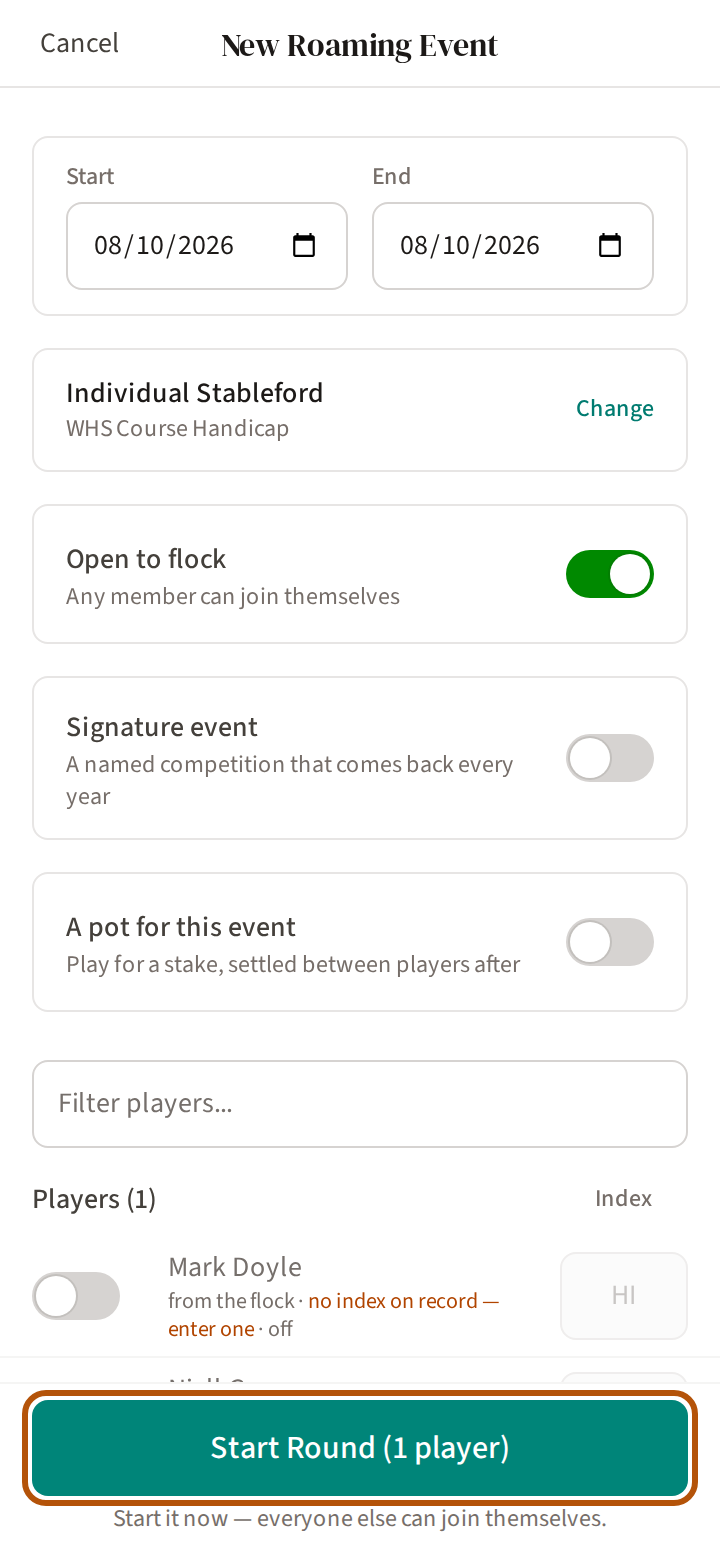
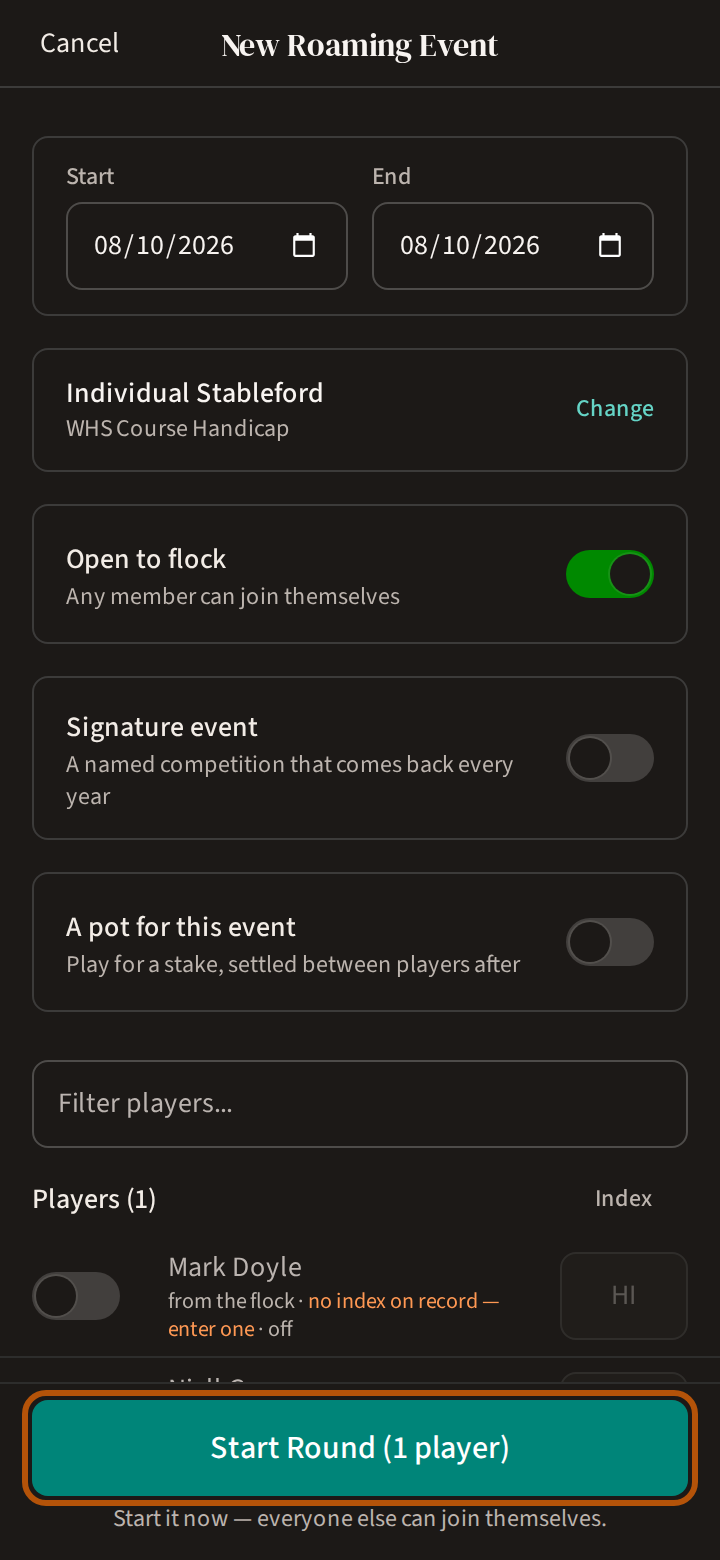
The button at the foot reads Start Round for today, when the round goes live at once, or Schedule Round for a later date. Every player you select needs a Handicap Index: until each has one, the button can't be pressed and says Every selected player needs a handicap index. The rest of the form is in Set up an event. To play for a sweep, turn on A pot for this event on the form — see Run a pot.
2. Join a round
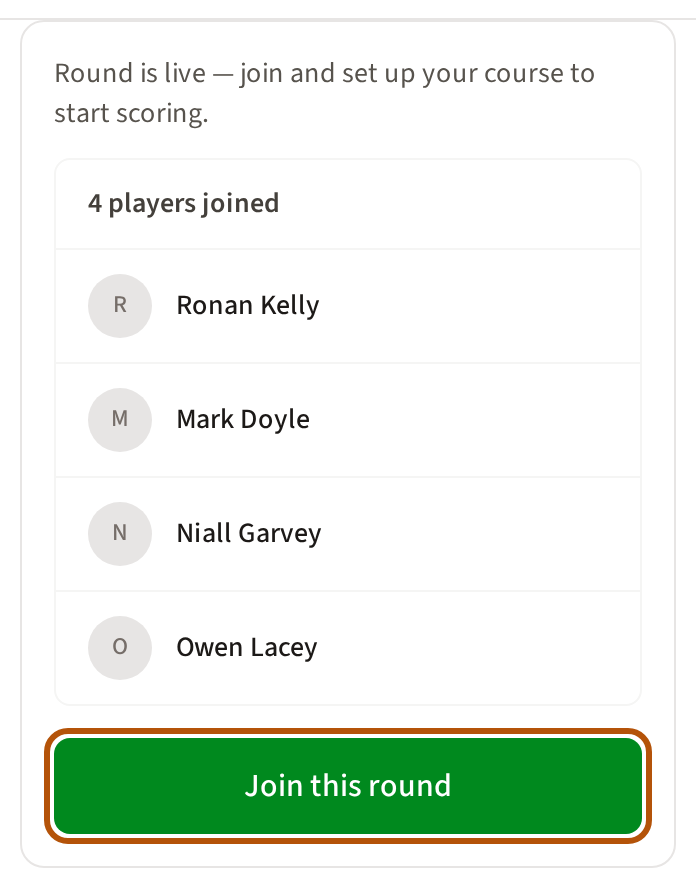
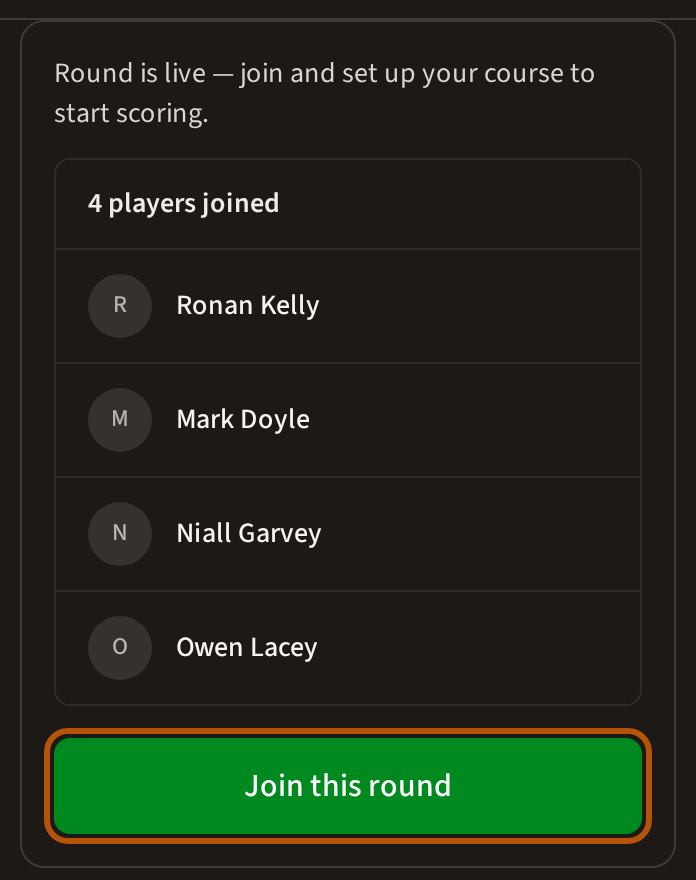
Open the round. If it is open to the flock and you are not in it, its Clubhouse starts with a card listing who has joined. Press Join this round.
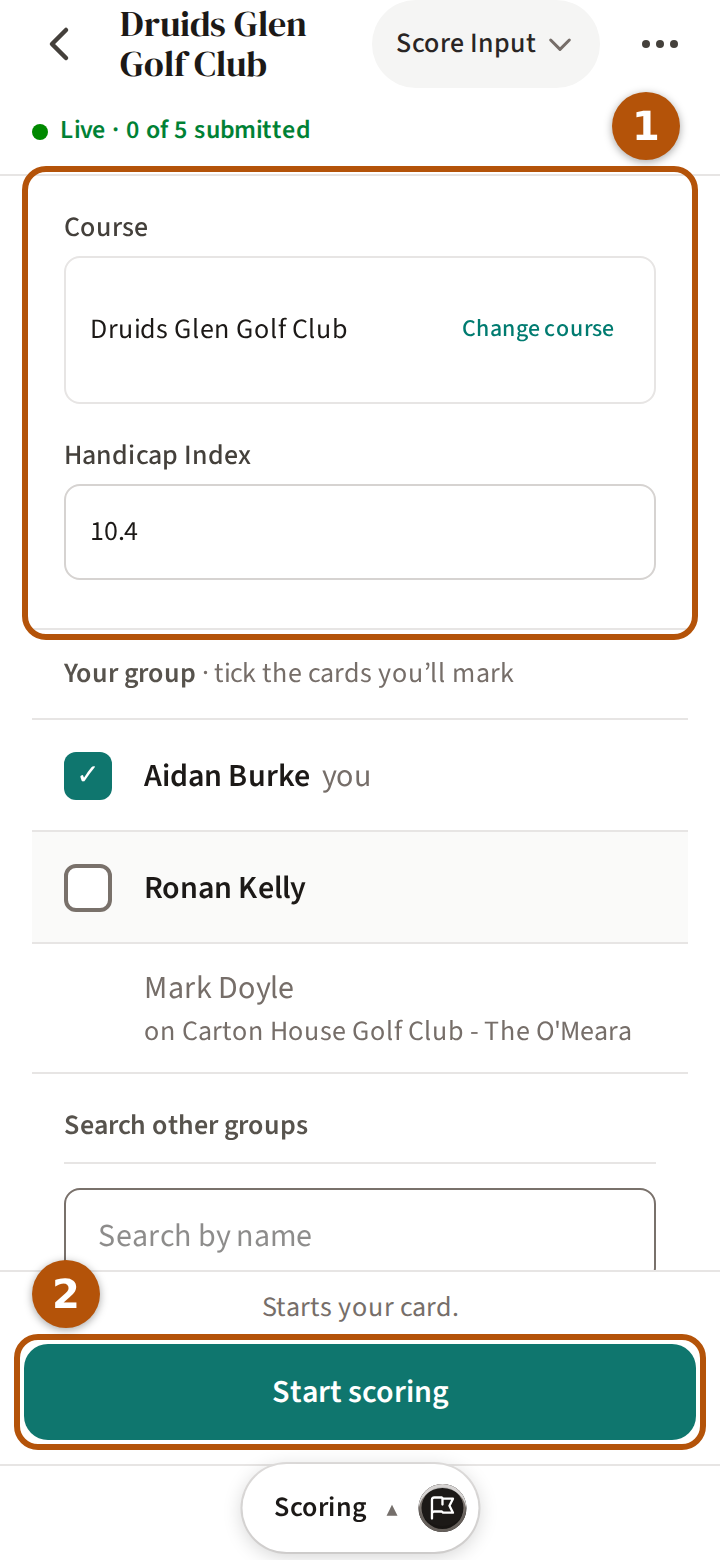
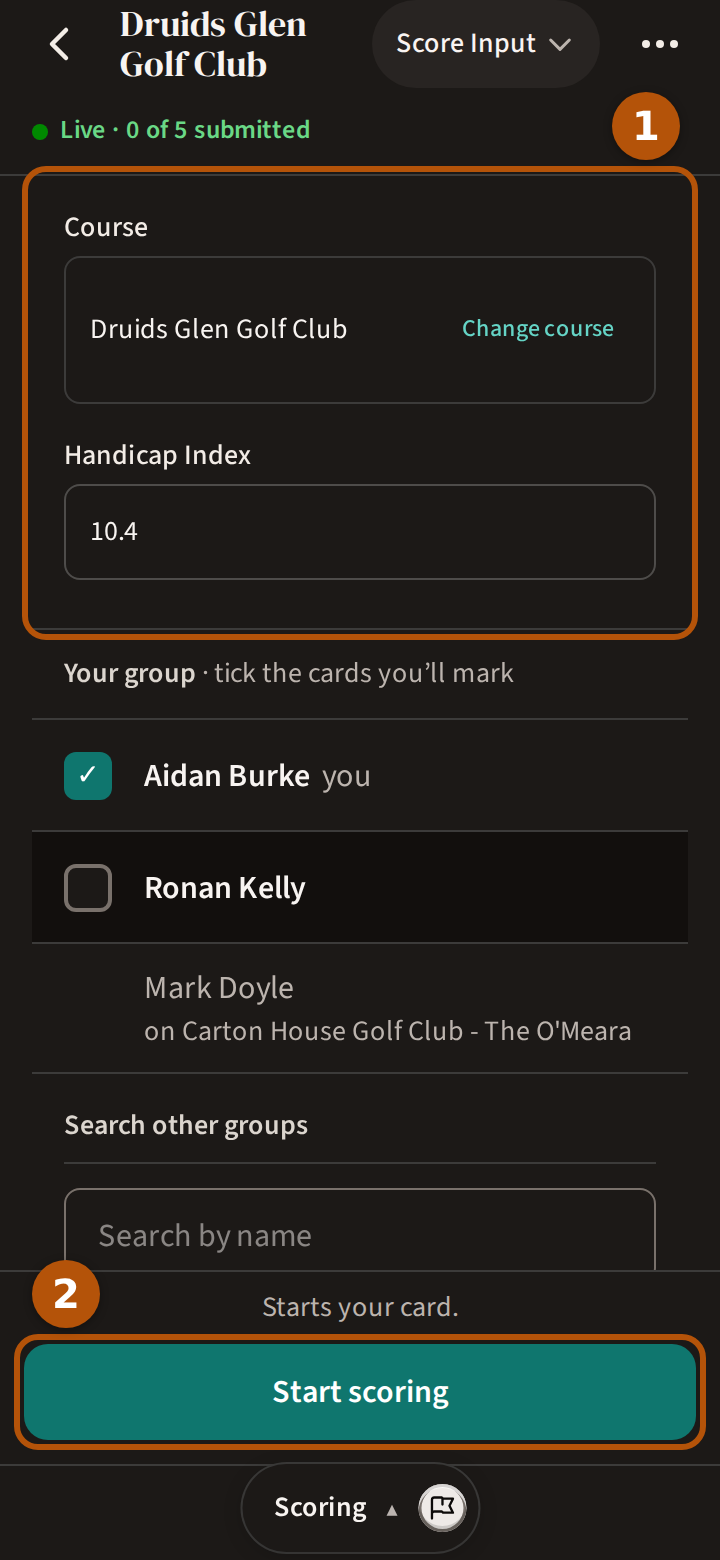
On a round that is already live, Treád takes you to Scoring, which asks for your course and tees first ①; then press Start scoring ②. Before the day, the card on Clubhouse reads Set up now instead.
3. Choose your course and tees
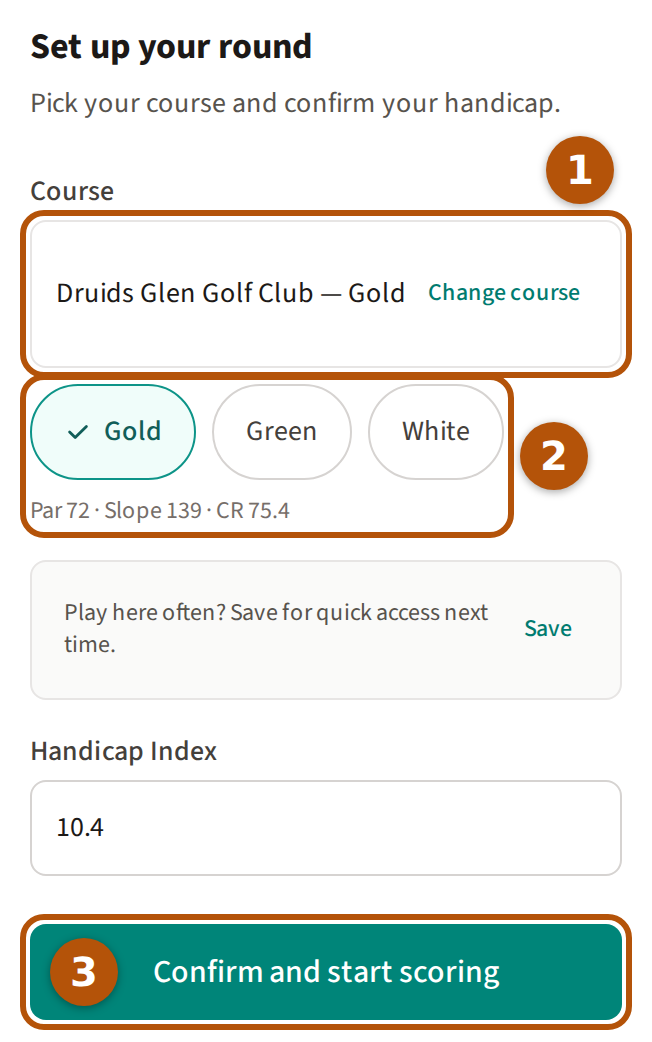
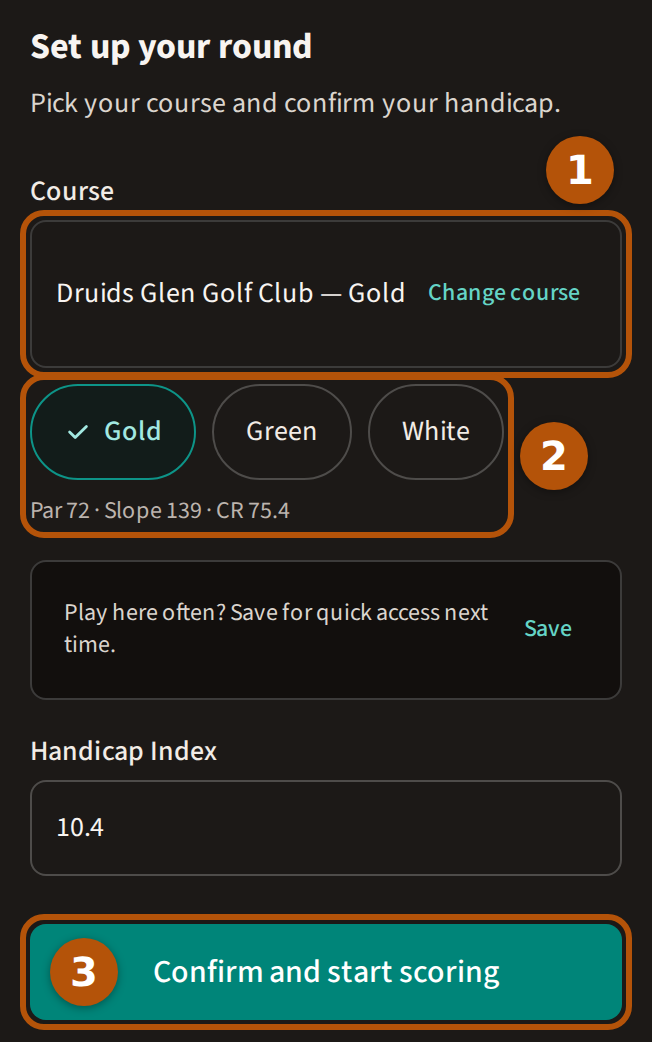
Set up your round asks two things. Under Course ①, search for the course you are playing (or press Change course), then choose your tees beneath it ②; the line under them shows that tee's par, slope and course rating, which is what your shots are worked out from. Check your Handicap Index, then press Confirm ③ before the day, or Confirm and start scoring on it. Play the same few courses? Save them as favourites and they wait at the top of your list here — Keep your regular courses close.
On the day you can set up straight from Scoring: Start scoring shows the same course, tees and Handicap Index above your group, and one press sets you up and starts your card. Marking a partner playing your course whose name reads Not set up yet? Press their name, choose their tees, check their index and press Save. Putting in your scores is the same as any round: Score a round.
Set up early and Clubhouse says You're ready for the day, with your course and tees; press Change to pick different ones before you play.
When you've played your last hole, press Review & submit on the hole bar and submit your card. Until you do, the result waits — see Submit your card.
4. Bring your scores in from a photo
Kept your card on paper, or in another golf app? On Scoring, press the little camera at the right-hand end of the line naming your course and tees, and choose a photo or screenshot of your card — up to four pictures at a time. Treád shows Reading your scorecard..., then puts the scores on every hole you have not scored yet and saves them; a hole you have already scored is left as it is. You can do this up to five times in an event, while the round is live.
5. Spectate a round
You can follow a round you are not playing. On a round that allows it, the card on its Clubhouse offers Spectate above Join. A round that is not open to the flock offers only Spectate, under the line You're not playing this round.
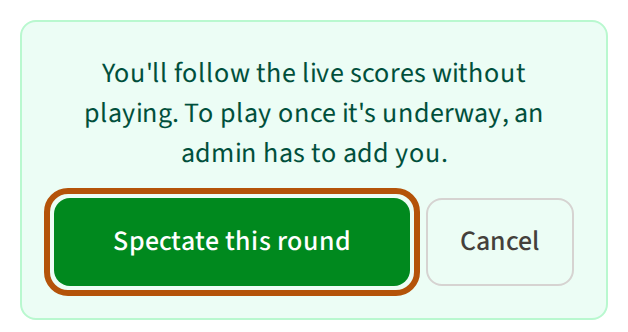
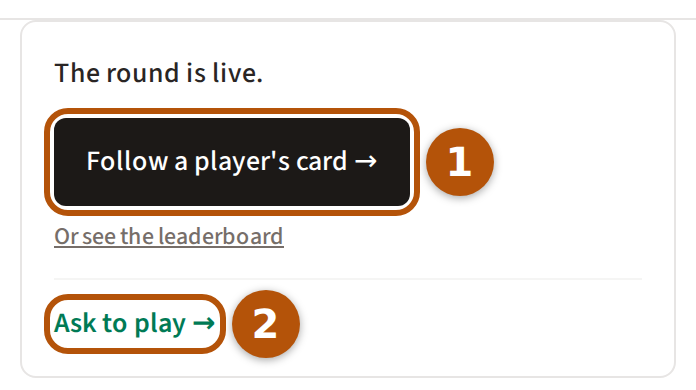
Treád says what spectating means before you choose: you follow the scores without playing. Press Spectate this round. Before the round starts you can still switch to playing; once it is live, an admin has to add you. Clubhouse then offers Follow a player's card ① to follow someone's scorecard hole by hole, or Ask to play ②.
6. Read the results
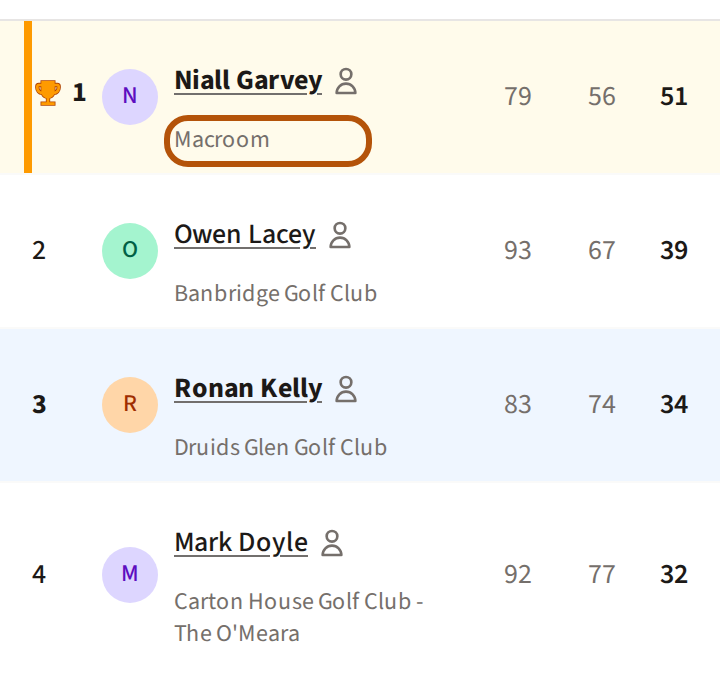
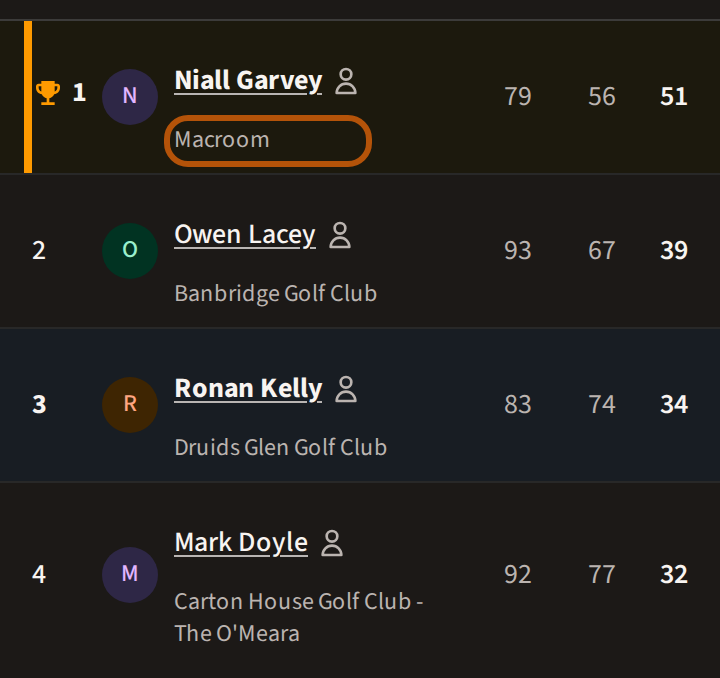
Under each name on the Leaderboard is the course that player played. The order is by points, so a round on a hard course and one on an easy course stand side by side fairly. Press a name to open that player's scorecard.
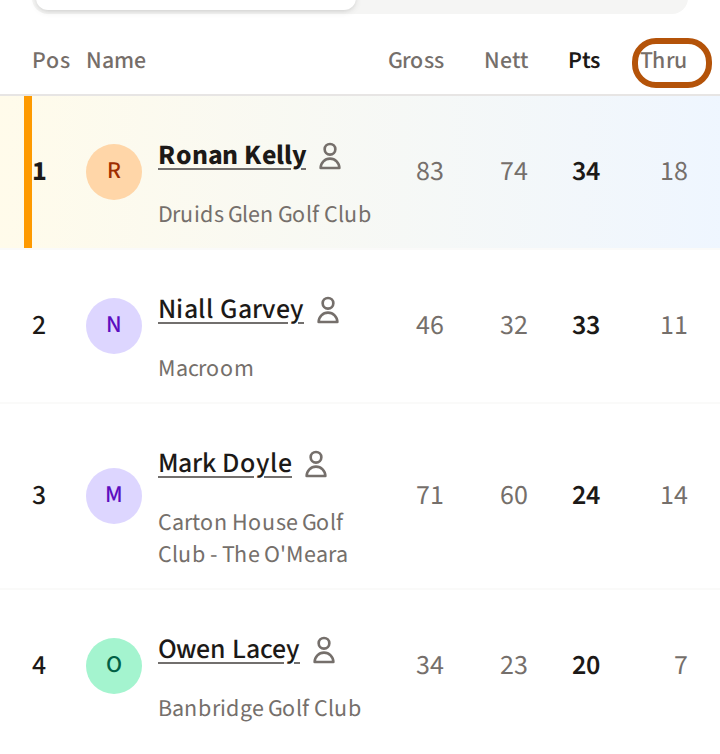
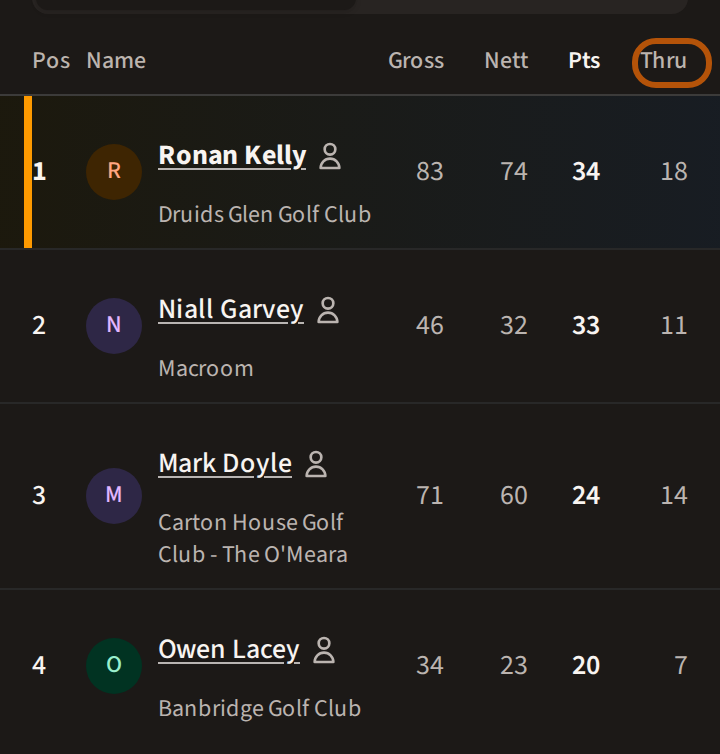
While the round is on, Thru shows how many holes each player has played, and you see the others only as far as you have played yourself — see The reveal. Once it is over, Replay steps through the round hole by hole.
Why everyone plays Stableford
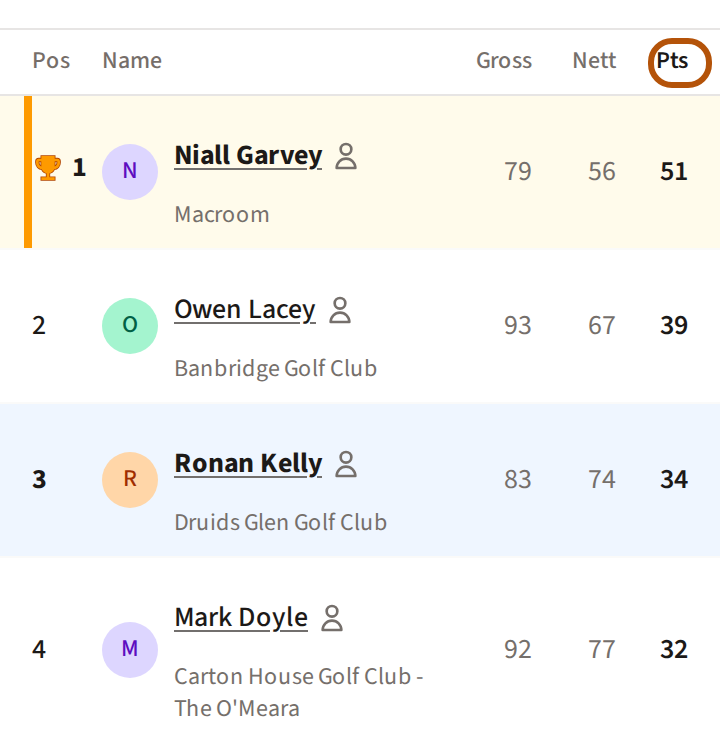
Everyone is on a different course, with a different par and different holes, so the strokes you each take do not compare. Stableford points do: each hole is scored against your own course's par and stroke index, with your shots for your own tees. That is why every roaming format is decided on Stableford points — strokeplay is not offered — and why, on an Individual Stableford round, the leaderboard ranks you by Pts. How points are counted is in Read your scorecard.
Still stuck? Tell us and we will help.