Replay a round hole by hole
Relive the birdie you'll be telling them about for weeks, or find the exact hole where it all went wrong. Here's how to step back through a round one hole at a time, finished or still going, follow any player, and see on the chart where the round turned.
1. Open the replay
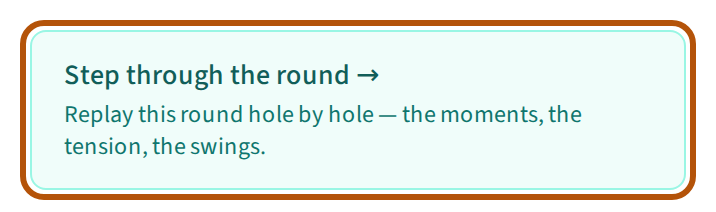
Once the event is over, open its Leaderboard and press Step through the round under the table. Or open its Scoring section: once the event is over it opens on the replay, and the picker in the header switches between Replay and Scorecards. Where the sections are is in Find your way around an event.
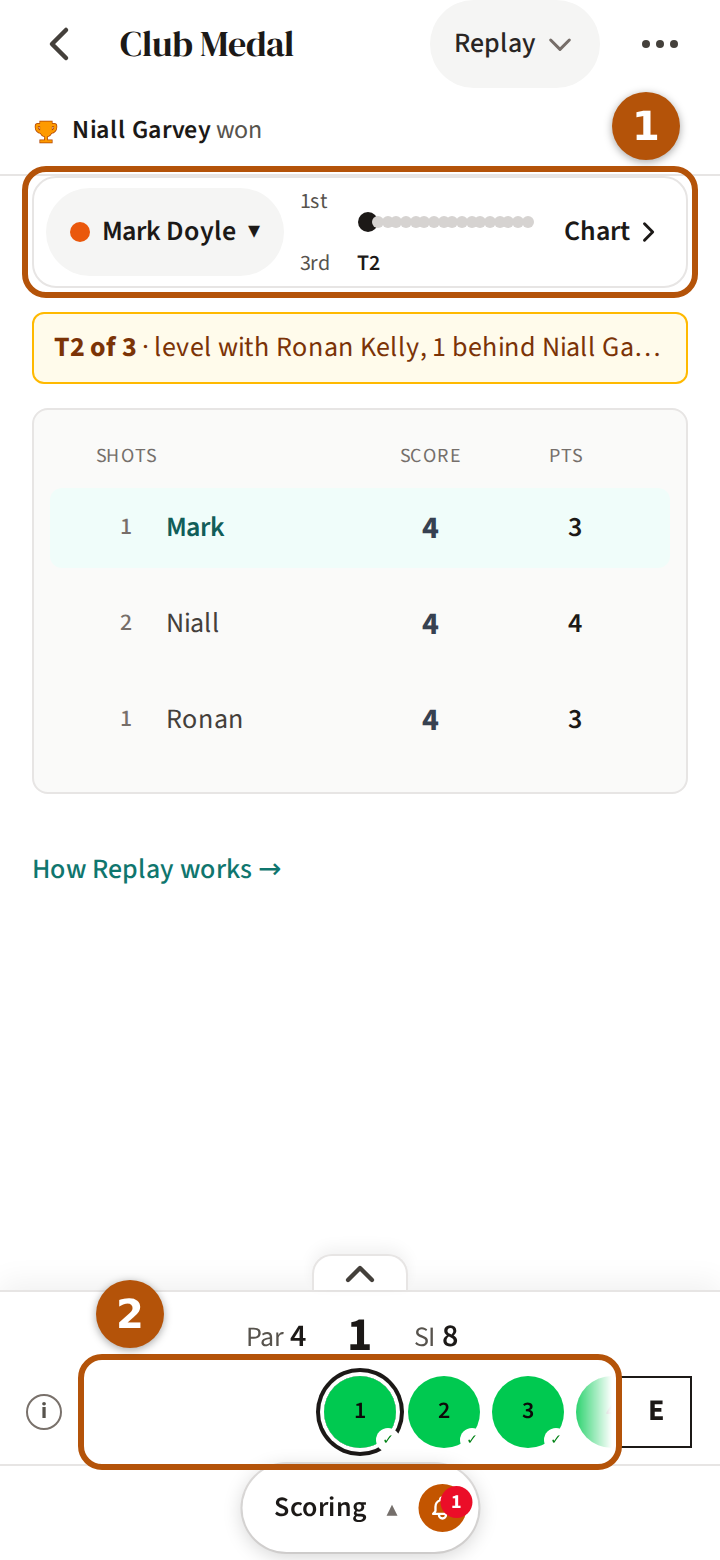
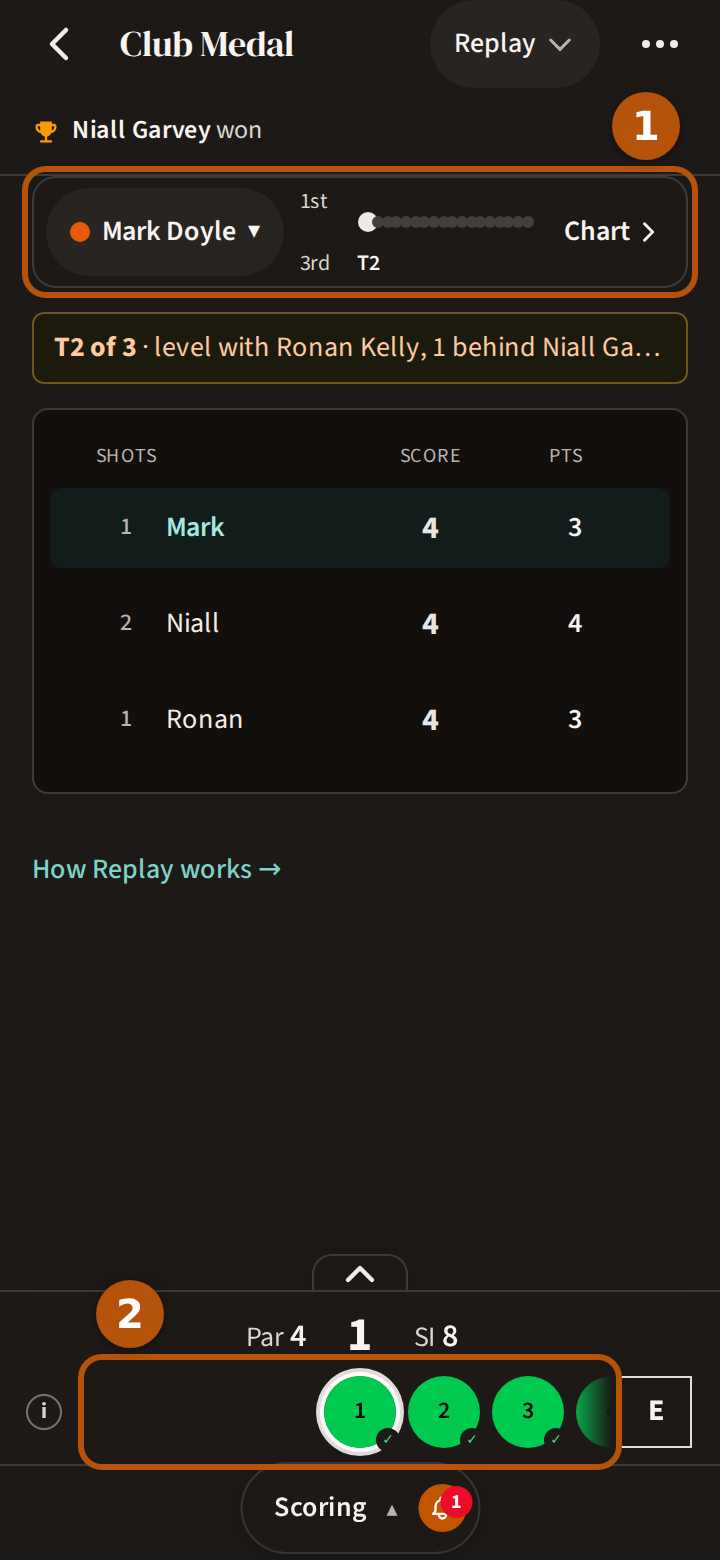
If you played in the round, the replay starts on your own card; if you did not, on the leader's.
2. Step through it hole by hole
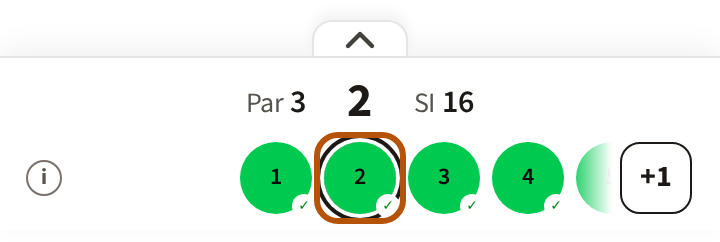
The replay uses the hole bar you score with, explained in Find your way around. Press the circle to the right of the hole you are on to step to the next hole, or any circle to jump straight to that hole. The card shows everyone's score on the hole on screen, read as in Read your scorecard.
The line above the card says where the player you follow stood after that hole — their place out of the field, and how far behind the leader they were, or how far ahead. An arrow at its start says whether that hole moved them up the field (▲), down it (▼) or left them where they were (↔); the first hole has none. The competition's name sits at its right when there is room. On a match, the match itself stands there instead, as it stood after that hole.


3. Follow a player
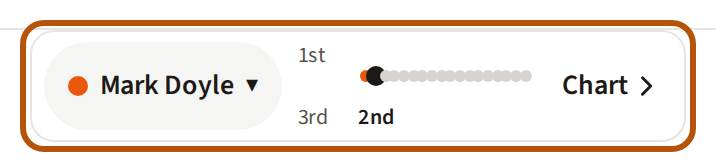
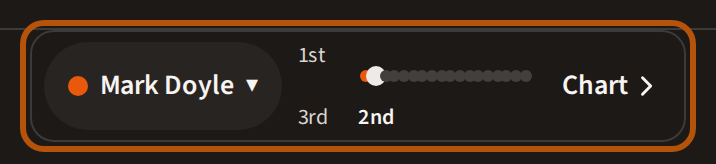
The row above the card follows one player. At its left is their name. Across the middle is their place after every hole, a dot per hole — the higher the dot, the better the place, with 1st at the top. The hole on screen is the larger dot, with the place written under it; earlier holes are in the player's colour, later holes grey. Until there are places to show it reads Positions start after hole 1. At its right, Chart opens the chart (step 4).
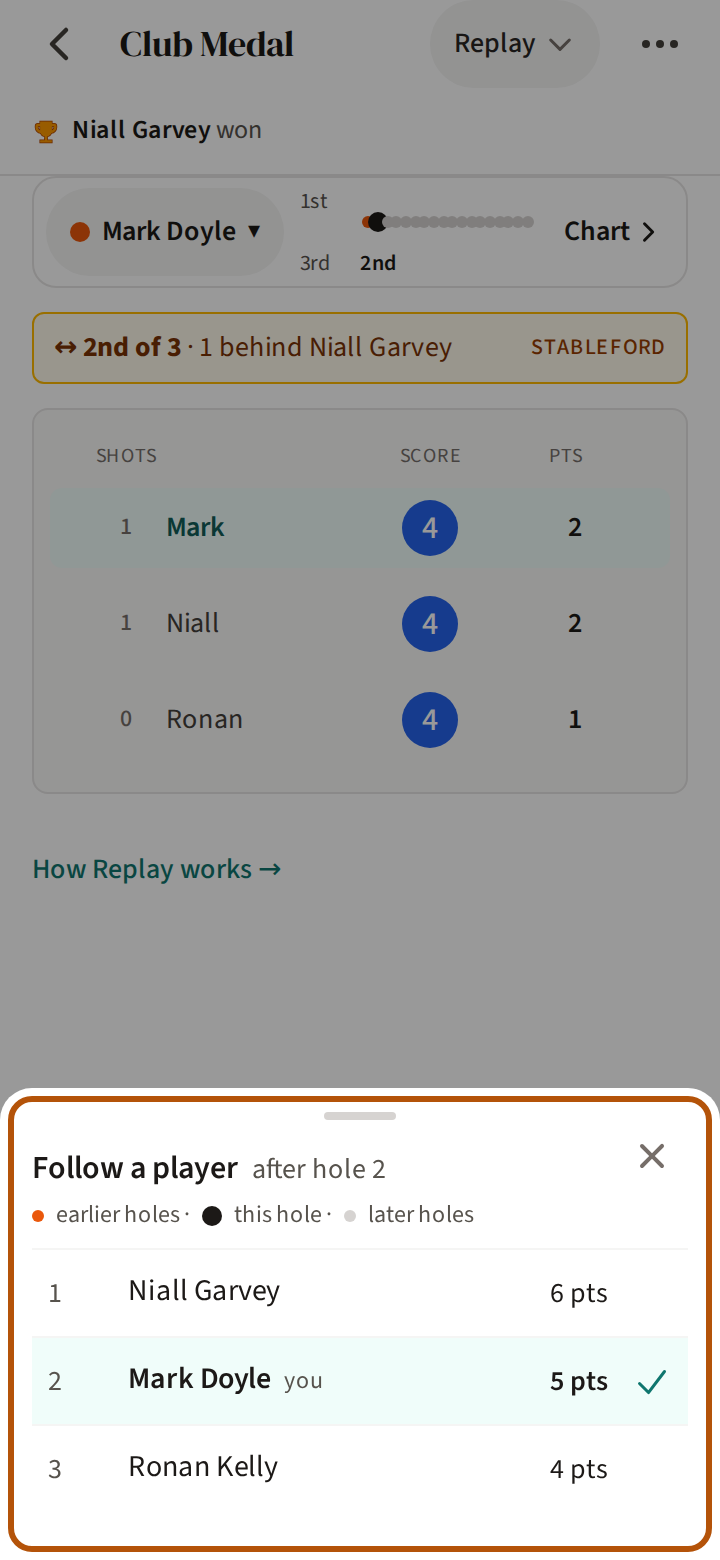
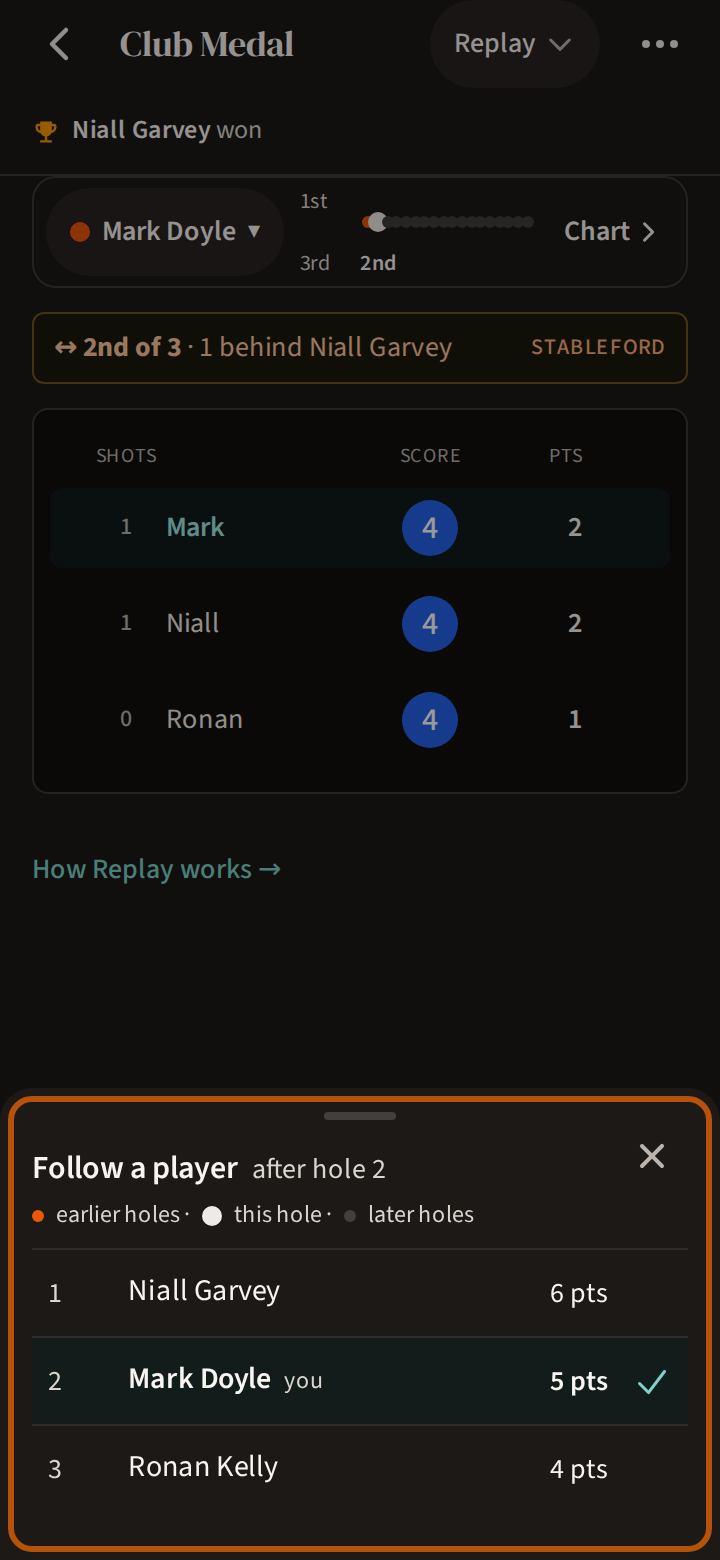
Press the name to open Follow a player: the whole field in order after the hole on screen, with you beside your own name and a tick beside the player you follow. Press a name to follow that player. Pressing a name on the card does the same.
Everything follows the player you choose. The score box at the right of the hole bar shows their score to par so far; press it for the Leaderboard and their card.
4. Read the chart
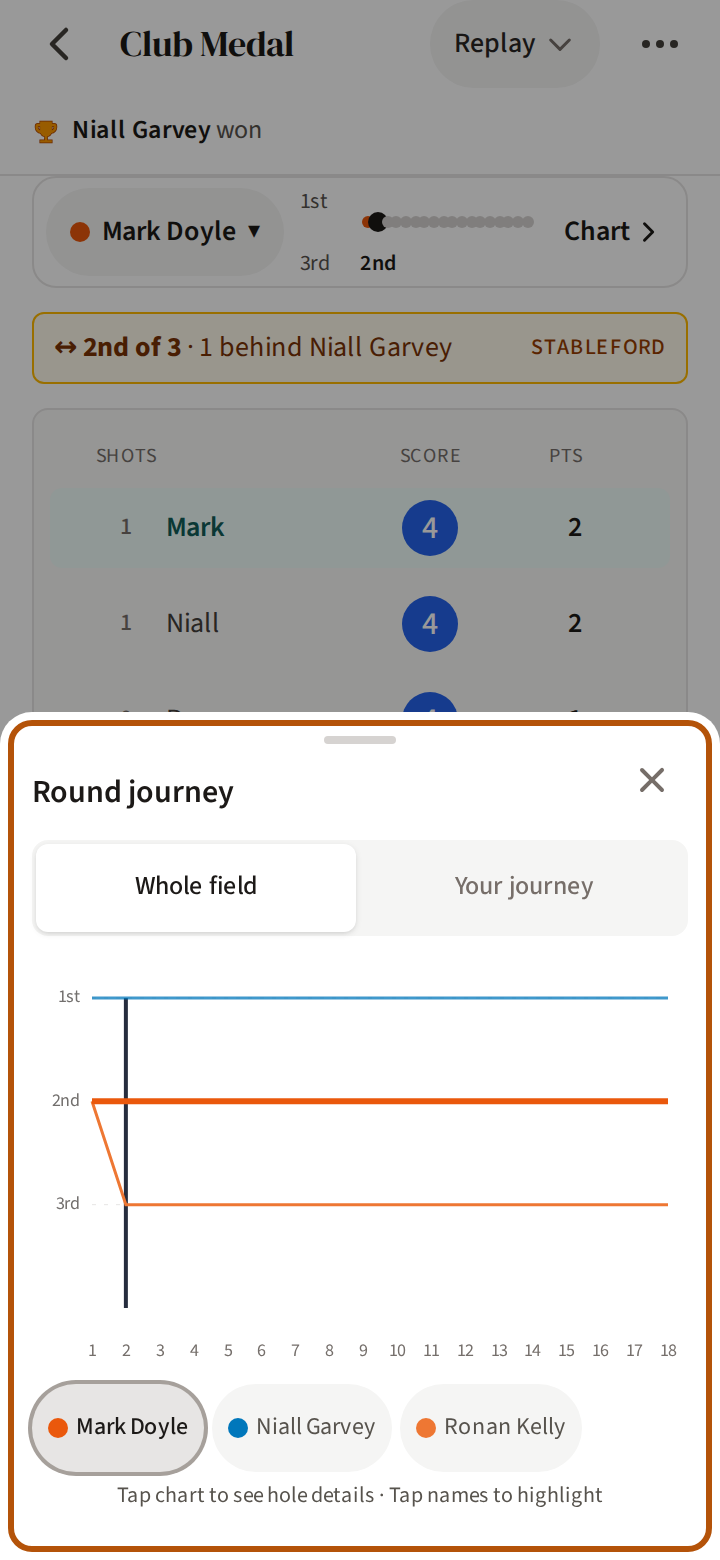
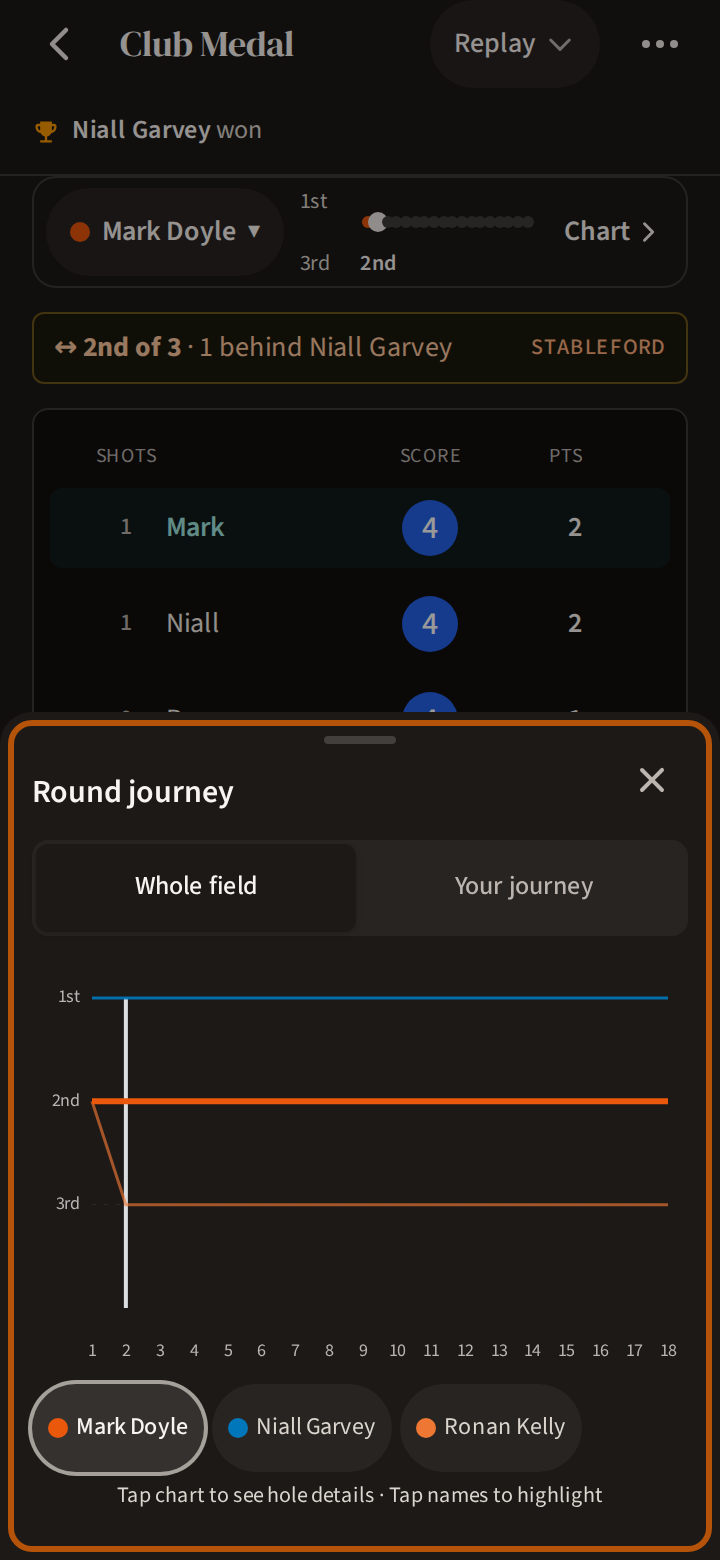
Press Chart for the Round journey. In a round played for places — Stableford points, or strokes — Whole field draws every player's place after every hole, 1st at the top, with the player you follow in their colour — so you can see where the round turned. Press a name beneath it to pick that player out. Press the chart over a hole and the replay moves to that hole.
Beside Whole field, the second choice is the followed player's round on its own, a bar for each hole. It reads Your journey when it is yours (Your match in match play), and carries the player's name when it is not.
5. Where a card ends
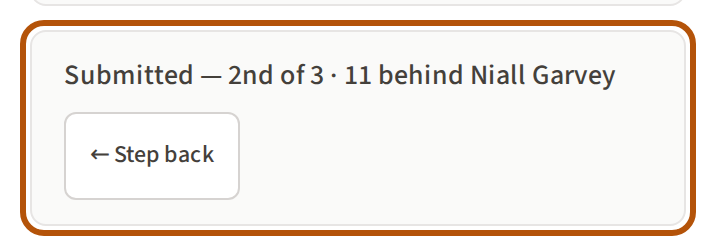
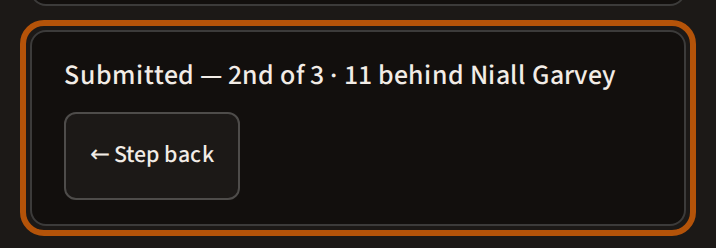
A submitted card ends on its last hole. Under the card it says Submitted with the result, and Step back takes you back a hole. Following a match or a team, it says Final. Where a card ends early, or there is no card yet, the hole bar says so in one of three ways.
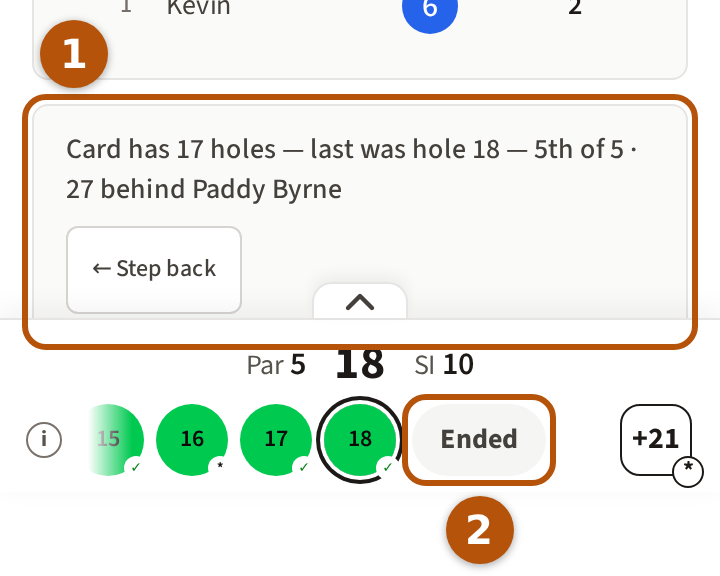
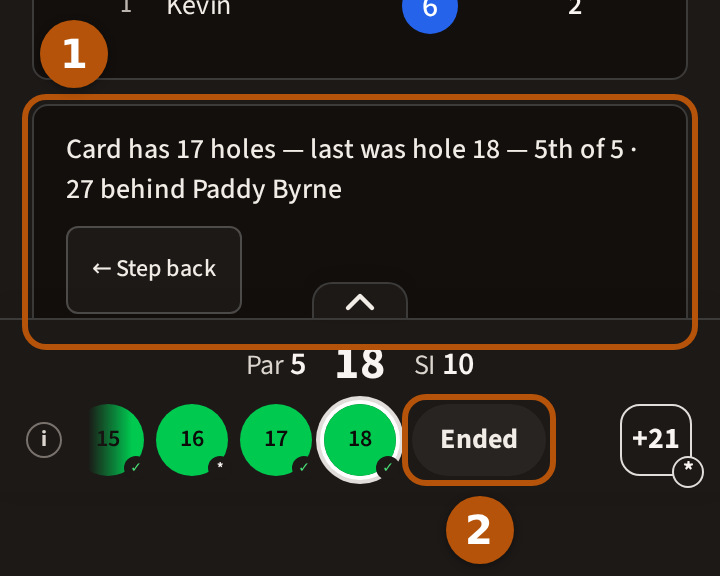
- Ended — this card stopped short: the player submitted it before the last hole, or the round is over and it was never finished. The note under the card says where it ends — Card ends at hole and the number, or how many holes it has and the last one. You can still press the circles after it to see the rest of the field on those holes.
- Still out — the event is still being played and this player hasn't submitted their card, however many holes it holds. The note under the card gives their name and says the player is still on the course: come back for the rest. Press a circle further on and the hole bar tells you how far they have got — the player hasn't played past hole and the number.
- No card — there is nothing to show for this player yet: They haven't posted a hole yet.
Two kinds of round have articles of their own: the reveal, and roaming rounds.
Still stuck? Tell us and we will help.