Run a pot
The sweep makes every putt on the last green matter, and nobody wants to do the sums at the 19th. Set the stake once and Treád works out what each place pays and who pays whom. Here's how to put a pot on an event, choose what it pays and look after it on the day.
Treád works out who pays whom. It never collects, holds or pays money: you settle between yourselves.
1. Put a pot on when you create the event
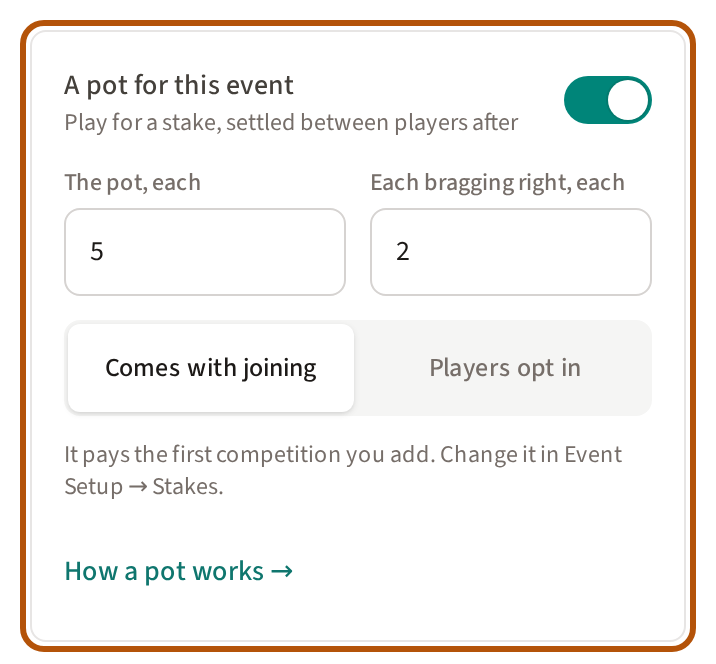
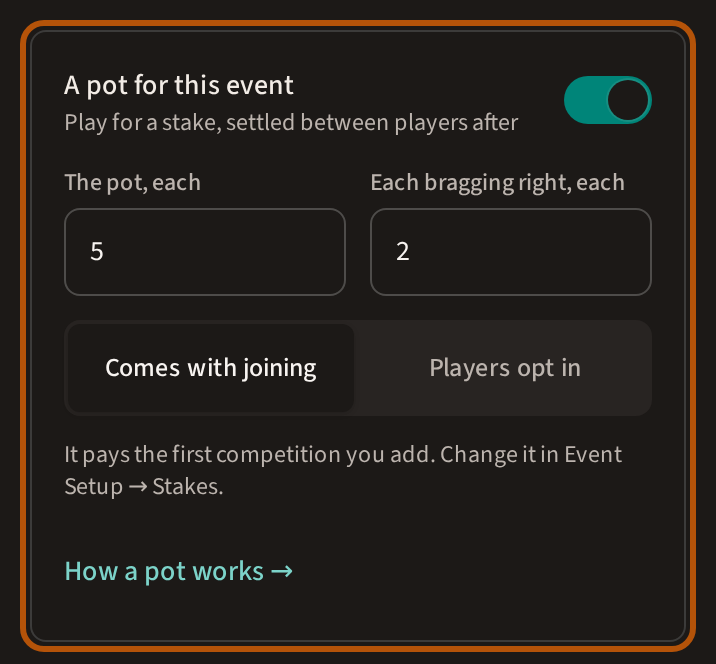
On the create form, turn on A pot for this event. Type The pot, each and Each bragging right, each, and choose Comes with joining or Players opt in. The line beneath says what the pot will pay. Copy an event that had a pot and its pot comes too, already on: the same amounts, the same way in, and it pays what that event paid. If the copy brings its players, they are in from the moment you press Create, so the pot is fixed then: change anything on the form first. Copy one that had no pot and A pot for this event is there, off, for you to turn on; turned on, it pays the event's main competition.
On a fresh event the pot pays the first competition you add: all of it, over the whole event, the usual places. Change that in step 5. Until the event has a competition that can pay places, Stakes reads The pot was set when the event was created. Choose what it pays and save before the event starts. and the event can't go live.
Any member who can start a roaming round can put a pot on it the same way, with both amounts. Players opt in, and the pot pays the round's competition. A round that starts today is live as soon as you create it, so its pot is fixed as you set it. A match play round can't carry a pot.
2. Or open Stakes
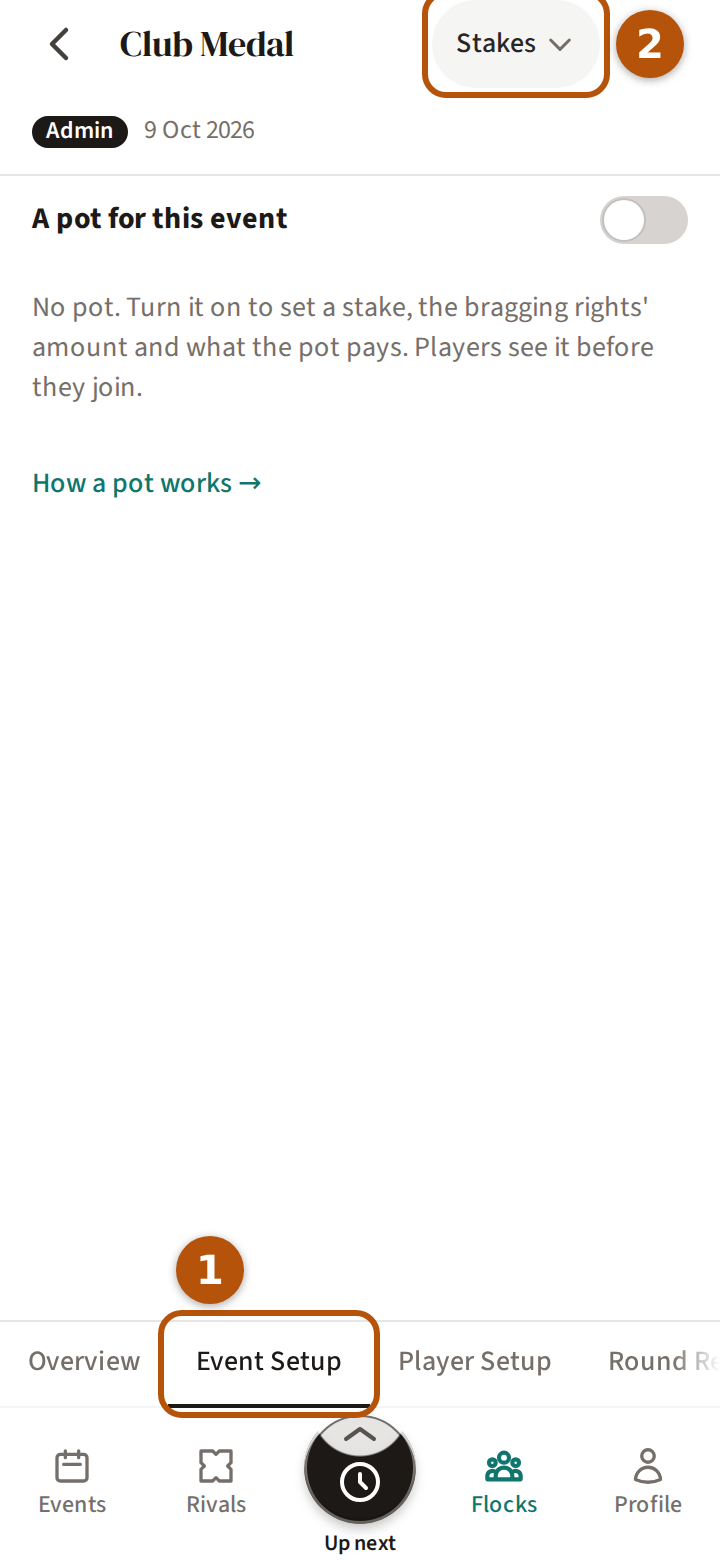
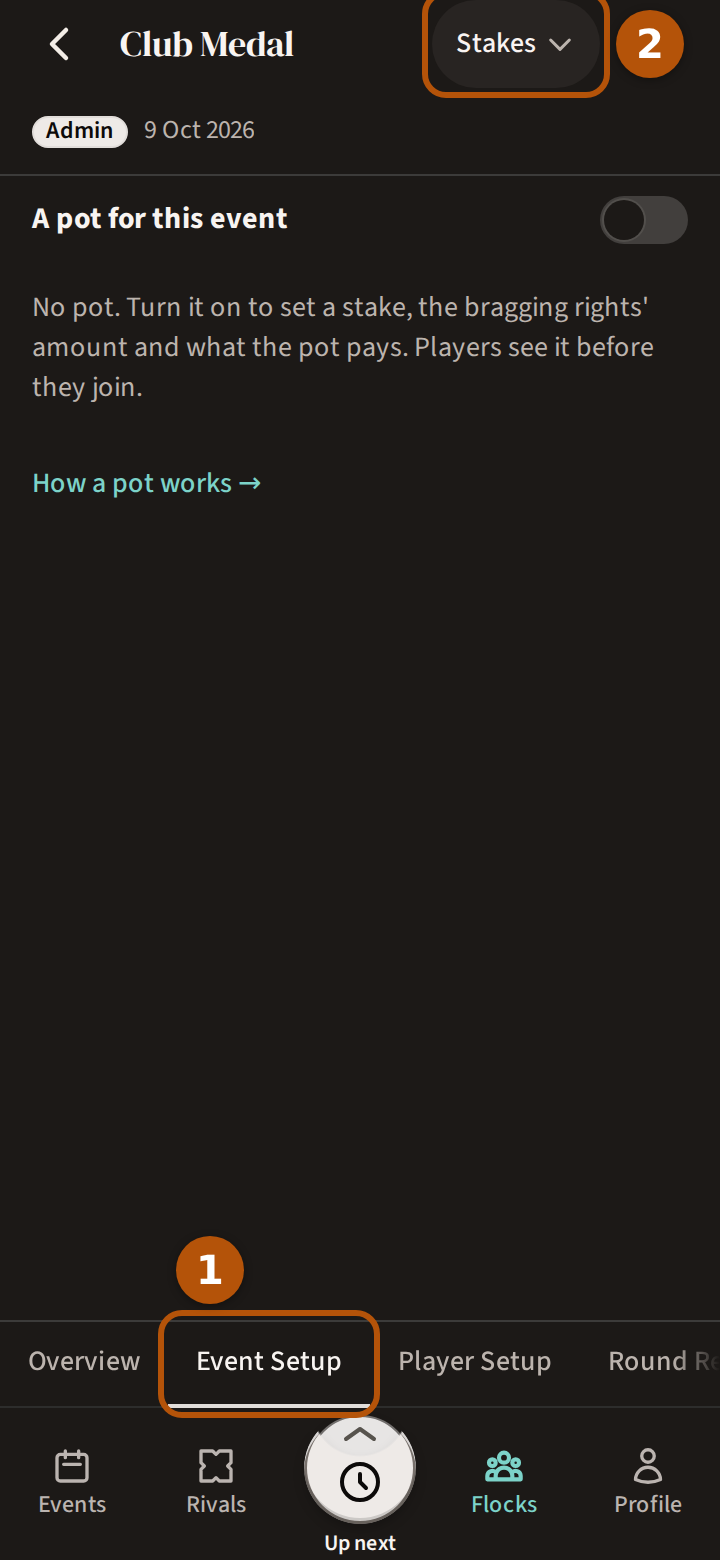
To put a pot on an event you've already created, or to choose what it pays, open the event, press ⋯ for the More menu and choose Admin. Press Event Setup ① in the sections, then choose Stakes ② in the picker. Set up the competitions and any side contests first: the pot pays the competitions, and every side contest is a bragging right with an amount of its own. A pot is set up before the event starts.
Amounts are in your flock's currency. A flock admin chooses it under Currency for pots in the flock's settings, € Euro or £ Pound; It can't change while a pot is open. A solo round can't carry a pot.
3. Set the stake
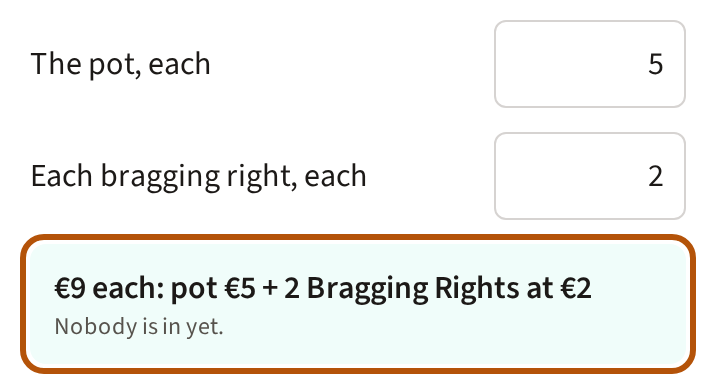
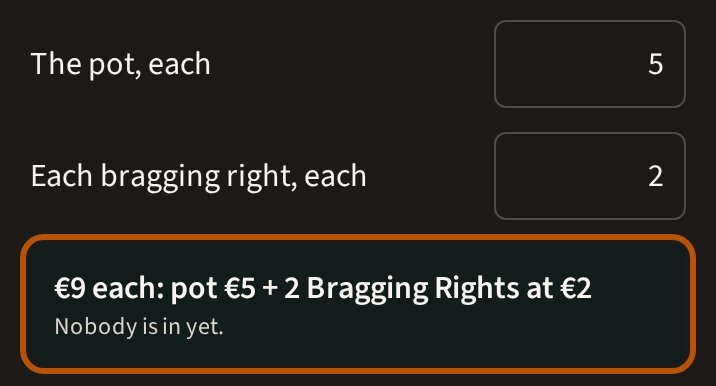
Turn on A pot for this event. Type The pot, each — what every player puts in — and Each bragging right, each, the amount each player puts on every side contest, paid to its winner. Beneath them is the one number a player is in for: the pot, plus the bragging-right amount once for each side contest. With two contests that's €9 each: pot €5 + 2 Bragging Rights at €2; with none yet, it's just the pot. Players see that number, and its parts, before they join.
4. Comes with joining, or players opt in
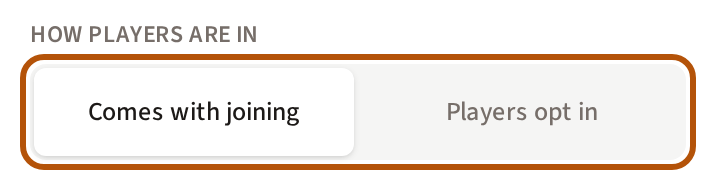
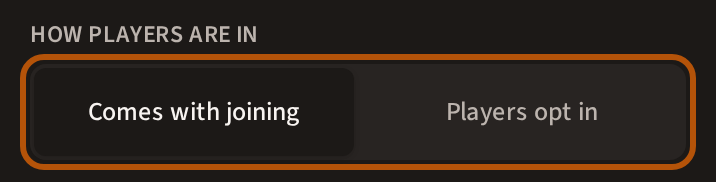
Under How players are in, choose Comes with joining, where everyone in the event is in the pot, or Players opt in, where each player presses Put me in — on the event's Clubhouse, or above their group when they start scoring — until their first score. A roaming round starts at opt in; other events start with the stake coming with joining. One stake covers the pot and every bragging right.
5. Choose what the pot pays
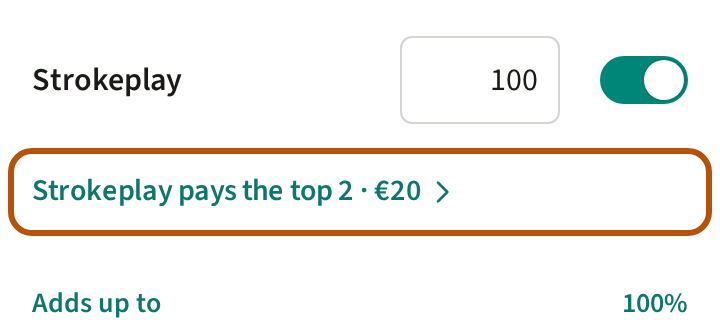
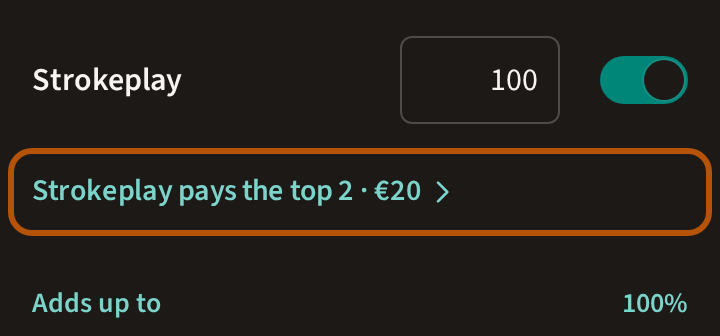
Under What the pot pays, switch on each competition it pays and give it a share. On an event of more than one round, choose Whole event or Per round for a prize each day. Adds up to turns teal at 100%. A match play competition reads Match play has no places to pay. Pay two competitions and a player in the money in both takes the better prize, and the next player moves up.
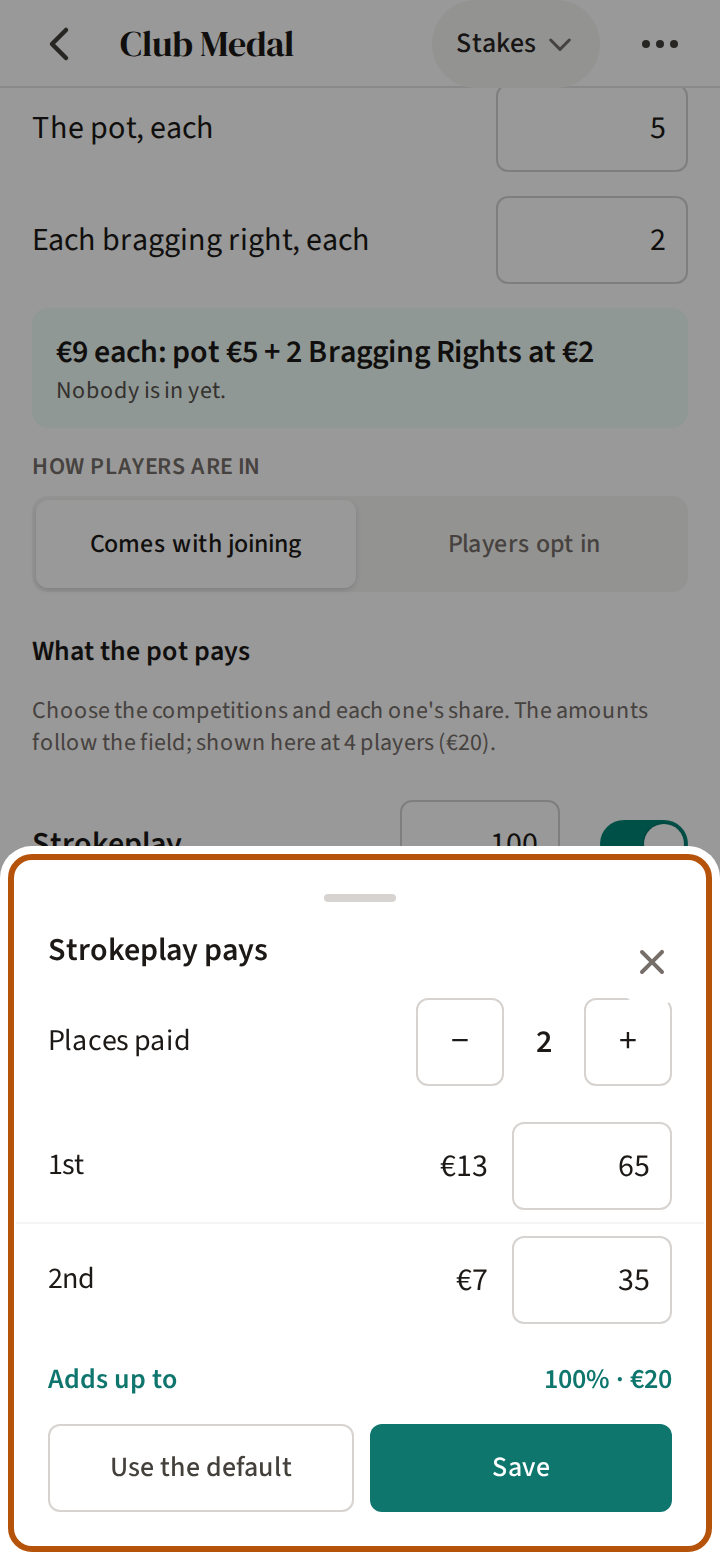
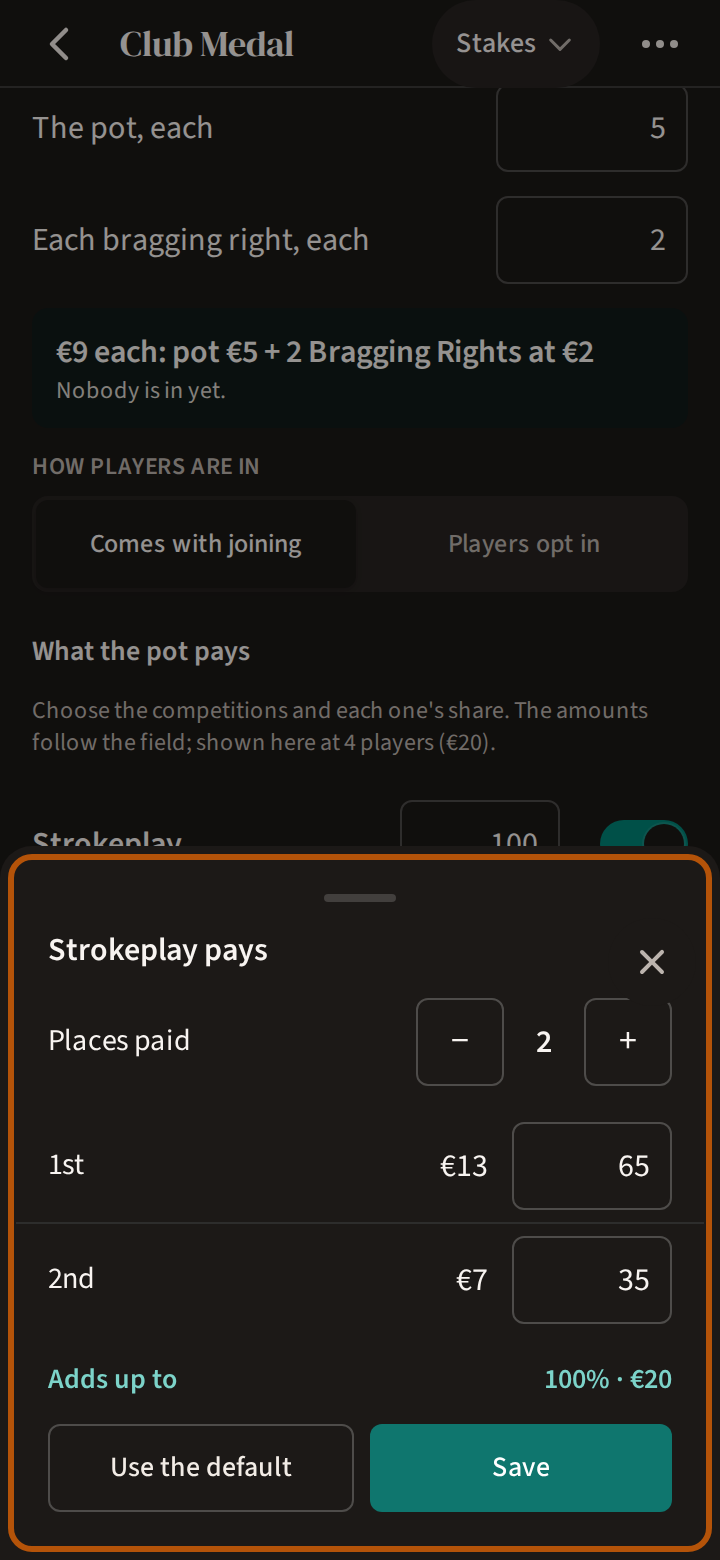
The amounts follow the field, so a place's figure grows as players join. Press the line that says what a competition pays — its name, then pays the top and the number of places — to change them: Places paid sets how many, and each place takes a percentage. A place that would win less than the stake turns red. Use the default pays the usual places for the size of the field. Press Save on Stakes when the shares add up.
6. Once players are in
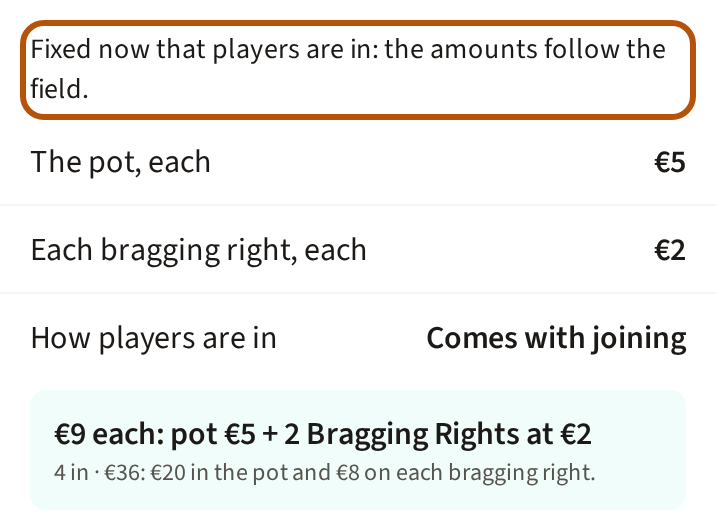
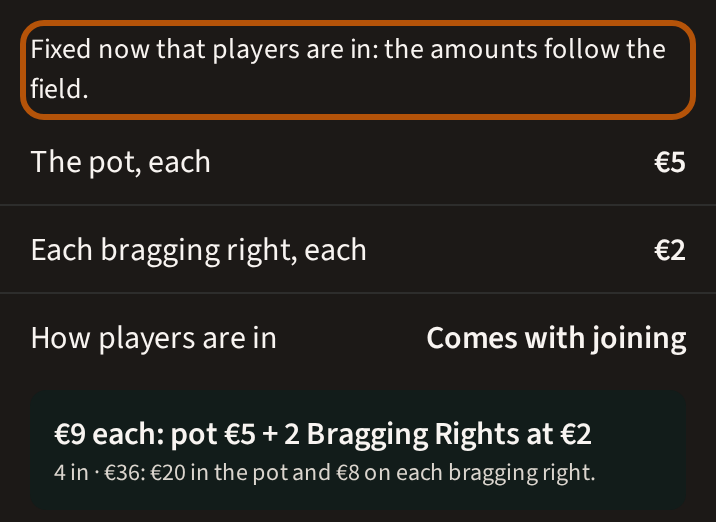
As soon as one player is in, Stakes reads Fixed now that players are in: the amounts follow the field. Nobody owes an amount they were not shown, so the amounts, the shares and the places stay as they were; only the field moves the amounts. Bragging Rights reads The pot's terms are fixed now that players are in., and contests can't be added or deleted.
Until a player is in, turn A pot for this event off to remove the pot. Once anyone is in, the pot stays, but you can still switch a player's stake off (step 7).
7. Switch a player's stake off
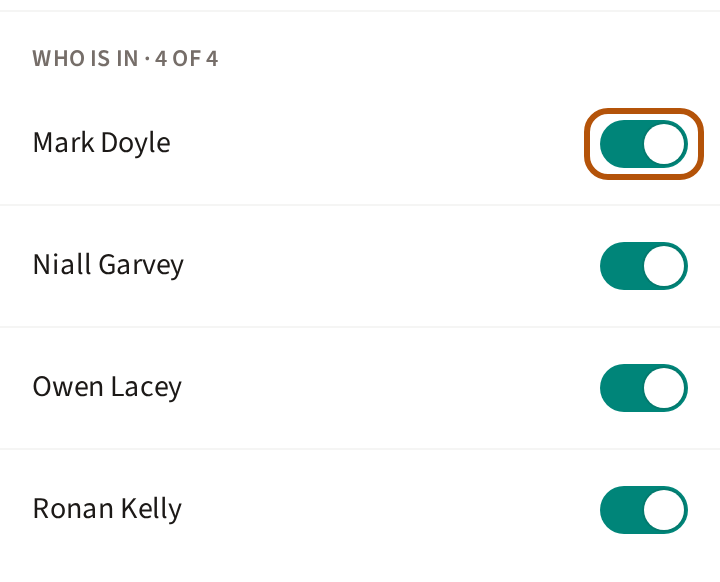
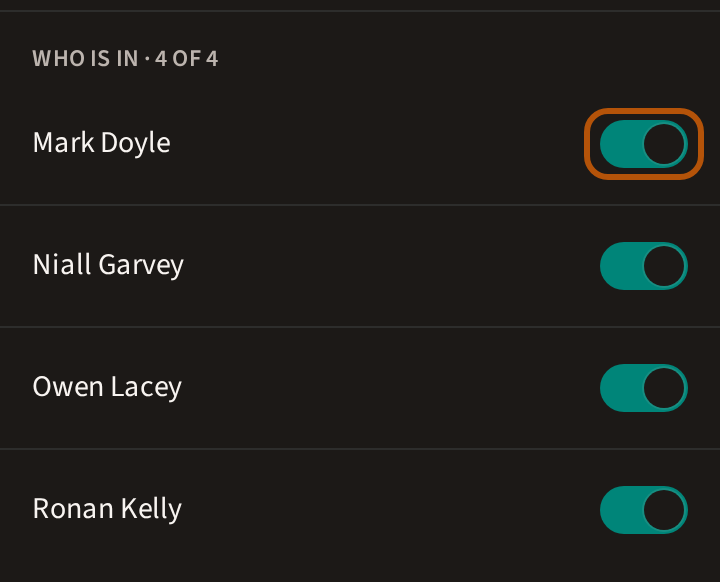
Who is in lists every player with a switch. Turn one off to take that player's stake out: the pot shrinks, and they owe nothing and win nothing from it. They are told on the event's Clubhouse — Your stake has been switched off. A player who withdraws or does not finish stays in unless you switch them off.
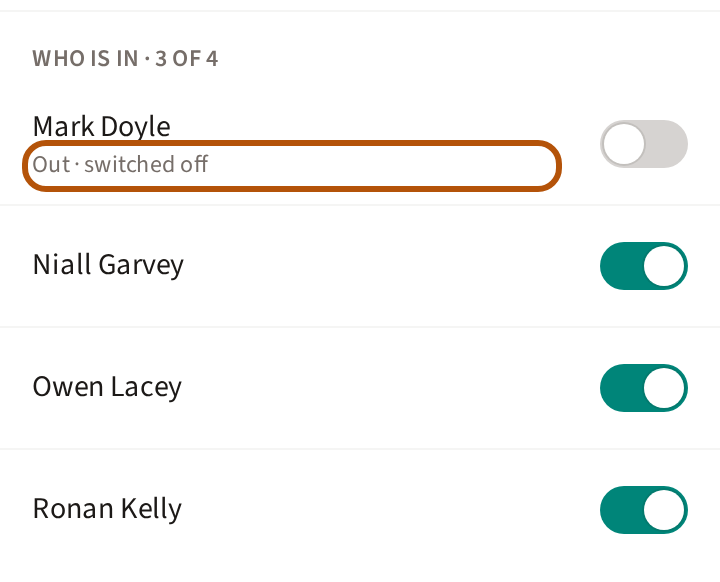
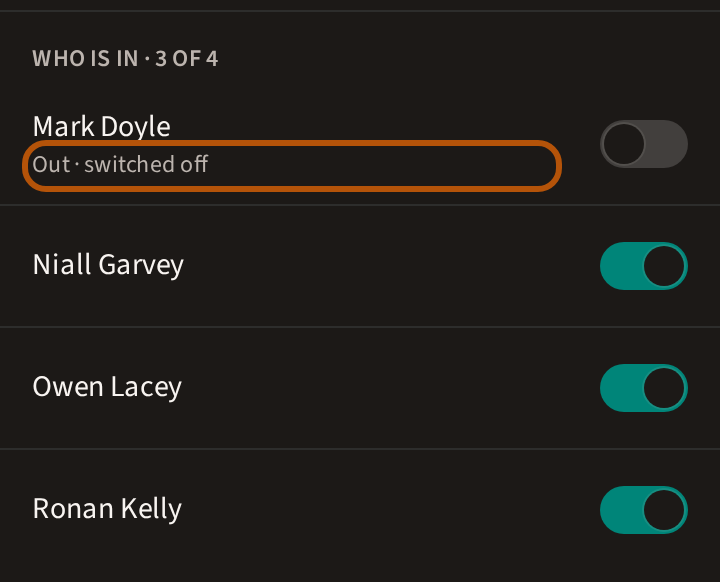
Their name then reads Out · switched off. Turn the switch back on to put them in again. Once the event is completed, the switches are fixed.
8. When the event is over
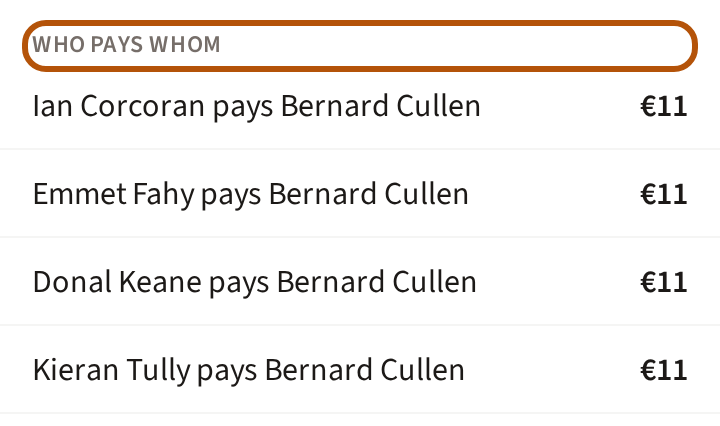
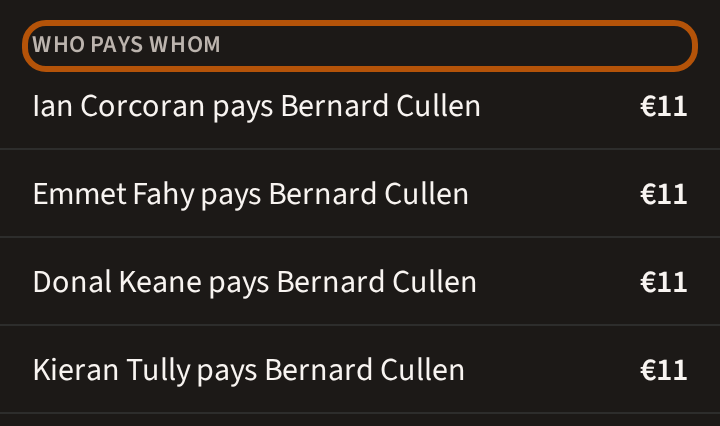
When you complete the event, Treád works out settle up: every player in the event, and you, find Settle up in the Clubhouse picker, with Who won and Who pays whom, in as few payments as possible. If it reads Couldn't work out settle up, press Retry. Reopening the event takes settle up away until you complete it again. What players see is in Play for the pot.
9. A league pot, and a stake on a rivalry
A league can carry a pot for its final table — see Run a league — and two rivals can put a stake on a series — see Take on your rivals. Both settle up the same way.
Still stuck? Tell us and we will help.